

New Tasty Fruits Bomb: Puzzle
Graj na PC z BlueStacks – Platforma gamingowa Android, która uzyskała zaufanie ponad 500 milionów graczy!

Strona zmodyfikowana w dniu: Oct 23, 2025
Play New Tasty Fruits Bomb: Puzzle World on PC or Mac
Explore a whole new adventure with New Tasty Fruits Bomb: Puzzle World, a Puzzle game created by BRAEVE Co.,Ltd.. Experience great gameplay with BlueStacks, the most popular gaming platform to play Android games on your PC or Mac.
About the Game
New Tasty Fruits Bomb: Puzzle World invites you on a delightful journey alongside Olivia as she hunts for some seriously legendary fruits. It’s a bright, casual Puzzle game from BRAEVE Co.,Ltd., packed with juicy challenges and colorful boards. Whether you’re unwinding after a long day or squeezing in a few rounds during a break, you’ll find each level refreshing (and maybe a little addictive).
Game Features
-
Classic Match-3 Fun
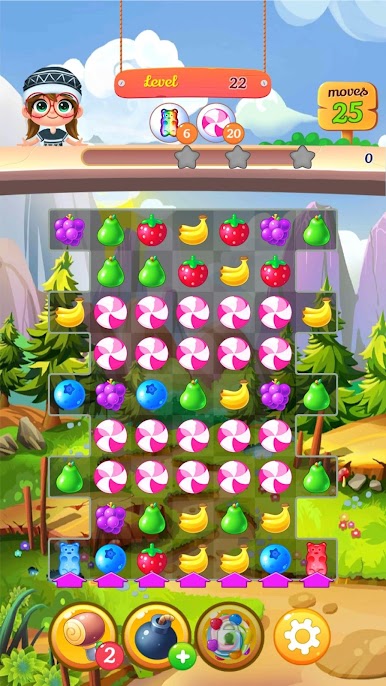
Line up three or more fruits of the same kind to clear them from the board. Simple? Sure. But it’s oddly satisfying—kind of hard to stop. -
Special Items and Power-ups
Score a four- or five-fruit match and you’ll unlock powerful boosters. These little surprises can clear swathes of fruit in one swoop. -
Loads of Levels
There’s always another puzzle waiting. With heaps of stages to tackle, you won’t run out of fruity puzzles anytime soon. -
Rescue Tools
Stuck on a tricky puzzle? No worries! Rescue items are there to bail you out when things get rough. -
No Rush, No Pressure
Play at your own pace. Olivia’s laid-back quest means you can pop in and play whenever you want—no need to stress about timers. -
Offline Friendly
No internet? Not a problem. New Tasty Fruits Bomb: Puzzle World lets you play offline, so you can match fruits wherever life takes you. -
Easy Controls
Just a few taps and swipes and you’re good to go. No headaches, just pure fruit-matching fun. -
Great on BlueStacks
Prefer a bigger screen? Matching fruits on BlueStacks makes the colors pop and the action even smoother.
Ready to top the leaderboard? We bet you do. Let precise controls and sharp visuals optimized on BlueStacks lead you to victory.

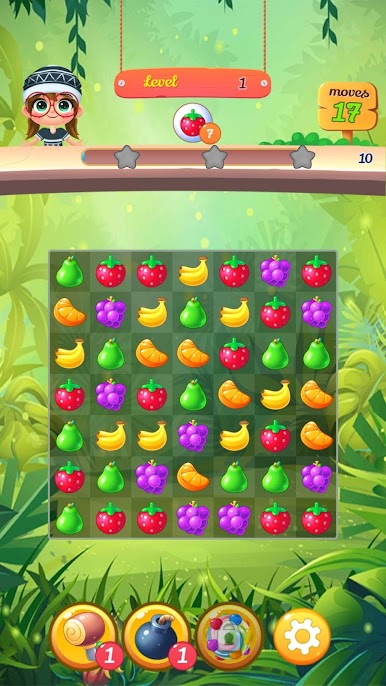
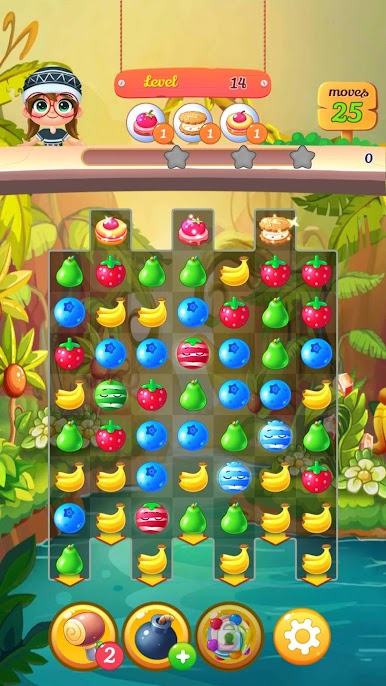
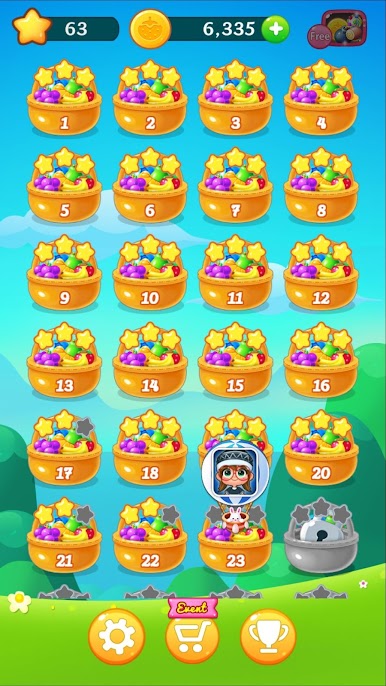
Zagraj w New Tasty Fruits Bomb: Puzzle na PC. To takie proste.
-
Pobierz i zainstaluj BlueStacks na PC
-
Zakończ pomyślnie ustawienie Google, aby otrzymać dostęp do sklepu Play, albo zrób to później.
-
Wyszukaj New Tasty Fruits Bomb: Puzzle w pasku wyszukiwania w prawym górnym rogu.
-
Kliknij, aby zainstalować New Tasty Fruits Bomb: Puzzle z wyników wyszukiwania
-
Ukończ pomyślnie rejestrację Google (jeśli krok 2 został pominięty) aby zainstalować New Tasty Fruits Bomb: Puzzle
-
Klinij w ikonę New Tasty Fruits Bomb: Puzzle na ekranie startowym, aby zacząć grę

