


Cars! Boom Boom!
Graj na PC z BlueStacks – Platforma gamingowa Android, która uzyskała zaufanie ponad 500 milionów graczy!

Strona zmodyfikowana w dniu: Sep 13, 2023
Play Cars! Boom Boom! on PC
Fuel, Check!
Laser Gun, Check?
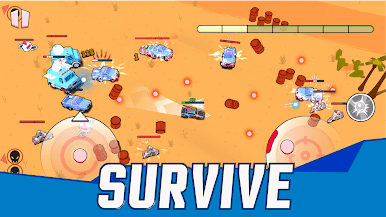
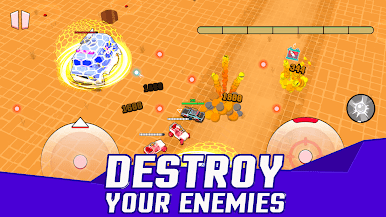
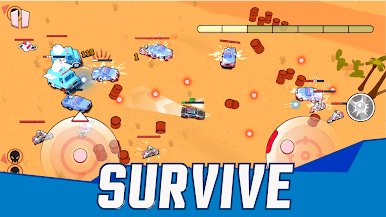
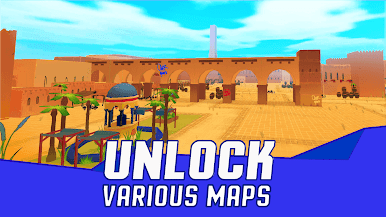
Cars! Boom Boom is a new cars shoot’em up rogue-lite with intuitive controls and unlimited fun!
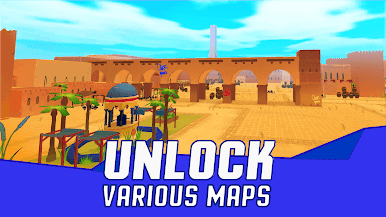
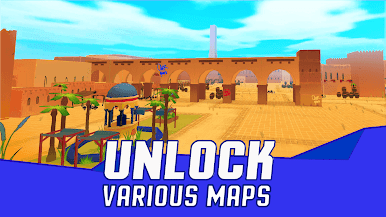
Prepare your car and blast off into different areas, fight unique enemies and bosses, with thrilling features such as:
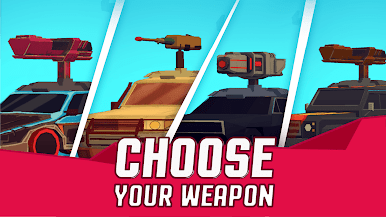
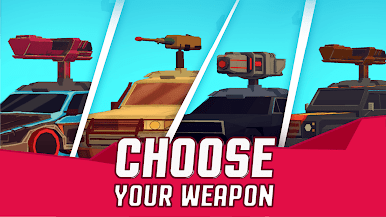
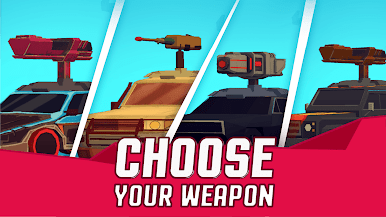
Choose between different types of guns and setup your offense to match your playstyle
Multiple defensive armors with passive effects that could help you on your journey and give you the edge in a boss fight
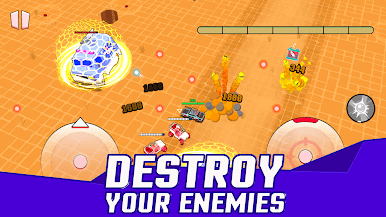
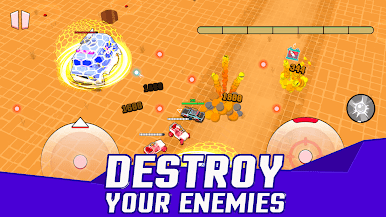
Cool special attacks that will destroy your enemies
Mix and match between cool and stackable powerups to create the ultimate strategy
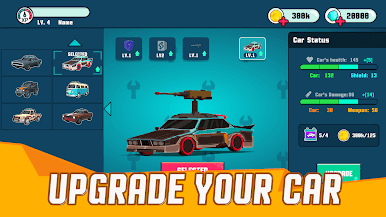
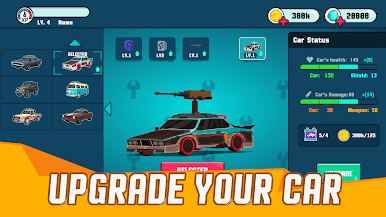
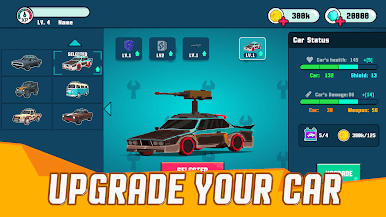
Upgrade your car and unlock cool new cars to overcome the enemies
Fire up your laser guns and show your enemies who is the king of roads!


Zagraj w Cars! Boom Boom! na PC. To takie proste.
-
Pobierz i zainstaluj BlueStacks na PC
-
Zakończ pomyślnie ustawienie Google, aby otrzymać dostęp do sklepu Play, albo zrób to później.
-
Wyszukaj Cars! Boom Boom! w pasku wyszukiwania w prawym górnym rogu.
-
Kliknij, aby zainstalować Cars! Boom Boom! z wyników wyszukiwania
-
Ukończ pomyślnie rejestrację Google (jeśli krok 2 został pominięty) aby zainstalować Cars! Boom Boom!
-
Klinij w ikonę Cars! Boom Boom! na ekranie startowym, aby zacząć grę

