

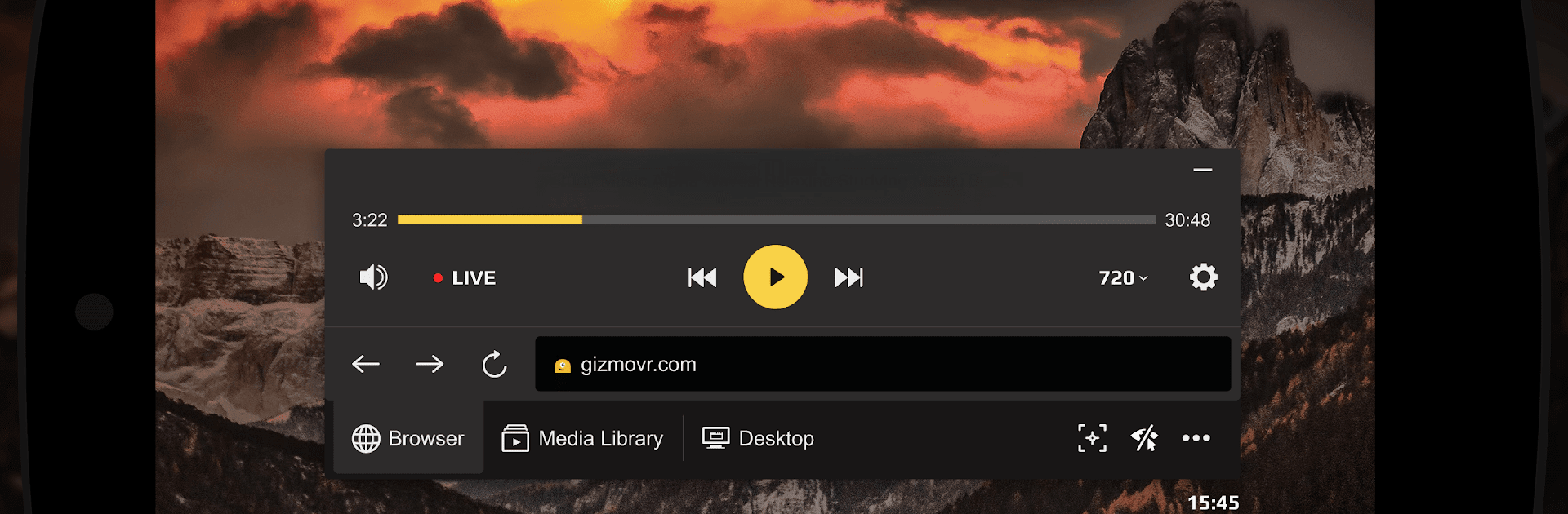
Gizmo VR Video Player: 360 Vir
Chơi trên PC với BlueStacks - Nền tảng chơi game Android, được hơn 500 triệu game thủ tin tưởng.

Trang đã được sửa đổi vào: Oct 21, 2020
Run Gizmo VR Video Player: 360 Vir on PC or Mac
What’s better than using Gizmo VR Video Player: 360 Vir by Gizmoplay Ltd? Well, try it on a big screen, on your PC or Mac, with BlueStacks to see the difference.
About the App
Gizmo VR Video Player: 360 Vir, created by Gizmoplay Ltd, is your one-stop VR app that keeps things simple while delivering pro-level virtual reality experiences. Whether you’re streaming YouTube content or exploring 360° videos, expect seamless integration and smooth performance across a range of Android devices. Forget the hassle of unreliable VR player apps—GizmoVR has got you covered for free!
App Features
-
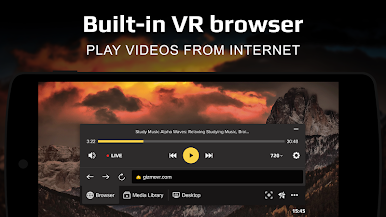
Built-in Browser: Navigate and surf the web conveniently within the app with an integrated browser that saves you time and effort.
-
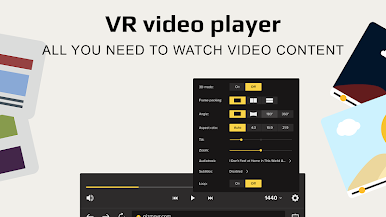
Comprehensive Format Support: Enjoy content in all stereo video formats, including side-by-side and over-under, embracing both 2D and full 360° VR experiences.
-
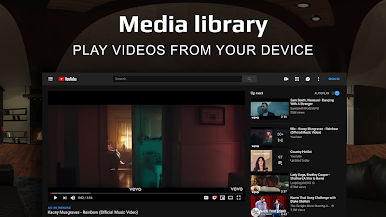
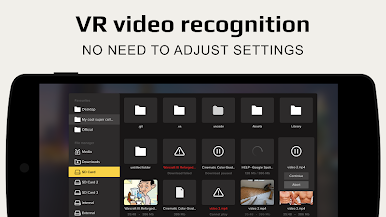
Effortless Media Management: Organize your favorite content easily with a media library that lets you add selected folders for quick access.
-
YouTube Playback & More: Stream directly from YouTube or play local files, with automatic frame packing detection for seamless playback.
-
Hands-free Convenience: Use gaze-based controls and benefit from features like automatic pause when the headset is removed.
Experience it all with Gizmo VR Video Player: 360 Vir on BlueStacks for an enhanced virtual reality encounter.
Ready to experience Gizmo VR Video Player: 360 Vir on a bigger screen, in all its glory? Download BlueStacks now.
Chơi Gizmo VR Video Player: 360 Vir trên PC. Rất dễ để bắt đầu
-
Tải và cài đặt BlueStacks trên máy của bạn
-
Hoàn tất đăng nhập vào Google để đến PlayStore, hoặc thực hiện sau
-
Tìm Gizmo VR Video Player: 360 Vir trên thanh tìm kiếm ở góc phải màn hình
-
Nhấn vào để cài đặt Gizmo VR Video Player: 360 Vir trong danh sách kết quả tìm kiếm
-
Hoàn tất đăng nhập Google (nếu bạn chưa làm bước 2) để cài đặt Gizmo VR Video Player: 360 Vir
-
Nhấn vào icon Gizmo VR Video Player: 360 Vir tại màn hình chính để bắt đầu chơi

