


SCHOOLBOY RUNAWAY - STEALTH
Chơi trên PC với BlueStacks - Nền tảng chơi game Android, được hơn 500 triệu game thủ tin tưởng.

Trang đã được sửa đổi vào: Dec 10, 2025
Chơi SCHOOLBOY RUNAWAY - STEALTH on PC
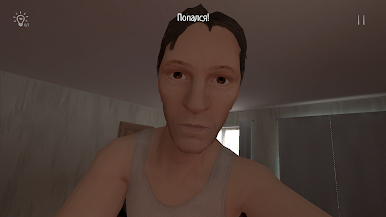
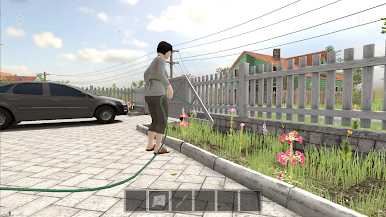
Đắm mình vào vai một đứa trẻ đi học bị bố mẹ phạt vì điểm kém ở trường và cố gắng trốn khỏi nhà mà không bị bố mẹ phát hiện.
Cơ chế chính:
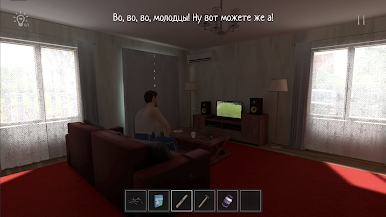
Trò chơi góc nhìn thứ nhất 3D.
Lén lút, ẩn núp, không bị bắt và không gây tiếng động!
Giải đố, giải câu đố, tìm vật phẩm để lên kế hoạch trốn thoát.
Hãy cẩn thận, bố mẹ có thể nhận thấy tủ và cửa mở.

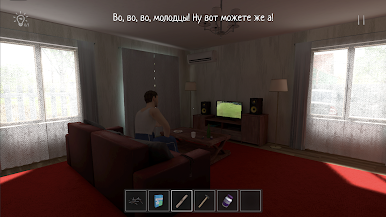
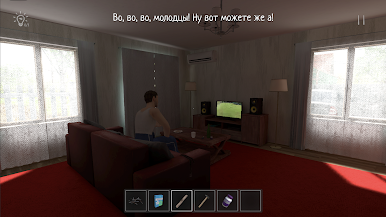
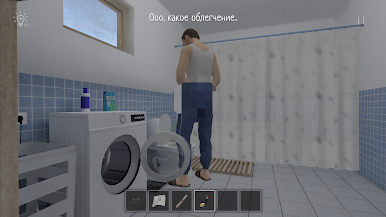
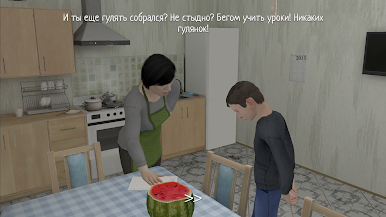
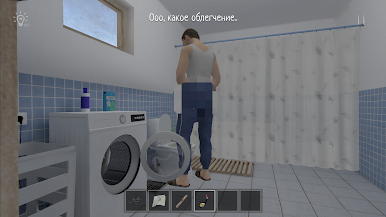
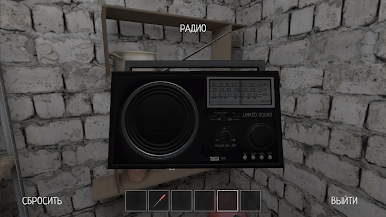
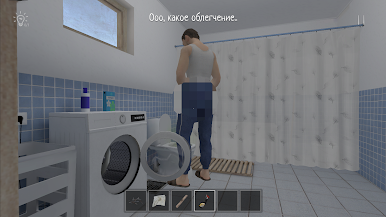
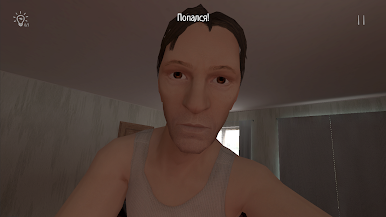
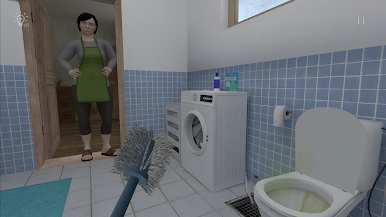
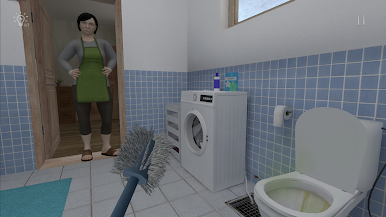
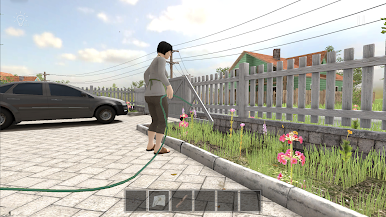
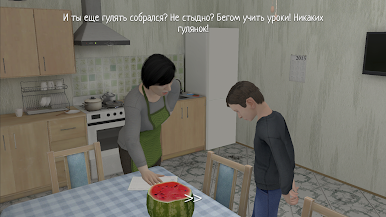
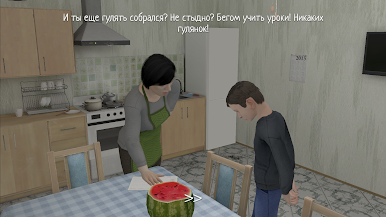
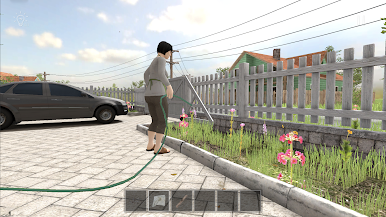
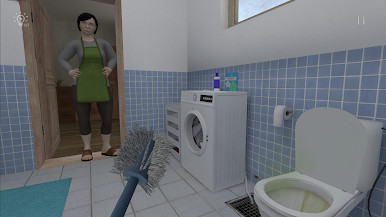
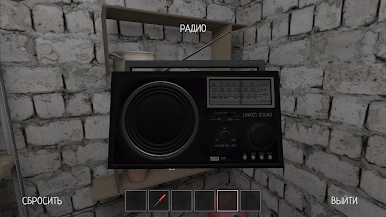
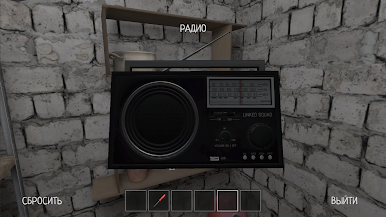
Chơi SCHOOLBOY RUNAWAY - STEALTH trên PC. Rất dễ để bắt đầu
-
Tải và cài đặt BlueStacks trên máy của bạn
-
Hoàn tất đăng nhập vào Google để đến PlayStore, hoặc thực hiện sau
-
Tìm SCHOOLBOY RUNAWAY - STEALTH trên thanh tìm kiếm ở góc phải màn hình
-
Nhấn vào để cài đặt SCHOOLBOY RUNAWAY - STEALTH trong danh sách kết quả tìm kiếm
-
Hoàn tất đăng nhập Google (nếu bạn chưa làm bước 2) để cài đặt SCHOOLBOY RUNAWAY - STEALTH
-
Nhấn vào icon SCHOOLBOY RUNAWAY - STEALTH tại màn hình chính để bắt đầu chơi

