


Asset Management App
Graj na PC z BlueStacks – Platforma gamingowa Android, która uzyskała zaufanie ponad 500 milionów graczy!

Strona zmodyfikowana w dniu: Nov 10, 2025
Play Asset Management App on PC
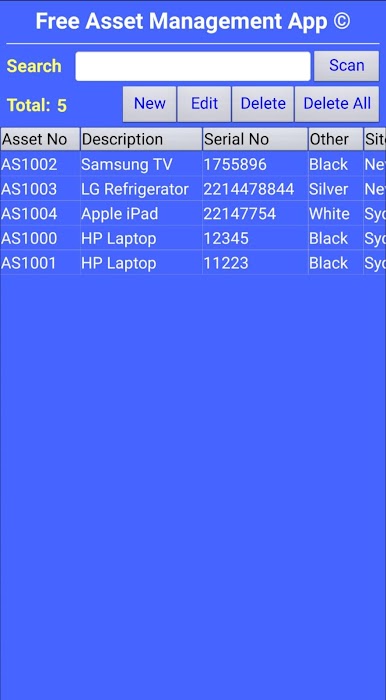
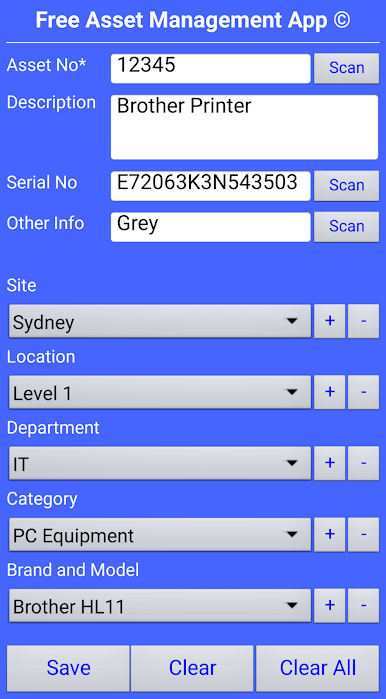
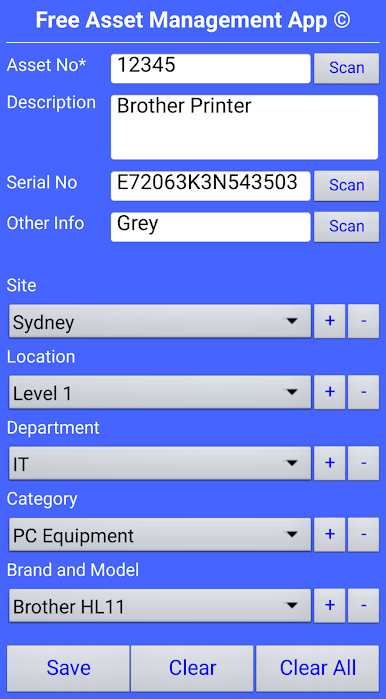
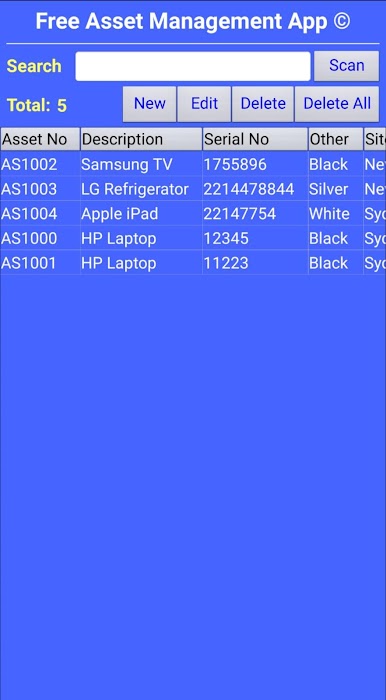
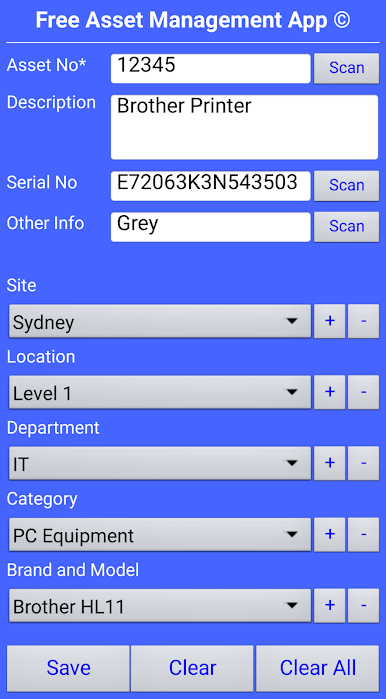
- Asset Number (compulsory field)
- Description
- Serial number
- Site
- Location
- Department
- Category
- Brand and Model
This app is specifically designed by our in-house team, we are a barcoding company and we understand such industry and its intricate requirements, and we ensure we design such applications in a simplistic and direct arrangement, without the useless bells and whistles.
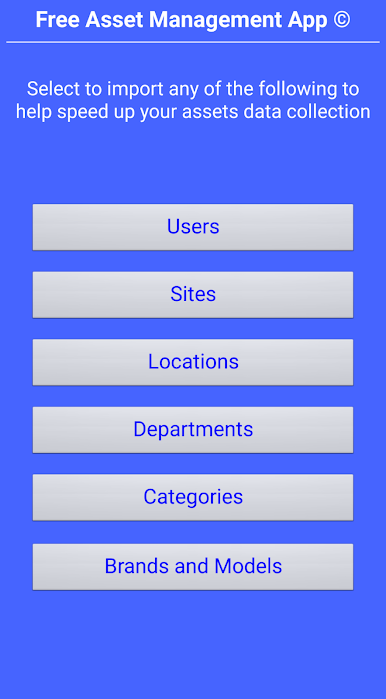
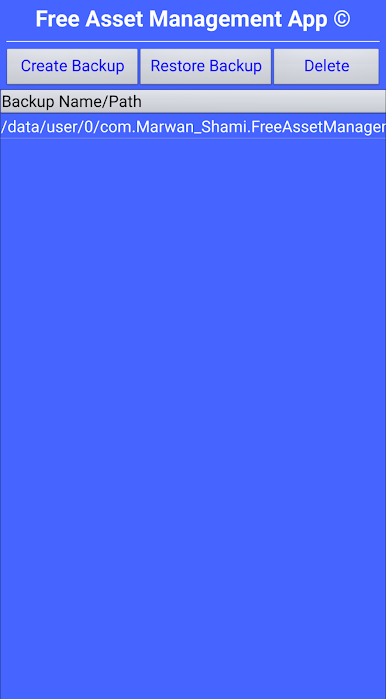
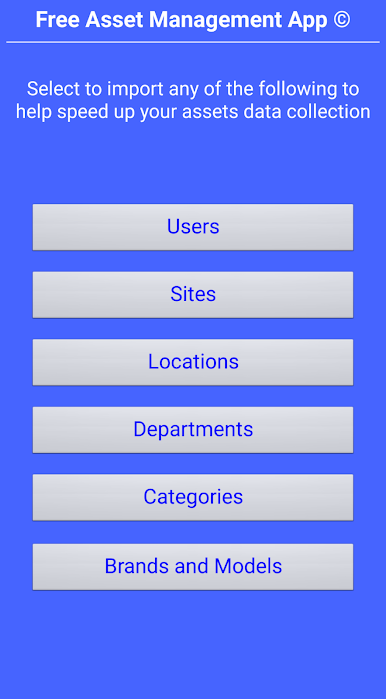
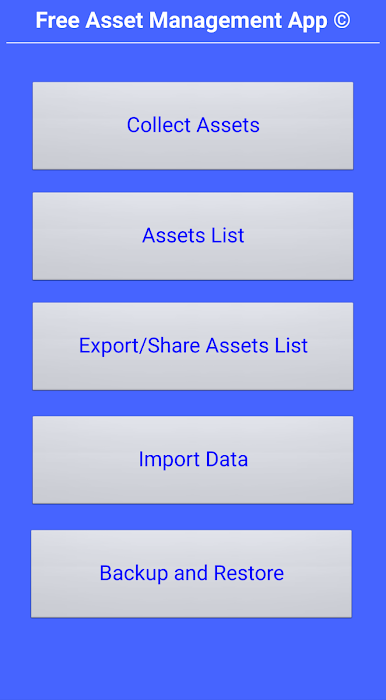
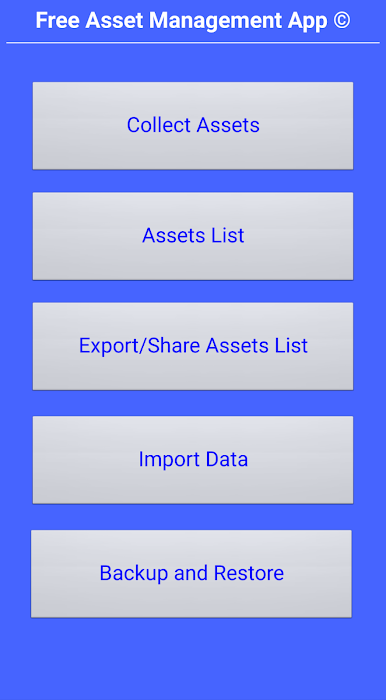
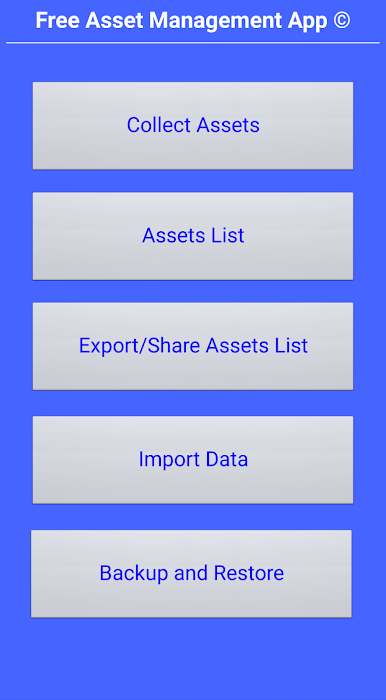
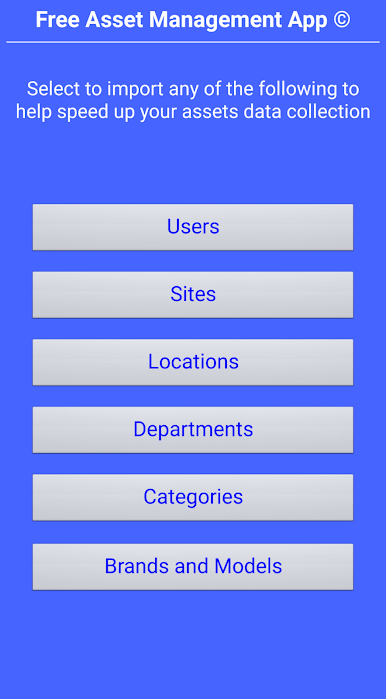
The Asset Management App© also allows you to import your data such as sites, locations, departments etc. to help streamline your data collection. A CSV file of the collected data can be exported and shared via compatible apps.
For more information, please check out the video tour and images. You can also reach out to us directly via email with any queries. Thank you.
This app amongst others has been developed by our in-house team at Scope Link Barcode Technologies. With over 15 years experience in the barcoding industry, we have the expertise to fully understand the requirements of organizations in many data capture applications and needs. As a result, we have developed these apps in order to help organizations run more efficiently while reducing costs and increasing the return on investment.
Learn more about Scope Link Barcode Technologies: https://www.scopelink.com.au/
Follow us for more:
Facebook: https://www.facebook.com/scopelinkbarcodetechnologies/
Instagram: https://www.instagram.com/scope.link/
YouTube: https://www.youtube.com/channel/UC6r9_OUx3zVB0dzGmCXisaQ/
LinkedIn: https://www.linkedin.com/company/scope-link-barcode-technologies/
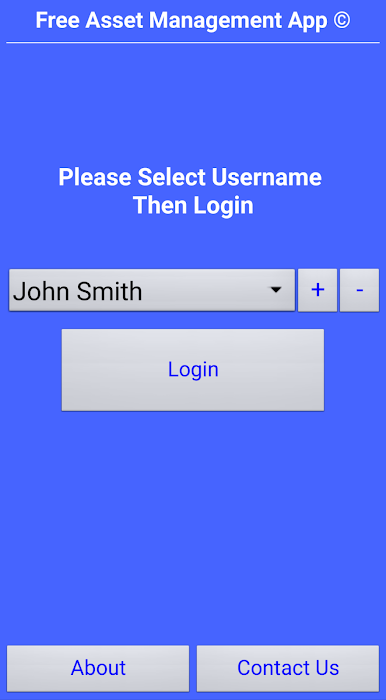
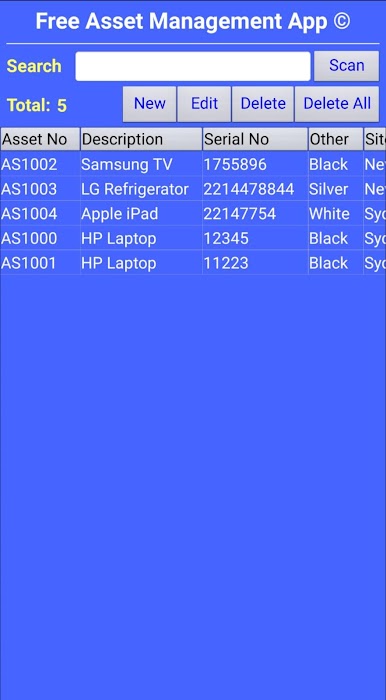
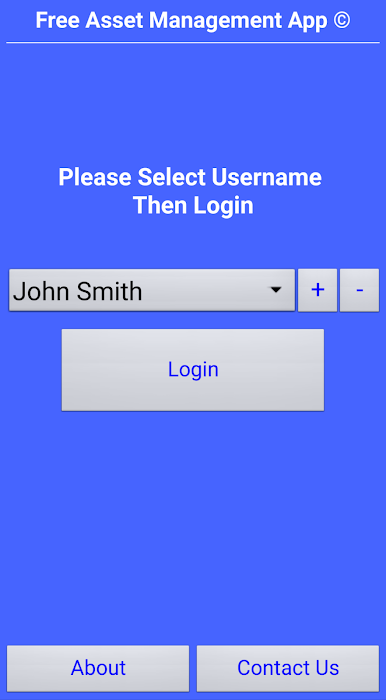
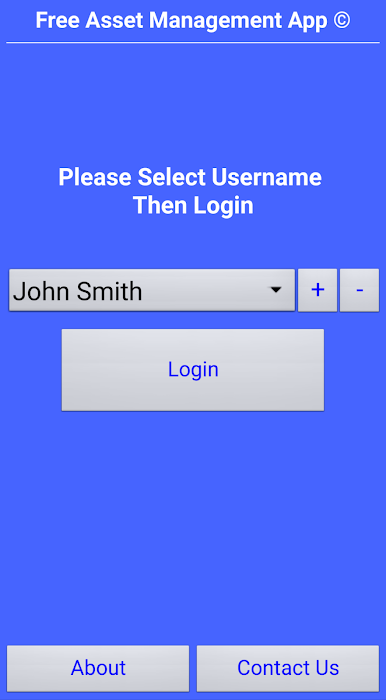
Zagraj w Asset Management App na PC. To takie proste.
-
Pobierz i zainstaluj BlueStacks na PC
-
Zakończ pomyślnie ustawienie Google, aby otrzymać dostęp do sklepu Play, albo zrób to później.
-
Wyszukaj Asset Management App w pasku wyszukiwania w prawym górnym rogu.
-
Kliknij, aby zainstalować Asset Management App z wyników wyszukiwania
-
Ukończ pomyślnie rejestrację Google (jeśli krok 2 został pominięty) aby zainstalować Asset Management App
-
Klinij w ikonę Asset Management App na ekranie startowym, aby zacząć grę

