


Frankie's Baby Fireworks!
Graj na PC z BlueStacks – Platforma gamingowa Android, która uzyskała zaufanie ponad 500 milionów graczy!

Strona zmodyfikowana w dniu: Jul 29, 2025
Play Frankie's Baby Fireworks! on PC or Mac
Explore a whole new adventure with Frankie’s Baby Fireworks!, a Casual game created by Mykaelos. Experience great gameplay with BlueStacks, the most popular gaming platform to play Android games on your PC or Mac.
About the Game
Frankie’s Baby Fireworks! is a bright, tap-happy toy built for tiny hands and short attention spans. Created by Mykaelos with real parents in mind, it turns simple touches (and a little wiggling) into big bursts of color and cheerful pops. It’s a relaxed Casual experience with no clutter, no score, and no stress—just a cozy light show your kiddo can safely enjoy.
Game Features
- Ad-Free Play: No pop-ups, no interruptions, no tricks. Just fireworks from the first tap to the last.
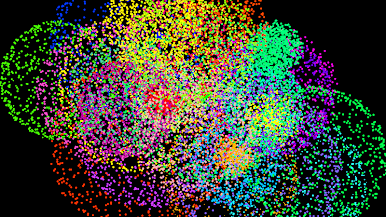
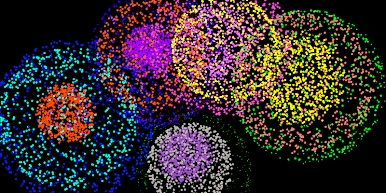
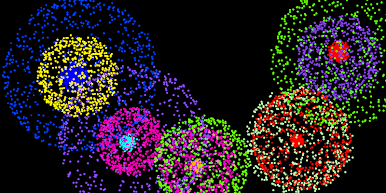
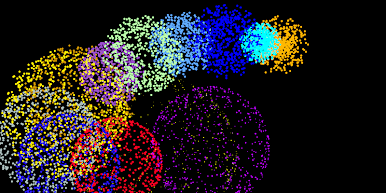
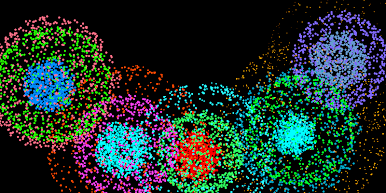
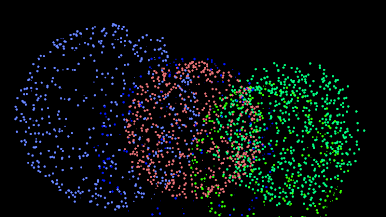
- Tap, Pop, Sparkle: Each touch launches vibrant fireworks in different sizes and colors, paired with gentle, kid-friendly sound effects.
- Optional Vibration: Get a soft buzz when fireworks burst for satisfying tactile feedback. You can switch this off in settings.
- Auto Show Mode: Hands busy? If the screen rests for a moment, the app runs its own mini show. Toggle it on or off anytime.
- Tilt-Aware Physics: Fireworks “fall” based on how your child holds the device, making the show feel lively and physical.
- Multitouch Fun: Supports as many fingers as your device allows—great for siblings or curious little hands.
- Clean Screen Design: No extra buttons to tap by accident. On supported devices, system buttons stay hidden; swipe from the edge when you need them.
- Private and Offline: No internet access, no data collection—built with children’s safety and privacy at the center.
- Celebration-Ready: Perfect for the 4th of July, New Year’s, Guy Fawkes Night, or a quiet afternoon at home.
- Play on PC Too: Prefer a bigger screen? You can run it on BlueStacks and share the light show with the whole room.
Get ready for a buttery smooth, high-performance gaming action only on BlueStacks.
Zagraj w Frankie's Baby Fireworks! na PC. To takie proste.
-
Pobierz i zainstaluj BlueStacks na PC
-
Zakończ pomyślnie ustawienie Google, aby otrzymać dostęp do sklepu Play, albo zrób to później.
-
Wyszukaj Frankie's Baby Fireworks! w pasku wyszukiwania w prawym górnym rogu.
-
Kliknij, aby zainstalować Frankie's Baby Fireworks! z wyników wyszukiwania
-
Ukończ pomyślnie rejestrację Google (jeśli krok 2 został pominięty) aby zainstalować Frankie's Baby Fireworks!
-
Klinij w ikonę Frankie's Baby Fireworks! na ekranie startowym, aby zacząć grę

