


BANATOON: Treasure hunt!
Graj na PC z BlueStacks – Platforma gamingowa Android, która uzyskała zaufanie ponad 500 milionów graczy!

Strona zmodyfikowana w dniu: Oct 15, 2025
Play BANATOON: Treasure hunt! on PC or Mac
Join millions to experience BANATOON: Treasure hunt!, an exciting Casual game from Seeplay Inc.. With BlueStacks App Player, you are always a step ahead of your opponent, ready to outplay them with faster gameplay and better control with the mouse and keyboard on your PC or Mac.
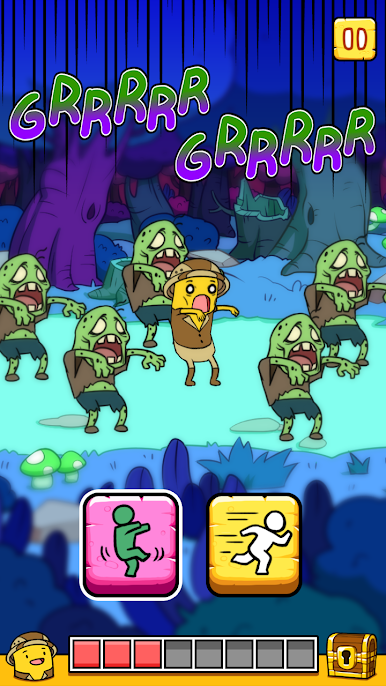
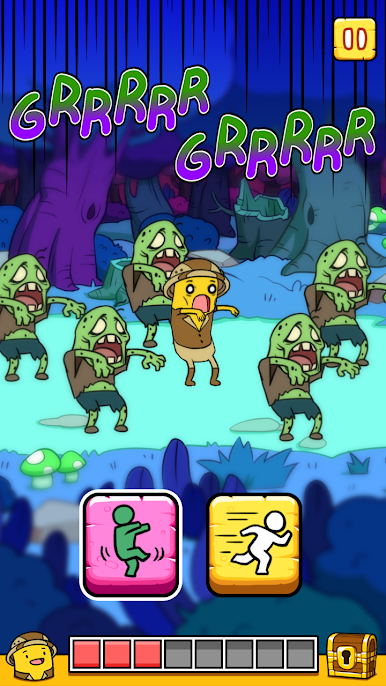
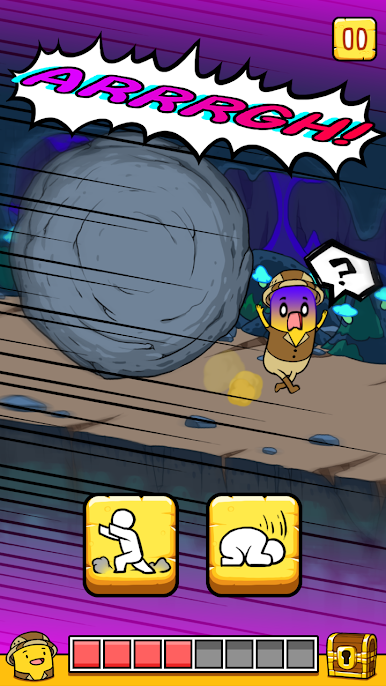
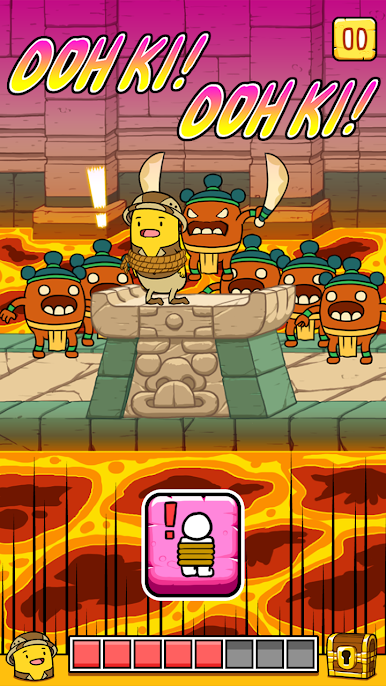
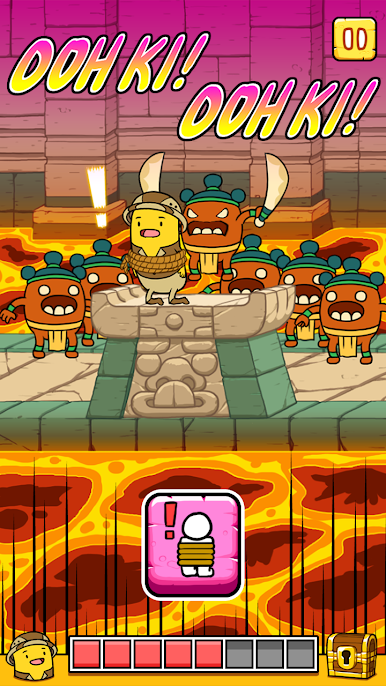
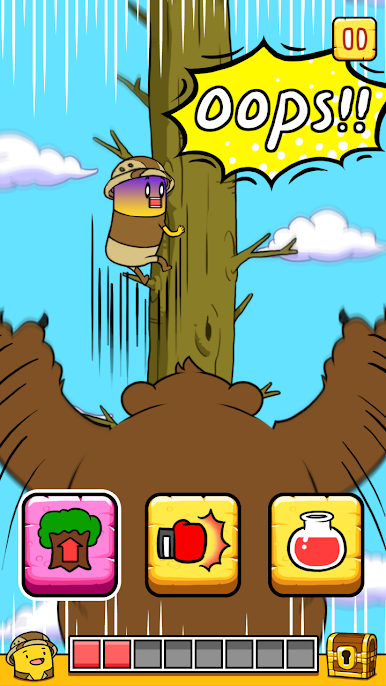
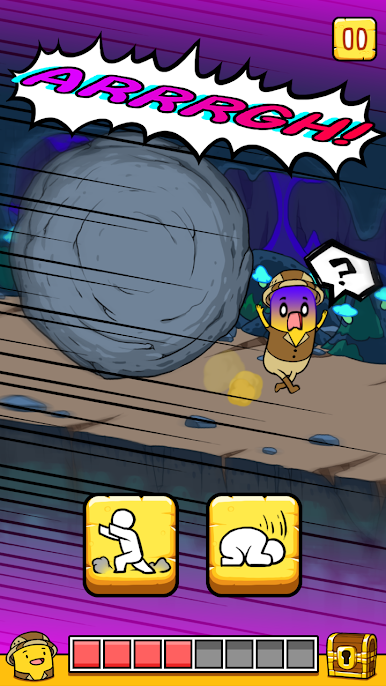
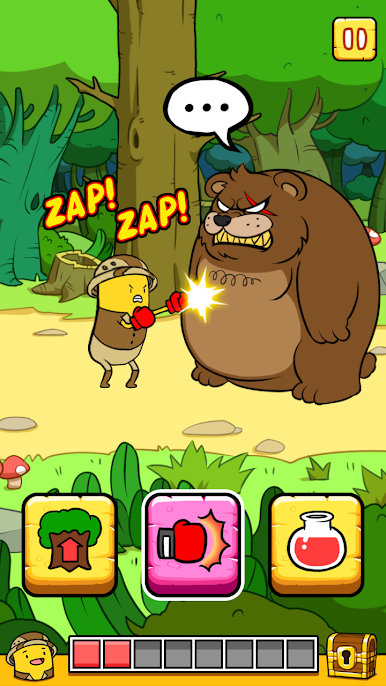
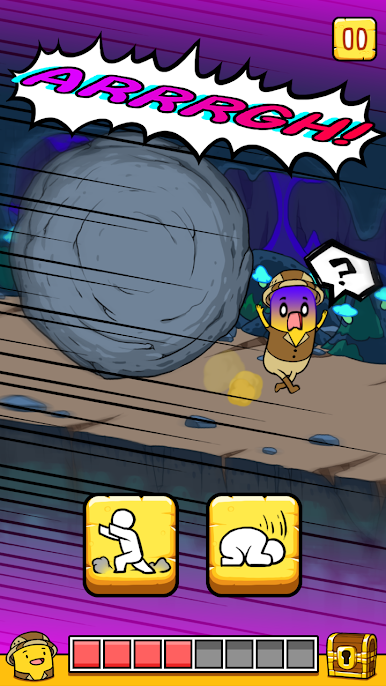
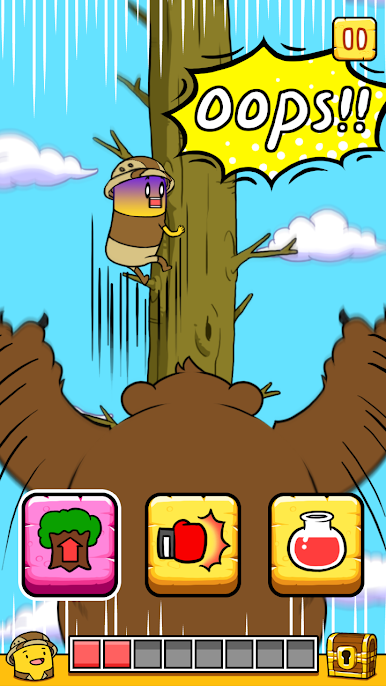
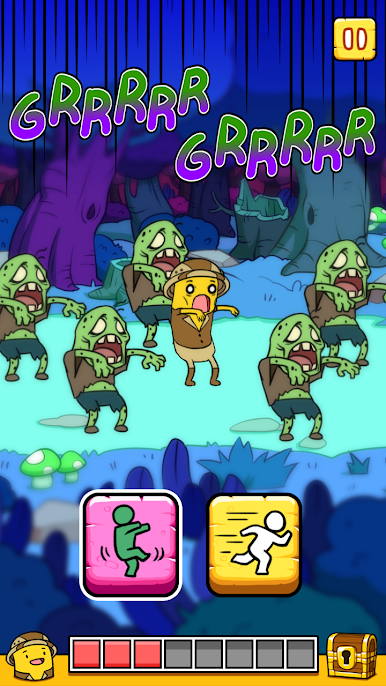
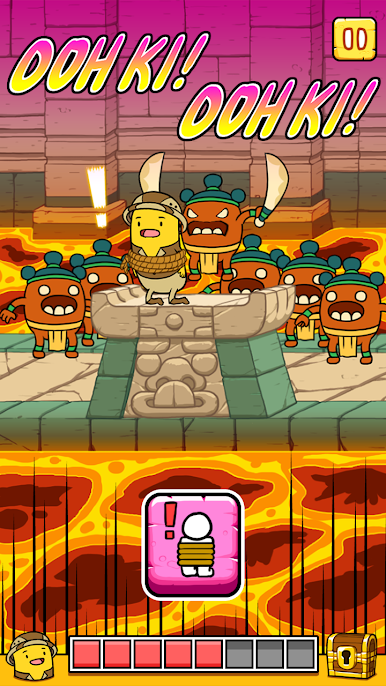
BANATOON: Treasure hunt! throws players straight into a treasure-seeking adventure that’s a mix of goofy humor and clever puzzle choices. It feels like one of those classic adventure games where every room or twist packs a new surprise or a sneaky trap. The main draw is how much depends on the choices the player makes — a wrong step or picking the obvious answer can send everything sideways fast, usually in a funny way. There’s a real sense of “wait, does this safe spot actually have a trap in the ceiling?” and half the fun is looking for those little tricks the game slips in.
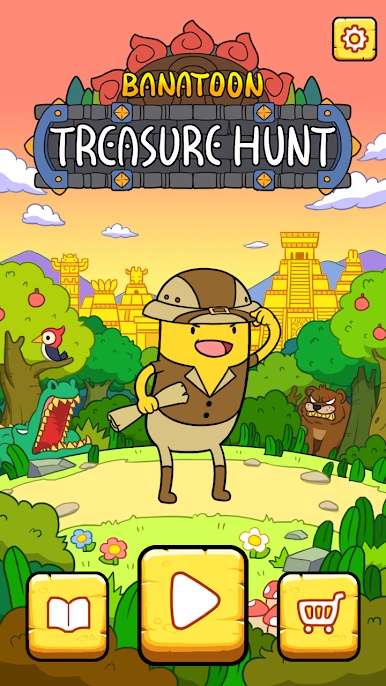
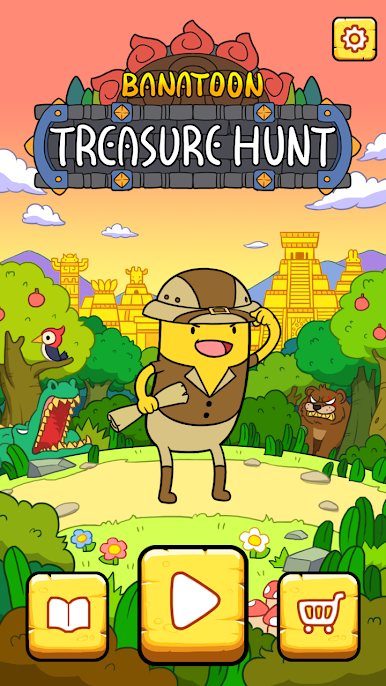
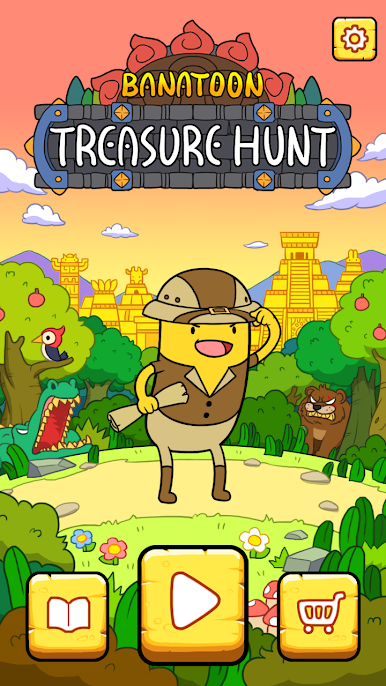
The visuals are cartoonish, almost silly, which keeps things light even when things go wrong. The main character, BANATOON, is expressive and just a bit ridiculous, which somehow makes all the near misses and silly fails even more entertaining. Nothing’s too punishing though; the game keeps things moving so you never really get stuck for long. Playing it on PC through BlueStacks just makes everything snappier, since clicking through choices is quick and the bigger screen makes those sneaky details easier to spot. BANATOON: Treasure hunt! is the sort of game that’s really about making choices and seeing what chaos follows, all wrapped up in a cheerful style.
Make your gaming sessions memorable with precise controls that give you an edge in close combats and visuals that pop up, bringing every character to life.

Zagraj w BANATOON: Treasure hunt! na PC. To takie proste.
-
Pobierz i zainstaluj BlueStacks na PC
-
Zakończ pomyślnie ustawienie Google, aby otrzymać dostęp do sklepu Play, albo zrób to później.
-
Wyszukaj BANATOON: Treasure hunt! w pasku wyszukiwania w prawym górnym rogu.
-
Kliknij, aby zainstalować BANATOON: Treasure hunt! z wyników wyszukiwania
-
Ukończ pomyślnie rejestrację Google (jeśli krok 2 został pominięty) aby zainstalować BANATOON: Treasure hunt!
-
Klinij w ikonę BANATOON: Treasure hunt! na ekranie startowym, aby zacząć grę

