


English Grammar and Phonetics
Chơi trên PC với BlueStacks - Nền tảng chơi game Android, được hơn 500 triệu game thủ tin tưởng.

Trang đã được sửa đổi vào: Aug 29, 2024
Run English Grammar & Phonetics on PC or Mac
Let BlueStacks turn your PC, Mac, or laptop into the perfect home for English Grammar & Phonetics, a fun Education app from TeacherApp English.
About the App
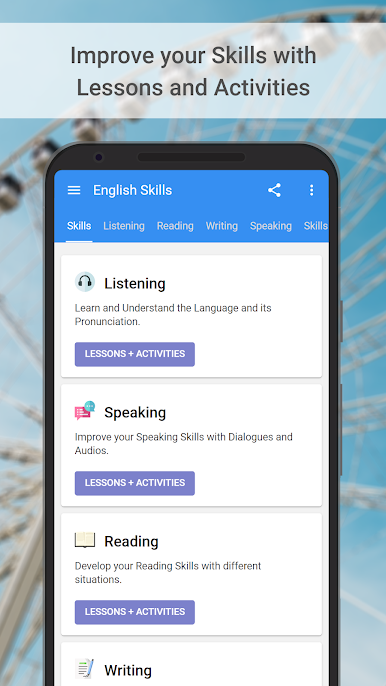
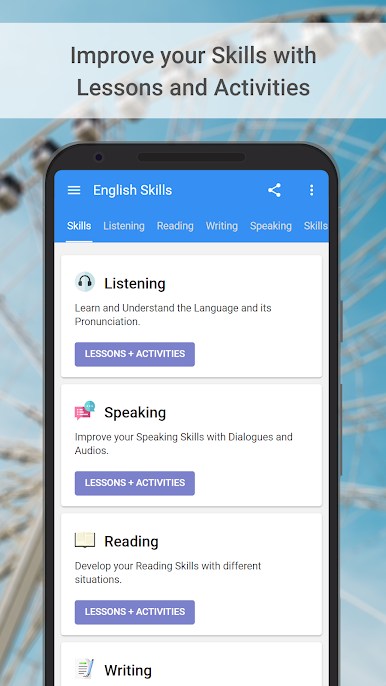
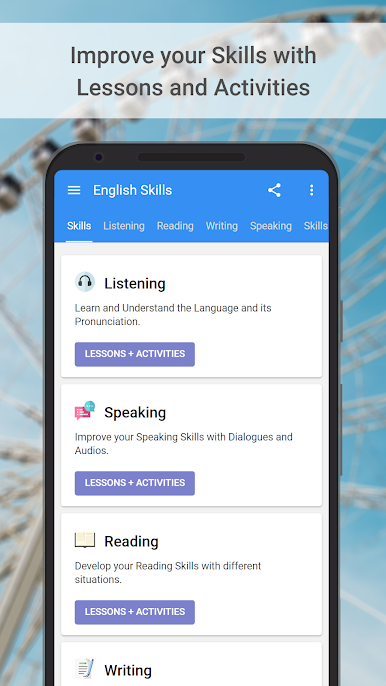
English Grammar & Phonetics by TeacherApp English takes the stress out of learning the nuts and bolts of English. Whether you’re working on grammar, pronunciation, or prepping for those big exams, this Education app wraps all the essentials into one spot. Expect a friendly, accessible experience—you can listen, read, practice, and test yourself as you go, all from your phone or even your laptop with BlueStacks.
App Features
-
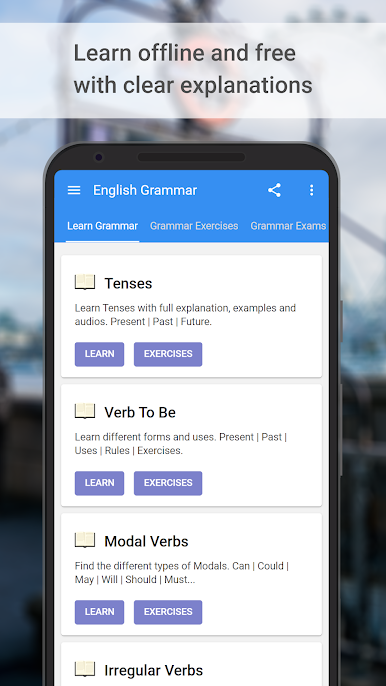
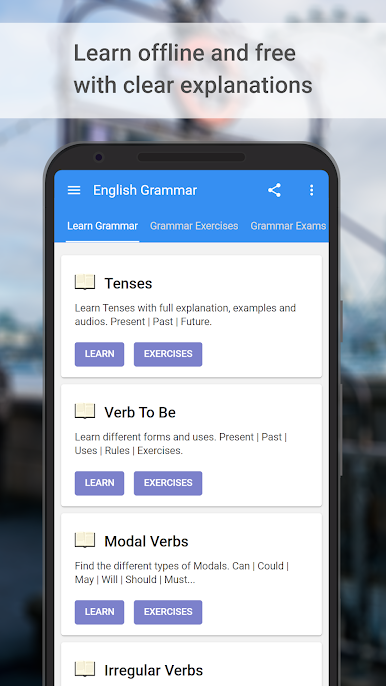
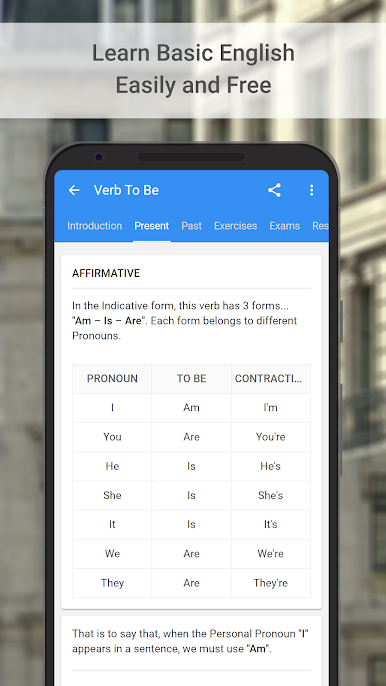
Comprehensive Grammar Lessons
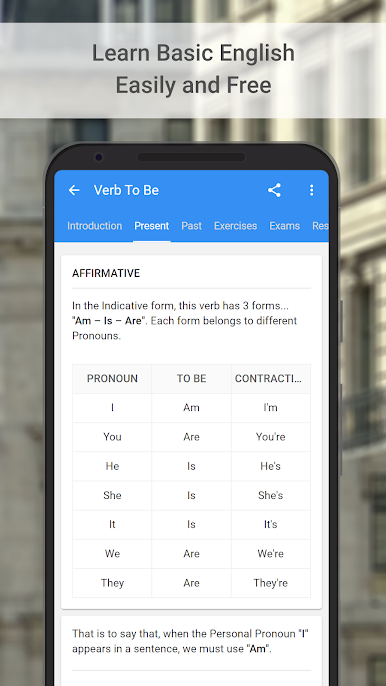
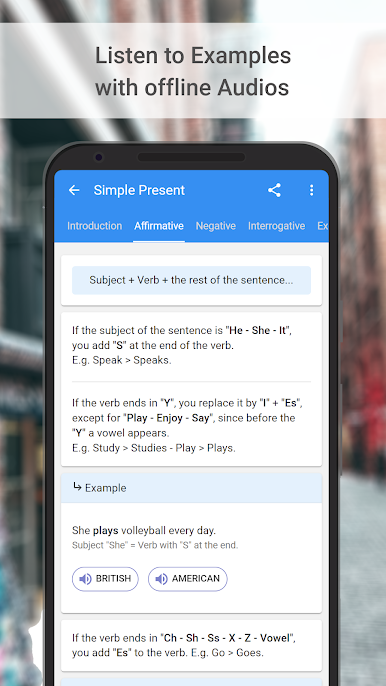
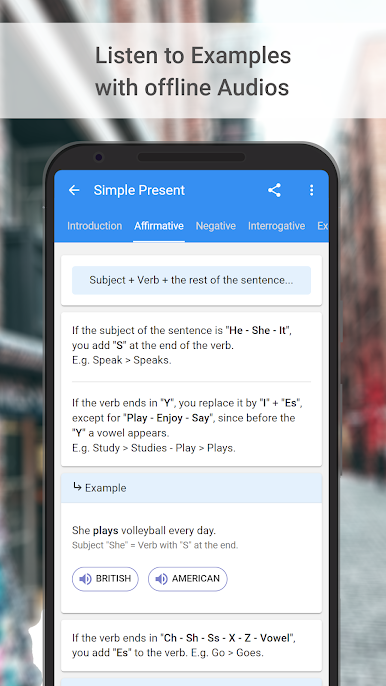
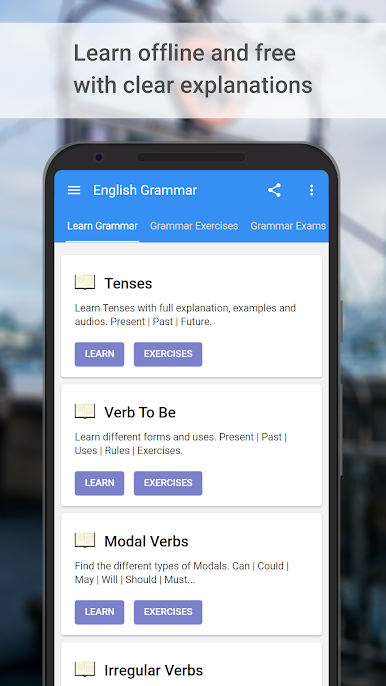
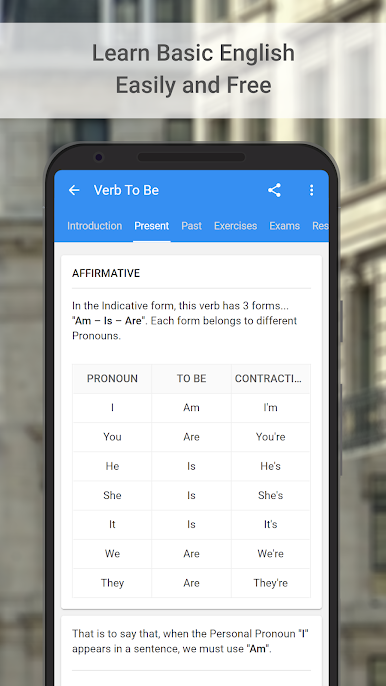
Get clear explanations for English grammar, from the simple present all the way to conditionals. Examples and short exercises help you really get the hang of things. -
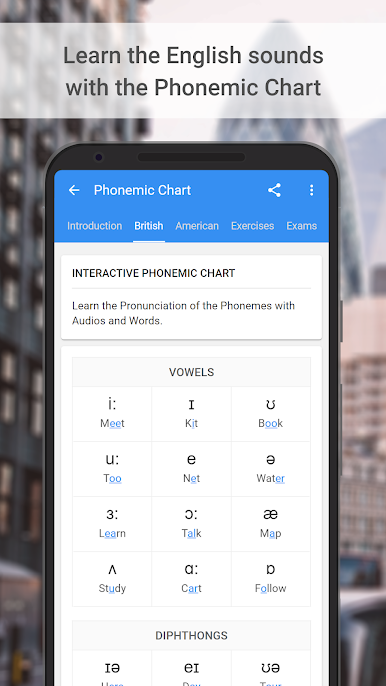
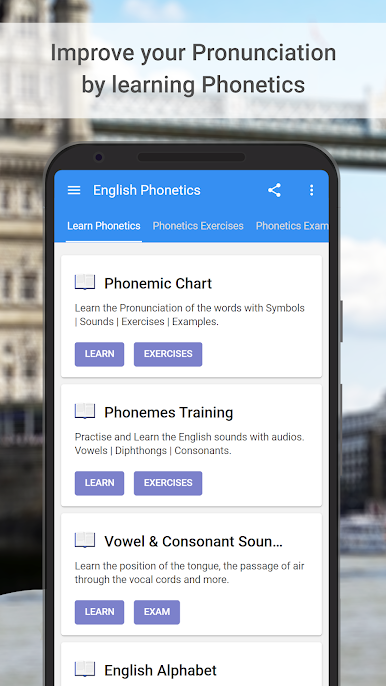
Phonetics & Pronunciation Tools
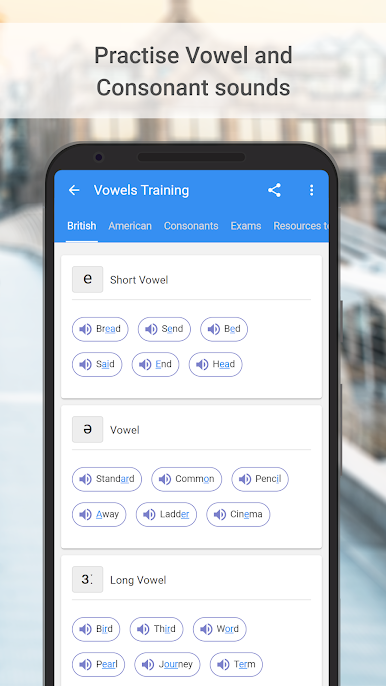
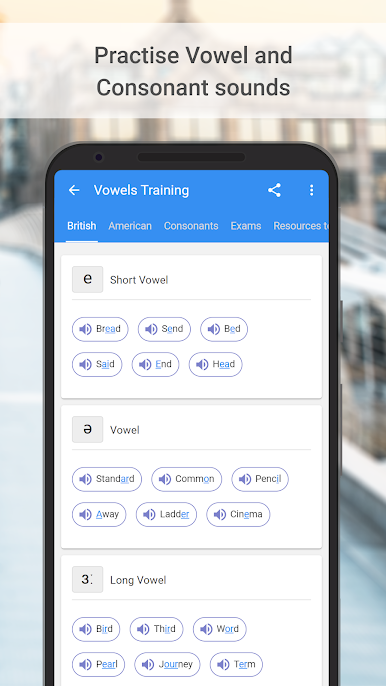
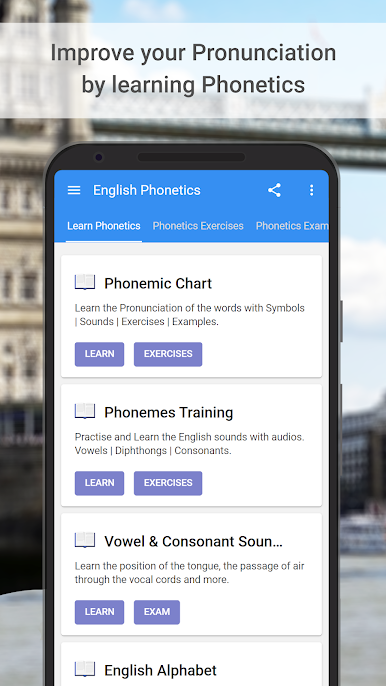
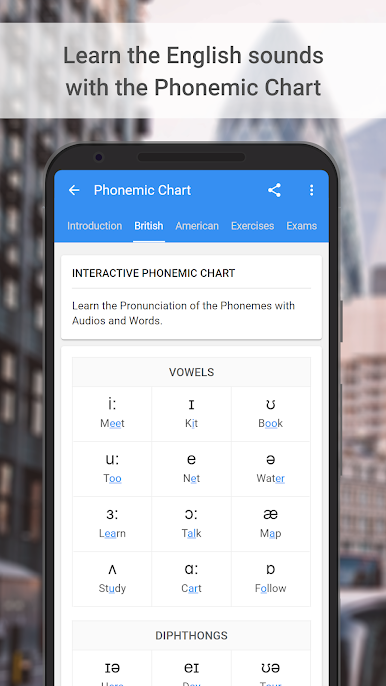
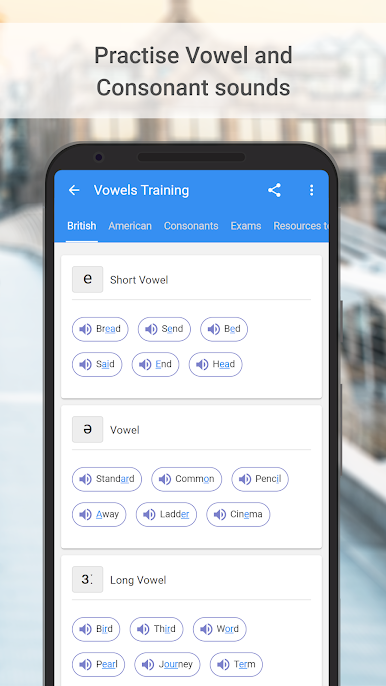
Not sure how a word sounds? Check out the phonetics resources: IPA charts, pronunciation audios for vowels and consonants, plus tips on stress and intonation. Great for nailing the accent. -
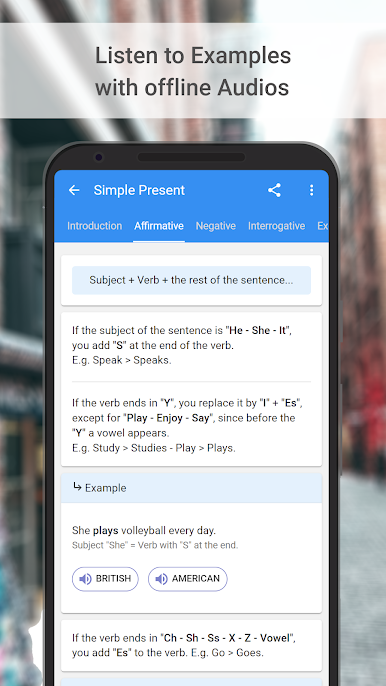
Translation & Audio Support
Stuck on something? Hear the content out loud to work on pronunciation or translate it if you’re having trouble understanding. Super helpful when things get tricky. -
Practice Tests & Exam Prep
There are over 30 practice exams modeled on big names like TOEFL, IELTS, and TOEIC. Score reports help show where you stand—and where you could use a bit more practice. -
Lists & Quick References
Access full lists of irregular verbs, modal uses, and all those tricky pronouns, adverbs, and connectors. Handy when you’re writing essays or trying to remember a rule. -
British vs. American English Explained
Ever wondered why a “cookie” in the US is a “biscuit” in the UK? The app points out the differences, so you don’t get caught off guard. -
Teacher and Student Friendly
Includes printable resources for teachers working with limited materials, and gives learners lots of free content and premium extras, all ad-free if you want the upgrade. -
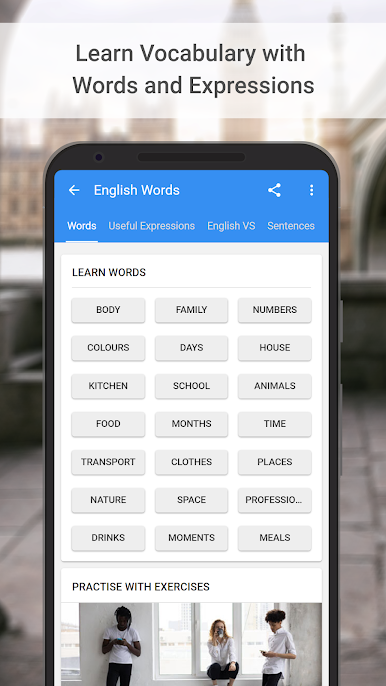
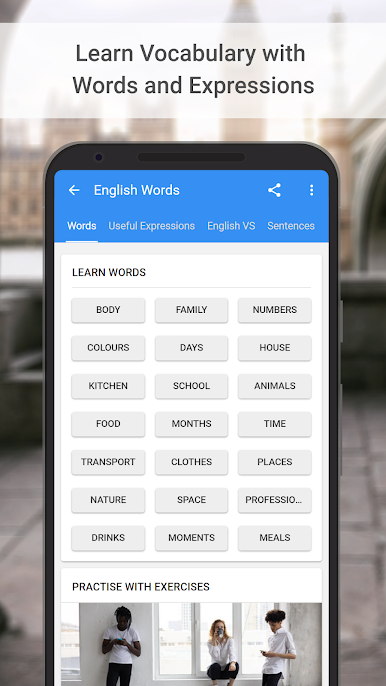
Real Examples for Real Life
Compositions, travel phrases, and common expressions pop up throughout the app. It’s not just rules—it’s how you’d actually use English out there. -
Use Anywhere
Packed for studying on your phone or, if you prefer, on your computer using BlueStacks, so you can practice wherever you feel most comfortable.
Ready to experience English Grammar & Phonetics on a bigger screen, in all its glory? Download BlueStacks now.
Chơi English Grammar and Phonetics trên PC. Rất dễ để bắt đầu
-
Tải và cài đặt BlueStacks trên máy của bạn
-
Hoàn tất đăng nhập vào Google để đến PlayStore, hoặc thực hiện sau
-
Tìm English Grammar and Phonetics trên thanh tìm kiếm ở góc phải màn hình
-
Nhấn vào để cài đặt English Grammar and Phonetics trong danh sách kết quả tìm kiếm
-
Hoàn tất đăng nhập Google (nếu bạn chưa làm bước 2) để cài đặt English Grammar and Phonetics
-
Nhấn vào icon English Grammar and Phonetics tại màn hình chính để bắt đầu chơi

