

Virtual Tabletop RPG Manager
Chơi trên PC với BlueStacks - Nền tảng chơi game Android, được hơn 500 triệu game thủ tin tưởng.

Trang đã được sửa đổi vào: Nov 18, 2025
Run Virtual Tabletop RPG Manager on PC or Mac
What’s better than using Virtual Tabletop RPG Manager by Tomorrow Thoughts? Well, try it on a big screen, on your PC or Mac, with BlueStacks to see the difference.
About the App
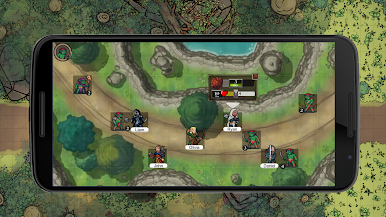
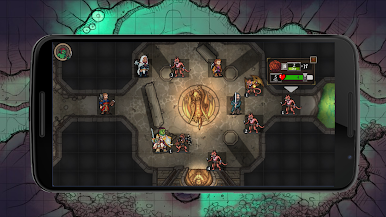
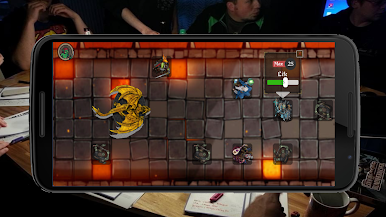
If you love tabletop RPGs but aren’t wild about piles of paper, Virtual Tabletop RPG Manager by Tomorrow Thoughts is probably right up your alley. This app makes it super simple to manage your fantasy campaigns on your Android device—everything from intense map-based battles to quick dice rolls, all offline and always at your fingertips. Take charge of your next D&D or Pathfinder session, add your own maps, organize tokens, and enjoy the flexibility that a digital setup brings to your game night, whether you’re around a table or on the couch.
App Features
-
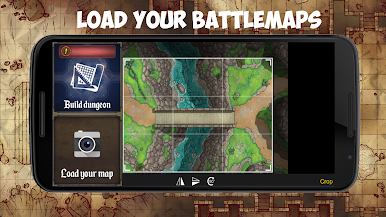
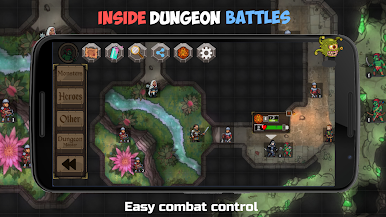
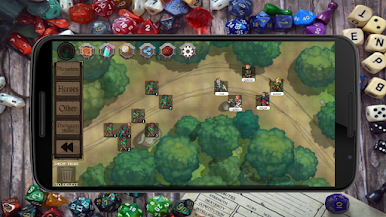
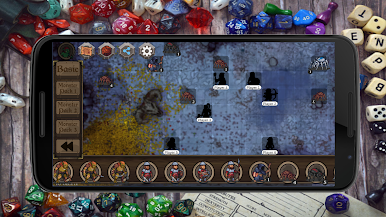
Custom Battle Maps
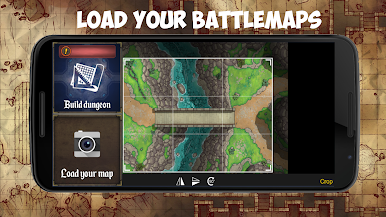
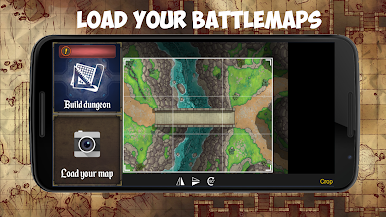
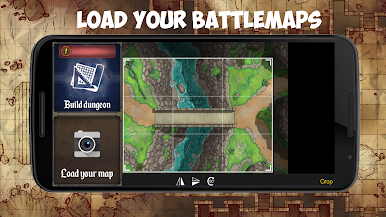
Easily upload your own dungeon or world maps straight from your phone’s gallery, so you can craft adventures exactly how you want them. -
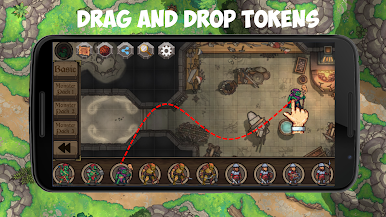
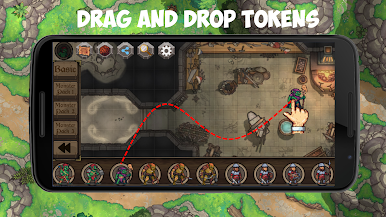
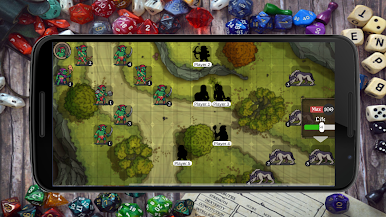
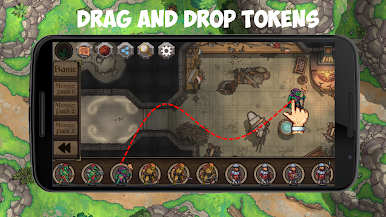
Token Management Made Simple
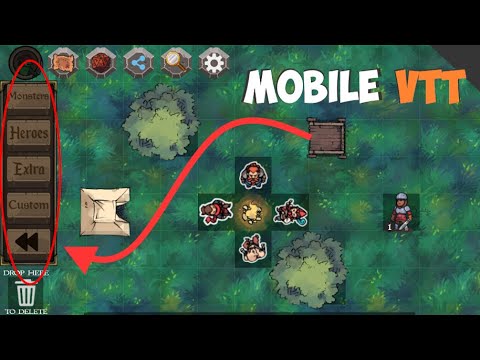
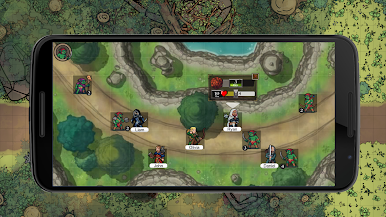
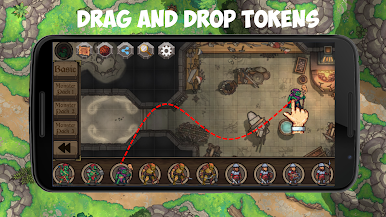
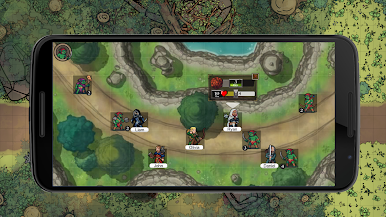
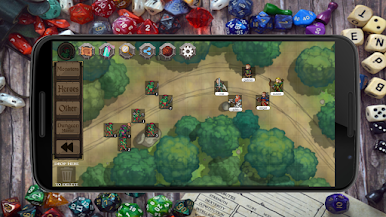
Drag and drop characters or monsters onto your maps with minimal fuss. Keep track of everyone’s positions during combat and exploration in just a few taps. -
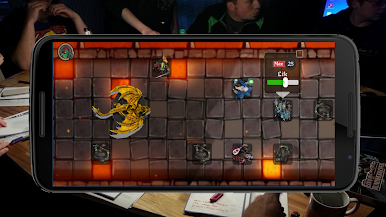
Creative Dungeon Builder
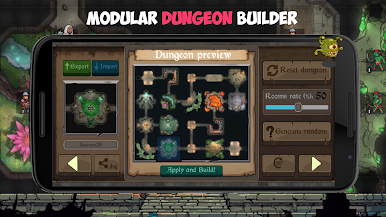
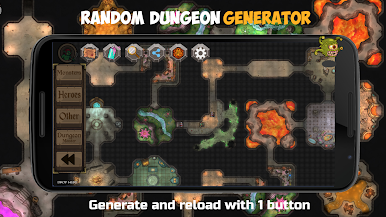
Mix and match from a set of 45 unique tiles to design dungeons for your party to explore. Every layout can be different, bringing an extra layer of surprise to every session. -
Play on Any (Reasonable) Screen
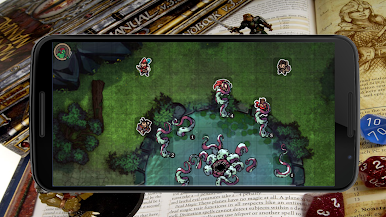
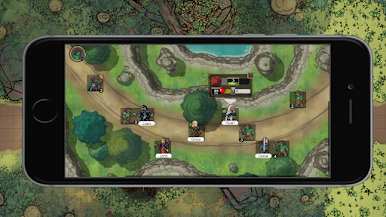
Mirror your phone or tablet to your TV so everyone can see the action. No sign-ups, no Wi-Fi—just quick screen sharing, so the map’s front and center. -
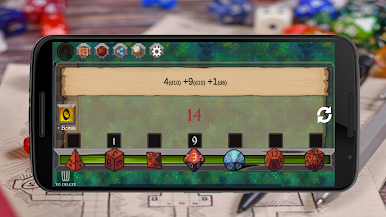
Integrated Dice Roller
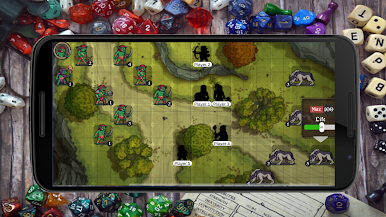
No dice? No problem. The app’s built-in dice roller handles all the usual dice types (d4, d6, d8, d10, d12, d20), adding up your results instantly so you can focus on making your next move. -
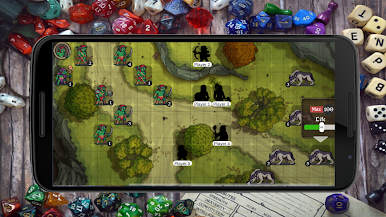
Ready-to-Use Maps & Tokens
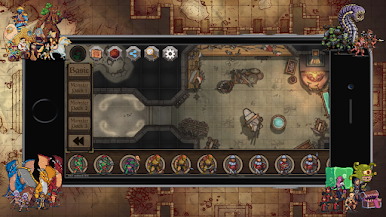
Jump right in with a bundle of pre-made maps and exclusive, ready-to-go fantasy tokens for heroes, monsters, and more. -
Keep Friends Involved
Use the screenshot sharing function to show off your current map or game state—perfect for keeping everyone engaged mid-session. -
Offline-First
Everything works without an internet connection, so you can play wherever the adventure takes you. Want a bigger view? Try it on your laptop or desktop using BlueStacks.
Switch to BlueStacks and make the most of your apps on your PC or Mac.
Chơi Virtual Tabletop RPG Manager trên PC. Rất dễ để bắt đầu
-
Tải và cài đặt BlueStacks trên máy của bạn
-
Hoàn tất đăng nhập vào Google để đến PlayStore, hoặc thực hiện sau
-
Tìm Virtual Tabletop RPG Manager trên thanh tìm kiếm ở góc phải màn hình
-
Nhấn vào để cài đặt Virtual Tabletop RPG Manager trong danh sách kết quả tìm kiếm
-
Hoàn tất đăng nhập Google (nếu bạn chưa làm bước 2) để cài đặt Virtual Tabletop RPG Manager
-
Nhấn vào icon Virtual Tabletop RPG Manager tại màn hình chính để bắt đầu chơi

