


Incubator
Chơi trên PC với BlueStacks - Nền tảng chơi game Android, được hơn 500 triệu game thủ tin tưởng.

Trang đã được sửa đổi vào: Nov 25, 2025
Play Incubator on PC or Mac
Incubator brings the Casual genre to life, and throws up exciting challenges for gamers. Developed by Yso Corp, this Android game is best experienced on BlueStacks, the World’s #1 app player for PC and Mac users.
About the Game
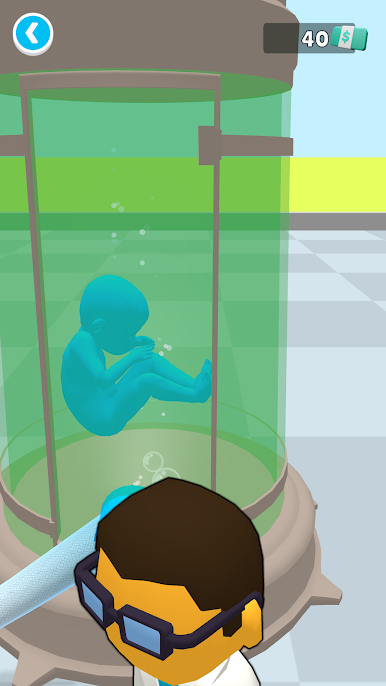
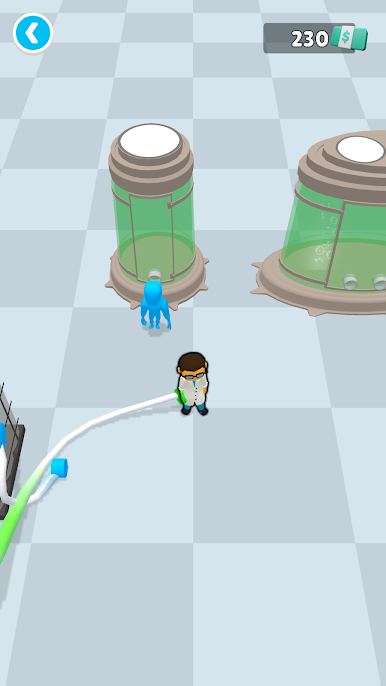
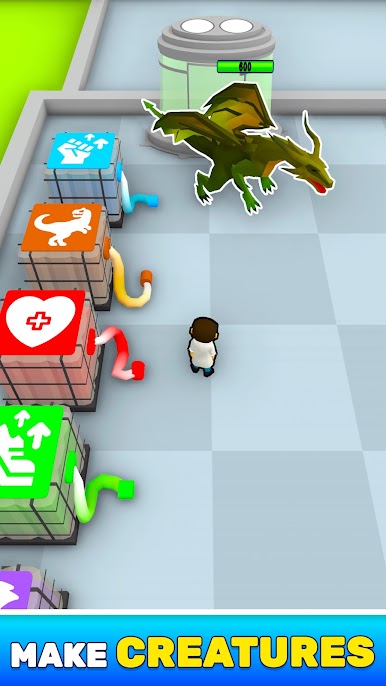
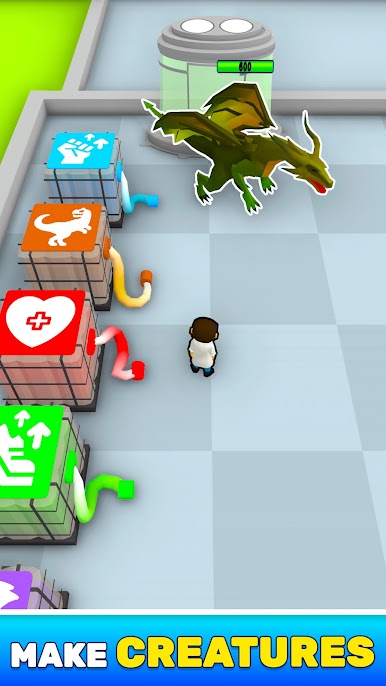
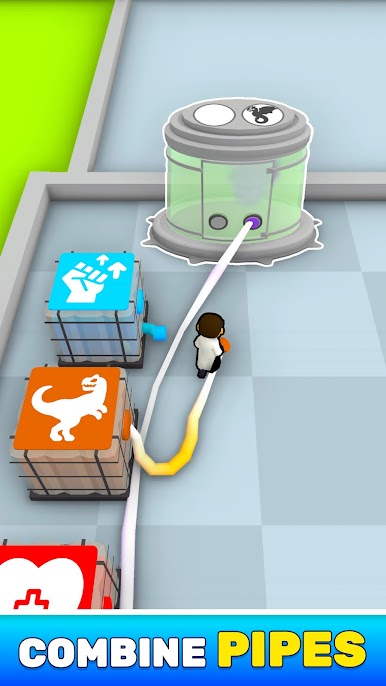
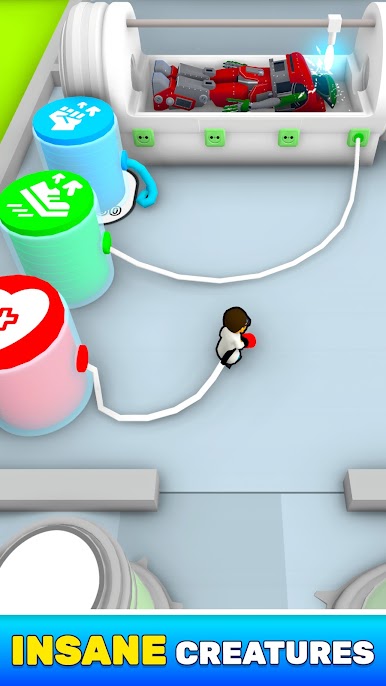
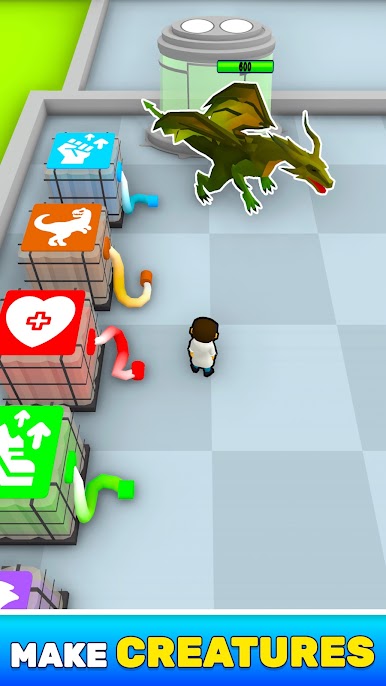
Incubator tosses you into the shoes of a curious scientist with one wild job: making life from scratch. No pressure, right? Mess around with genes, grow bizarre new critters, and see what happens when your unique creations start moving. If you’ve ever wondered what it’d be like to play with evolution, here’s your shot.
Game Features
-
Creature Design Playground
Sculpt your own creatures by piecing together all sorts of wacky body parts. Mix and match until your oddball brainchild looks just right—or so wonderfully weird it’s hard not to laugh. -
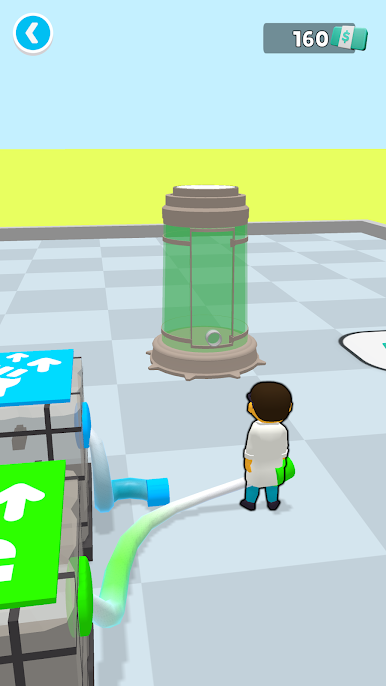
Genetic Experimentation
Don’t just make your creatures cute (or ugly)—play with their DNA! Tweak their traits, try out different abilities, and watch how your changes affect how they move and act in the lab sandbox. -
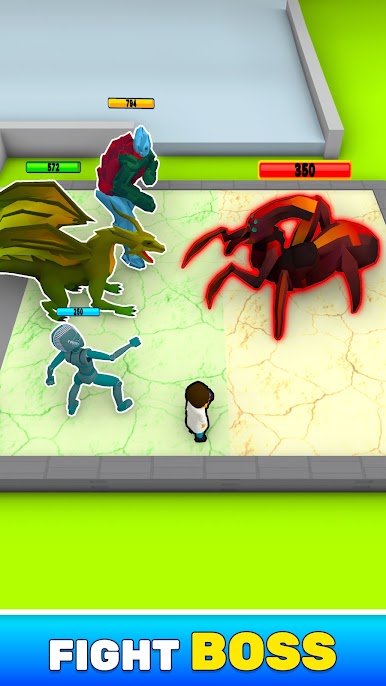
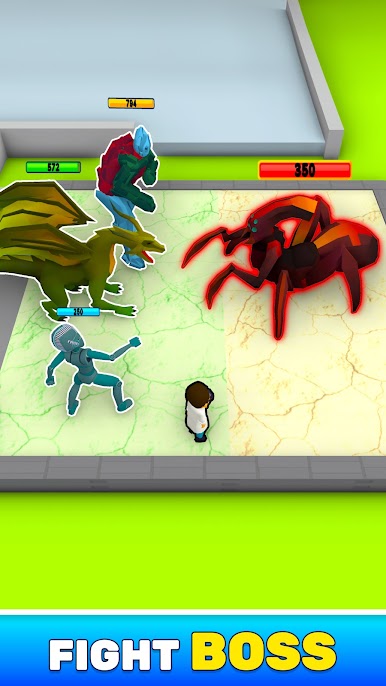
Ever-Evolving Challenges
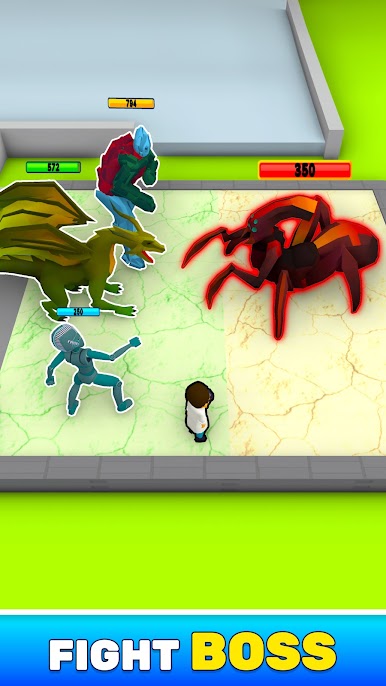
Put your new lifeforms to the test. See how they handle different environments or obstacles, and refine your experiments to create the ultimate survivor. -
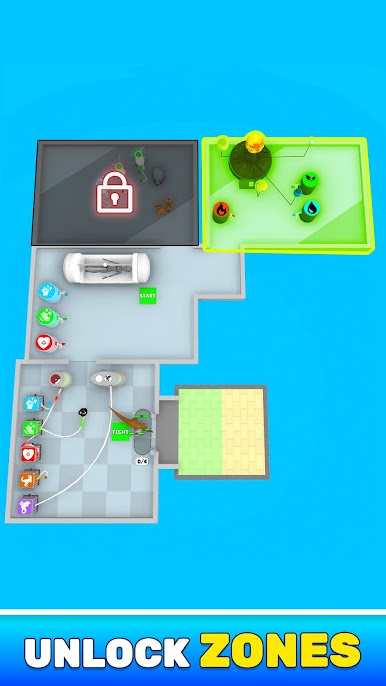
Quirky Lab Setting
The lab’s full of surprises—and plenty of tools for a mad scientist at heart. There are no rules here, so get creative and see what you can invent. -
Seamless Controls
Playing on BlueStacks? Making and testing creatures on your PC feels effortless, with smooth drag-and-drop controls that keep the creative flow going. -
Share the Weirdness
Save and show off your most ridiculous or brilliant creations to friends. There’s no telling what bizarre lifeforms you’ll cook up next.
Get ready for a buttery smooth, high-performance gaming action only on BlueStacks.
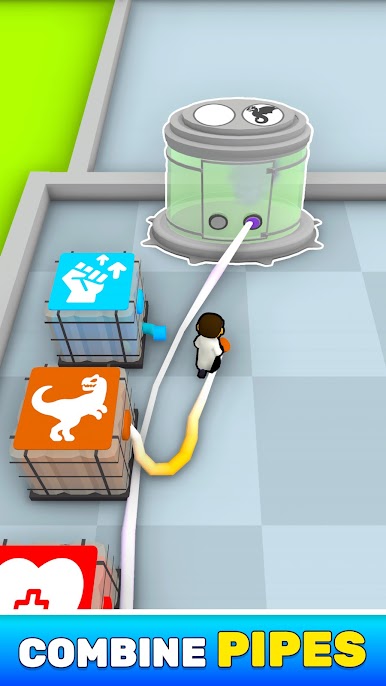

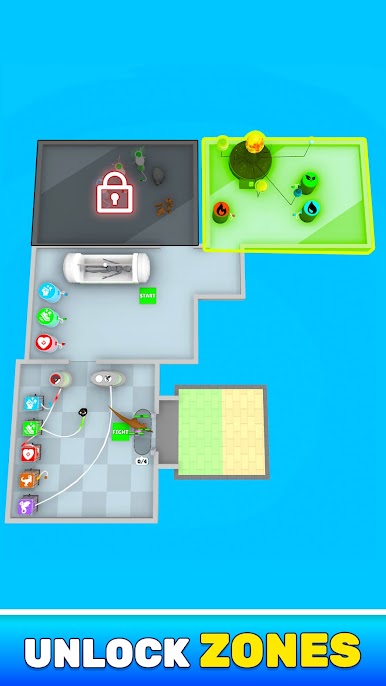
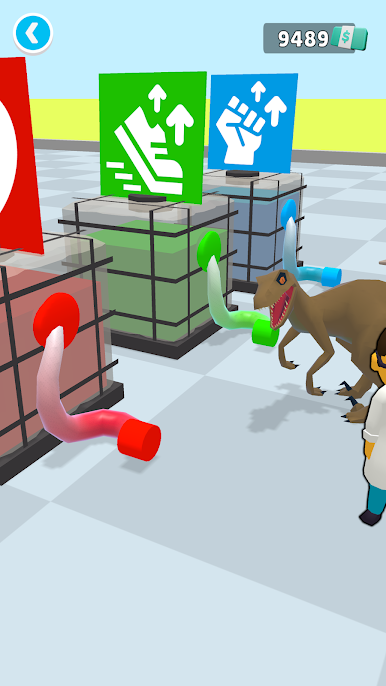
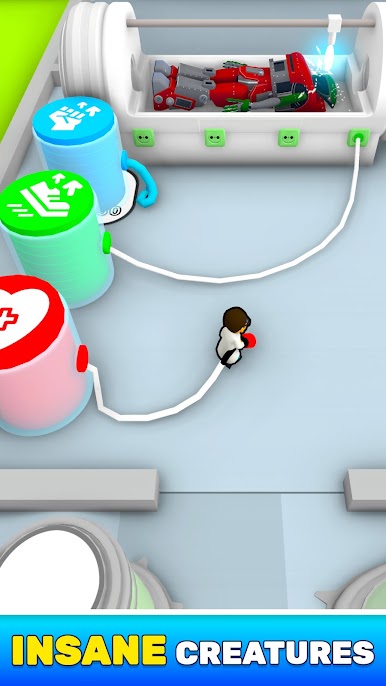

Chơi Incubator trên PC. Rất dễ để bắt đầu
-
Tải và cài đặt BlueStacks trên máy của bạn
-
Hoàn tất đăng nhập vào Google để đến PlayStore, hoặc thực hiện sau
-
Tìm Incubator trên thanh tìm kiếm ở góc phải màn hình
-
Nhấn vào để cài đặt Incubator trong danh sách kết quả tìm kiếm
-
Hoàn tất đăng nhập Google (nếu bạn chưa làm bước 2) để cài đặt Incubator
-
Nhấn vào icon Incubator tại màn hình chính để bắt đầu chơi

