


Another Lost Phone: Laura's St
Graj na PC z BlueStacks – Platforma gamingowa Android, która uzyskała zaufanie ponad 500 milionów graczy!

Strona zmodyfikowana w dniu: Jun 6, 2023
Play Another Lost Phone: Laura's St on PC
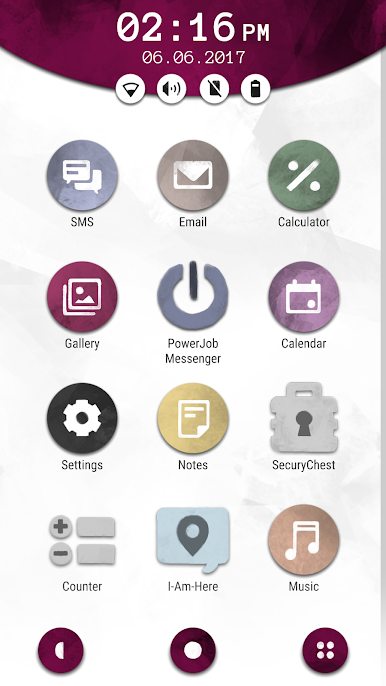
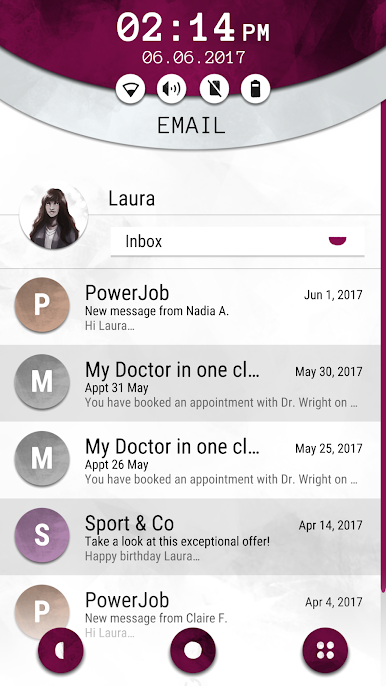
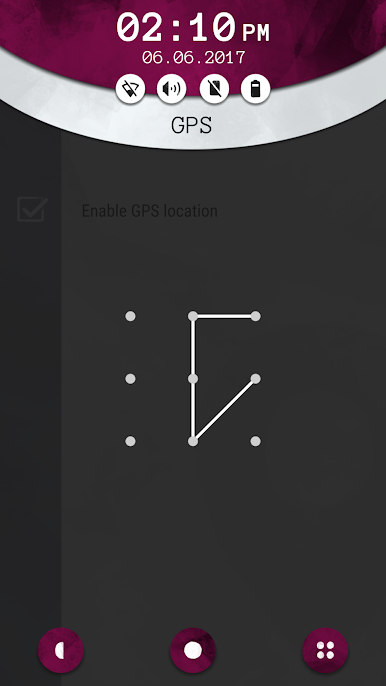
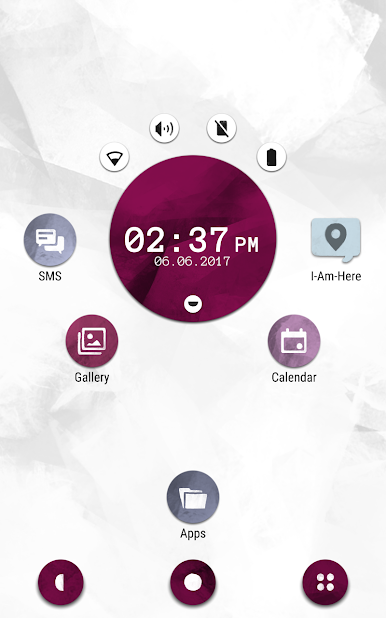
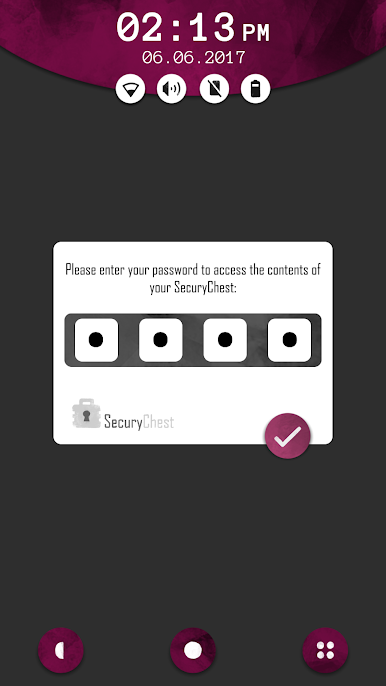
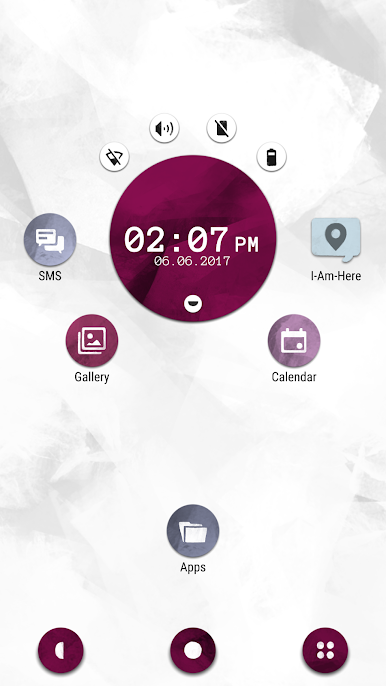
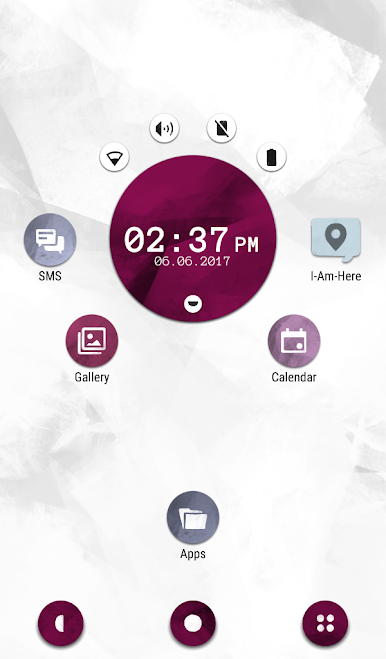
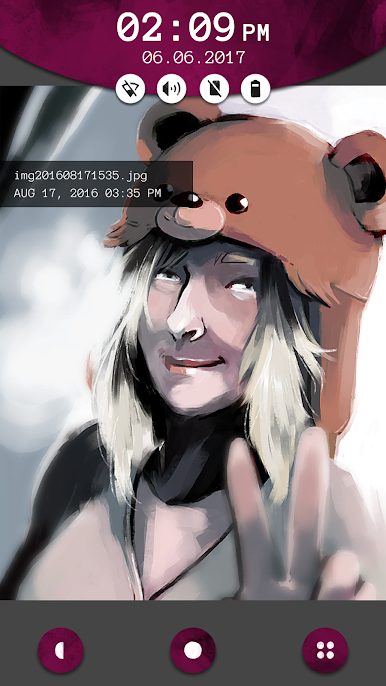
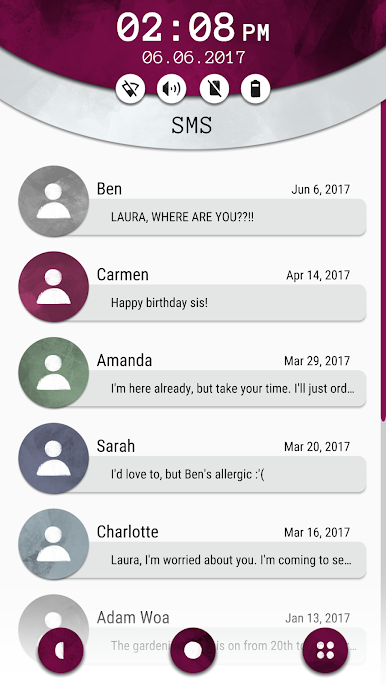
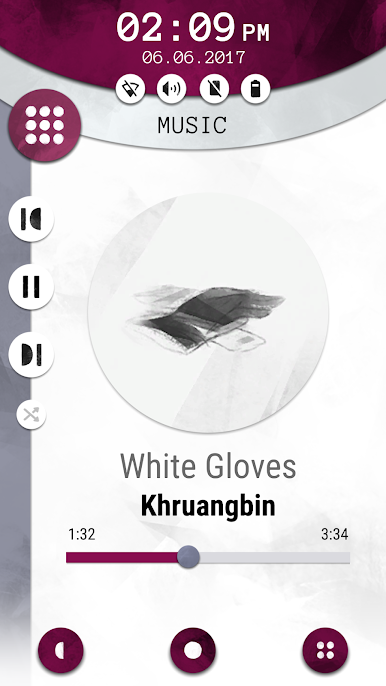
This game is designed as a narrative investigation where you must piece together elements from the different applications, messages and pictures to progress. Scrolling through the phone’s content, you will find out everything about Laura: her friendships, her professional life and the events that led to her mysterious disappearance and the loss of this phone.
Features
- Combine your findings from the phone’s apps, messages and photo galleries to uncover the mystery surrounding Laura’s disappearance.
- Delve into the professional life, relationships & social habits of a young adult in the digital age. Experience a relatable story and build empathy with the characters, allowing you to explore difficult topics and social issues.
- Act as yourself in a game that bridges the gap between reality and fiction. If you close the app but still think about the game, have you truly stopped playing?
Zagraj w Another Lost Phone: Laura's St na PC. To takie proste.
-
Pobierz i zainstaluj BlueStacks na PC
-
Zakończ pomyślnie ustawienie Google, aby otrzymać dostęp do sklepu Play, albo zrób to później.
-
Wyszukaj Another Lost Phone: Laura's St w pasku wyszukiwania w prawym górnym rogu.
-
Kliknij, aby zainstalować Another Lost Phone: Laura's St z wyników wyszukiwania
-
Ukończ pomyślnie rejestrację Google (jeśli krok 2 został pominięty) aby zainstalować Another Lost Phone: Laura's St
-
Klinij w ikonę Another Lost Phone: Laura's St na ekranie startowym, aby zacząć grę

