


Listen Audiobook Player
Graj na PC z BlueStacks – Platforma gamingowa Android, która uzyskała zaufanie ponad 500 milionów graczy!

Strona zmodyfikowana w dniu: Nov 25, 2025
Run Listen Audiobook Player on PC or Mac
Multitask effortlessly on your PC or Mac as you try out Listen Audiobook Player, a Music & Audio app by acme-android.com on BlueStacks.
About the App
Listen Audiobook Player is all about making life easier for audiobook fans. Whether you’re digging into classics or discovering something new, this app makes listening to your audio collection simple, flexible, and–honestly–just a bit more fun. With no ads or paywalls sneaking in your way, you get a totally distraction-free listening experience from the start.
App Features
-
All Your Books, Your Way
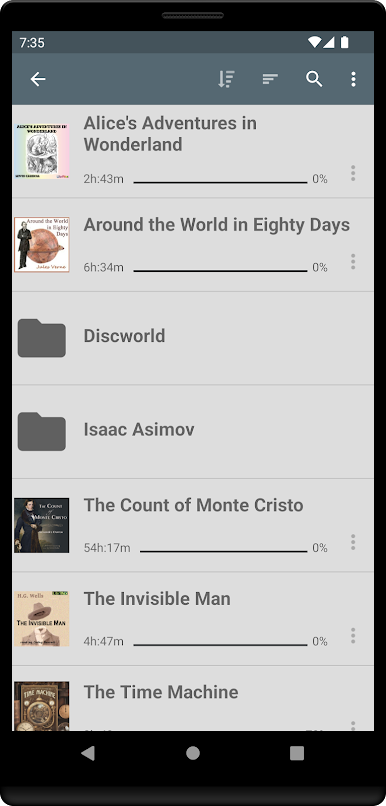
Manage your audiobooks however you like. Just drop each book into its own folder, and the app instantly picks them up. You can go folder by folder or see every title in one spot. Big library? There’s a handy search feature, too. -
Loads of Supported Formats
Got audiobooks in mp3, m4b, m4a, opus, ogg, aac, or flac formats? No worries—they’ll all work, as long as they’re DRM-free. -
Playback Tweaks that Matter
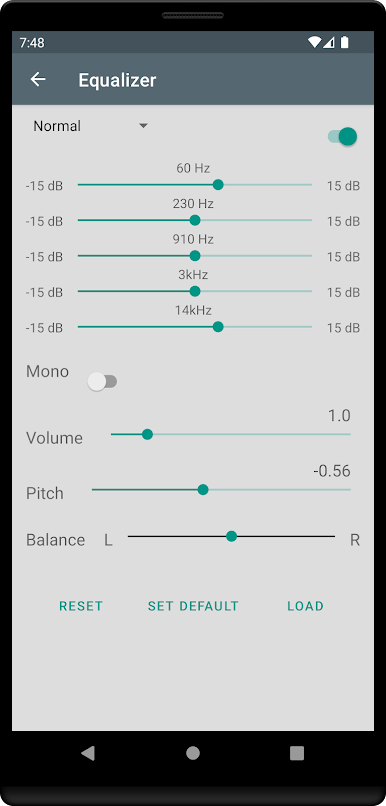
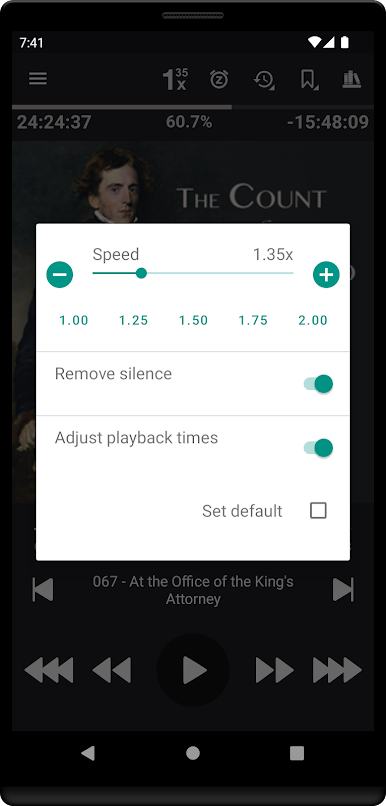
Speed things up or slow them down (from 0.5x to 4x), trim out silences, or adjust pitch and volume to fit your vibe. Even set equalizer presets and volume settings per book or stick with your favorites globally. -
Cover Art, Sorted
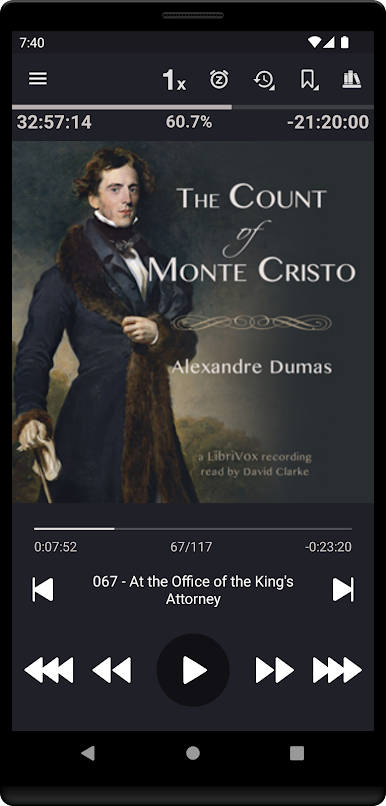
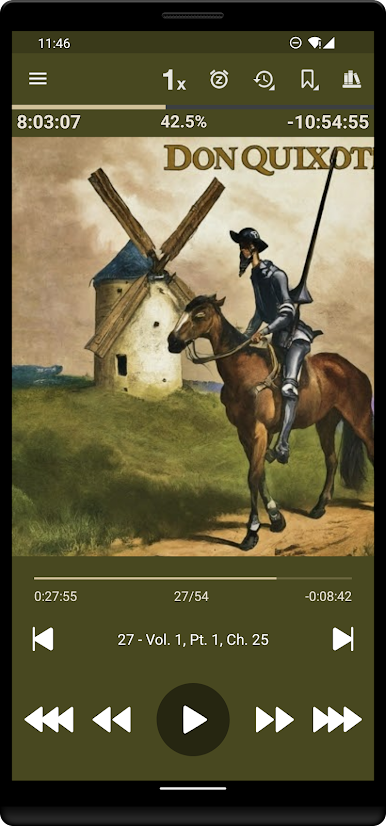
The app hunts down cover art automatically, whether it’s in the folder, embedded, or just a quick download away. No more guessing what you’re listening to. -
Integration with Android Auto & Plex
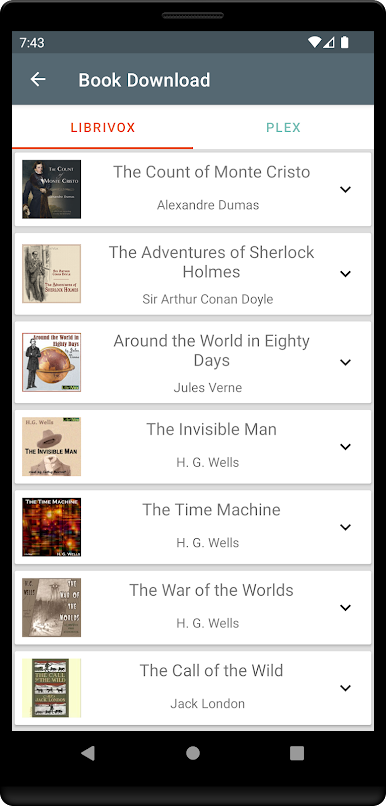
Hit play on the go or directly grab audiobooks from your Plex library—super useful if you’ve got a big collection spread across devices. -
Sync Across Devices
Listen on your phone and pick up where you left off elsewhere. Bookmarks and playback positions stay current between devices. -
Smart Bookmarking and Clips
Mark your favorite moments, search through every bookmark you’ve ever made, and even share short audio clips straight from your bookmarks. -
Custom Navigation and Controls
Set your own skip times, playback queue, auto-rewind, and sleep timer settings (yep, even shake-to-reset or custom wakeup sounds). If you’ve got a headset, you can even assign your favorite actions to button presses. -
Personalize the Look
Make the app your own—set colors for your progress bar, action bar, and text so everything feels just right. -
Bluetooth & Lock-Screen Controls
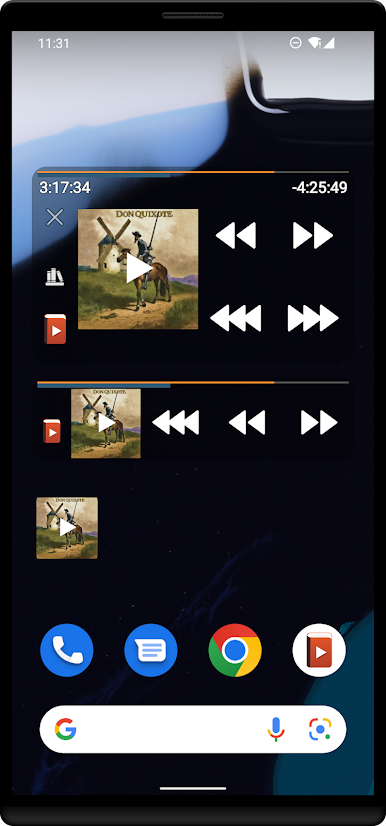
Play, pause, and skip tracks without unlocking your device, and use widgets or automation apps like Tasker if you’re into that kind of thing. -
Language Options
Multiple languages on board, if English isn’t your thing or you’re learning something new.
If you’re looking to enjoy Listen Audiobook Player on a bigger screen, you can use BlueStacks to bring your whole audiobook library to your PC or Mac, no hassle.
Big screen. Bigger performance. Use BlueStacks on your PC or Mac to run your favorite apps.
Zagraj w Listen Audiobook Player na PC. To takie proste.
-
Pobierz i zainstaluj BlueStacks na PC
-
Zakończ pomyślnie ustawienie Google, aby otrzymać dostęp do sklepu Play, albo zrób to później.
-
Wyszukaj Listen Audiobook Player w pasku wyszukiwania w prawym górnym rogu.
-
Kliknij, aby zainstalować Listen Audiobook Player z wyników wyszukiwania
-
Ukończ pomyślnie rejestrację Google (jeśli krok 2 został pominięty) aby zainstalować Listen Audiobook Player
-
Klinij w ikonę Listen Audiobook Player na ekranie startowym, aby zacząć grę

