


Fontify - Fonts for Instagram
Graj na PC z BlueStacks – Platforma gamingowa Android, która uzyskała zaufanie ponad 500 milionów graczy!

Strona zmodyfikowana w dniu: Dec 28, 2024
Run Fontify - Fonts for Instagram on PC or Mac
Get freedom from your phone’s obvious limitations. Use Fontify – Fonts for Instagram, made by Alex Nsbmr, a Entertainment app on your PC or Mac with BlueStacks, and level up your experience.
About the App
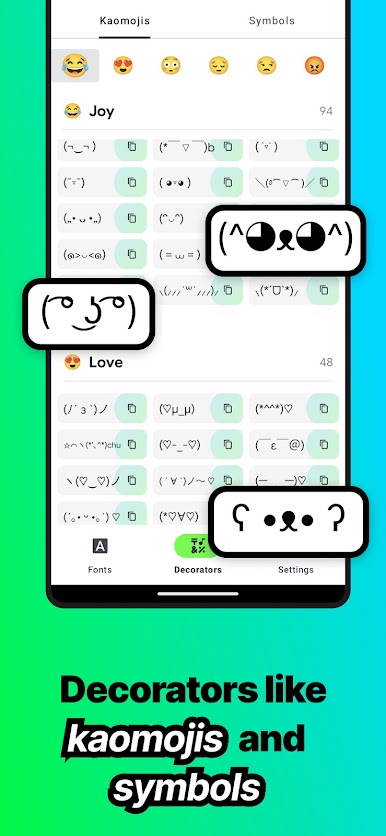
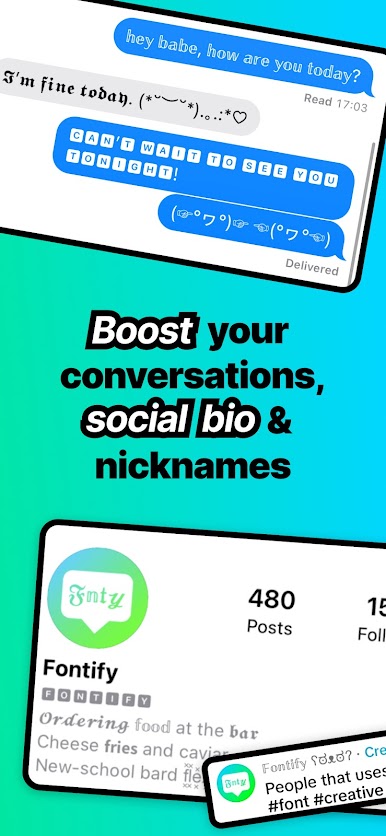
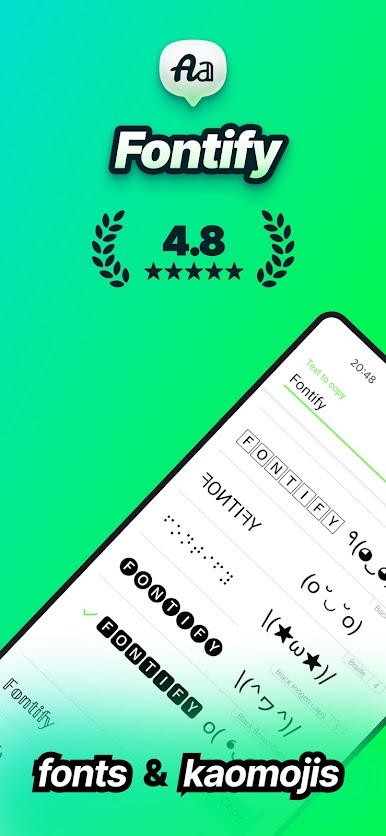
Looking for a quick way to give your Instagram bio or posts some real personality? Fontify – Fonts for Instagram is all about making your social media stand out just by changing up your text style. Whether you want bold and playful, sleek and modern, or something totally out there, it’s easy to add unique fonts across Instagram and pretty much anywhere else you want to post—Twitter, Facebook, WhatsApp, you name it. You just pick your look, copy, and paste. Super simple, but crazy effective.
App Features
-
Easy Custom Text
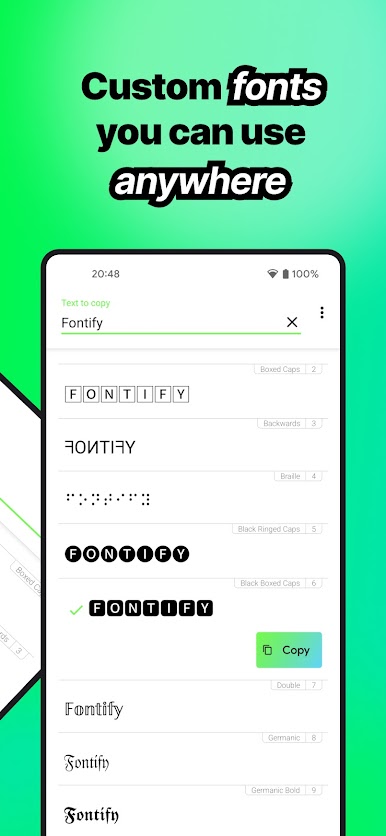
Type in whatever message, status, or comment you’ve got in mind, and watch Fontify transform it with all kinds of fonts. No long tutorials or complicated menus. -
Plenty of Font Choices
Scroll through a bunch of different font styles—some are fun, some are clean and simple, some could totally change the vibe of your profile. -
Copy & Paste Ready
Once your text has that perfect look, just tap to copy it. Then drop it into Instagram, Twitter, Facebook, WhatsApp, or pretty much anywhere you hang out online. -
No Fuss, Just Style
There’s no sign-up and nothing extra to download—just use Fontify when you need it, and get right back to posting. -
Works Smoothly on BlueStacks
Want bigger workspace or easier multitasking? Fontify – Fonts for Instagram runs just as well through BlueStacks, so you can switch things up on your PC too, not just your phone.
BlueStacks gives you the much-needed freedom to experience your favorite apps on a bigger screen. Get it now.
Zagraj w Fontify - Fonts for Instagram na PC. To takie proste.
-
Pobierz i zainstaluj BlueStacks na PC
-
Zakończ pomyślnie ustawienie Google, aby otrzymać dostęp do sklepu Play, albo zrób to później.
-
Wyszukaj Fontify - Fonts for Instagram w pasku wyszukiwania w prawym górnym rogu.
-
Kliknij, aby zainstalować Fontify - Fonts for Instagram z wyników wyszukiwania
-
Ukończ pomyślnie rejestrację Google (jeśli krok 2 został pominięty) aby zainstalować Fontify - Fonts for Instagram
-
Klinij w ikonę Fontify - Fonts for Instagram na ekranie startowym, aby zacząć grę

