


CheckMyTrip
Chơi trên PC với BlueStacks - Nền tảng chơi game Android, được hơn 500 triệu game thủ tin tưởng.

Trang đã được sửa đổi vào: Dec 2, 2025
Play CheckMyTrip on PC
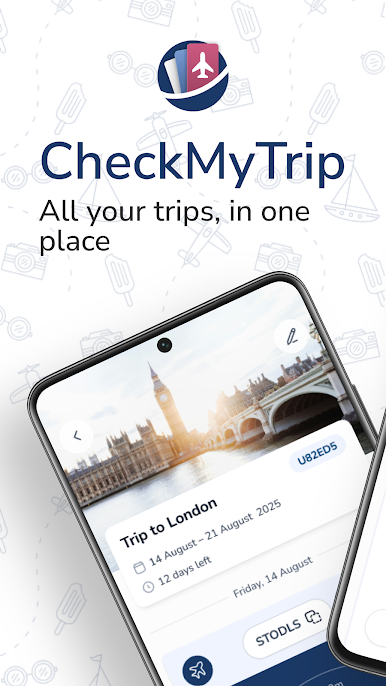
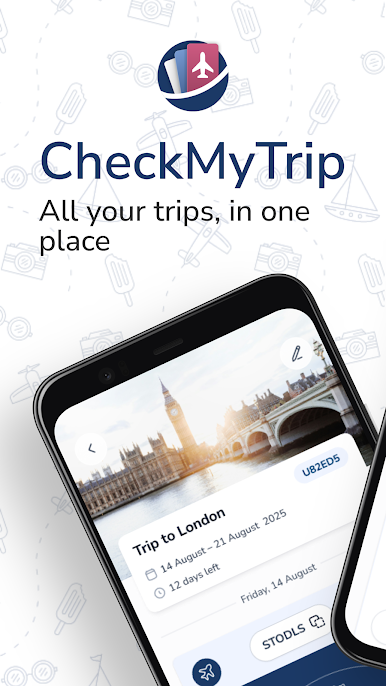
Everything you need for a seamless journey, all in one place.
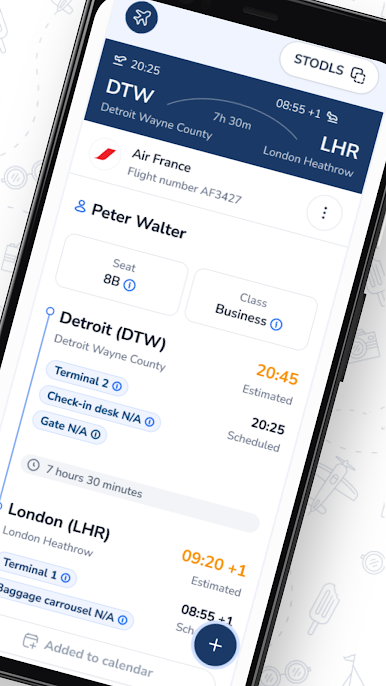
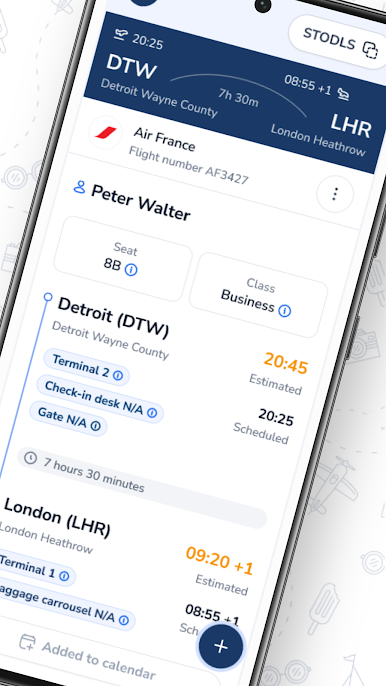
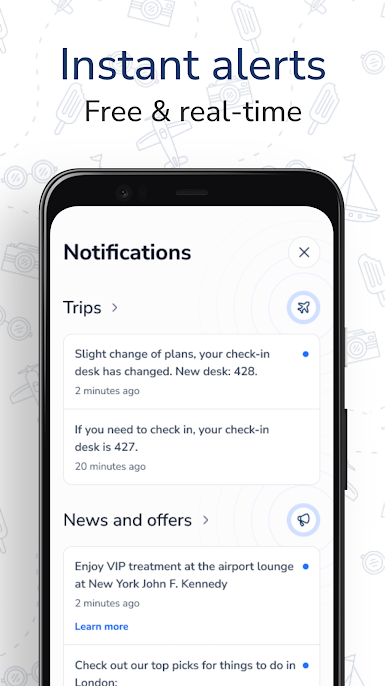
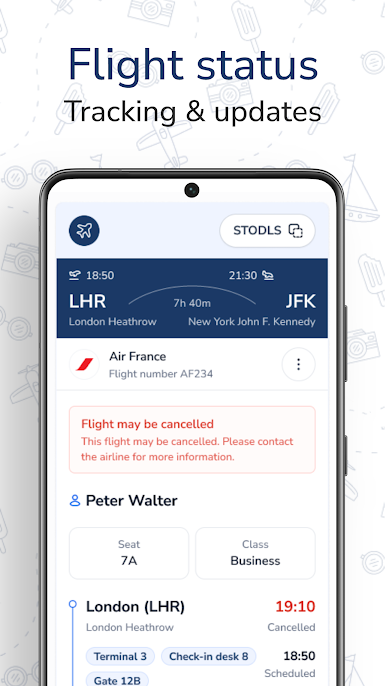
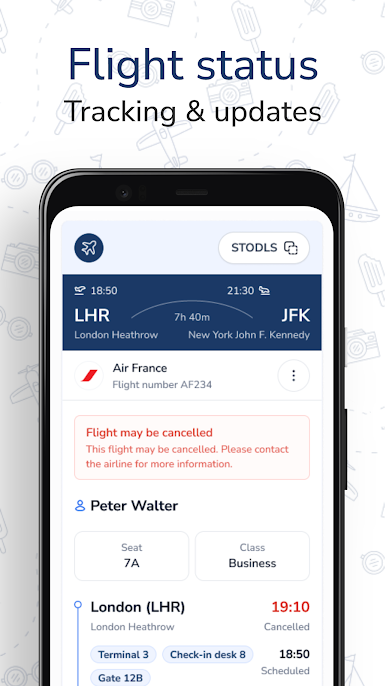
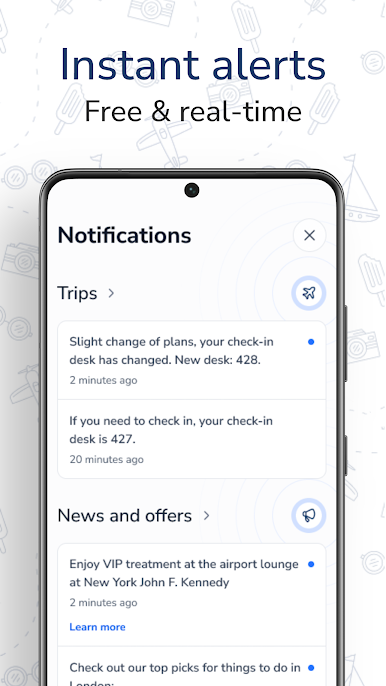
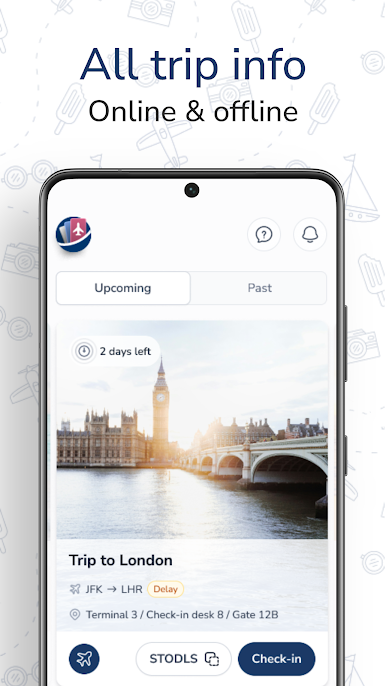
✈️ FREE REAL-TIME FLIGHT TRACKER & ALERTS
Get instant alerts about delays, gate changes, and terminal information – completely free.
📅 TRIP PLANNER & ITINERARY ORGANIZER
See your entire trip at a glance – flights, hotels, and all travel details in one simple itinerary.
⏰ CHECK-IN REMINDERS
Never miss your check-in window again. Receive timely notifications when it's time to secure your seat.
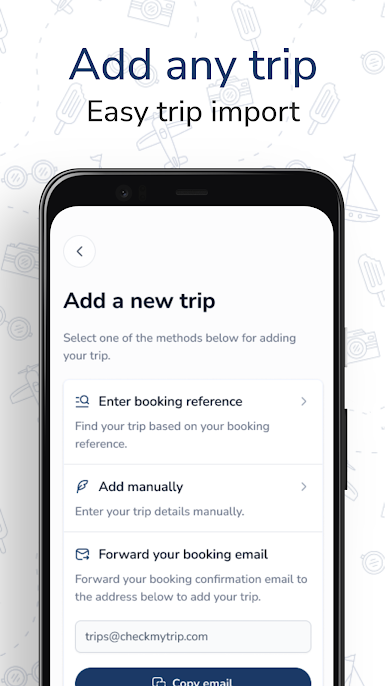
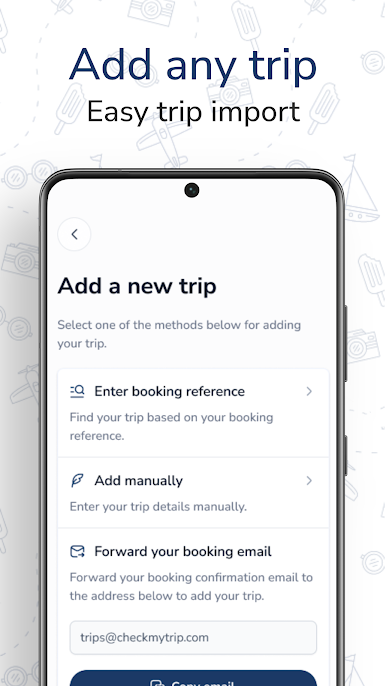
📱 EASY TRIP IMPORT
Forward your confirmation emails, enter your booking number, or add trip details manually in seconds.
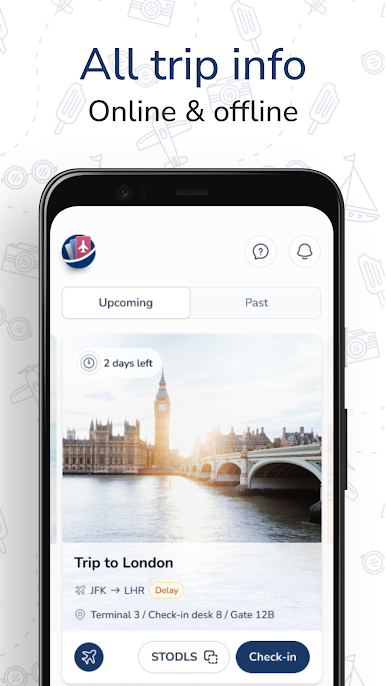
🌐 ACCESS ANYWHERE, ANYTIME
View all your travel details both offline and online – perfect for when you're on the go.
🎯 CURATED LOCAL ACTIVITIES
Explore what to do at your destination with our handpicked activities and tours. From must-see attractions to hidden gems, make the most of every trip.
✔️ TRAVEL SERVICES WHEN YOU NEED THEM
Quick access to travel extras like transfers, activities, and airport lounge access, wherever you are in the world.
**Please Note:**
CheckMyTrip is not a travel agency. We display information based on trip details you add to your account. For changes to bookings, please contact your airline, hotel or travel provider directly.
Privacy Policy: https://checkmytrip.com/privacy-policy
By downloading the app, you accept the Terms & Conditions of use.
https://checkmytrip.com/terms-and-conditions/
Questions? Contact us: feedback@checkmytrip.com
Chơi CheckMyTrip trên PC. Rất dễ để bắt đầu
-
Tải và cài đặt BlueStacks trên máy của bạn
-
Hoàn tất đăng nhập vào Google để đến PlayStore, hoặc thực hiện sau
-
Tìm CheckMyTrip trên thanh tìm kiếm ở góc phải màn hình
-
Nhấn vào để cài đặt CheckMyTrip trong danh sách kết quả tìm kiếm
-
Hoàn tất đăng nhập Google (nếu bạn chưa làm bước 2) để cài đặt CheckMyTrip
-
Nhấn vào icon CheckMyTrip tại màn hình chính để bắt đầu chơi

