


First Words for Baby: Animals
Graj na PC z BlueStacks – Platforma gamingowa Android, która uzyskała zaufanie ponad 500 milionów graczy!

Strona zmodyfikowana w dniu: Jun 21, 2023
Play First Words for Baby: Animals on PC or Mac
First Words for Baby: Animals brings the Educational genre to life, and throws up exciting challenges for gamers. Developed by Androbaby, this Android game is best experienced on BlueStacks, the World’s #1 app player for PC and Mac users.
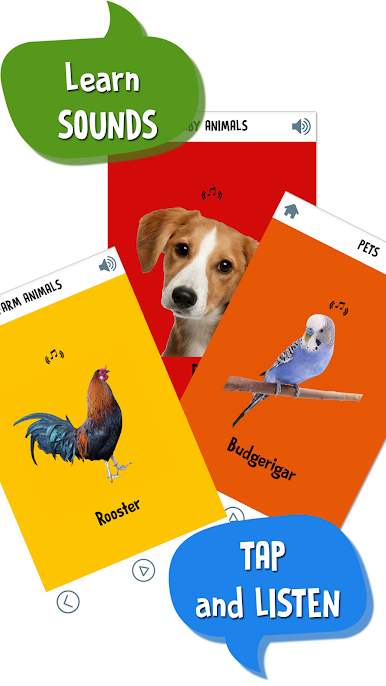
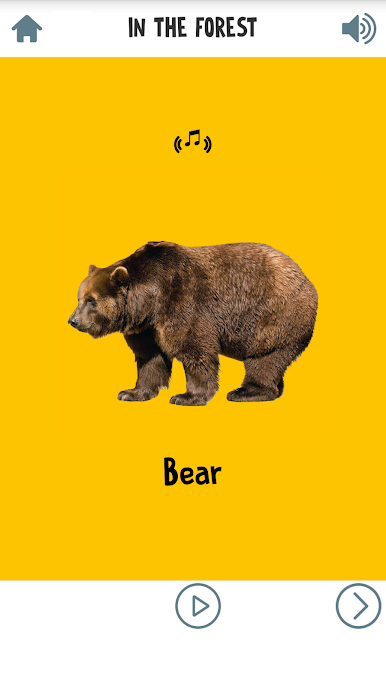
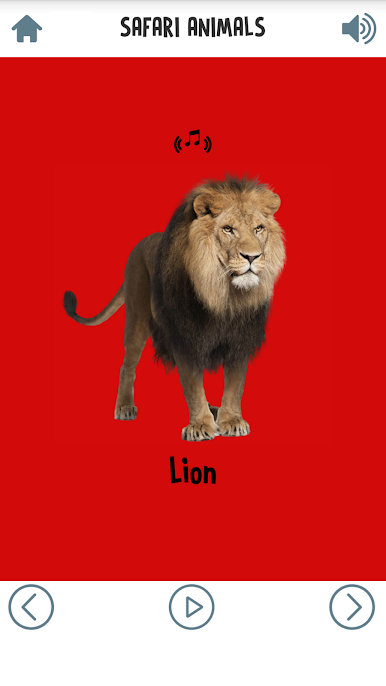
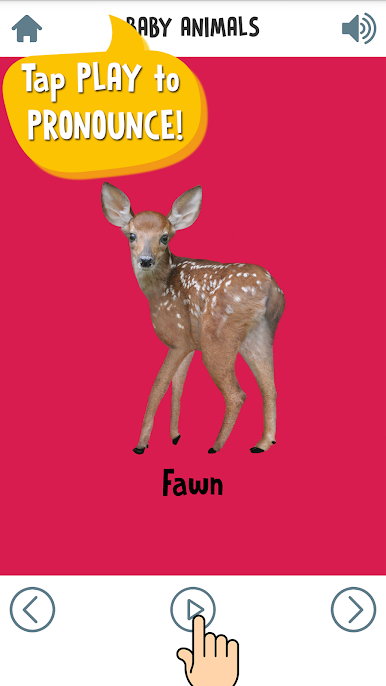
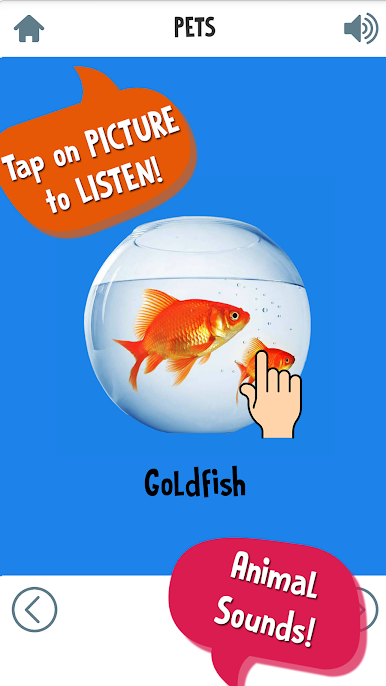
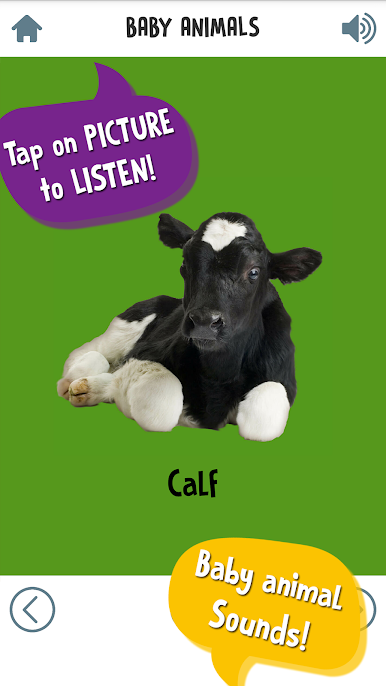
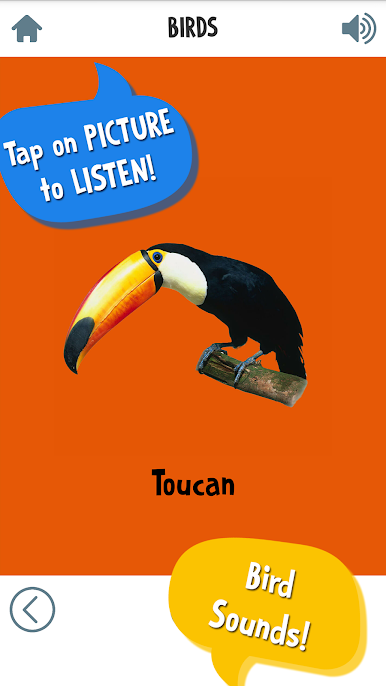
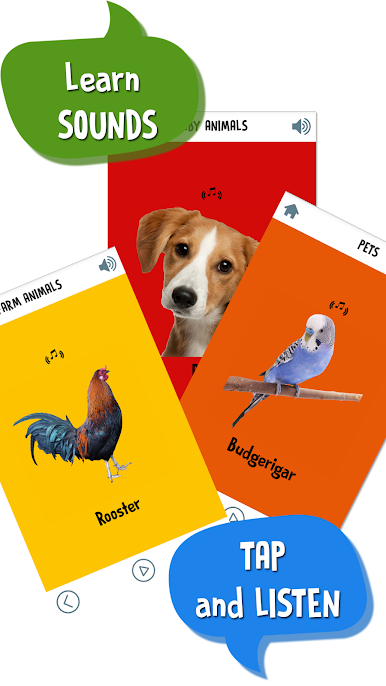
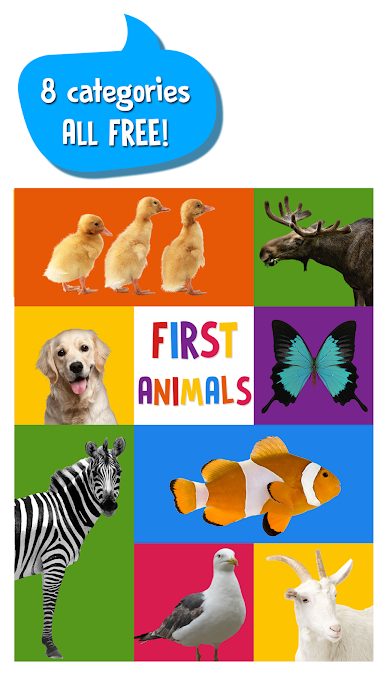
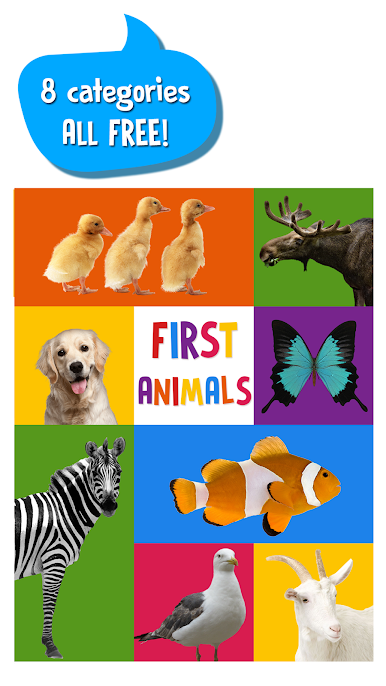
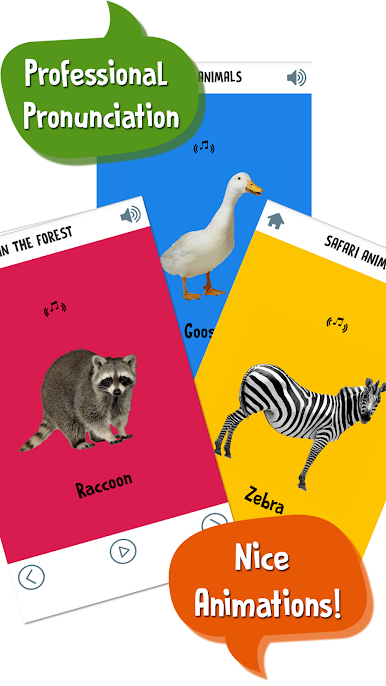
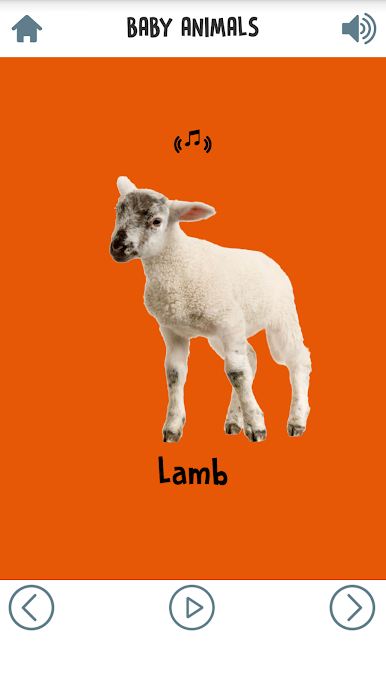
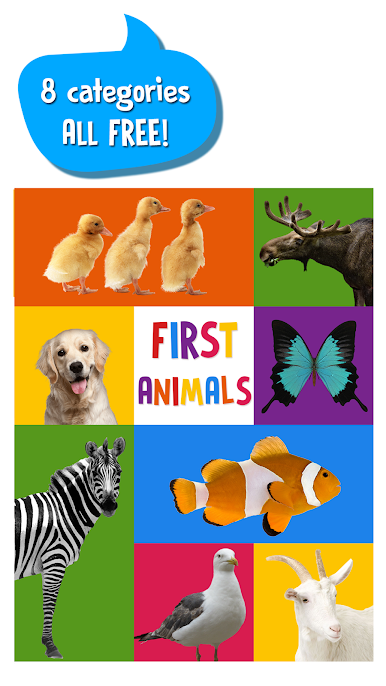
First Words for Baby: Animals is a really simple little game all about teaching young kids animal names. It’s set up almost like digital flash cards, with a ton of pictures—over 80 different animals—grouped into sections like pets, forest creatures, birds, and water animals. What makes it pretty fun is the way each animal is shown with bright, colorful images that grab a kid’s attention, plus you get the animal’s name said out loud in a super clear voice. That way, even little ones who can’t read yet start connecting the picture with the word and the sound.
There are small animations and animal noises that pop up when a card’s tapped, so it’s not totally static—kids get some movement and sound to match what they’re seeing. The app’s super straightforward, which is honestly great for tiny kids. There’s nothing complicated about moving from one animal to the next, so kids as young as one or two can poke around and enjoy it on their own, though it’s easy enough for a parent to join in too. Playing it on a PC with BlueStacks just throws everything up on a bigger screen, so the colors and pictures really stand out. For anyone looking for something educational but low-stress for little ones, especially to help them pick up animal names and sounds, it’s genuinely hard to get lost or frustrated here.
Ready to top the leaderboard? We bet you do. Let precise controls and sharp visuals optimized on BlueStacks lead you to victory.

Zagraj w First Words for Baby: Animals na PC. To takie proste.
-
Pobierz i zainstaluj BlueStacks na PC
-
Zakończ pomyślnie ustawienie Google, aby otrzymać dostęp do sklepu Play, albo zrób to później.
-
Wyszukaj First Words for Baby: Animals w pasku wyszukiwania w prawym górnym rogu.
-
Kliknij, aby zainstalować First Words for Baby: Animals z wyników wyszukiwania
-
Ukończ pomyślnie rejestrację Google (jeśli krok 2 został pominięty) aby zainstalować First Words for Baby: Animals
-
Klinij w ikonę First Words for Baby: Animals na ekranie startowym, aby zacząć grę

