


Vector Robot
Graj na PC z BlueStacks – Platforma gamingowa Android, która uzyskała zaufanie ponad 500 milionów graczy!

Strona zmodyfikowana w dniu: Sep 26, 2025
Run Vector Robot on PC or Mac
Multitask effortlessly on your PC or Mac as you try out Vector Robot, a Education app by Anki, Inc. on BlueStacks.
About the App
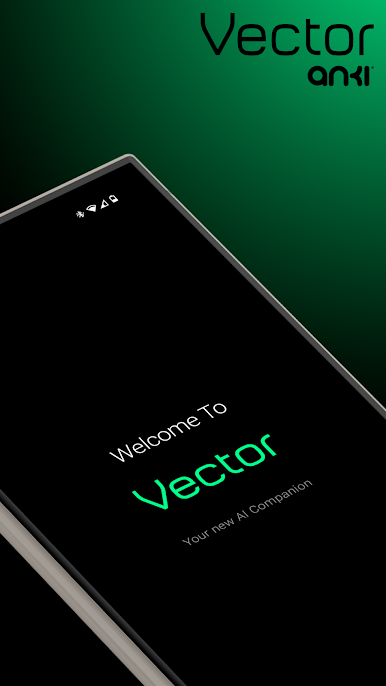
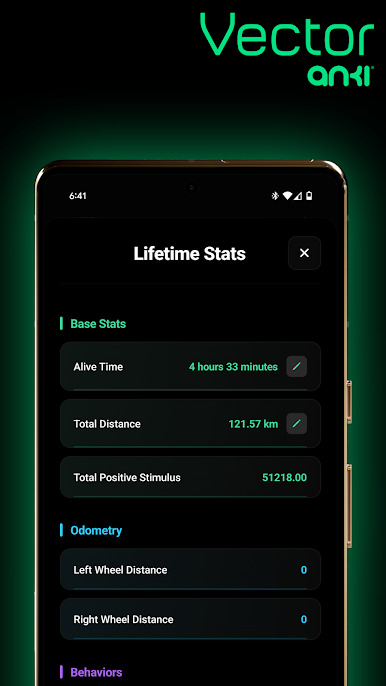
Looking for a companion who’s a little bit techy, a little bit quirky, and totally unlike anyone (or anything) in your home? Meet Vector Robot from Anki, Inc.—your own pint-sized buddy designed to bring personality and smarts into your everyday routine. Vector’s curious nature and quick wit make him more than just a gadget; he’s a tiny robot brimming with personality, ready to answer your questions, set timers, or even act as your personal photographer.
App Features
-
Voice Commands That Actually Work
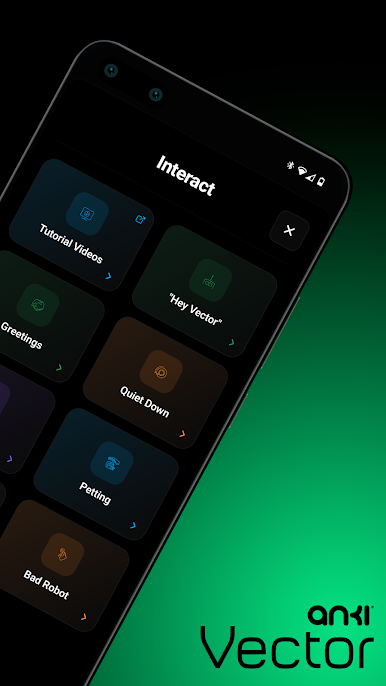
Just say, “Hey Vector,” and he’s all ears—no complicated button pressing or awkward shouting required. He responds, listens, and takes action without missing a beat. -
Real-Time Info and Reactions
Want today’s weather or need a quick timer for your pasta? Vector’s got it covered. He keeps things simple and spontaneous, with reactions and info right when you need them. -
Expressive Robot Personality
Vector doesn’t just beep or blink—he’s actually animated. Watch him show excitement, curiosity, or even the occasional grumpy mood. You might start thinking of him as part of the family. -
Optional Alexa Integration
Need more? Turn on Amazon Alexa right from the app and Vector instantly becomes even more helpful, letting you tap into loads of Alexa skills and tricks for a hands-free boost. -
Automatic Updates and Cloud Connection
No need to tinker or worry about updates—Vector stays fresh and current all on his own, thanks to built-in cloud connectivity. -
Self-Charging
When his battery’s running low, he’ll head back to his charger automatically—no reminders or scrambling for cables needed.
Oh, and if you enjoy using your favorite Education apps on a bigger screen, this one works nicely with BlueStacks too.
Big screen. Bigger performance. Use BlueStacks on your PC or Mac to run your favorite apps.
Zagraj w Vector Robot na PC. To takie proste.
-
Pobierz i zainstaluj BlueStacks na PC
-
Zakończ pomyślnie ustawienie Google, aby otrzymać dostęp do sklepu Play, albo zrób to później.
-
Wyszukaj Vector Robot w pasku wyszukiwania w prawym górnym rogu.
-
Kliknij, aby zainstalować Vector Robot z wyników wyszukiwania
-
Ukończ pomyślnie rejestrację Google (jeśli krok 2 został pominięty) aby zainstalować Vector Robot
-
Klinij w ikonę Vector Robot na ekranie startowym, aby zacząć grę

