


A4 Typer - Play and increase y
Graj na PC z BlueStacks – Platforma gamingowa Android, która uzyskała zaufanie ponad 500 milionów graczy!

Strona zmodyfikowana w dniu: Oct 11, 2025
Play A4 Typer - Play and increase your typing speed on PC or Mac
Explore a whole new adventure with A4 Typer – Play and increase your typing speed, a Puzzle game created by APM2 Studio. Experience great gameplay with BlueStacks, the most popular gaming platform to play Android games on your PC or Mac.
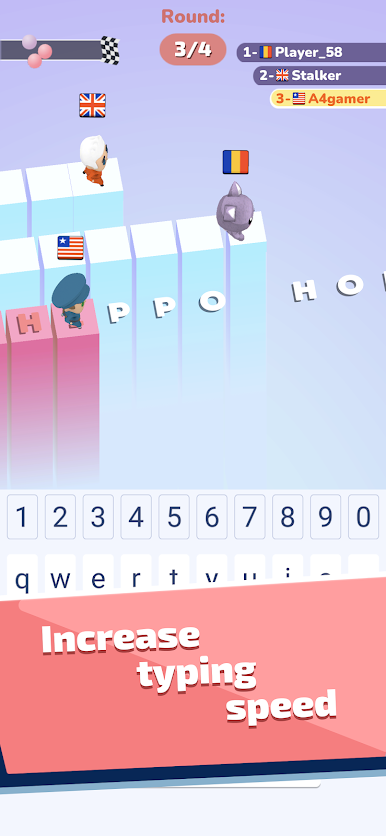
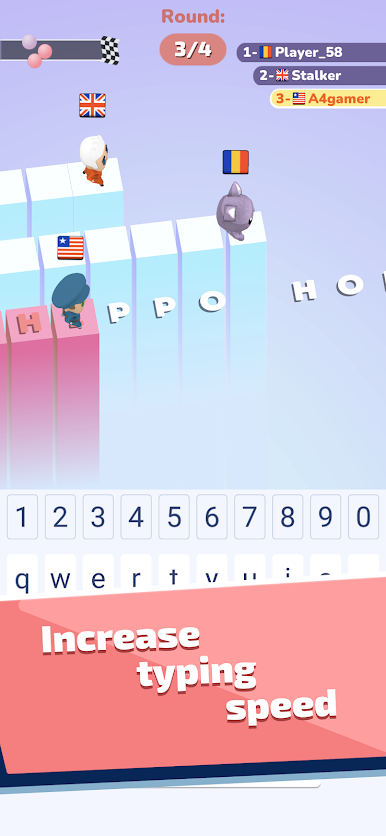
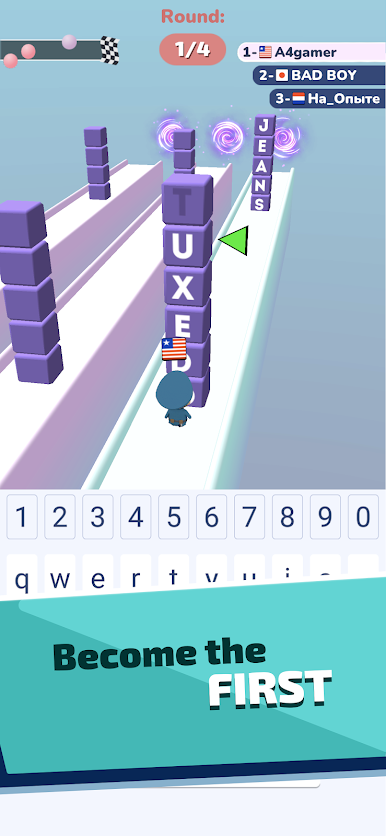
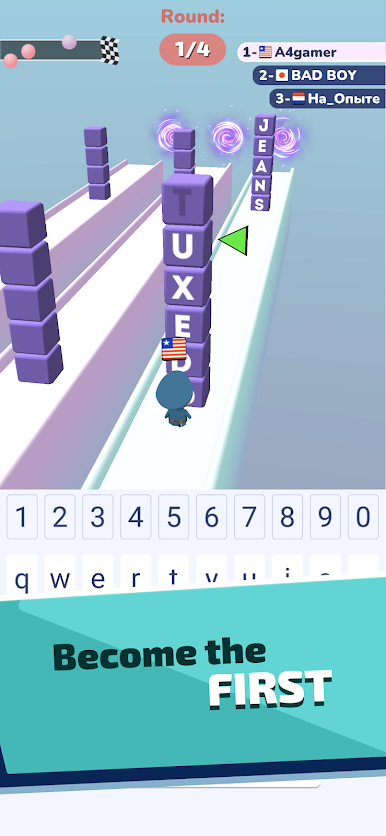
A4 Typer feels a bit like a quirky twist on classic typing games, but with a lot more going on. Instead of just regular typing drills, there are a bunch of different mini-games tossed in. Sometimes it’s a race where you’re typing full sentences as fast as possible, trying to keep ahead of everyone else. Other times, it switches to word puzzles where you’re scanning the screen for letters to piece words together, or weird little missions like chasing someone or needing to type out the name of the object you want to throw at a pursuer. There’s this playful energy throughout, with colorful levels and goofy characters that keep things light, not stressful. Plus, all the practice actually helps with typing speed, since the words and letter combos are stuff people actually use while texting or messaging.
Playing this on BlueStacks on PC adds that smooth keyboard feel too, so anyone used to computer typing will find it satisfying. The interface is really easy to pick up, and the game throws new mini-games at you pretty often so it never stays boring for long. There’s a bit of friendly competition too, since you can challenge other players or friends, but it never feels super intense—just good practice and a few laughs. For someone who just wants to sharpen up their typing in a game that doesn’t take itself too seriously, this one stands out.
Get ready for a buttery smooth, high-performance gaming action only on BlueStacks.



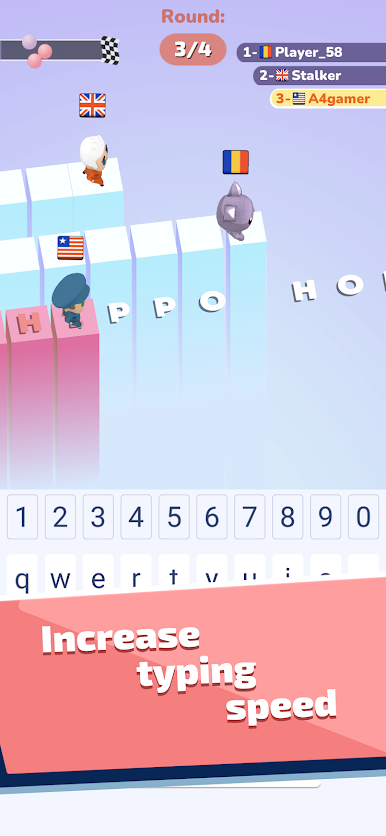
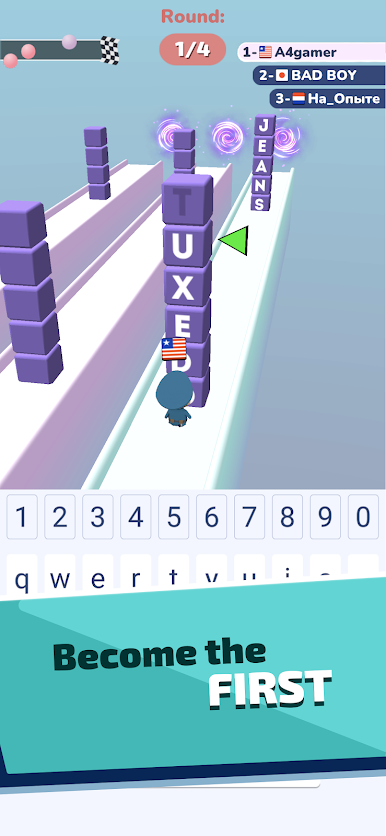



Zagraj w A4 Typer - Play and increase y na PC. To takie proste.
-
Pobierz i zainstaluj BlueStacks na PC
-
Zakończ pomyślnie ustawienie Google, aby otrzymać dostęp do sklepu Play, albo zrób to później.
-
Wyszukaj A4 Typer - Play and increase y w pasku wyszukiwania w prawym górnym rogu.
-
Kliknij, aby zainstalować A4 Typer - Play and increase y z wyników wyszukiwania
-
Ukończ pomyślnie rejestrację Google (jeśli krok 2 został pominięty) aby zainstalować A4 Typer - Play and increase y
-
Klinij w ikonę A4 Typer - Play and increase y na ekranie startowym, aby zacząć grę

