


Radios de Venezuela en vivo
Chơi trên PC với BlueStacks - Nền tảng chơi game Android, được hơn 500 triệu game thủ tin tưởng.

Trang đã được sửa đổi vào: Dec 16, 2025
Run Radio Venezuela: Radio Online y Radio FM on PC or Mac
Why limit yourself to your small screen on the phone? Run Radio Venezuela: Radio Online y Radio FM, an app by AppMind – Radio FM, Radio Online, Music and News, best experienced on your PC or Mac with BlueStacks, the world’s #1 Android emulator.
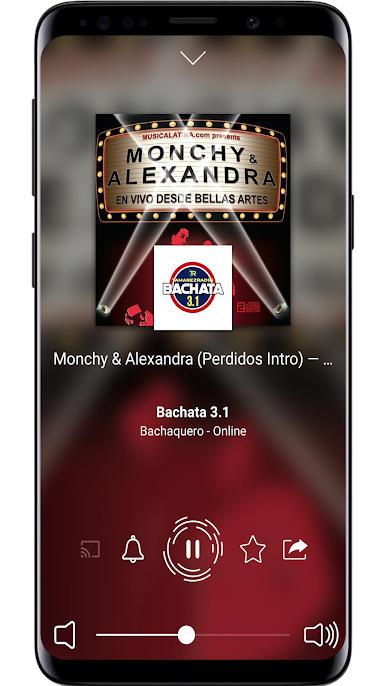
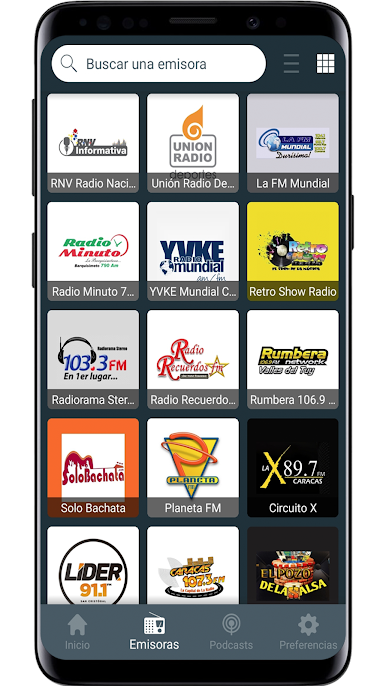
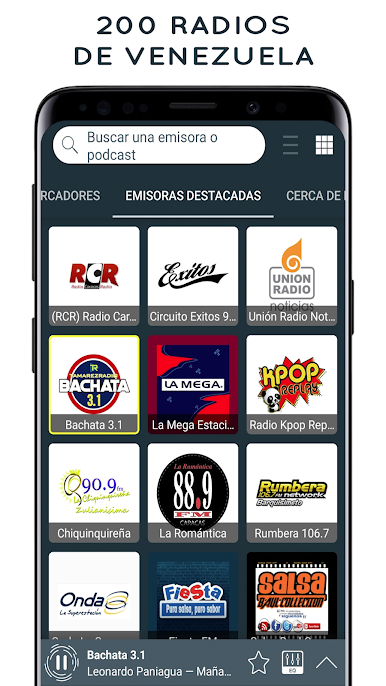
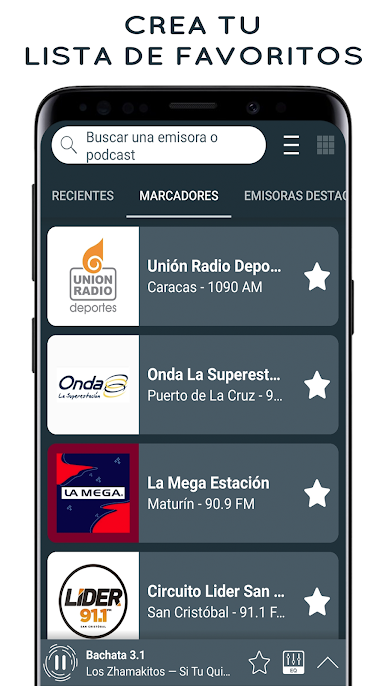
Radio Venezuela is like having a whole bunch of Venezuelan radio stations right on your computer screen, super easy to scroll through and pick whatever fits your mood. It works really well on a bigger screen with BlueStacks, so it’s actually even simpler to switch between music, news, or sports—whatever’s on your mind that day. The interface isn’t cluttered or confusing; there’s just one main page with tons of stations, and it only takes a click to mark favorites or look something up. Switching stations is quick, and you don’t have to dig around for the stuff you like. It’s got that option for dark mode too, so if you’re someone who sits at their PC in the evenings, you won’t be blinded by a bright screen.
What stands out is that the app lets you listen in the background while doing other things—like answering emails or browsing—so it never really gets in the way. Plus, you can check what’s playing right now on many stations, set a sleep timer or even use the alarm option if you want to wake up to music. No need for headphones either; just use your speakers. If you’ve got Bluetooth speakers or Chromecast, that’s covered too. And for anyone outside Venezuela or missing home, it’s a straightforward way to tune in to familiar voices and songs, no hassle. There are a ton of stations, stuff like La Mega, Union Radio Noticias, and even some smaller channels that might be harder to find elsewhere. It’s honestly just a practical, simple app for catching Venezuelan radio, and navigating it on PC feels as natural as using a regular radio dial—just with a lot more options.
Big screen. Bigger performance. Use BlueStacks on your PC or Mac to run your favorite apps.
Chơi Radios de Venezuela en vivo trên PC. Rất dễ để bắt đầu
-
Tải và cài đặt BlueStacks trên máy của bạn
-
Hoàn tất đăng nhập vào Google để đến PlayStore, hoặc thực hiện sau
-
Tìm Radios de Venezuela en vivo trên thanh tìm kiếm ở góc phải màn hình
-
Nhấn vào để cài đặt Radios de Venezuela en vivo trong danh sách kết quả tìm kiếm
-
Hoàn tất đăng nhập Google (nếu bạn chưa làm bước 2) để cài đặt Radios de Venezuela en vivo
-
Nhấn vào icon Radios de Venezuela en vivo tại màn hình chính để bắt đầu chơi

