

Admin Hand SSH/SFTP/FTP Client
Chơi trên PC với BlueStacks - Nền tảng chơi game Android, được hơn 500 triệu game thủ tin tưởng.

Trang đã được sửa đổi vào: Jul 4, 2021
Run Admin Hand SSH/SFTP/FTP Client on PC or Mac
Let BlueStacks turn your PC, Mac, or laptop into the perfect home for Admin Hand SSH/SFTP/FTP Client, a fun Communication app from ARPAPLUS.
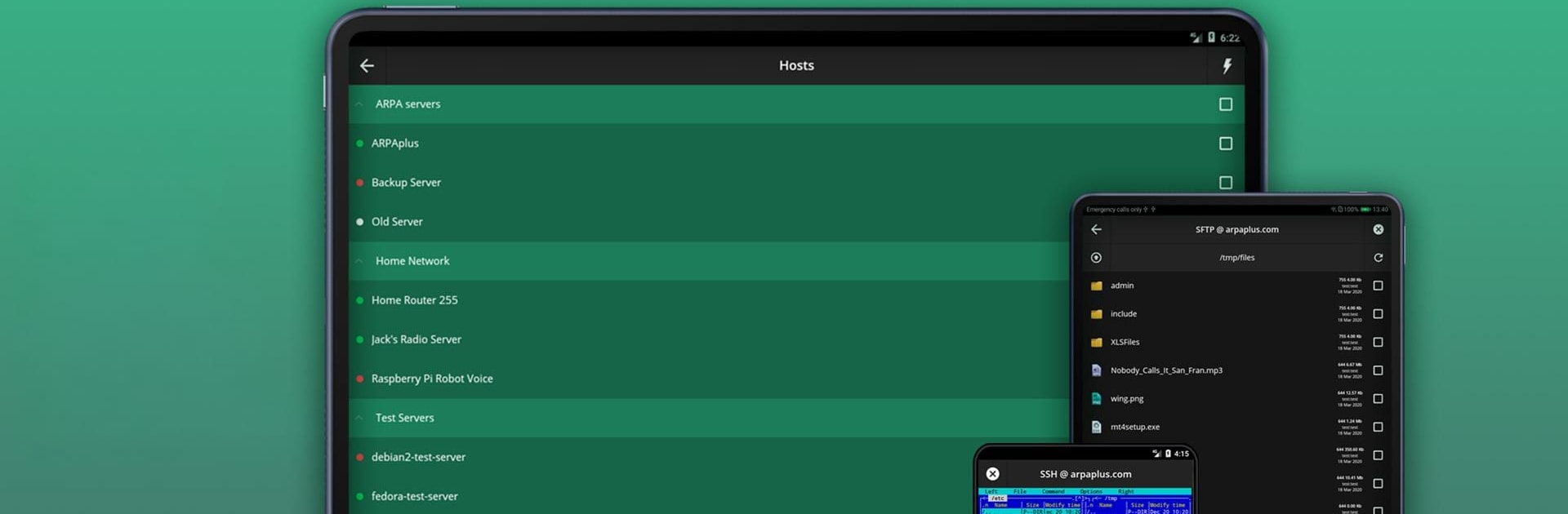
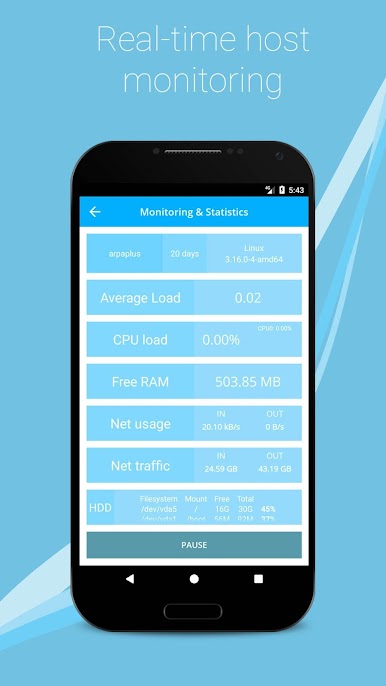
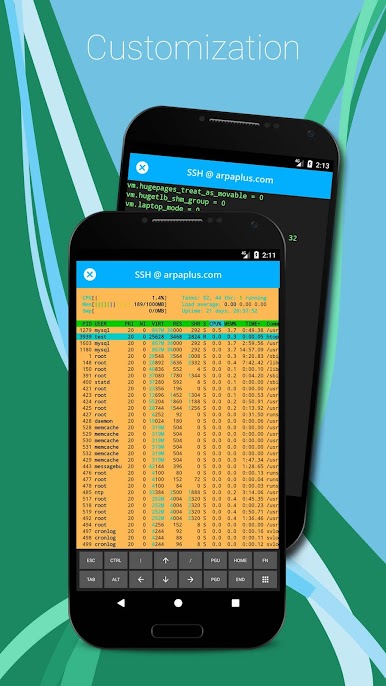
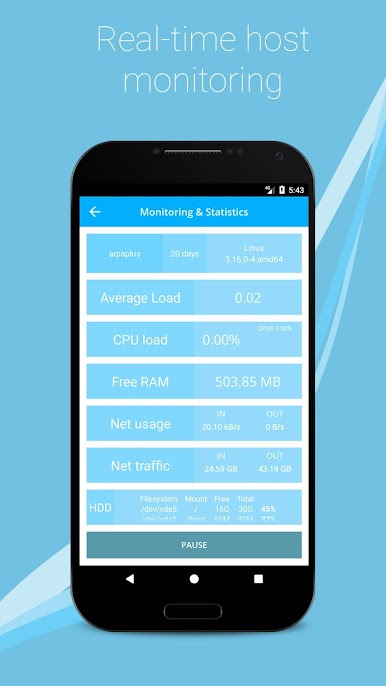
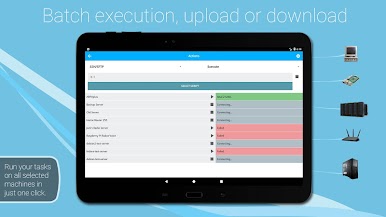
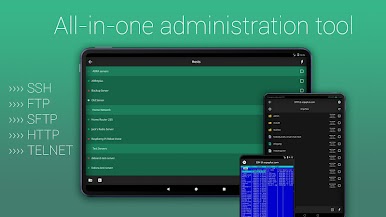
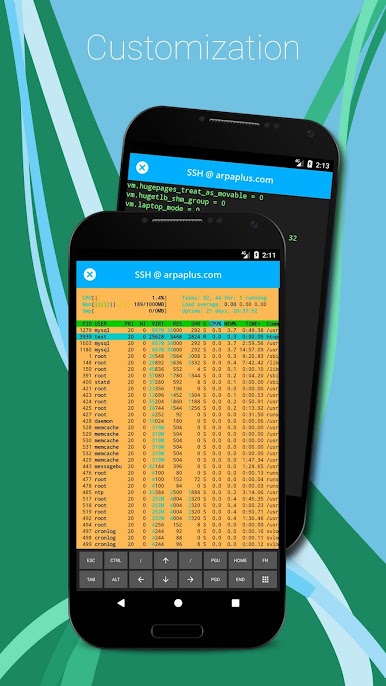
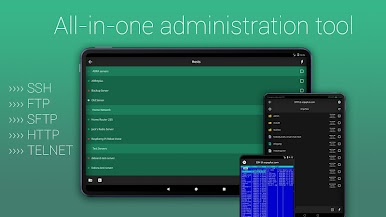
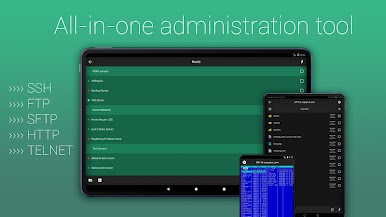
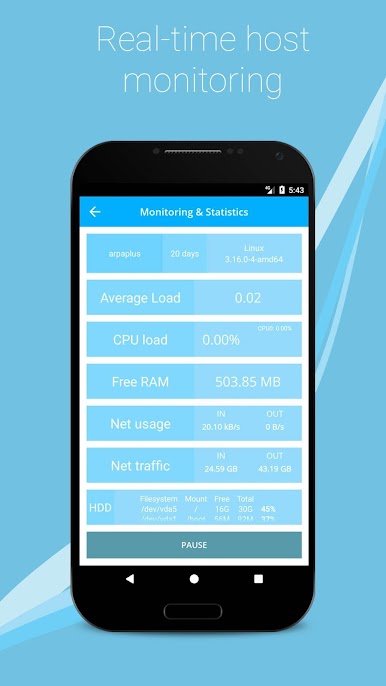
This app basically lets someone handle all the usual server connections—SSH, SFTP, FTP, even Telnet—from one place, and it’s surprisingly smooth when running on a PC with BlueStacks. There’s a ton packed in here: switching between sessions is fast, batch actions actually make working with a bunch of servers way less of a headache, and there’s this built-in text editor with syntax highlighting, which makes tweaking files and scripts a lot easier. Monitoring server status is kind of front and center, so it’s simple to check things like RAM, CPU, disk space, and network stats all in real time, which is useful if someone likes to keep an eye on their machines without needing too many tools open.
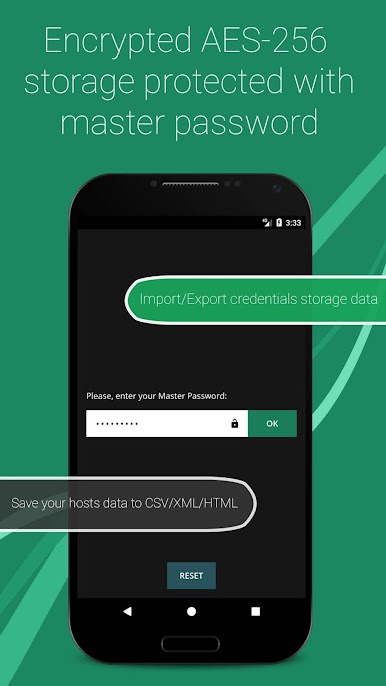
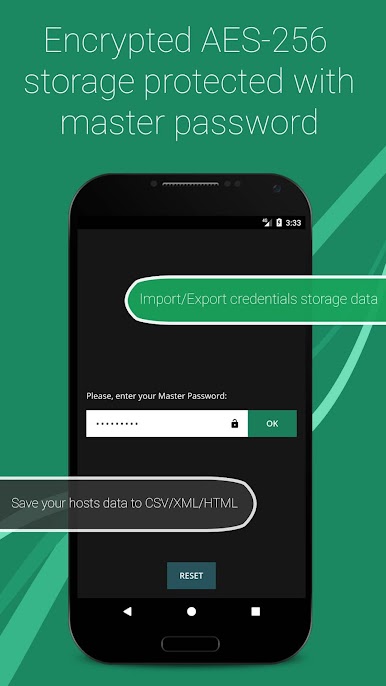
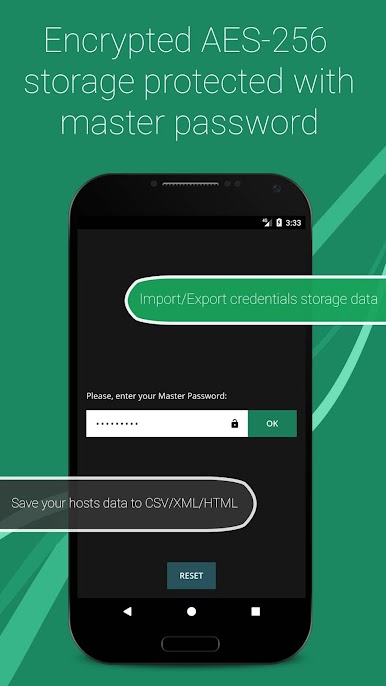
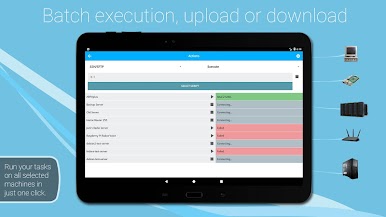
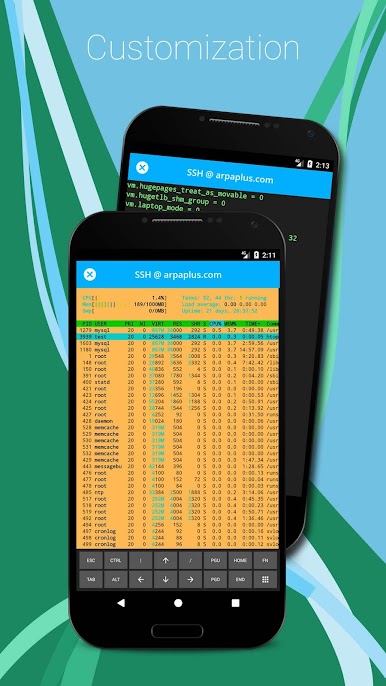
The interface actually feels modern, and using it doesn’t feel clunky or old-school. Organizing hosts in groups or exporting/importing lists between machines works reliably, and the password manager’s encryption setup is solid—it’s totally possible to generate passwords right inside the app. There are good touches, like an extra keyboard for special characters in the terminal and handy batch modes for executing commands or transferring files to several servers at once. Things don’t really slow down much, even with multiple sessions running, which is great if someone has a bunch of servers to juggle. On top of all that, having a widget for quick stats and host monitoring is helpful, and being able to automate stuff across several machines saves time. Definitely made for folks who need to handle server stuff a lot, but the clear layout and straightforward tools mean it doesn’t feel overly technical just to get started.
BlueStacks gives you the much-needed freedom to experience your favorite apps on a bigger screen. Get it now.
Chơi Admin Hand SSH/SFTP/FTP Client trên PC. Rất dễ để bắt đầu
-
Tải và cài đặt BlueStacks trên máy của bạn
-
Hoàn tất đăng nhập vào Google để đến PlayStore, hoặc thực hiện sau
-
Tìm Admin Hand SSH/SFTP/FTP Client trên thanh tìm kiếm ở góc phải màn hình
-
Nhấn vào để cài đặt Admin Hand SSH/SFTP/FTP Client trong danh sách kết quả tìm kiếm
-
Hoàn tất đăng nhập Google (nếu bạn chưa làm bước 2) để cài đặt Admin Hand SSH/SFTP/FTP Client
-
Nhấn vào icon Admin Hand SSH/SFTP/FTP Client tại màn hình chính để bắt đầu chơi

