

TOEFL Vocabulary Prep App
Chơi trên PC với BlueStacks - Nền tảng chơi game Android, được hơn 500 triệu game thủ tin tưởng.

Trang đã được sửa đổi vào: May 19, 2024
Run TOEFL preparation app. Learn English vocabulary on PC or Mac
Why limit yourself to your small screen on the phone? Run TOEFL preparation app. Learn English vocabulary, an app by Smart learning solutions, best experienced on your PC or Mac with BlueStacks, the world’s #1 Android emulator.
About the App
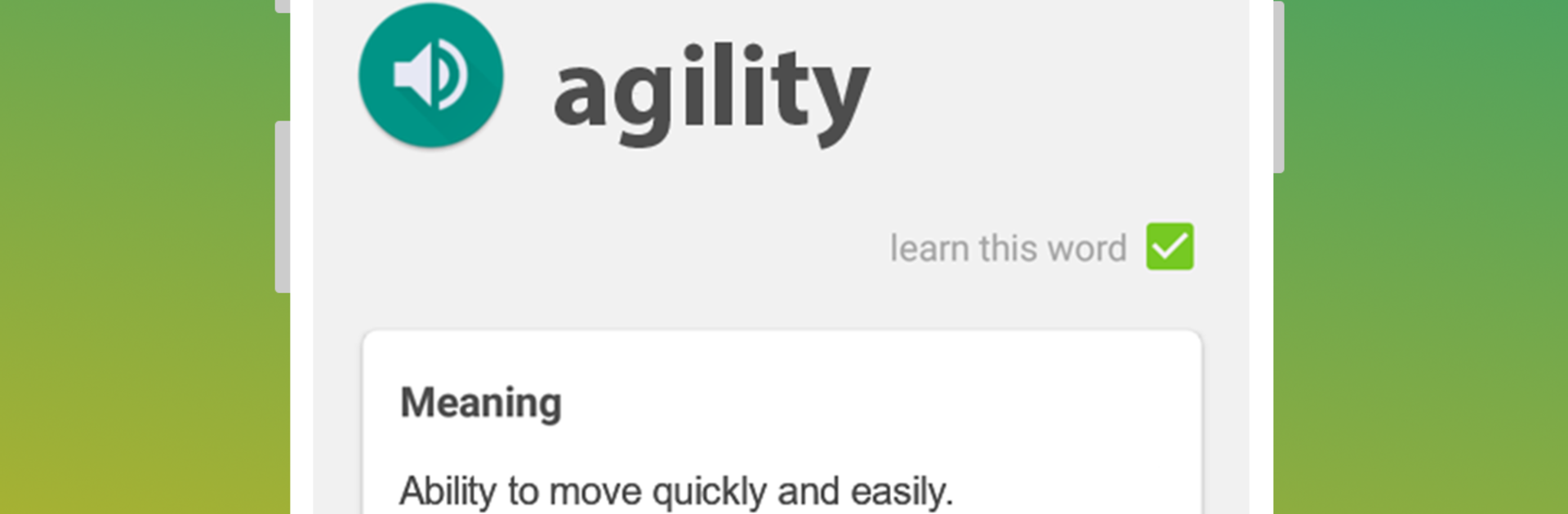
TOEFL preparation app. Learn English vocabulary is an Education app from Smart learning solutions built to help you master the kind of American English vocabulary the TOEFL actually tests. It keeps things simple: focused word lists, natural pronunciations, and a study flow that makes tough words stick. Prefer a bigger screen for long sessions? It also works nicely on BlueStacks.
App Features
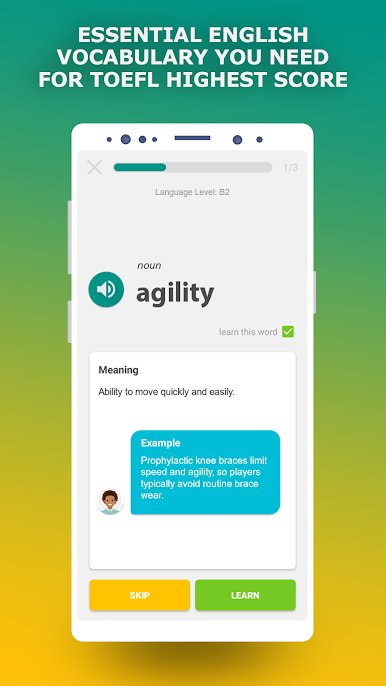
- Targeted TOEFL vocabulary — Study words that commonly appear on the exam, especially the academic terms you don’t always hear in everyday conversation.
- Native audio you can trust — Every entry includes clear pronunciation from native American English speakers, so your ear gets used to natural rhythm and sounds for the TOEFL Listening section.
- Clear definitions and phonetics — Get dictionary-style meanings, phonetic transcription, parts of speech, and other handy details that make tough words easier to remember.
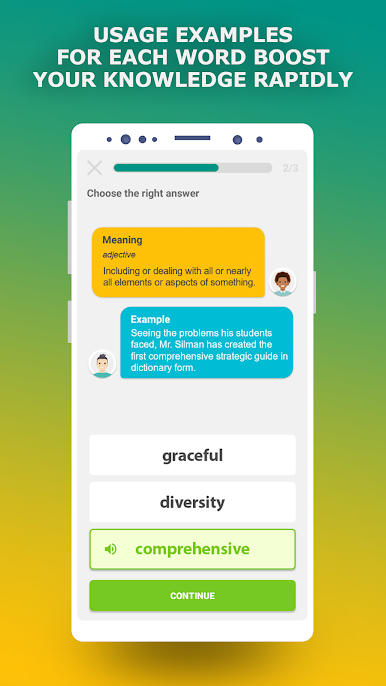
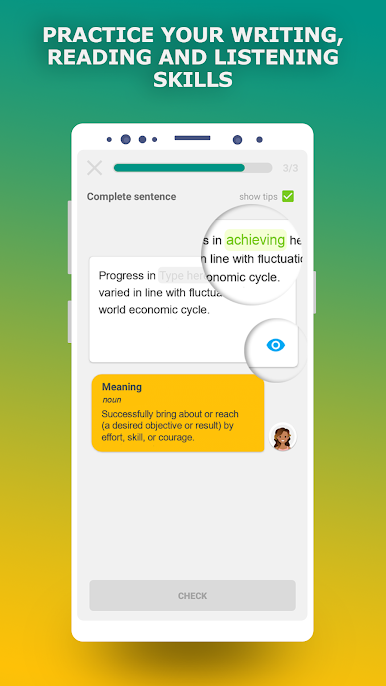
- Real usage in context — Explore over 40,000 example sentences, with up to 10 usage examples per word, to strengthen Reading and Speaking.
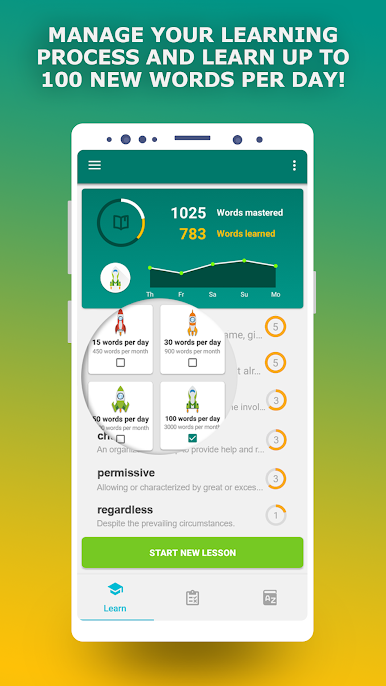
- Smart practice technique — A streamlined learning method helps you pick up and retain new words fast; many learners add thousands in a month when they stay consistent.
- Built for all TOEFL sections — The vocabulary work you do here supports Listening, Reading, Writing, and Speaking, including spelling accuracy for essays.
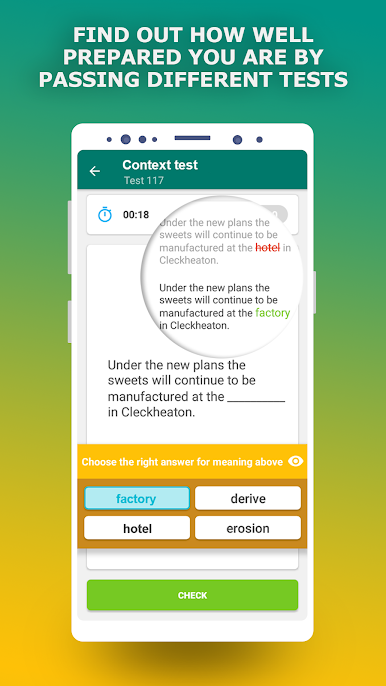
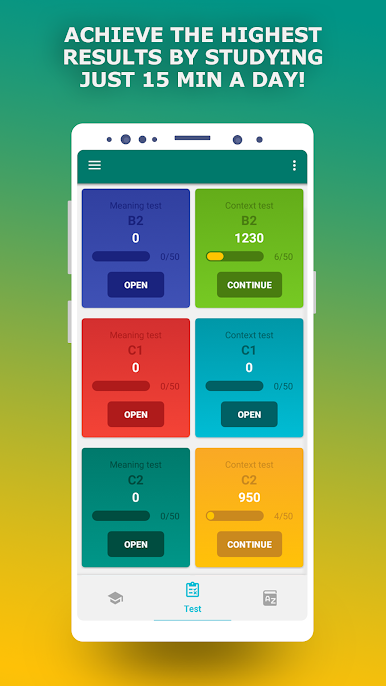
- Flashcards and quizzes — Test yourself with exercises across different difficulty levels and share your results with friends when you’re proud of your progress.
BlueStacks gives you the much-needed freedom to experience your favorite apps on a bigger screen. Get it now.

Chơi TOEFL Vocabulary Prep App trên PC. Rất dễ để bắt đầu
-
Tải và cài đặt BlueStacks trên máy của bạn
-
Hoàn tất đăng nhập vào Google để đến PlayStore, hoặc thực hiện sau
-
Tìm TOEFL Vocabulary Prep App trên thanh tìm kiếm ở góc phải màn hình
-
Nhấn vào để cài đặt TOEFL Vocabulary Prep App trong danh sách kết quả tìm kiếm
-
Hoàn tất đăng nhập Google (nếu bạn chưa làm bước 2) để cài đặt TOEFL Vocabulary Prep App
-
Nhấn vào icon TOEFL Vocabulary Prep App tại màn hình chính để bắt đầu chơi

