


Tafseer al Quran al Kareem
Chơi trên PC với BlueStacks - Nền tảng chơi game Android, được hơn 500 triệu game thủ tin tưởng.

Trang đã được sửa đổi vào: Aug 10, 2025
Run Tafseer al Quran al Kareem on PC or Mac
Get freedom from your phone’s obvious limitations. Use Tafseer al Quran al Kareem, made by UsmanPervez, a Education app on your PC or Mac with BlueStacks, and level up your experience.
About the App
If you’ve ever wanted an easy way to read, understand, and study the Quran—especially in Urdu—Tafseer al Quran al Kareem is a solid companion. With clear translation and detailed tafseer by Maulana Abdus Salam Bhatvi, you get a whole lot more than just the text. Whether you’re brushing up on a specific ayah or simply want some guidance, this Education app by UsmanPervez keeps everything at your fingertips, wrapped up in an interface that’s both friendly and customizable.
App Features
-
Full Quran Tafseer
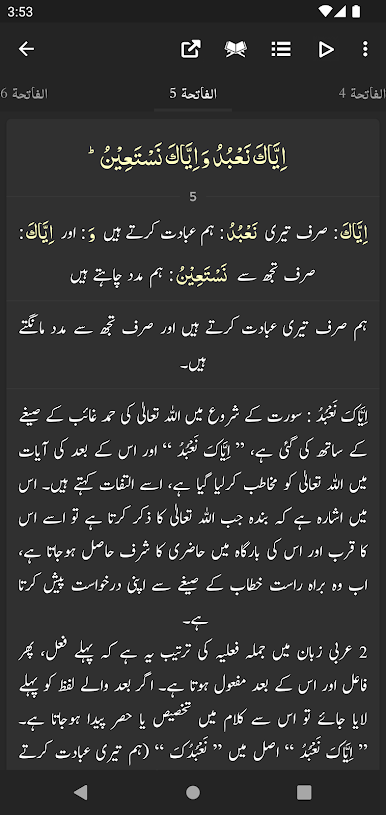
Get direct access to the complete Tafseer al Quran al Kareem authored by Maulana Abdus Salam Bhatvi, so you’re always a tap away from deeper understanding. -
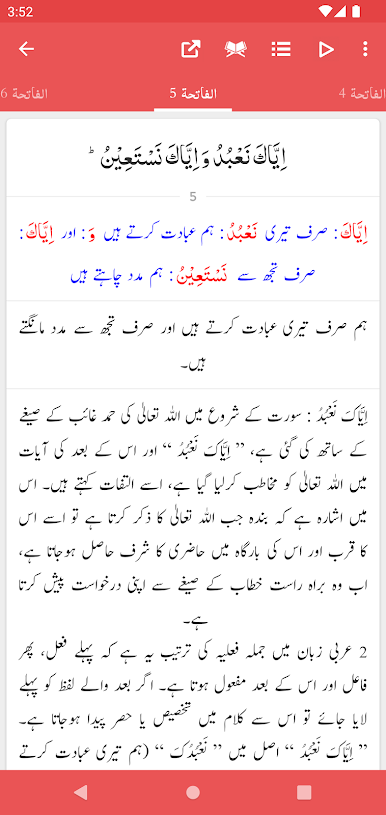
Word-by-Word Colored Translation
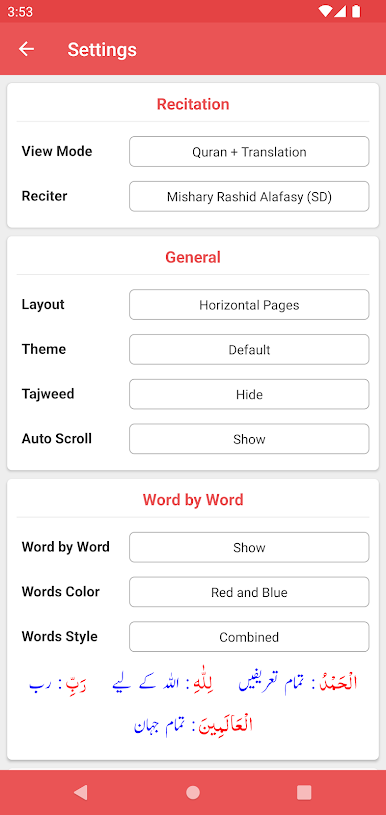
Not only is the translation clear—it’s color-coded, making it easier to follow along, especially if you’re diving into word meanings. -
Advanced Search Tools
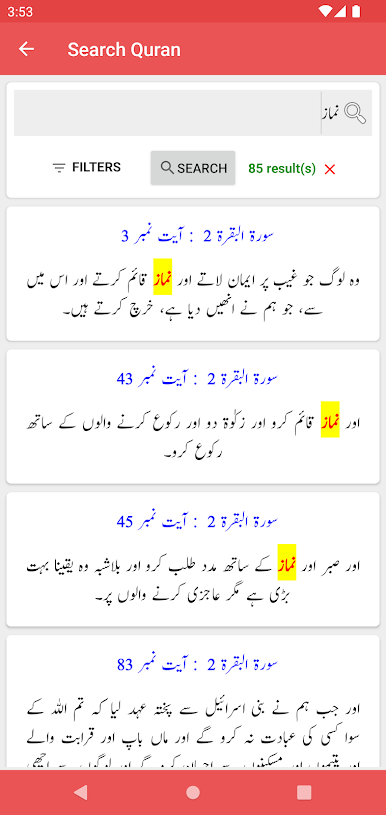
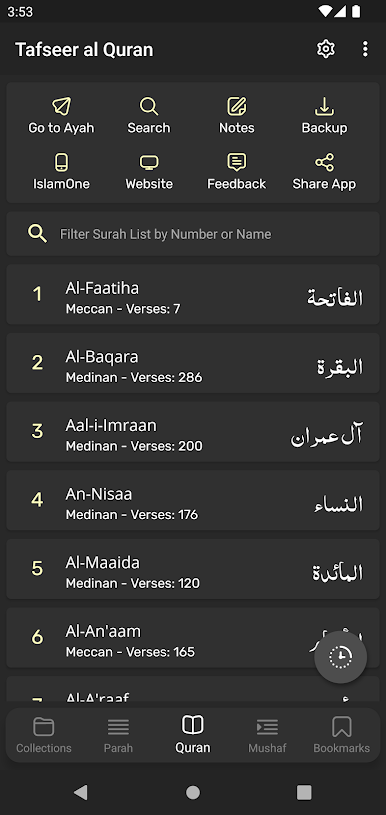
Quickly look up words or verses across the Quran, its Urdu translation (Tarjuma), and tafseer—it’s all super-fast and pretty intuitive. -
Flexible Font Options
Pick from five Arabic fonts and four styles for Urdu. If you need bigger text or prefer certain colors for easier reading, there’s plenty of customization. -
Personalized Layouts and Themes
Bright or muted, day or night, you can switch up the app’s look to fit your reading mood. Layout preferences like list or slider views give you even more control. -
Handy Bookmarks and Progress Features
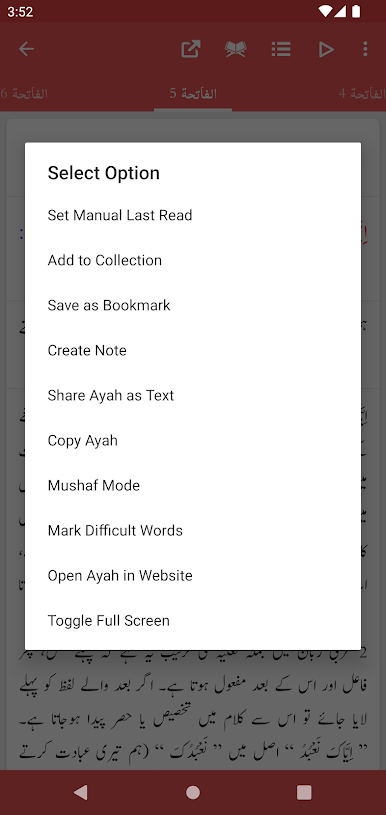
Never lose your place! Bookmark as many spots as you like and jump back right where you left off. -
Easy Sharing
Send an ayah—translation and tafseer included, if you wish—to your friends. You can even share multiple verses at once. -
Quick Jumps and Detailed Navigation
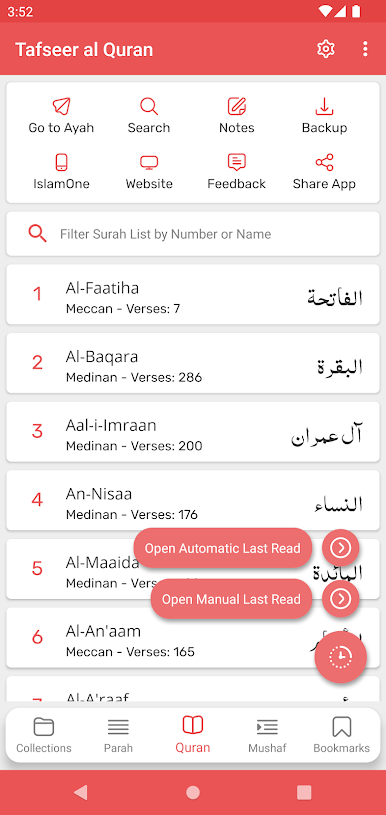
Instantly hop to any surah, ayah, or ruku. Ruku and para info is available for every verse, which is a bonus for organized study. -
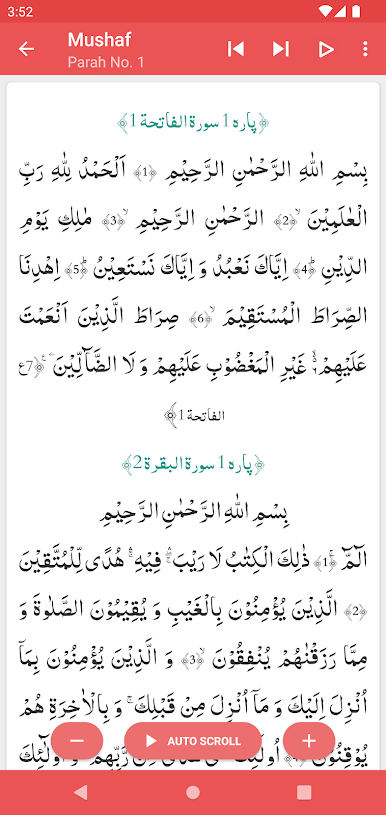
Multiple Reading Modes
Whether you’re in the mood for just the translation (Tarjuma) or want to include tafseer alongside, toggling modes is effortless. -
Night and Dark Modes
Eye strain from late-night reading? No worries. The dark and night themes take care of that.
If you’re checking this out on BlueStacks, all these features are right there, giving you a comfortable way to study and reflect, no matter where you are.
Switch to BlueStacks and make the most of your apps on your PC or Mac.
Chơi Tafseer al Quran al Kareem trên PC. Rất dễ để bắt đầu
-
Tải và cài đặt BlueStacks trên máy của bạn
-
Hoàn tất đăng nhập vào Google để đến PlayStore, hoặc thực hiện sau
-
Tìm Tafseer al Quran al Kareem trên thanh tìm kiếm ở góc phải màn hình
-
Nhấn vào để cài đặt Tafseer al Quran al Kareem trong danh sách kết quả tìm kiếm
-
Hoàn tất đăng nhập Google (nếu bạn chưa làm bước 2) để cài đặt Tafseer al Quran al Kareem
-
Nhấn vào icon Tafseer al Quran al Kareem tại màn hình chính để bắt đầu chơi

