

Phát âm tiếng Anh - Awabe
Chơi trên PC với BlueStacks - Nền tảng chơi game Android, được hơn 500 triệu game thủ tin tưởng.

Trang đã được sửa đổi vào: Dec 13, 2025
Run English Pronunciation - Awabe on PC or Mac
Multitask effortlessly on your PC or Mac as you try out English Pronunciation – Awabe, a Education app by Awabe – Learn Languages on BlueStacks.
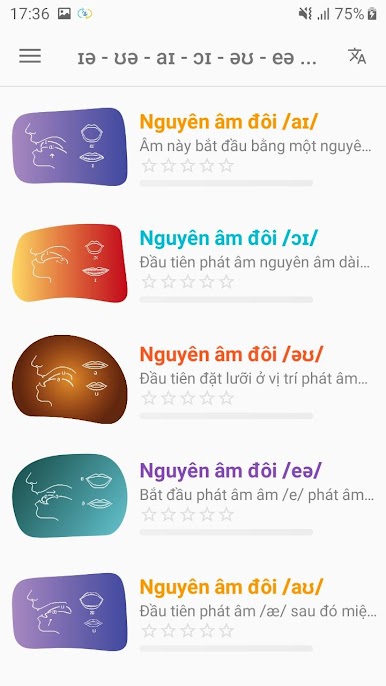
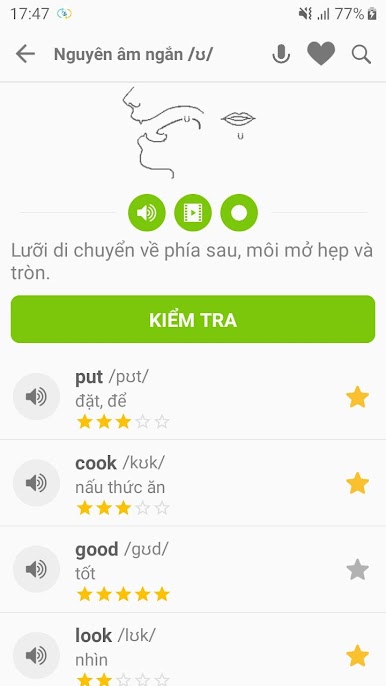
English Pronunciation – Awabe is one of those apps that really tries to break things down for anyone who wants to improve their spoken English. It doesn’t just play a bunch of words and leave you to figure it out — there are sections for all the tricky sounds, like those short and long vowels, double vowels, and all the consonants that don’t always match up with the spelling. What stands out is that it actually explains how to move your mouth and tongue, which can be super helpful if those sounds aren’t in a language someone’s used to. The app lays everything out in pretty simple chunks, so nothing feels overwhelming.
There’s a good mix of audio and even videos, showing you what to do with your mouth when saying certain sounds. Users can tap on any word and hear it spoken, then try recording their own voice to check if they’re on track. It also lets users save words they want to keep practicing, and there’s that reminder feature if someone’s the type who forgets to practice. The design is clean, nothing flashy, just straight to the point and easy to get around. Running it on PC with BlueStacks is smooth — it works just like on a phone, but having it on a bigger screen makes watching the videos and checking out the sound explanations easier. Plus, it doesn’t require internet for most things, so there’s less worry about connecting every time. It’s a solid tool for practicing English speaking, especially if someone wants direct feedback and clear instructions.
BlueStacks brings your apps to life on a bigger screen—seamless and straightforward.
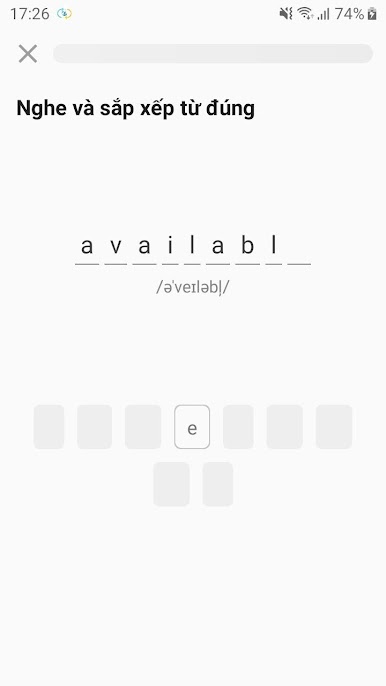
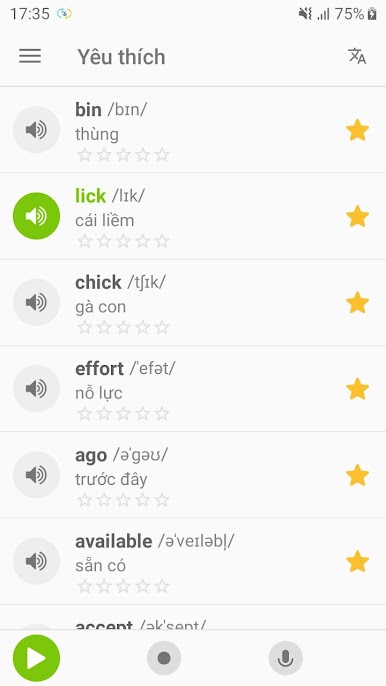
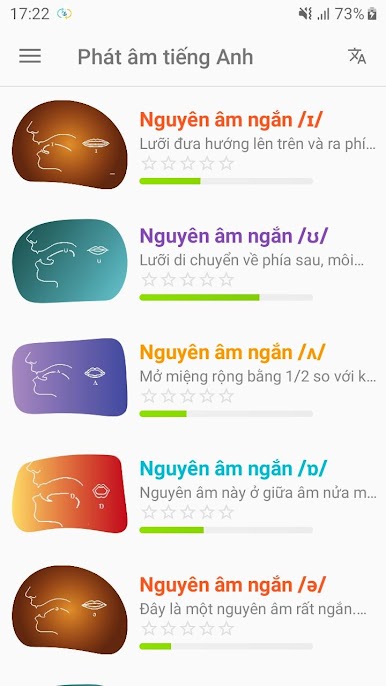

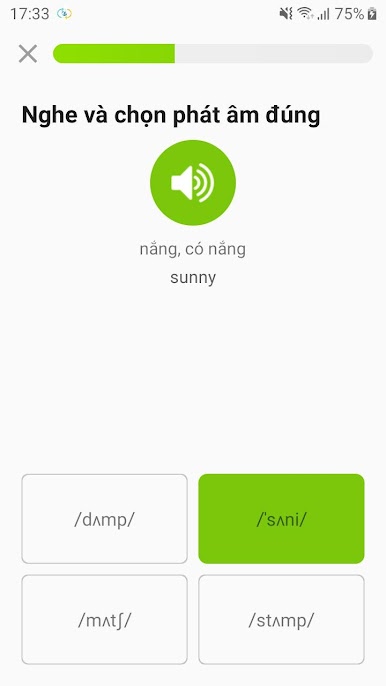
Chơi Phát âm tiếng Anh - Awabe trên PC. Rất dễ để bắt đầu
-
Tải và cài đặt BlueStacks trên máy của bạn
-
Hoàn tất đăng nhập vào Google để đến PlayStore, hoặc thực hiện sau
-
Tìm Phát âm tiếng Anh - Awabe trên thanh tìm kiếm ở góc phải màn hình
-
Nhấn vào để cài đặt Phát âm tiếng Anh - Awabe trong danh sách kết quả tìm kiếm
-
Hoàn tất đăng nhập Google (nếu bạn chưa làm bước 2) để cài đặt Phát âm tiếng Anh - Awabe
-
Nhấn vào icon Phát âm tiếng Anh - Awabe tại màn hình chính để bắt đầu chơi

