


FotoGrid - Photo Collage Maker
Graj na PC z BlueStacks – Platforma gamingowa Android, która uzyskała zaufanie ponad 500 milionów graczy!

Strona zmodyfikowana w dniu: Jul 19, 2025
Play Foto Collage Maker Photo Grid on PC
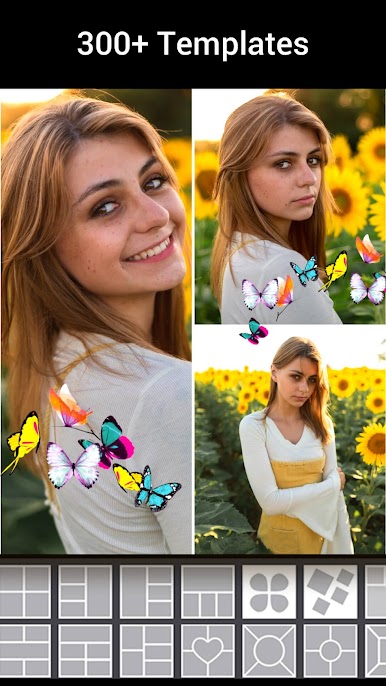
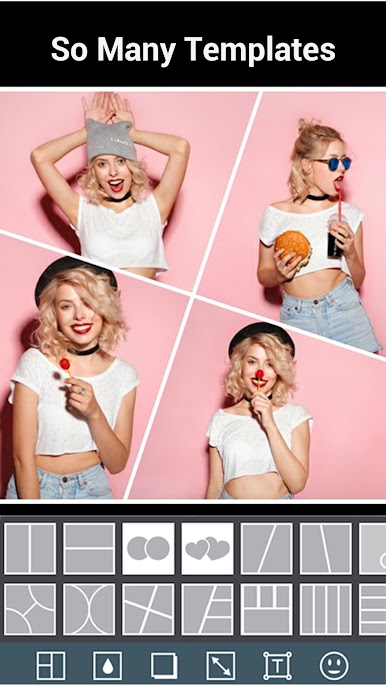
- Foto Collage Maker Photo Grid have hundreds graceful collage templates :
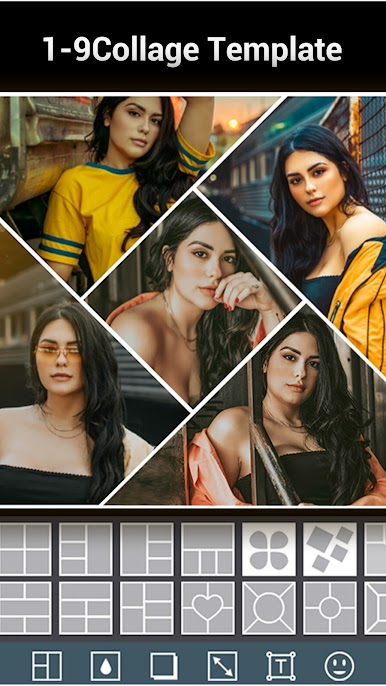
You can choose the 1-9 templates for your photos . collage up to 9 photos. We support 100+ templates for you.
- Foto Collage Maker Photo Grid will give you Best background
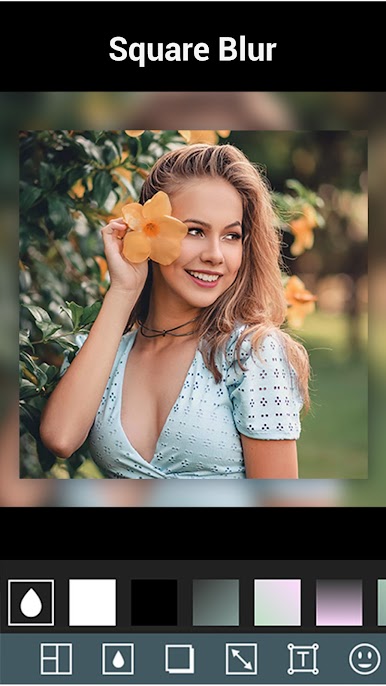
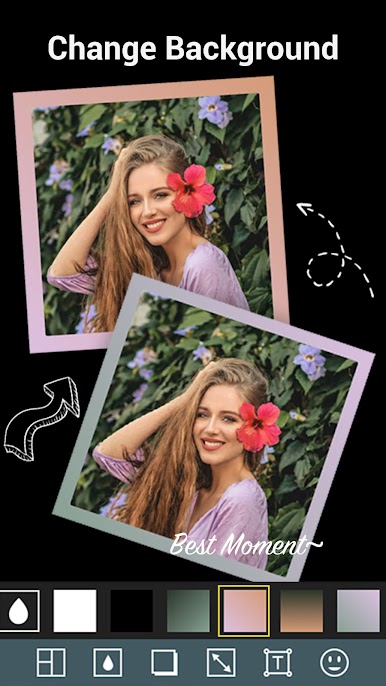
You can add blur background for your photos with Foto Collage Maker Photo Grid . And there are solid background : black and white. We also give you five grad background for you . It is very appropriate for picture.
-Add the shadow
- Adjust the collage photo :zoom in /zoom out
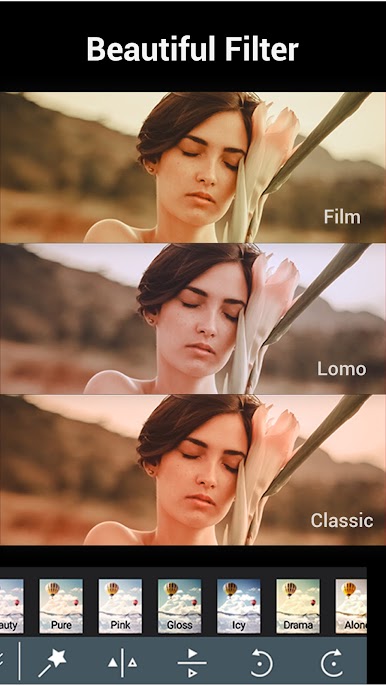
- 15+ Beautiful filters .
-You can edit the single photo : rotate / flip H / flip V
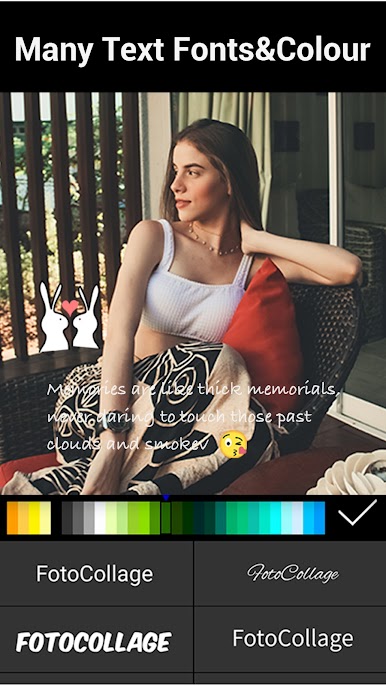
- Allow you add the text on your photo
- 200+ funny stickers for your choose . Add the stickers on your photo .
Foto Collage Maker Photo Grid is a best collage maker with a large number of templates / stickers/ text and so on. Join us and share the collages on Instagram / Facebook / Twitter for your friends.

Zagraj w FotoGrid - Photo Collage Maker na PC. To takie proste.
-
Pobierz i zainstaluj BlueStacks na PC
-
Zakończ pomyślnie ustawienie Google, aby otrzymać dostęp do sklepu Play, albo zrób to później.
-
Wyszukaj FotoGrid - Photo Collage Maker w pasku wyszukiwania w prawym górnym rogu.
-
Kliknij, aby zainstalować FotoGrid - Photo Collage Maker z wyników wyszukiwania
-
Ukończ pomyślnie rejestrację Google (jeśli krok 2 został pominięty) aby zainstalować FotoGrid - Photo Collage Maker
-
Klinij w ikonę FotoGrid - Photo Collage Maker na ekranie startowym, aby zacząć grę

