


RainPoint-TY
Chơi trên PC với BlueStacks - Nền tảng chơi game Android, được hơn 500 triệu game thủ tin tưởng.

Trang đã được sửa đổi vào: Aug 20, 2025
Run RainPoint on PC or Mac
Get freedom from your phone’s obvious limitations. Use RainPoint, made by 福建天成保德环保科技有限公司, a Tools app on your PC or Mac with BlueStacks, and level up your experience.
About the App
RainPoint serves as your go-to helper for managing your smart home garden, right from your phone. Whether you’re at work, running errands, or just lounging with a cup of coffee, this app lets you keep an eye on—and control—your garden’s watering and connected devices without needing to be there in person. Expect an experience that makes caring for your home and garden easy, flexible, and a bit more fun.
App Features
-
Remote Control
Wave goodbye to the old days of worrying if you left something on. With RainPoint, you can turn appliances and devices on or off, no matter where you are. -
Irrigation Scheduling
Set up custom watering times for your garden from the app. Morning, afternoon, or night—watering your lawn and plants is super simple, so you never have to second-guess if they’re getting enough attention. -
Multi-Device Management
Juggling several smart gadgets? You can manage all your compatible devices right here, without switching apps or menus. -
Handy Timers
Need things to happen at a certain time? It’s easy to schedule actions—like watering or switching devices—for whenever you choose. -
Device Sharing
Big family? No problem. Share access to your devices with a tap, which makes it easy for everyone in the house to pitch in. -
Quick Pairing
Connecting new gadgets is straightforward—you’ll have everything up and running before you know it.
For folks who like managing things from their computer, RainPoint plays nicely with BlueStacks, so you’ve got options for bigger screens too.
Big screen. Bigger performance. Use BlueStacks on your PC or Mac to run your favorite apps.
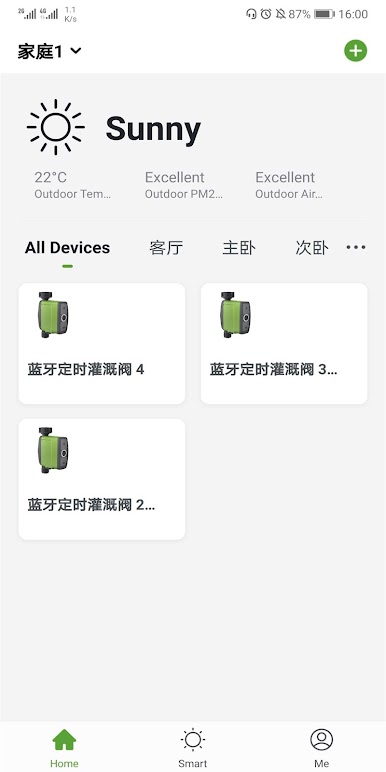
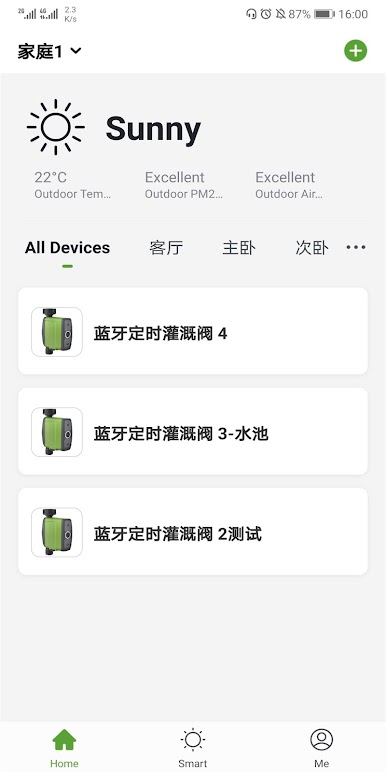

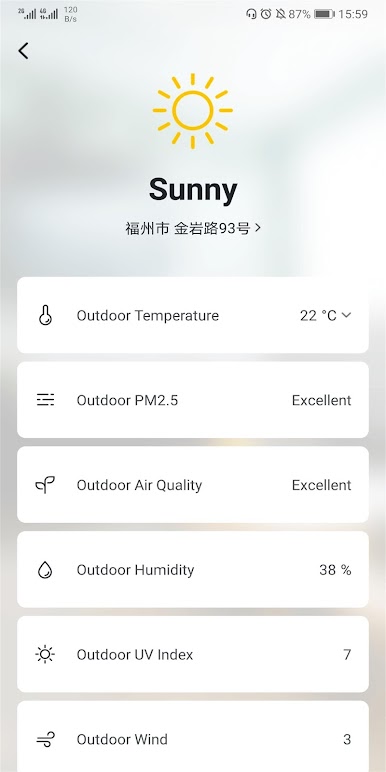
Chơi RainPoint-TY trên PC. Rất dễ để bắt đầu
-
Tải và cài đặt BlueStacks trên máy của bạn
-
Hoàn tất đăng nhập vào Google để đến PlayStore, hoặc thực hiện sau
-
Tìm RainPoint-TY trên thanh tìm kiếm ở góc phải màn hình
-
Nhấn vào để cài đặt RainPoint-TY trong danh sách kết quả tìm kiếm
-
Hoàn tất đăng nhập Google (nếu bạn chưa làm bước 2) để cài đặt RainPoint-TY
-
Nhấn vào icon RainPoint-TY tại màn hình chính để bắt đầu chơi

