


OPA! Family Card Party Game
Graj na PC z BlueStacks – Platforma gamingowa Android, która uzyskała zaufanie ponad 500 milionów graczy!

Strona zmodyfikowana w dniu: Dec 7, 2025
Play OPA! - Family Card Game on PC or Mac
OPA! – Family Card Game is a Card game developed by Beach Bum Ltd.. BlueStacks app player is the best Android emulator to play this Android game on your PC or Mac for an immersive gaming experience.
About the Game
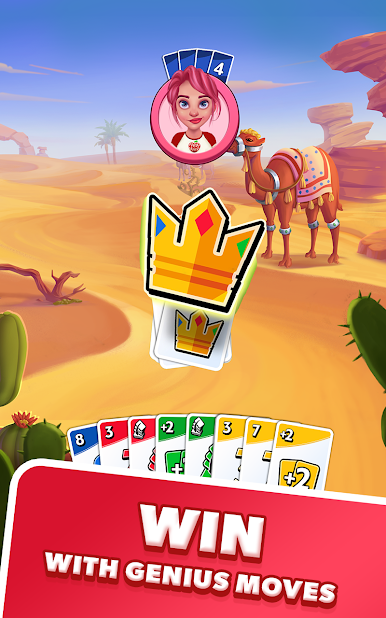
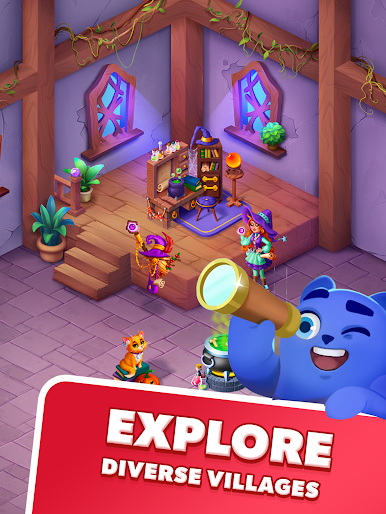
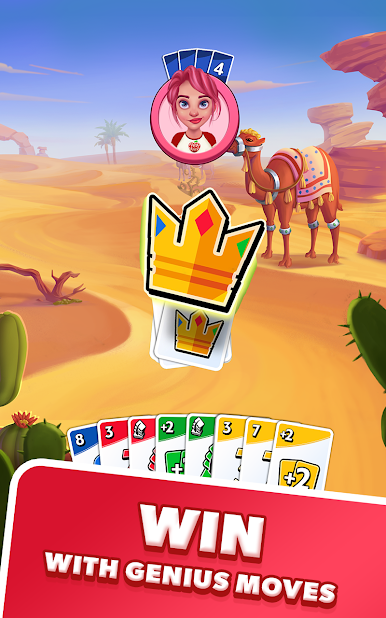
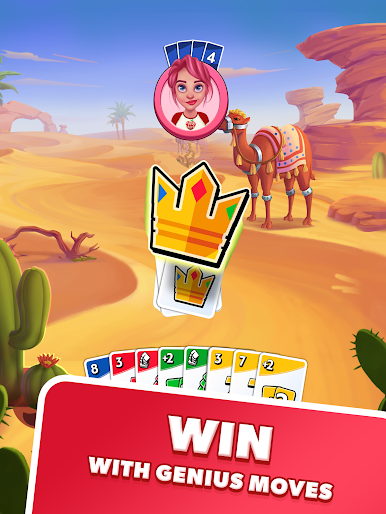
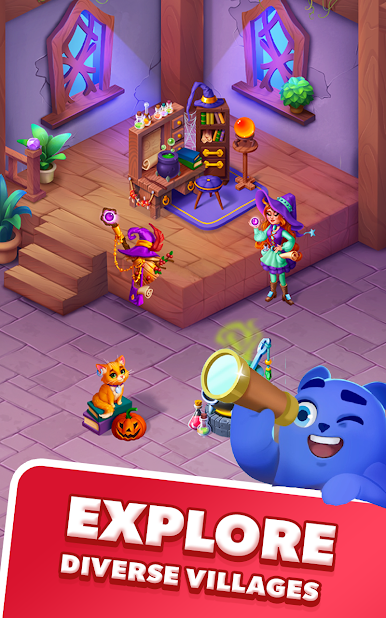
OPA! – Family Card Game by Beach Bum Ltd. offers a lively card-playing experience where strategy meets fun. Perfect for all ages, this game invites you to challenge family and friends in a friendly showdown. Quick to pick up and hard to put down, it’s all about matching colors, numbers, or symbols to play your cards wisely.
Game Features
-
Simple Rules, Endless Fun: With easy-to-learn rules, everyone can jump right in and have a blast.
-
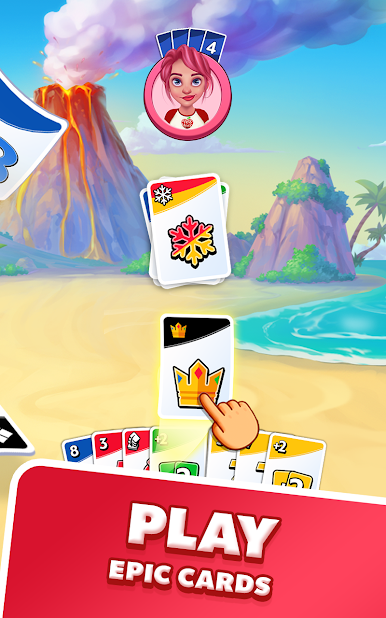
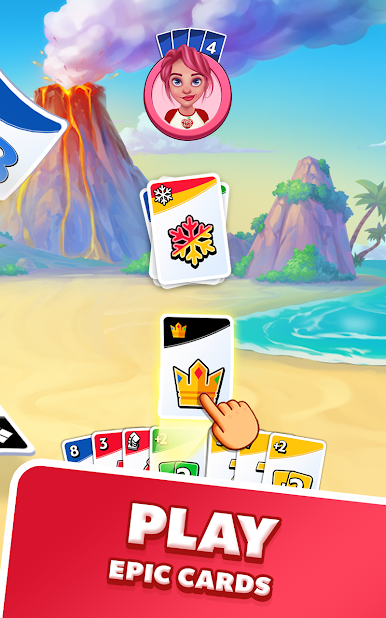
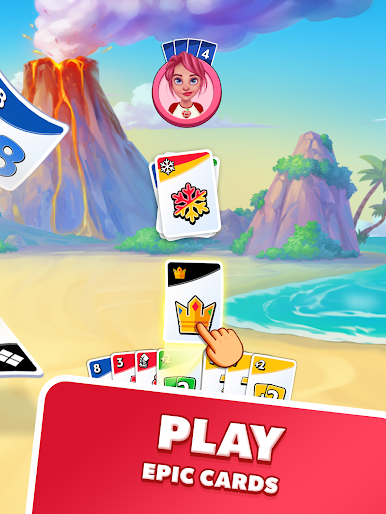
WILD Cards and More: Use WILD cards to mix things up or unleash power cards to spice up the game with added penalties for others!
-
Stacking Rule: Get strategic with +2 and +2 wild cards to challenge the next player, but remember the rules—no mixing these bonuses!
-
Play Anytime, Anywhere: Whether you’re on your phone or need a break on your PC, BlueStacks offers seamless gameplay across devices.
Ready to outsmart your opponents? OPA! – Family Card Game promises hours of engaging card-based competition!










Zagraj w OPA! Family Card Party Game na PC. To takie proste.
-
Pobierz i zainstaluj BlueStacks na PC
-
Zakończ pomyślnie ustawienie Google, aby otrzymać dostęp do sklepu Play, albo zrób to później.
-
Wyszukaj OPA! Family Card Party Game w pasku wyszukiwania w prawym górnym rogu.
-
Kliknij, aby zainstalować OPA! Family Card Party Game z wyników wyszukiwania
-
Ukończ pomyślnie rejestrację Google (jeśli krok 2 został pominięty) aby zainstalować OPA! Family Card Party Game
-
Klinij w ikonę OPA! Family Card Party Game na ekranie startowym, aby zacząć grę

