


BeatStars Studio: My Media
Chơi trên PC với BlueStacks - Nền tảng chơi game Android, được hơn 500 triệu game thủ tin tưởng.

Trang đã được sửa đổi vào: Dec 17, 2025
Run BeatStars Studio: My Media on PC or Mac
Why limit yourself to your small screen on the phone? Run BeatStars Studio: My Media, an app by BeatStars Inc., best experienced on your PC or Mac with BlueStacks, the world’s #1 Android emulator.
About the App
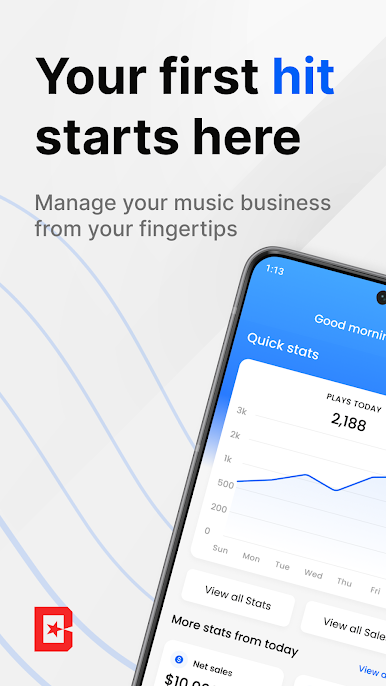
BeatStars Studio: My Media makes handling your music business way easier, wherever you are. If you’re beat-making, selling tracks, or just keeping everything organized, this app’s got you covered. Everything you need to handle your catalog, talk to customers, and stay on top of your sales, travels with you—all in one place.
App Features
-
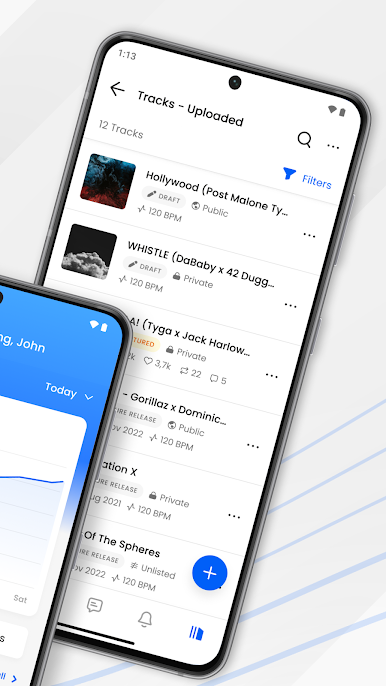
Mobile Uploading & Editing
Share your latest beats straight from your phone or tablet. Quick uploads, simple editing, and ready-to-share links for all your socials—no need to be glued to your computer. -
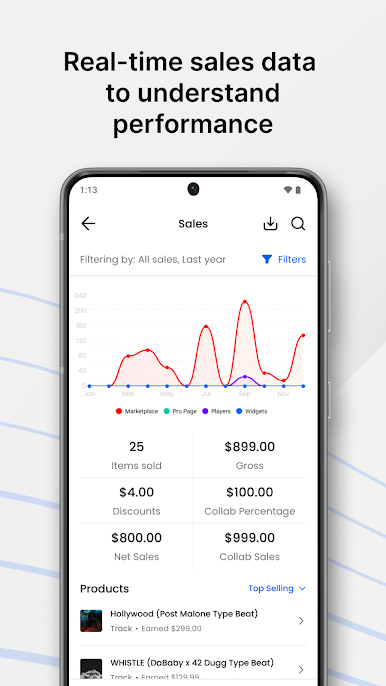
Live Sales & Track Stats
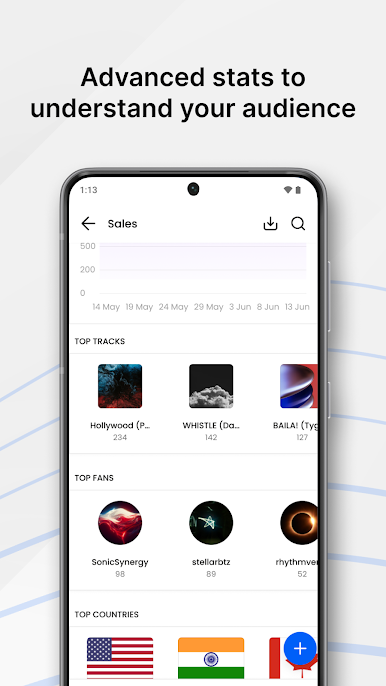
Get the lowdown on how your beats are performing, right away. The app shows you which tracks are buzzing, where your fans are coming from, and how your store’s doing over time. -
Custom Promotion Tools
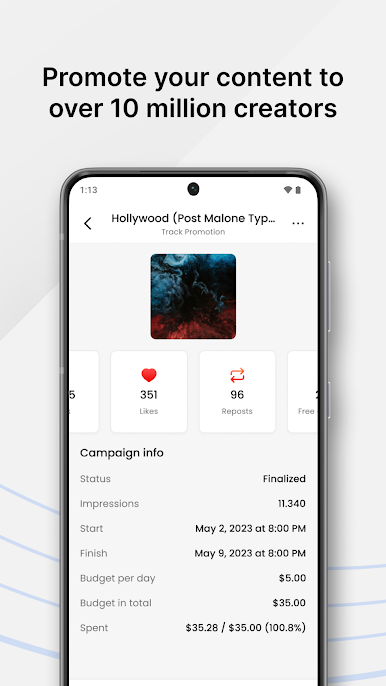
Want to set up a promo? You can create and handle your own campaigns, helping your music reach even more listeners and potential buyers. -
Easy License & Discount Management
Need a new license agreement? Got a spontaneous sale or promo idea? You can put together licenses and coupon codes right from the app. -
Direct Payouts
Hook up your PayPal or Stripe—payments land directly in your accounts, so you don’t waste time waiting around. -
Messaging & Notifications
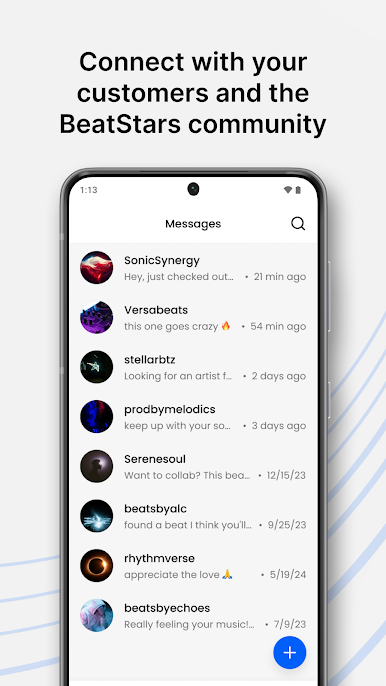
Chat with customers or other folks in the BeatStars Inc. community. The app makes sure you’ll see every new sale, message, or important update right away.
Perfect if you want to stay on top of your music-audio business wherever you are—even if you’re using BlueStacks rather than your phone.
Switch to BlueStacks and make the most of your apps on your PC or Mac.
Chơi BeatStars Studio: My Media trên PC. Rất dễ để bắt đầu
-
Tải và cài đặt BlueStacks trên máy của bạn
-
Hoàn tất đăng nhập vào Google để đến PlayStore, hoặc thực hiện sau
-
Tìm BeatStars Studio: My Media trên thanh tìm kiếm ở góc phải màn hình
-
Nhấn vào để cài đặt BeatStars Studio: My Media trong danh sách kết quả tìm kiếm
-
Hoàn tất đăng nhập Google (nếu bạn chưa làm bước 2) để cài đặt BeatStars Studio: My Media
-
Nhấn vào icon BeatStars Studio: My Media tại màn hình chính để bắt đầu chơi

