

Geografia: Stolice i Flagi
Graj na PC z BlueStacks – Platforma gamingowa Android, która uzyskała zaufanie ponad 500 milionów graczy!

Strona zmodyfikowana w dniu: Sep 28, 2024
Play Geography: Flags of the World on PC or Mac
Explore a whole new adventure with Geography: Flags of the World, a Trivia game created by Be Drill Entertainment. Experience great gameplay with BlueStacks, the most popular gaming platform to play Android games on your PC or Mac.
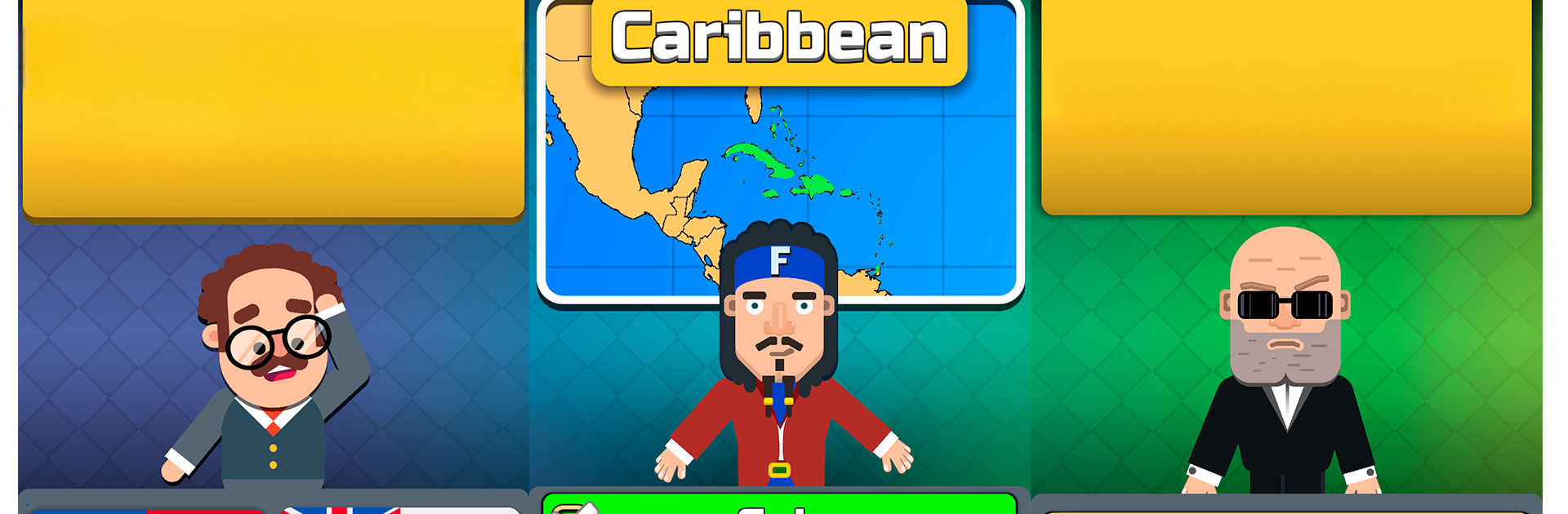
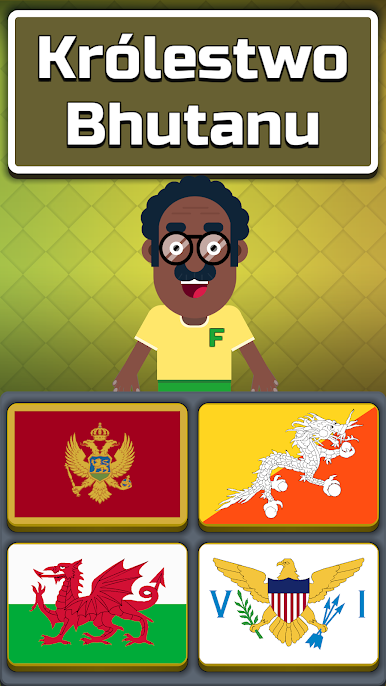
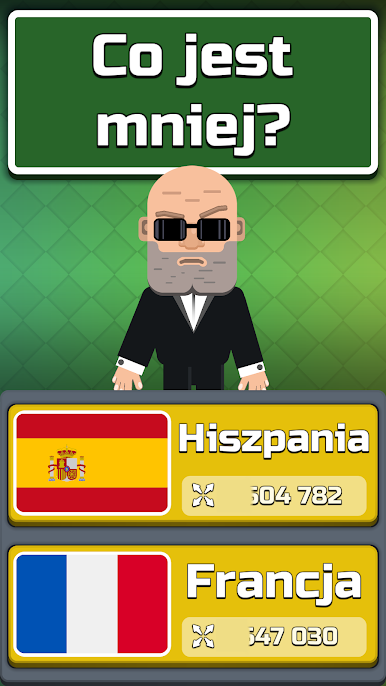
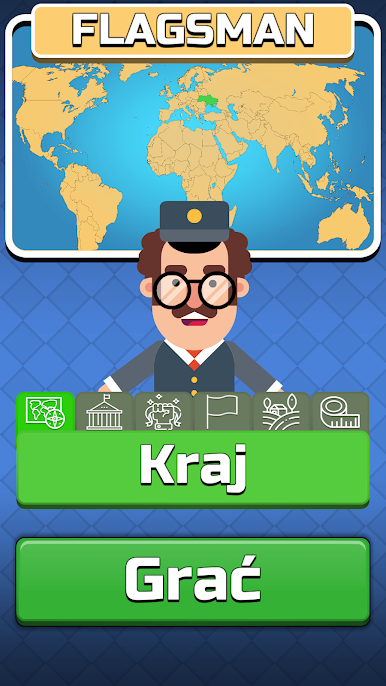
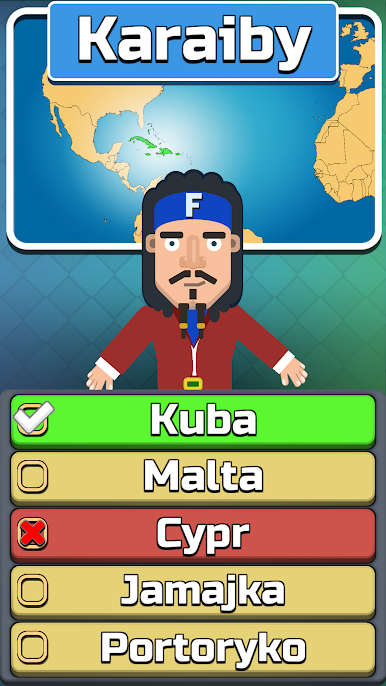
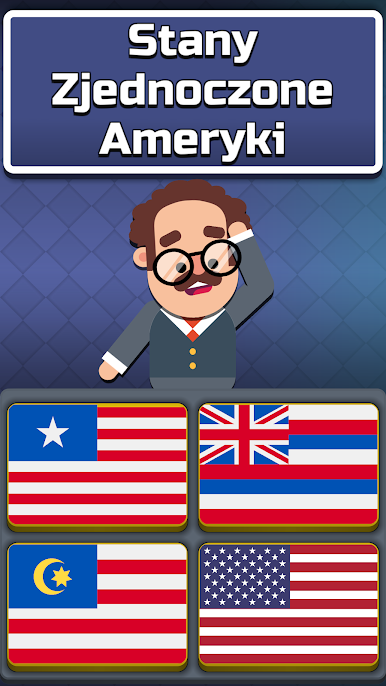
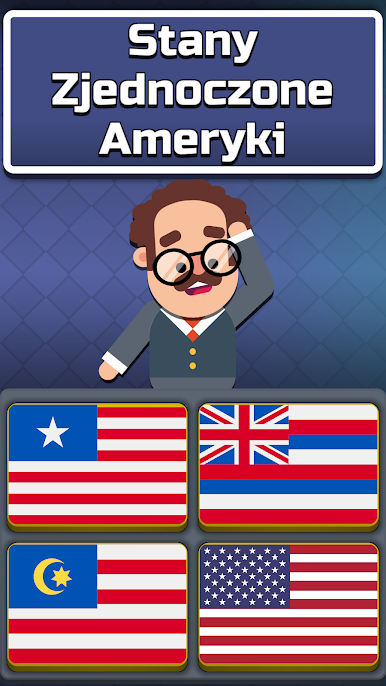
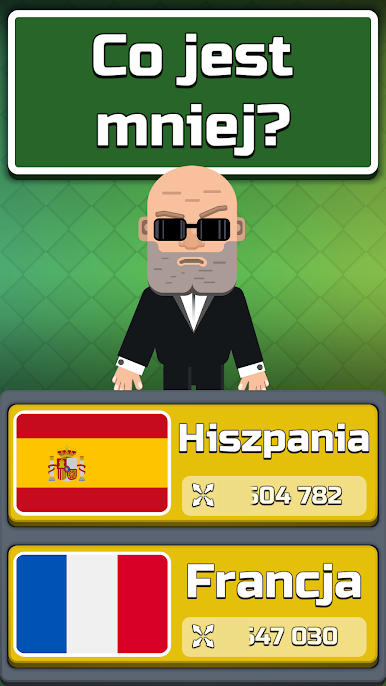
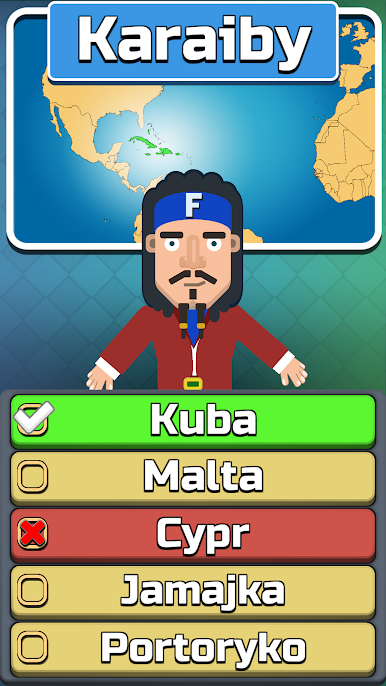
Geography: Flags of the World is a chill quiz game that turns flag spotting and country facts into quick rounds that feel good to clear on a coffee break. It runs nicely on PC with BlueStacks, and clicking through choices with a mouse makes the pace feel snappy. The core hook is guessing the right flag, but there are several modes so it does not get stale. Players can test themselves on independence years, a straight countries-of-the-world quiz, a population memory mode that rewards streaks, and simple tournaments that mix things up.
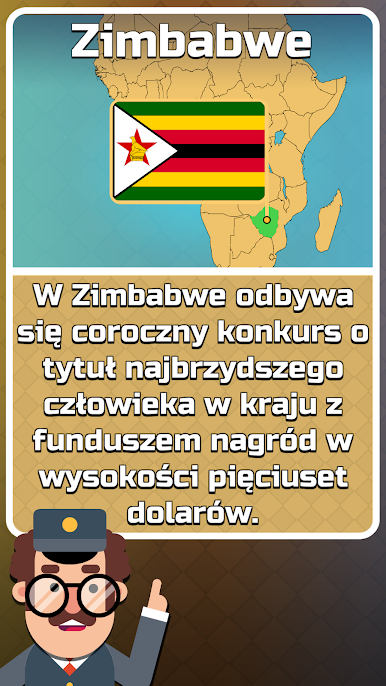
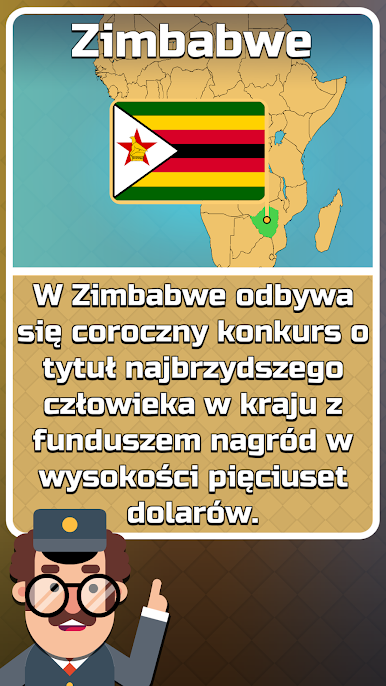
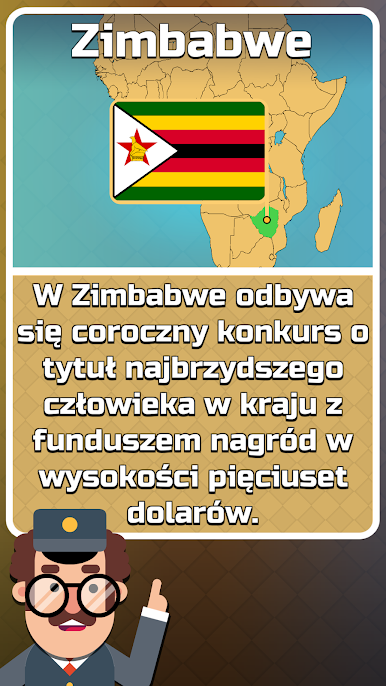
What stands out is how wide the map goes. It does not stop at the usual suspects. It throws in Oceania regions like Polynesia, Micronesia, and Melanesia, Caribbean nations, and capitals across Africa, Asia, Europe, and the rest. A little in-game expert pops up with trivia and tips, and there is a 50-50 style hint that removes half the wrong options when a flag looks familiar but the name will not come. There is also an encyclopedia section for studying capitals, areas, and other stats if someone wants to learn between rounds. Levels unlock new countries and flags bit by bit, so memory actually builds rather than overwhelming the player on day one. It supports a bunch of languages, making it easy to switch if English is not the first pick. The tone is friendly and a bit playful, and the facts feel trustworthy enough that parents could hand it to kids, while adults can still get caught out by population comparisons that seem obvious until they are not.
Start your journey now. Download the game on BlueStacks, invite your friends, and march on a new adventure.




Zagraj w Geografia: Stolice i Flagi na PC. To takie proste.
-
Pobierz i zainstaluj BlueStacks na PC
-
Zakończ pomyślnie ustawienie Google, aby otrzymać dostęp do sklepu Play, albo zrób to później.
-
Wyszukaj Geografia: Stolice i Flagi w pasku wyszukiwania w prawym górnym rogu.
-
Kliknij, aby zainstalować Geografia: Stolice i Flagi z wyników wyszukiwania
-
Ukończ pomyślnie rejestrację Google (jeśli krok 2 został pominięty) aby zainstalować Geografia: Stolice i Flagi
-
Klinij w ikonę Geografia: Stolice i Flagi na ekranie startowym, aby zacząć grę

