


Handy Art Reference Tool
Graj na PC z BlueStacks – Platforma gamingowa Android, która uzyskała zaufanie ponad 500 milionów graczy!

Strona zmodyfikowana w dniu: Dec 11, 2025
Play Handy Art Reference Tool on PC
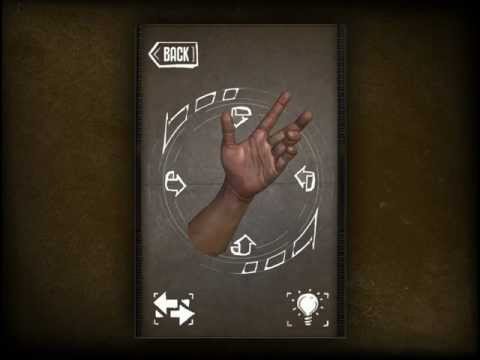
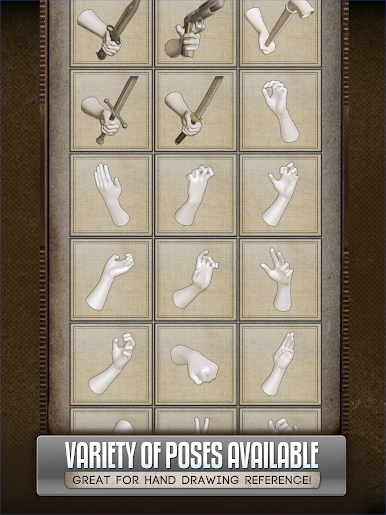
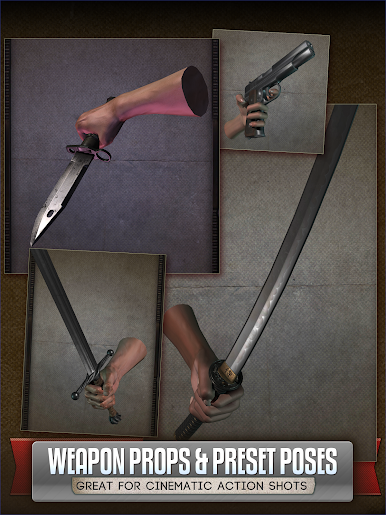
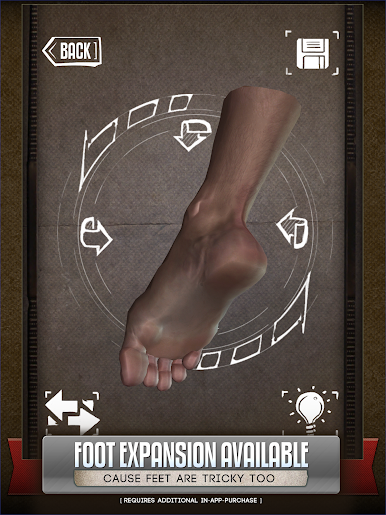
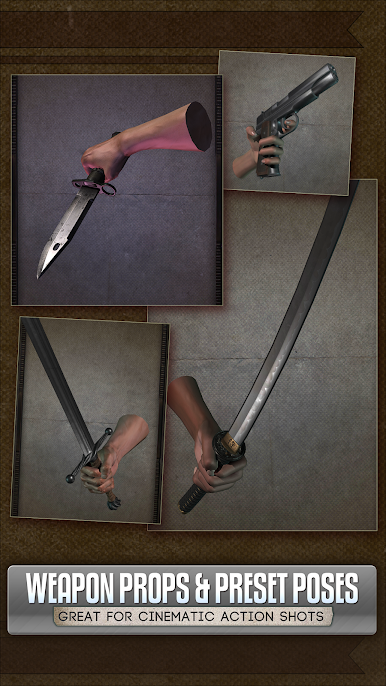
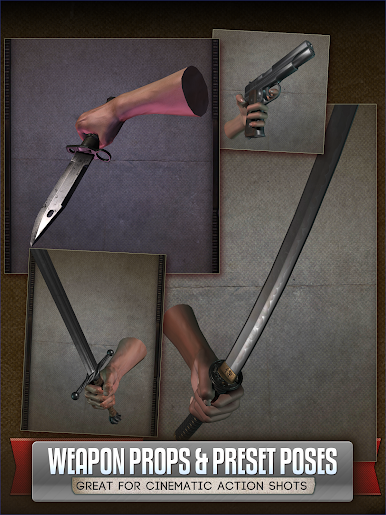
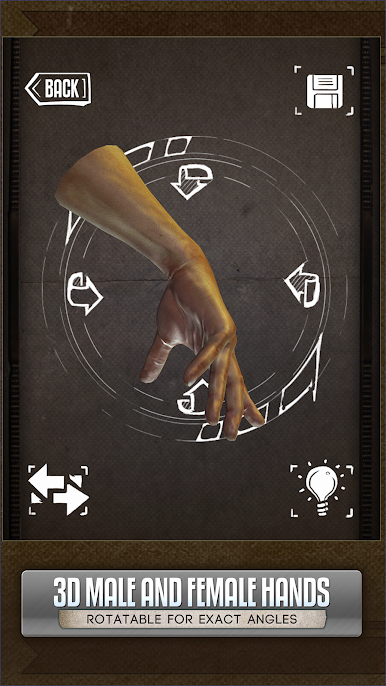
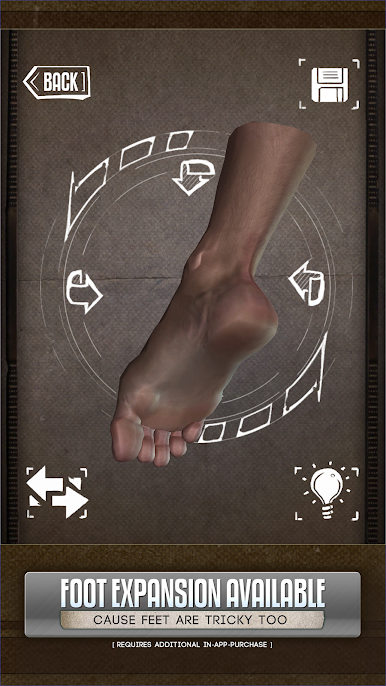
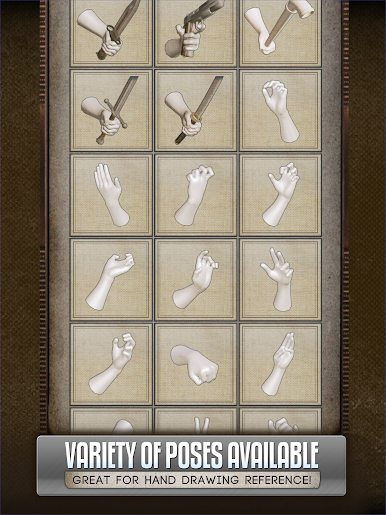
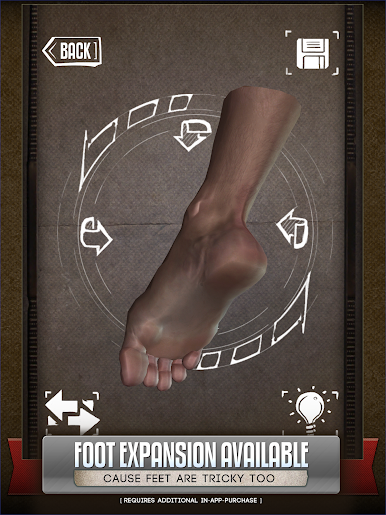
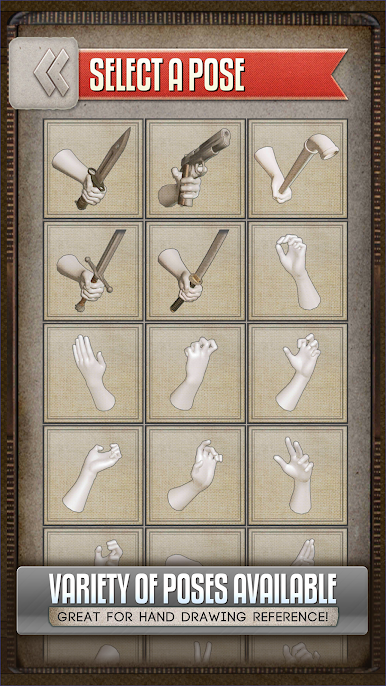
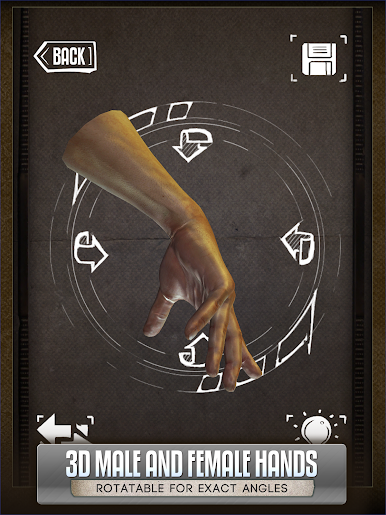
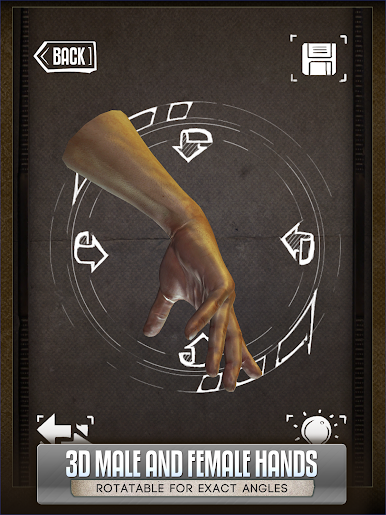
HANDY® is an artist's reference tool, consisting of several rotatable 3D limbs with a variety of poses useful for drawing. You can also customize and edit your own poses for hands, feet, and skulls.
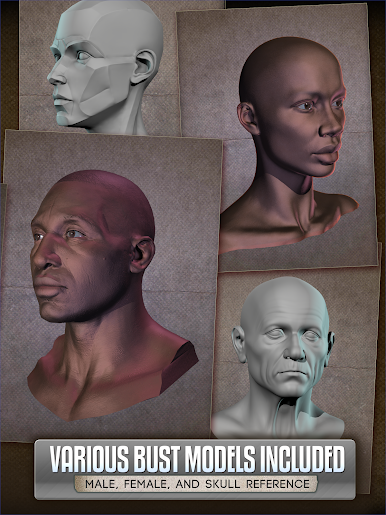
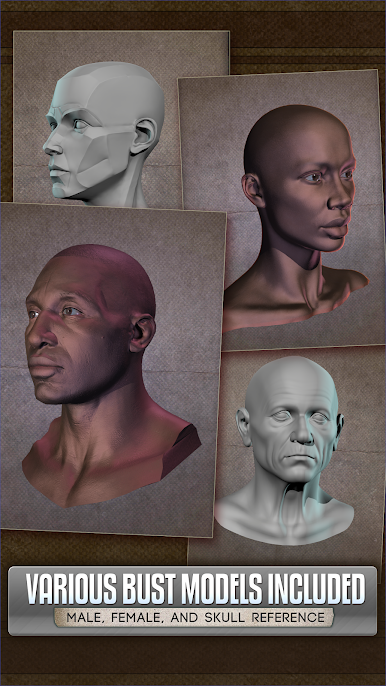
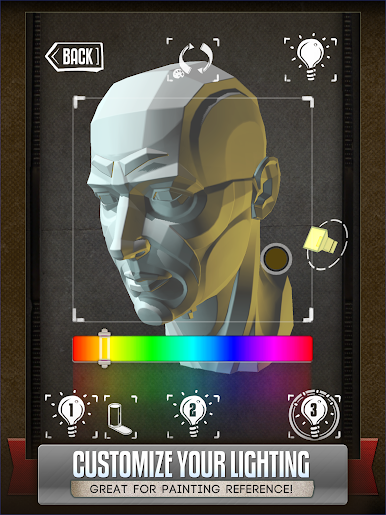
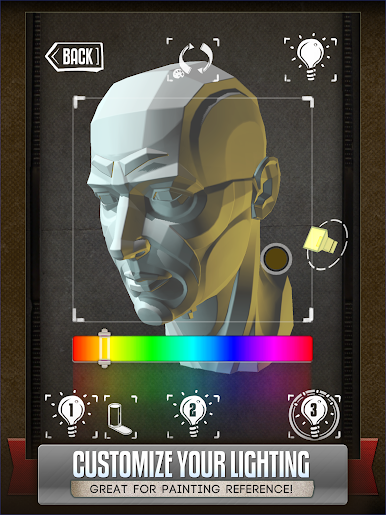
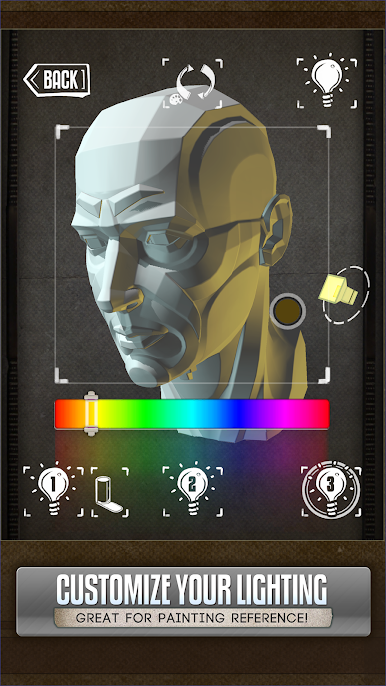
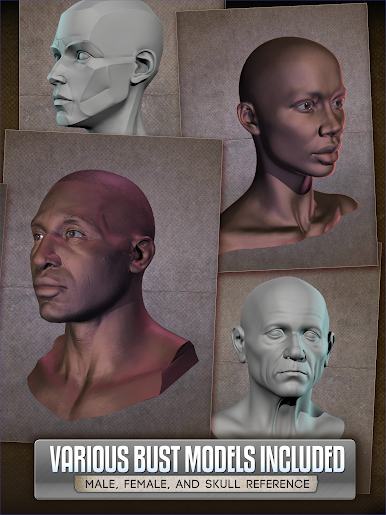
Fully adjustable 3-point lighting means you can get easy lighting reference when using any of the 10+ included 3D head busts. Handy if you’re painting and need to know what shadows the head casts from a certain angle!
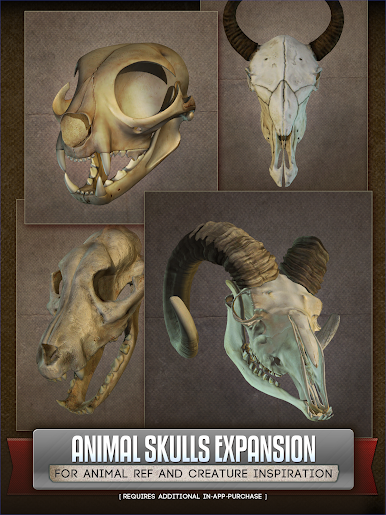
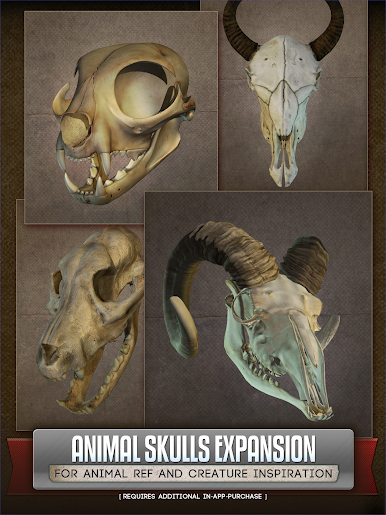
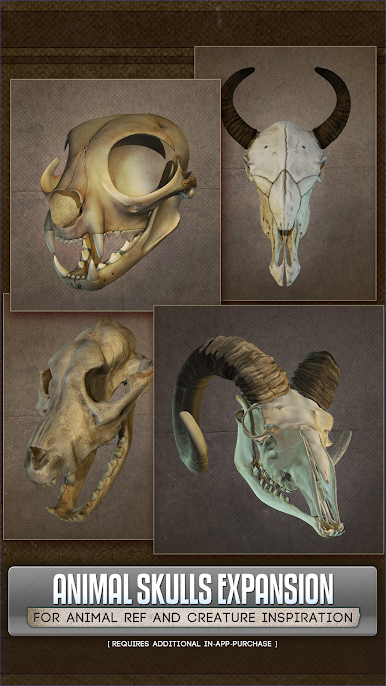
Also available is the Animal Skulls pack*. With over 10 different animal species, it's great for anatomical reference or creature design inspiration.
[*Foot rigs and Animal Skull pack require additional purchase]
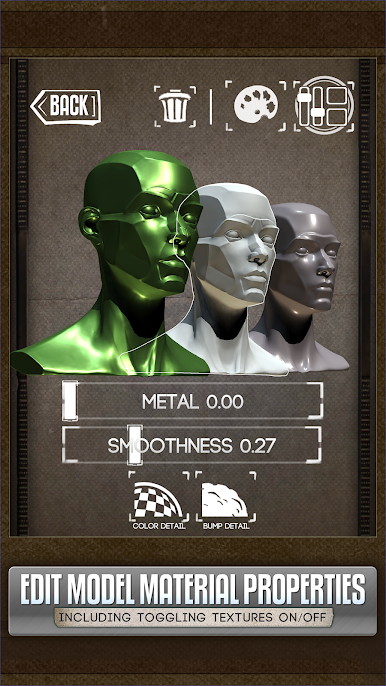
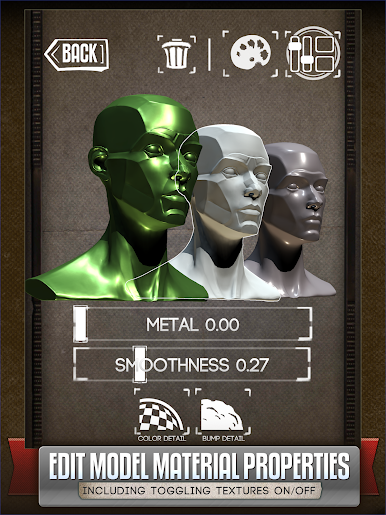
NEW in Handy v5: Edit the materials of models! Selectively turn off their textures, adjust their specularity, or tint them a certain color.
Perfect for comic book artists, painters, or just casual sketchers!
Featured in ImagineFX's Top 10 Must-Have Apps!
Check out the video demo:
http://handyarttool.com/
Sign up for the HANDY newsletter for information about new upcoming updates!
http://www.handyarttool.com/newsletter
Follow HANDY on Bluesky
https://bsky.app/profile/handyarttool.bsky.social
Follow HANDY on X
http://twitter.com/HandyArtTool/
Zagraj w Handy Art Reference Tool na PC. To takie proste.
-
Pobierz i zainstaluj BlueStacks na PC
-
Zakończ pomyślnie ustawienie Google, aby otrzymać dostęp do sklepu Play, albo zrób to później.
-
Wyszukaj Handy Art Reference Tool w pasku wyszukiwania w prawym górnym rogu.
-
Kliknij, aby zainstalować Handy Art Reference Tool z wyników wyszukiwania
-
Ukończ pomyślnie rejestrację Google (jeśli krok 2 został pominięty) aby zainstalować Handy Art Reference Tool
-
Klinij w ikonę Handy Art Reference Tool na ekranie startowym, aby zacząć grę

