


Emoticon Pack with Cute Emoji
Graj na PC z BlueStacks – Platforma gamingowa Android, która uzyskała zaufanie ponad 500 milionów graczy!

Strona zmodyfikowana w dniu: Dec 11, 2025
Play Emoticon Pack with Cute Emoji on PC
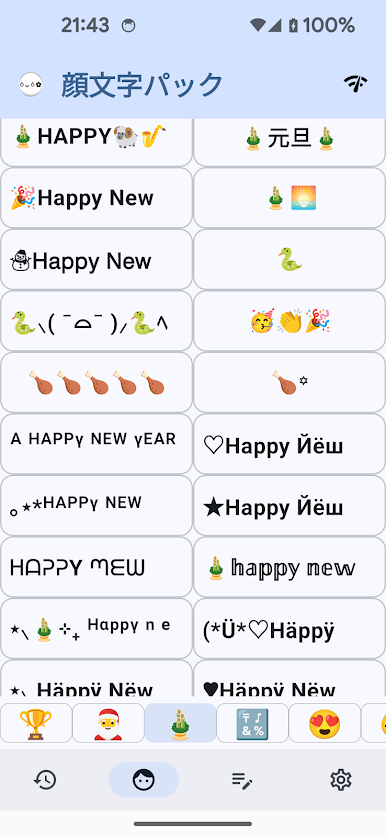
- This app is a collection of popular emoticons and emojis to use at your convenience.
- Emoticons and emojis are distinct categories.
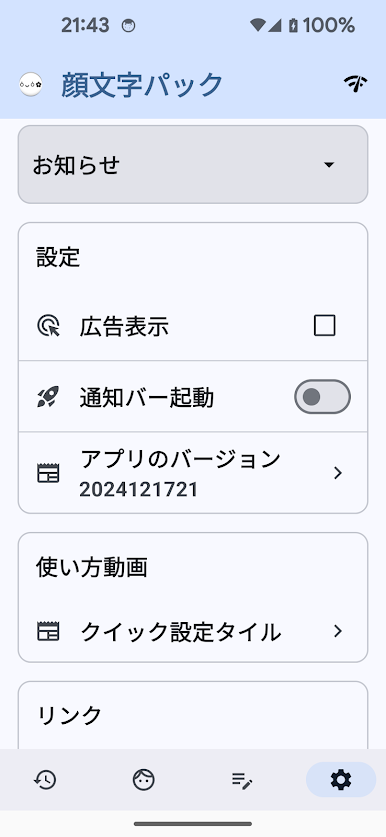
- If you turn on automatic update, the emoticon and emoji collections will be refreshed automatically.
- Update will start from the least used ones.
- If you hold down on a emoticon you like, there will be many options using that emoticon.
- Launch from either the Home Button or the Notification Bar.
- You can also directly input these emoticons from the Mushroom or ATOK Direct keyboard add-on.
- Used emoticons and emojis will be saved into "History." Hold down on them to erase.
[How to Use]
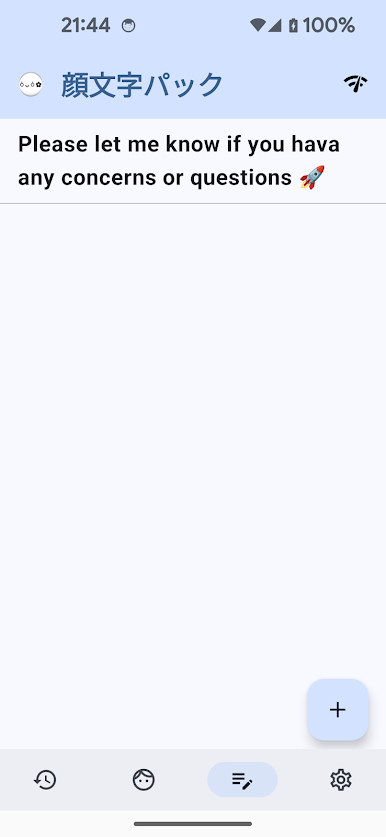
1. Tap the emoticon or emoji, and it will copy to your clipboard.
2. When you want to use it in another app, just hold down your finger and paste.

Zagraj w Emoticon Pack with Cute Emoji na PC. To takie proste.
-
Pobierz i zainstaluj BlueStacks na PC
-
Zakończ pomyślnie ustawienie Google, aby otrzymać dostęp do sklepu Play, albo zrób to później.
-
Wyszukaj Emoticon Pack with Cute Emoji w pasku wyszukiwania w prawym górnym rogu.
-
Kliknij, aby zainstalować Emoticon Pack with Cute Emoji z wyników wyszukiwania
-
Ukończ pomyślnie rejestrację Google (jeśli krok 2 został pominięty) aby zainstalować Emoticon Pack with Cute Emoji
-
Klinij w ikonę Emoticon Pack with Cute Emoji na ekranie startowym, aby zacząć grę

