


Color & Number - Card Game
Graj na PC z BlueStacks – Platforma gamingowa Android, która uzyskała zaufanie ponad 500 milionów graczy!

Strona zmodyfikowana w dniu: Oct 14, 2025
Graj Color & Number - Card Game na PC
Cechy gry:
• Łatwa gra.
• Szybkie dopasowywanie kart.
• Płynne animacje i kolorowa grafika.
• Graj w dowolnym miejscu i czasie.
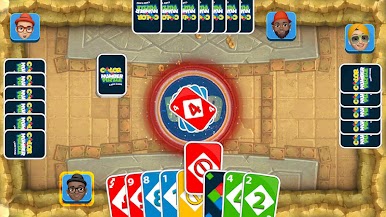
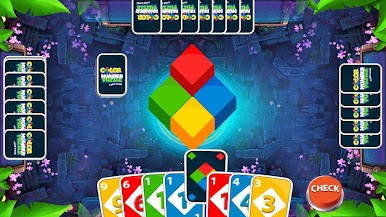
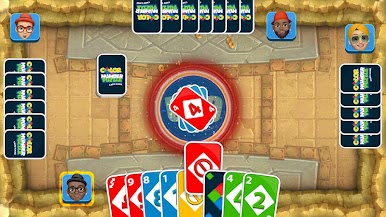
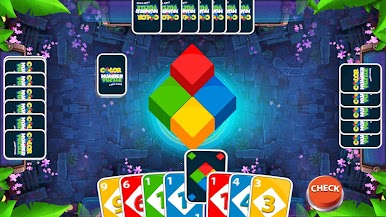
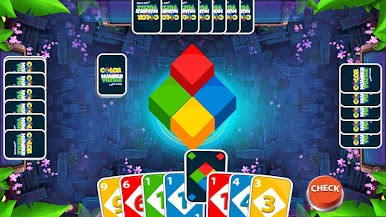
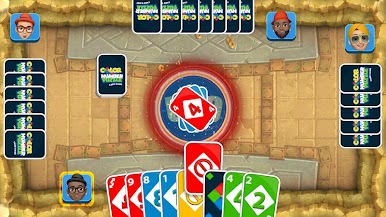
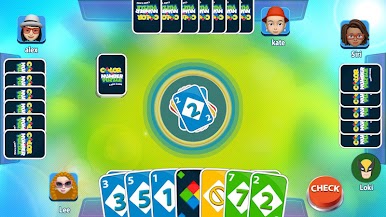
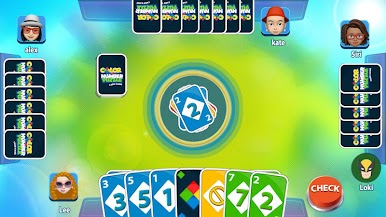
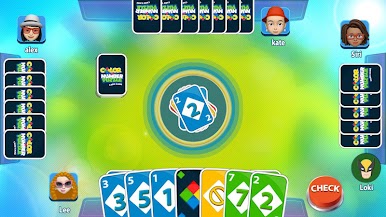
Zasady są proste: wybierz swojego awatara, każdy gracz otrzymuje 7 kart, a reszta tworzy zestaw kart. Dopasuj według koloru, liczby lub zagraj dziką kartę, aby zmienić przebieg gry. Użyj kart akcji, takich jak Odwróć, Pomiń, Weź dwie i Dzika karta, aby przechytrzyć rywali i zostać zwycięzcą, usuwając wszystkie karty jako pierwszy.
Najważniejsze cechy gry:
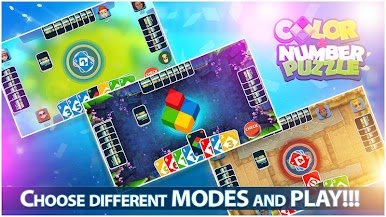
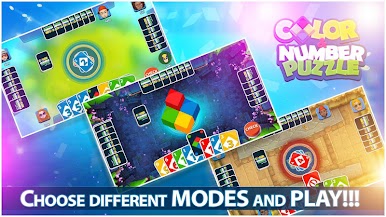
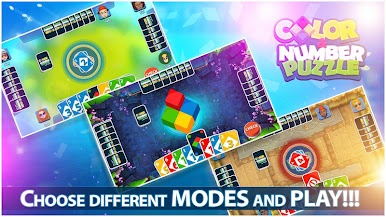
• Graj w trybie dla 2, 3 lub 4 graczy.
• 3 karty akcji i 2 dzikie karty do gry strategicznej. • Cztery kolory kart z cyframi od 0 do 9.
Pobierz grę karcianą Color & Number Puzzle już teraz i ciesz się najbardziej ekscytującą grą polegającą na dopasowywaniu kart, gdziekolwiek i kiedykolwiek chcesz!









Zagraj w Color & Number - Card Game na PC. To takie proste.
-
Pobierz i zainstaluj BlueStacks na PC
-
Zakończ pomyślnie ustawienie Google, aby otrzymać dostęp do sklepu Play, albo zrób to później.
-
Wyszukaj Color & Number - Card Game w pasku wyszukiwania w prawym górnym rogu.
-
Kliknij, aby zainstalować Color & Number - Card Game z wyników wyszukiwania
-
Ukończ pomyślnie rejestrację Google (jeśli krok 2 został pominięty) aby zainstalować Color & Number - Card Game
-
Klinij w ikonę Color & Number - Card Game na ekranie startowym, aby zacząć grę

