


WolOn - Wake on LAN Widgets
Chơi trên PC với BlueStacks - Nền tảng chơi game Android, được hơn 500 triệu game thủ tin tưởng.

Trang đã được sửa đổi vào: Aug 31, 2025
Run WolOn - Wake on LAN Widgets on PC or Mac
Let BlueStacks turn your PC, Mac, or laptop into the perfect home for WolOn – Wake on LAN Widgets, a fun Tools app from Bitklog.
About the App
Ever wished you could turn on your computer, server, or even your NAS, right from your phone—no matter where you are? That’s what WolOn – Wake on LAN Widgets by Bitklog is all about. This smart little tool lets you wake up your devices over your home network or even when you’re out, just with a tap. Whether you’re running things at home or checking in remotely, it gives you total control, right from your pocket.
App Features
-
Quick Wake Over LAN & WAN
Fire up your devices whether you’re at home on Wi-Fi or halfway across the globe. WolOn makes it ridiculously simple to wake up any Wake on LAN-capable device. -
Handy Screen Widgets
Add widgets to your home screen for instant, one-tap wake-ups. No digging through menus—just tap and your computer’s up and running. -
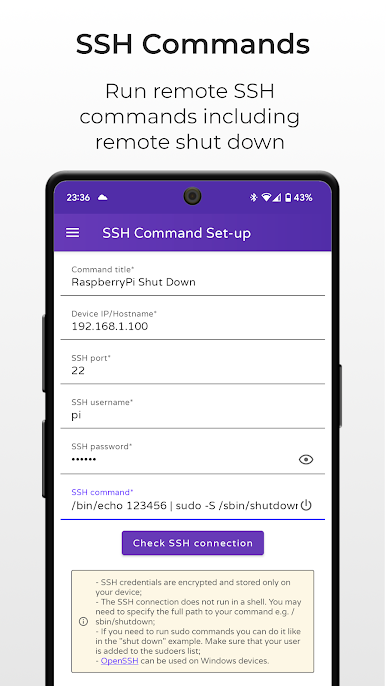
Remote Commands via SSH
Need to do more? Remotely run SSH commands and turn your devices off or on, using either a password or a secure SSH key. It works smoothly with all sorts of authentication, including RSA and ED25519. -
Automation Integration
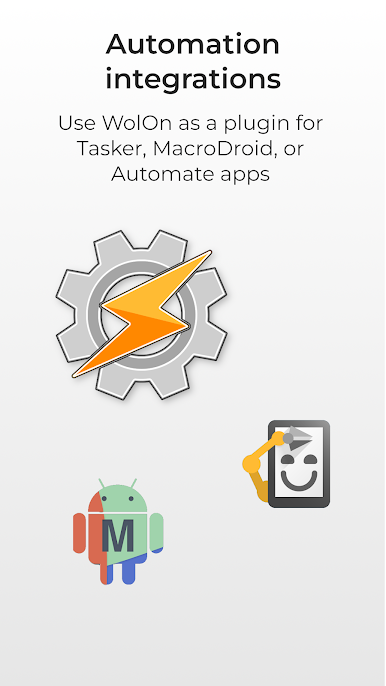
Plug WolOn into apps like Tasker, MacroDroid, or Automate. Set up triggers, automate tasks, or have devices wake up on a schedule—just the way you want. -
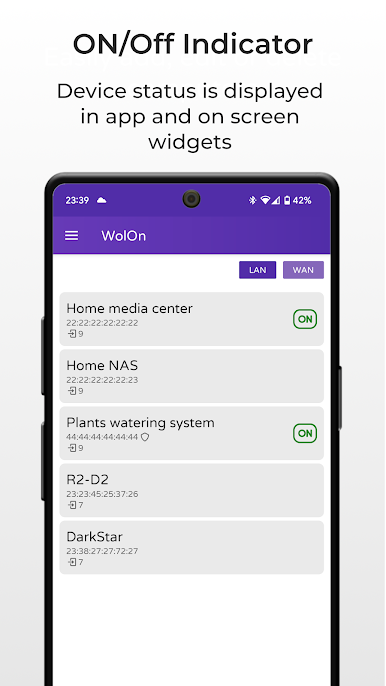
Status Monitoring & Auto Wake
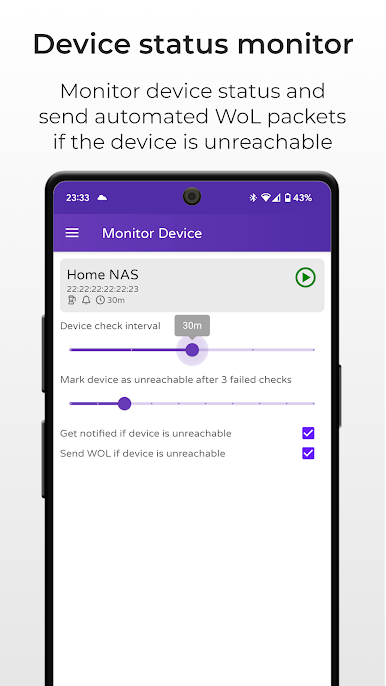
Get notified if a device goes offline, and let WolOn try to wake it automatically. It’ll keep an eye on things, so you don’t have to. -
Wake Scheduling
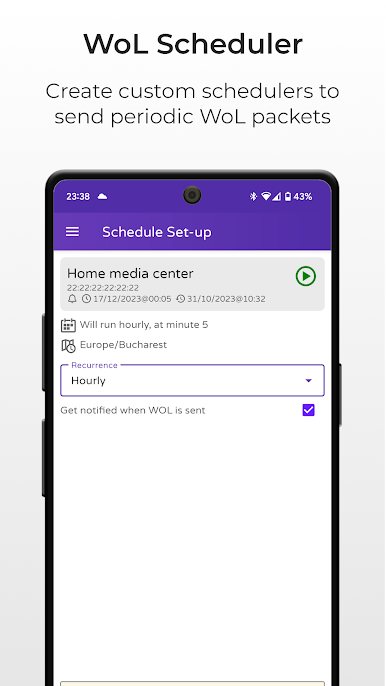
Schedule regular wake-ups for your devices, perfect if you need your PC or server on at certain times—without having to remember every time. -
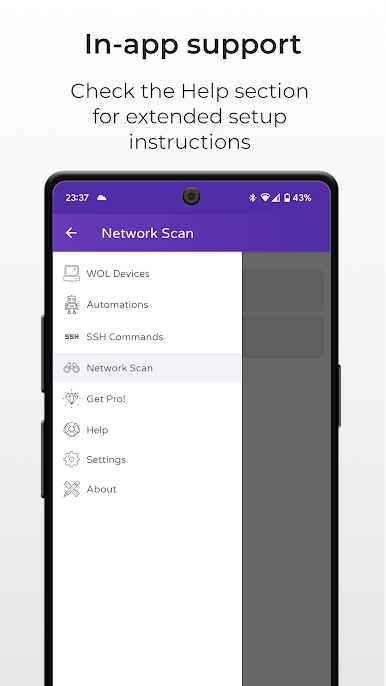
Network Scanning
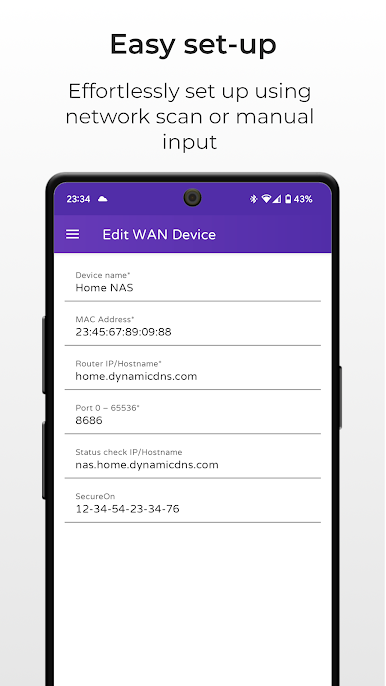
Scan your local network to see which devices are available and ready to be managed. Super handy if you’ve got a bunch of stuff connected at home. -
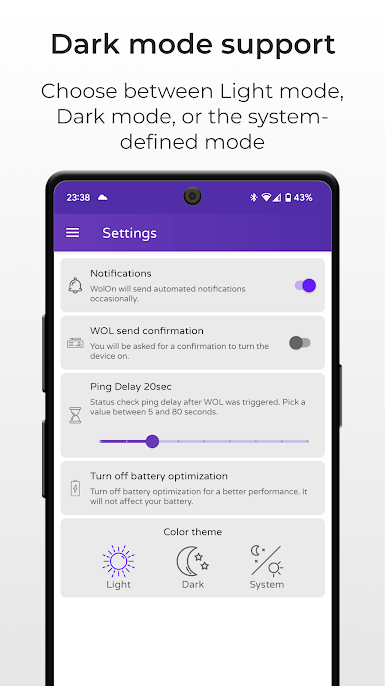
Dark Mode & Streamlined Design
The app’s Material Design look feels modern, and you can switch to dark mode when you want something easier on your eyes. -
Energy Saver
Turn on your devices only when you need them and shut them down when you don’t, helping you save on electricity bills.
If you’re using BlueStacks, controlling devices via WolOn feels even more direct and convenient.
BlueStacks gives you the much-needed freedom to experience your favorite apps on a bigger screen. Get it now.
Chơi WolOn - Wake on LAN Widgets trên PC. Rất dễ để bắt đầu
-
Tải và cài đặt BlueStacks trên máy của bạn
-
Hoàn tất đăng nhập vào Google để đến PlayStore, hoặc thực hiện sau
-
Tìm WolOn - Wake on LAN Widgets trên thanh tìm kiếm ở góc phải màn hình
-
Nhấn vào để cài đặt WolOn - Wake on LAN Widgets trong danh sách kết quả tìm kiếm
-
Hoàn tất đăng nhập Google (nếu bạn chưa làm bước 2) để cài đặt WolOn - Wake on LAN Widgets
-
Nhấn vào icon WolOn - Wake on LAN Widgets tại màn hình chính để bắt đầu chơi

