


ActivityTracker Pedometer
Chơi trên PC với BlueStacks - Nền tảng chơi game Android, được hơn 500 triệu game thủ tin tưởng.

Trang đã được sửa đổi vào: Nov 21, 2024
Play ActivityTracker Pedometer on PC
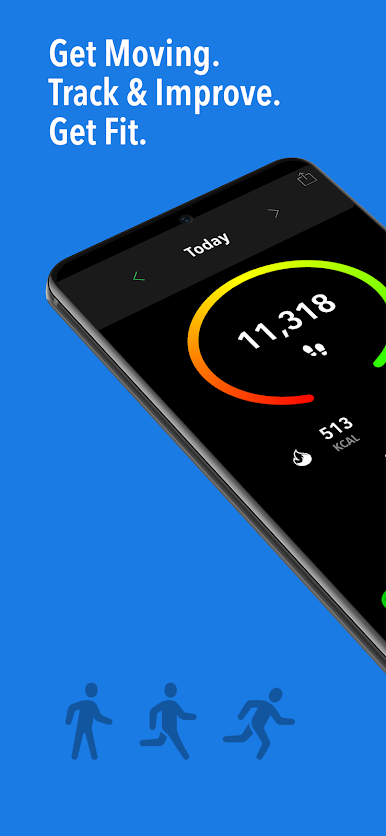
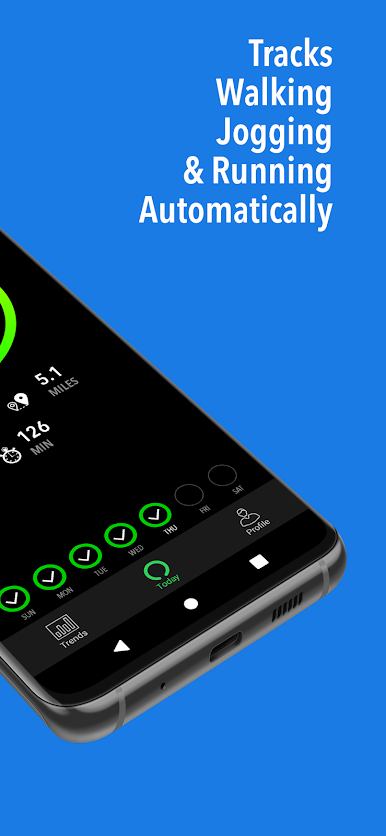
ActivityTracker will keep track of your steps, active calories, distance, and active time just by carrying your phone or Wear watch around, which you already do!
Research has shown that just by being more active you will also be healthier. Not everyone wants a vigorous exercise routine so just increasing your daily activity will get you in better shape. ActivityTracker will auto-magically quantify your daily and weekly activity and motivate you to be more active for free!
General Features
• Track your all-day activity without draining your battery (no GPS) or wearing a fitness gadget!
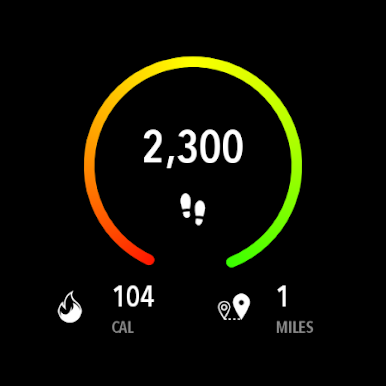
• Track your Steps, Active Calories, Distance, and Active Time;
• [New] Set the app to monitor what's most important for you: Steps, Calories Burned, or Distance (PRO version);
• [New] Set individual Weekly Targets for: Steps, Calories Burned, and Distance (PRO version);
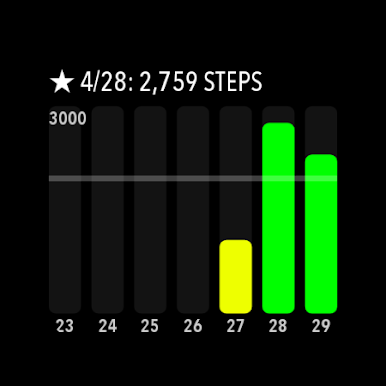
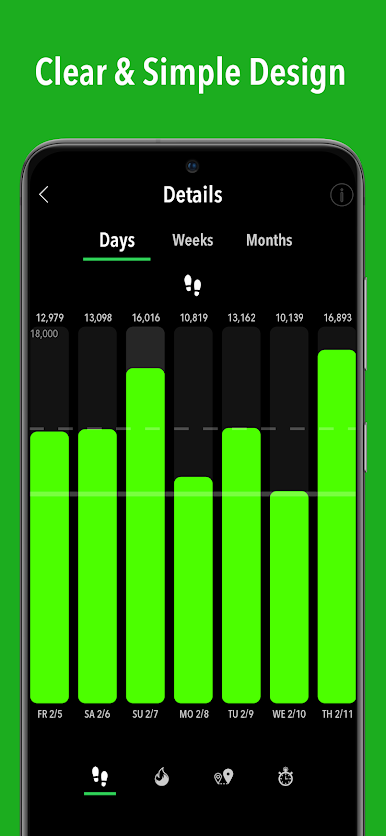
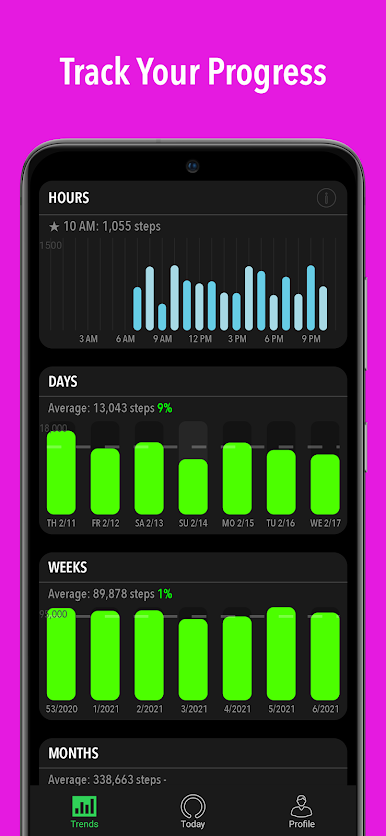
• Track your Daily, Weekly and Monthly activities in great detail;
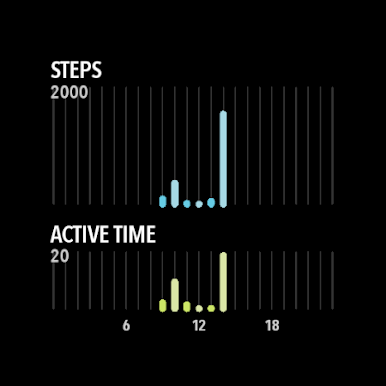
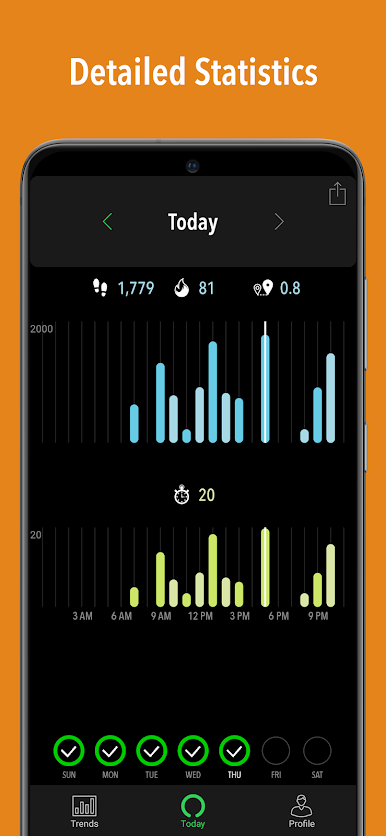
• Track your activity hour-by-hour in the Hourly view. Details such as steps, calories, distance, and active time are shown per hour;
• Long-tap on any day in the Details > Days view to see details per hour for that day;
• [New] Long-tap on any week/month in the Details > Weeks/Months views will get you to the first day of that week/month;
• Since not all days are the same, we prefer a Weekly Target but we will also show you a daily goal based on your target;
• [New] Customize the interface with one of the seven Accent Colors (from which three are free);
• Import/export feature to save your data or move it to another device (PRO version);
• Week Overview to review your last week's progress at a glance (PRO version).
Android Integration
• Import your historical data from Google Fit so you can have a complete overview of your activity from day one;
• Beautiful & fully customizable Widgets;
• Graphical Notification with multiple customization options;
• [New] Import/export directly to your Google Drive account (PRO version);
• Daily & Weekly notifications that can easily be disabled in Settings;
• Progress notifications for target reached and target half-reached (PRO version);
• App badge that shows the steps taken (as hundreds) directly on the app icon.
[New] Wear OS app!
• Today's overview
• Hour-by-hour summary for today
• Last 7 days of data
• Complications for your Watch face
Note: If your device doesn't track all steps, please see the Help from inside the app for how to fix this.
https://activitytracker.app/terms-of-service.html
Chơi ActivityTracker Pedometer trên PC. Rất dễ để bắt đầu
-
Tải và cài đặt BlueStacks trên máy của bạn
-
Hoàn tất đăng nhập vào Google để đến PlayStore, hoặc thực hiện sau
-
Tìm ActivityTracker Pedometer trên thanh tìm kiếm ở góc phải màn hình
-
Nhấn vào để cài đặt ActivityTracker Pedometer trong danh sách kết quả tìm kiếm
-
Hoàn tất đăng nhập Google (nếu bạn chưa làm bước 2) để cài đặt ActivityTracker Pedometer
-
Nhấn vào icon ActivityTracker Pedometer tại màn hình chính để bắt đầu chơi

