


Notes (Super Simple Notes)
Chơi trên PC với BlueStacks - Nền tảng chơi game Android, được hơn 500 triệu game thủ tin tưởng.

Trang đã được sửa đổi vào: Aug 5, 2025
Run Notes (Super Simple Notes) on PC or Mac
Let BlueStacks turn your PC, Mac, or laptop into the perfect home for Notes (Super Simple Notes), a fun Tools app from bitwize10.
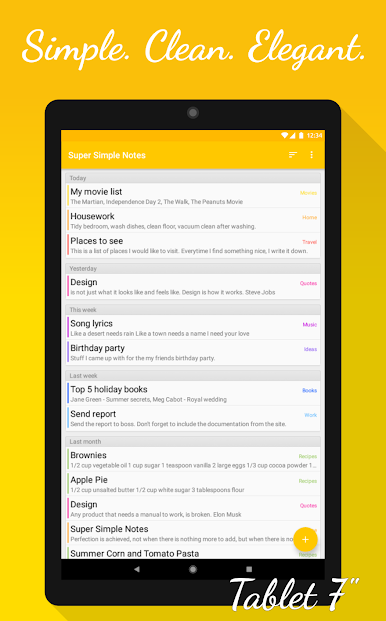
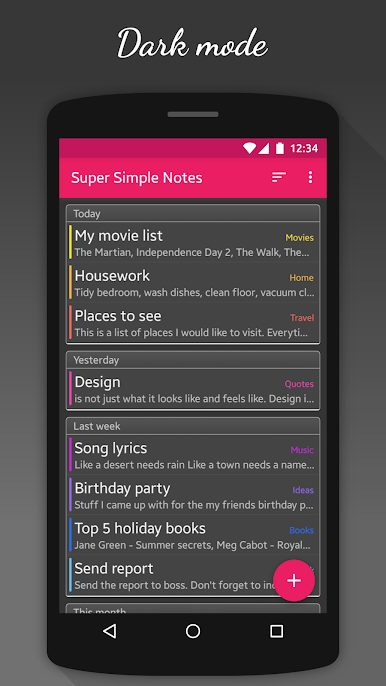
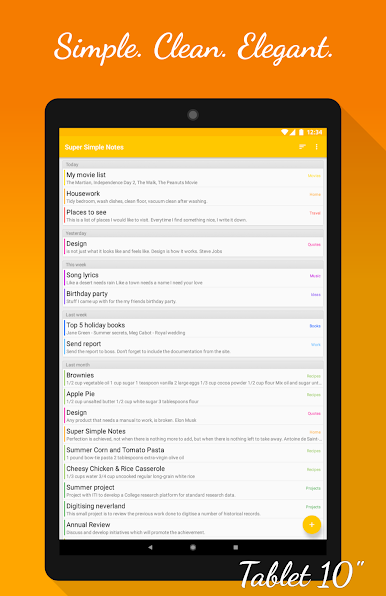
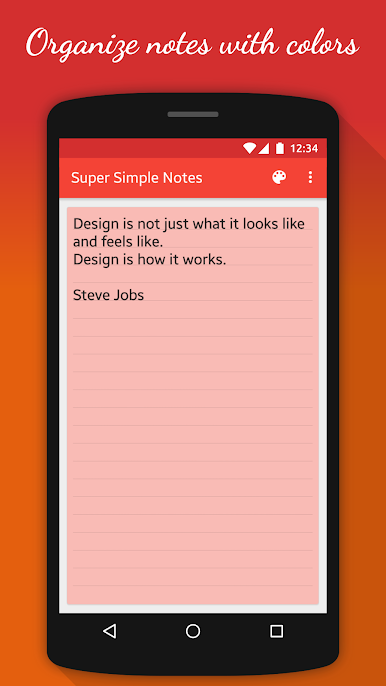
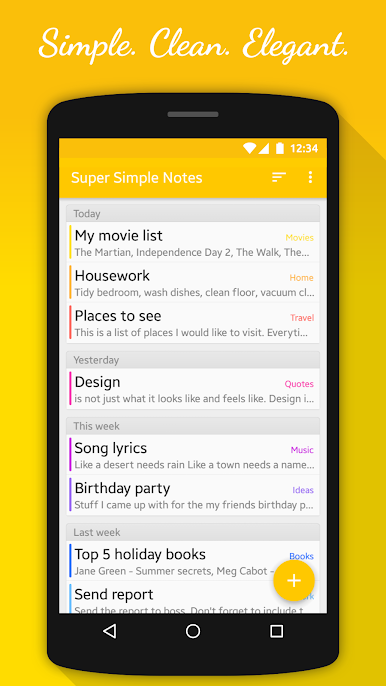
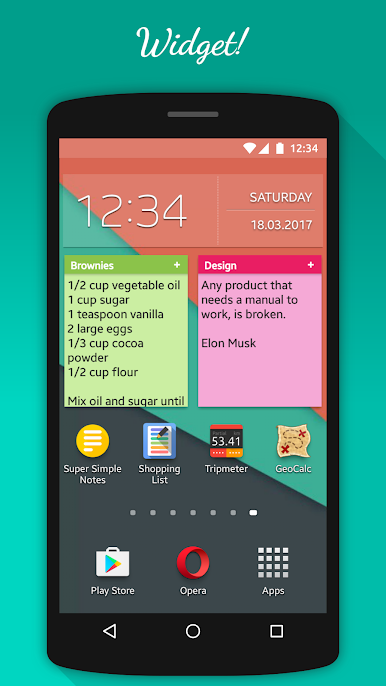
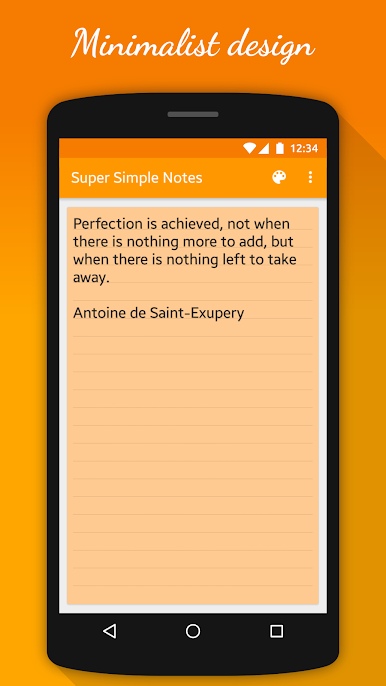
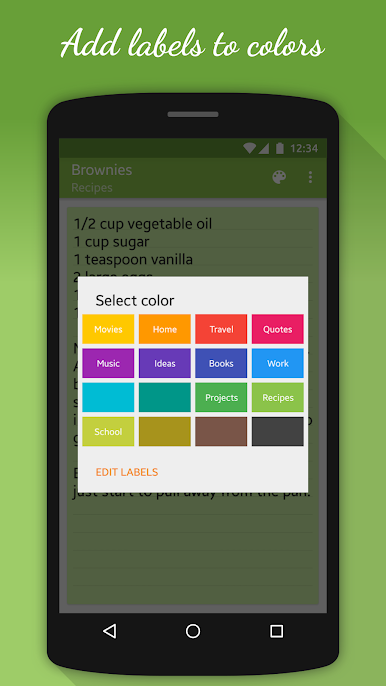
Notes, the Super Simple Notes app, feels like a notepad that actually stays out of the way. The interface is minimal and clean, so it opens quick and does not bury anything under menus. Organizing is all about color, which makes it easy to scan a list at a glance. A note can be given a color, and that color can have a short label, so blue could be Work, green could be Groceries, whatever makes sense. There are eight colors included right away, and eight more are available if someone wants to buy them. There is a dark theme for late nights, and a handy home screen widget so a list or reminder can sit right where it is needed. Nothing to learn, just type.
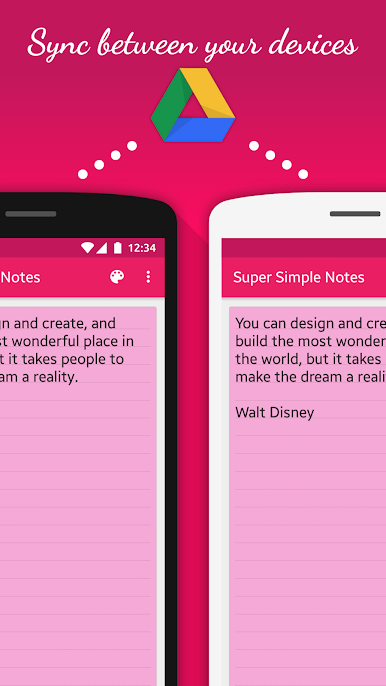
Little touches help. Text size can be nudged with the volume buttons, which even maps fine when running it on BlueStacks, so zooming in and out feels quick on a keyboard too. Notes can have reminders, so a call or task pops up when it is supposed to. Backups and sync run through Google Drive. Export to Drive or an SD card, and when importing later it only pulls in new or updated notes, so duplicates do not stack up. Automatic backup to Drive is there if someone wants a safety net, and using Drive keeps notes in step across phone, tablet, and a PC setup. On a bigger screen through BlueStacks, typing longer thoughts is easier, colors look tidy, and the whole thing stays simple without feeling bare.
Big screen. Bigger performance. Use BlueStacks on your PC or Mac to run your favorite apps.

Chơi Notes (Super Simple Notes) trên PC. Rất dễ để bắt đầu
-
Tải và cài đặt BlueStacks trên máy của bạn
-
Hoàn tất đăng nhập vào Google để đến PlayStore, hoặc thực hiện sau
-
Tìm Notes (Super Simple Notes) trên thanh tìm kiếm ở góc phải màn hình
-
Nhấn vào để cài đặt Notes (Super Simple Notes) trong danh sách kết quả tìm kiếm
-
Hoàn tất đăng nhập Google (nếu bạn chưa làm bước 2) để cài đặt Notes (Super Simple Notes)
-
Nhấn vào icon Notes (Super Simple Notes) tại màn hình chính để bắt đầu chơi

