


GoPro ProTune Bluetooth Remote
Chơi trên PC với BlueStacks - Nền tảng chơi game Android, được hơn 500 triệu game thủ tin tưởng.

Trang đã được sửa đổi vào: Mar 23, 2022
Play MultiPro: GoPro ProTune Bluetooth Remote on PC
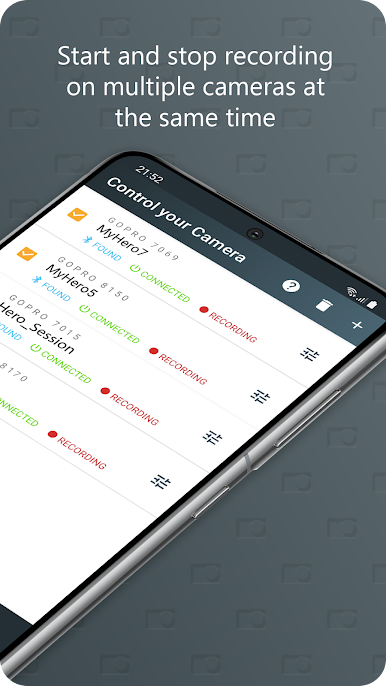
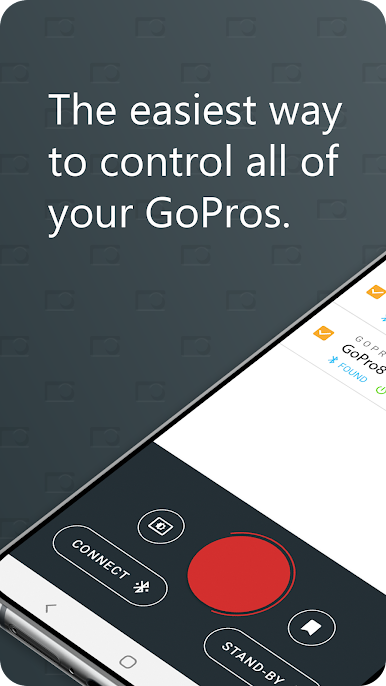
MultiPro allows you to control multiple GoPros at the same time and apply ProTune settings from your phone.
This app has several advantages over other GoPro apps:
Faster Connection:
By using Bluetooth instead of Wifi, this app connects to your GoPros significantly faster.
Longer Battery Time:
Bluetooth (BLE = Bluetooth Low Energy) requires up to 90% less energy than Wifi, hence your battery will last longer.
Connect Multiple Cameras:
If you use multiple GoPros at the same time, this app allows you to control all of them without the need to switch or re-connect.
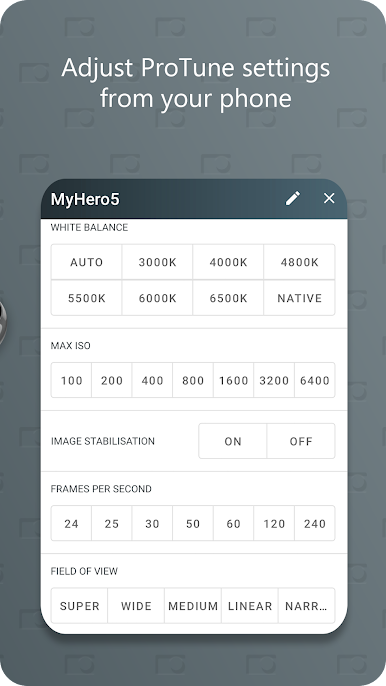
Remote Control ProTune Settings:
Change important settings like Resolution, Frames Per Second, White Balance, Shutter Speed, Max ISO, Image Stabilisation and EV Compensation remotely.
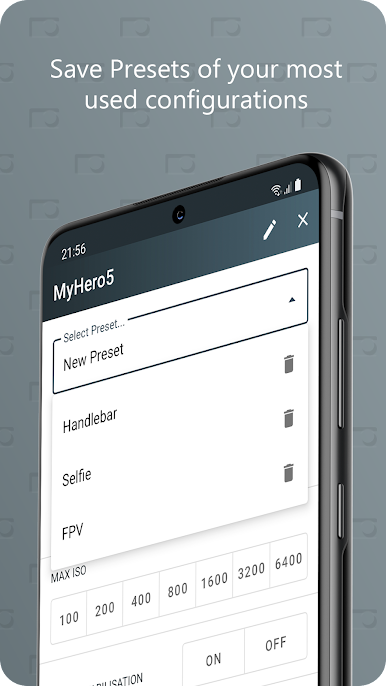
Save Presets:
Save your settings as presets in order to easily apply multiple configurations to all your cameras.
Quick Settings:
Quickly set often changing settings like 'White Balance' or 'Maximum ISO' for all cameras from the control screen with just one click.
No LiveView:
Please be advised that it is not possible to get a live feed of the video while using Bluetooth. Use the official GoPro app for this.
Chơi GoPro ProTune Bluetooth Remote trên PC. Rất dễ để bắt đầu
-
Tải và cài đặt BlueStacks trên máy của bạn
-
Hoàn tất đăng nhập vào Google để đến PlayStore, hoặc thực hiện sau
-
Tìm GoPro ProTune Bluetooth Remote trên thanh tìm kiếm ở góc phải màn hình
-
Nhấn vào để cài đặt GoPro ProTune Bluetooth Remote trong danh sách kết quả tìm kiếm
-
Hoàn tất đăng nhập Google (nếu bạn chưa làm bước 2) để cài đặt GoPro ProTune Bluetooth Remote
-
Nhấn vào icon GoPro ProTune Bluetooth Remote tại màn hình chính để bắt đầu chơi

