


CarlTune - tuner chromatyczny
Graj na PC z BlueStacks – Platforma gamingowa Android, która uzyskała zaufanie ponad 500 milionów graczy!

Strona zmodyfikowana w dniu: Aug 25, 2025
Play CarlTune - Chromatic Tuner on PC
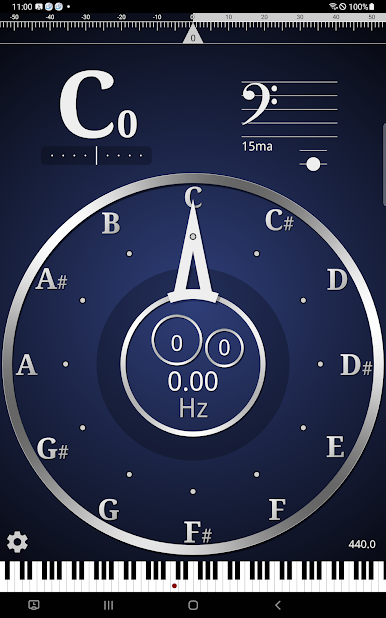
▶Main features:
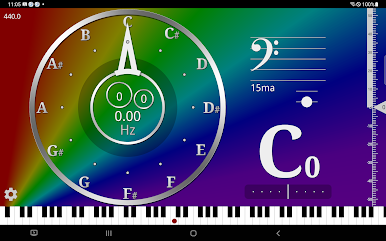
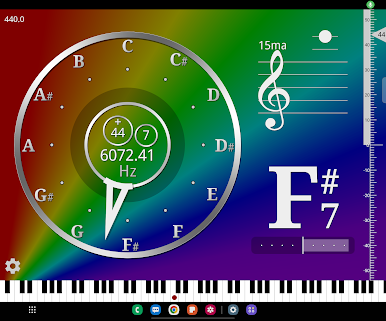
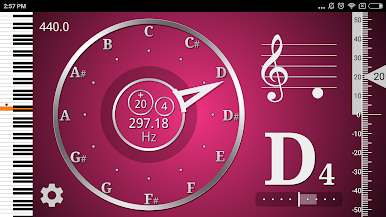
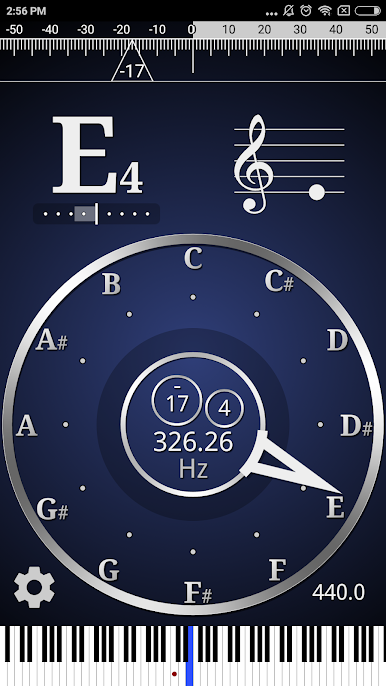
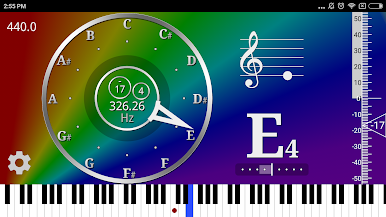
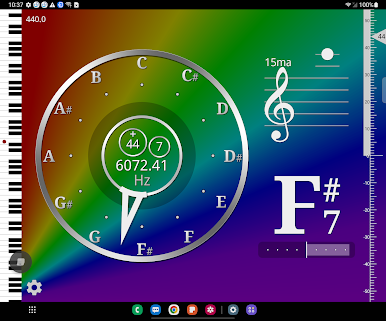
● Colors : You can select almost any color.
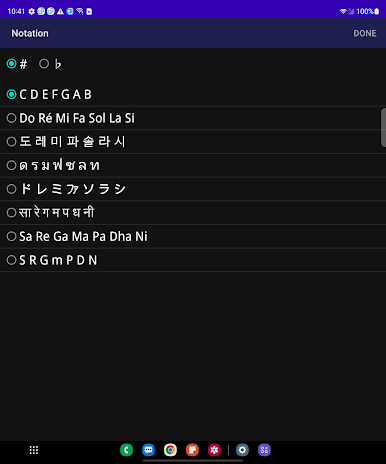
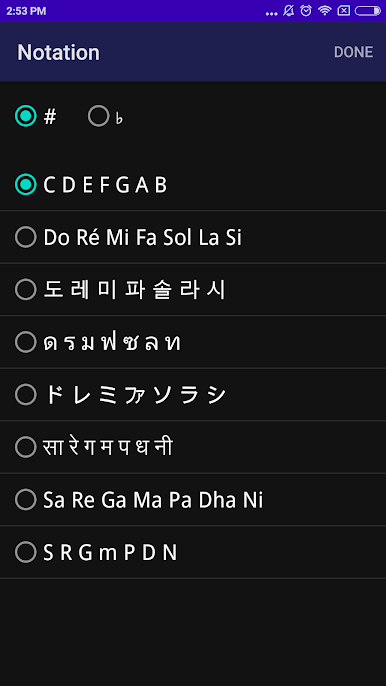
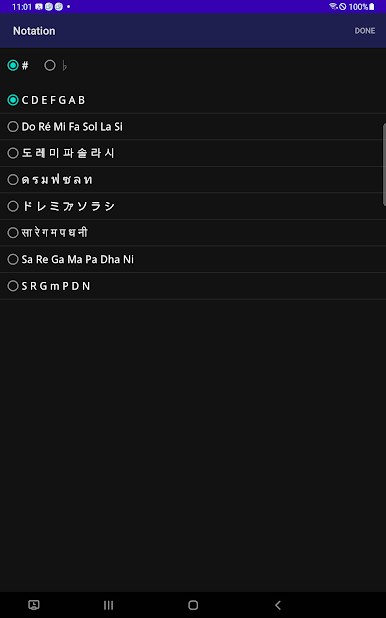
● Notation : Supports US, Europe, Korea, Thailand, Japan, and India.
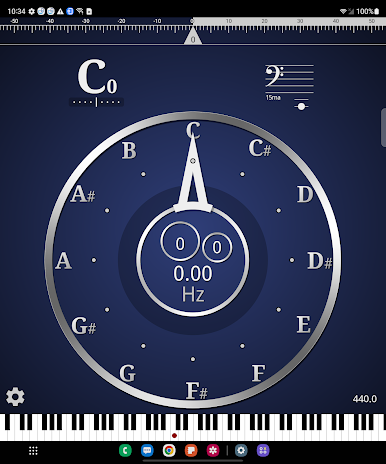
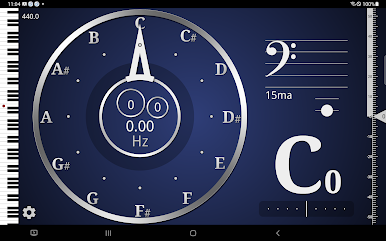
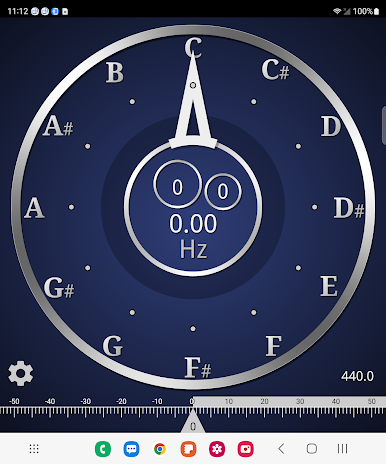
● Rotation : Supports landscape mode and portrait mode screen.
● Hit range : You can fine-tune by adjusting ±Cent value from the standard pitch.
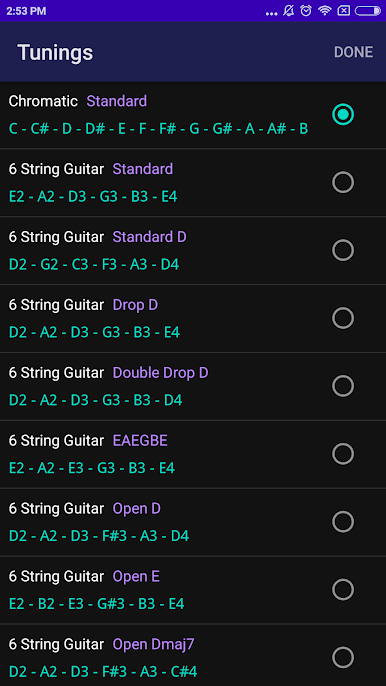
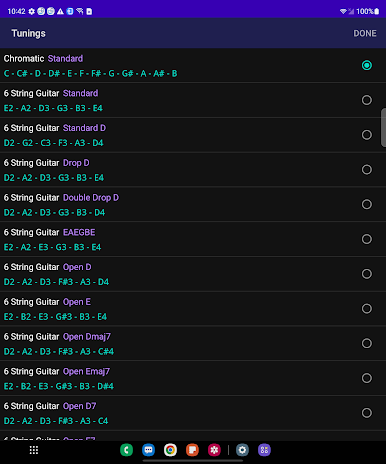
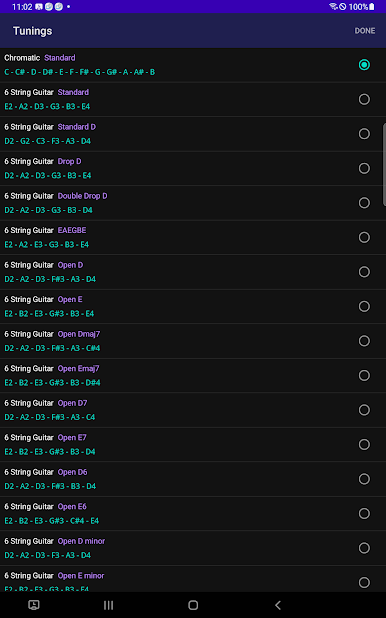
● Tunings: Provides various instruments and custom tuning interfaces.
6 String Guitar (Standard, Standard D, Drop D, Double Drop D, EAEGBE, Open D, Open E, Open Dmaj7, Open Emaj7, Open D7, Open E7, Open D6, Open E6, Open D minor, Open E minor, Open G, Open A, Open Gmaj7, Open C, Open A minor, Dad Gad, Papa Papa), 4-string bass guitar, 6-string bass guitar, ukulele, violin, viola, cello, double bass, mandolin, mandola, Guitarelle
In addition, the default chromatic interface can be used for almost all instruments such as flute, kalimba, daegeum, gayageum, and vocal practice.
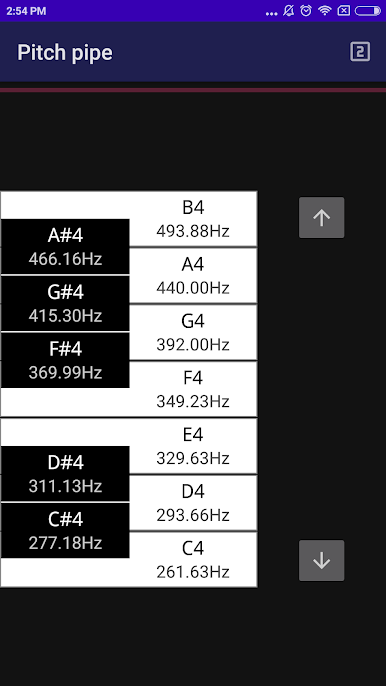
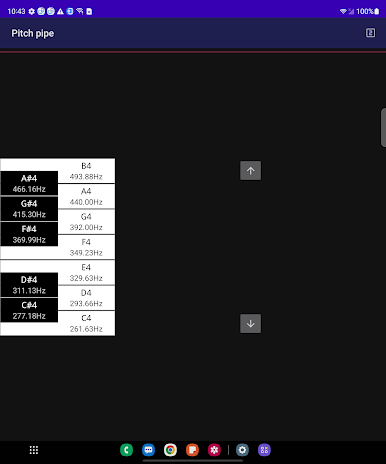
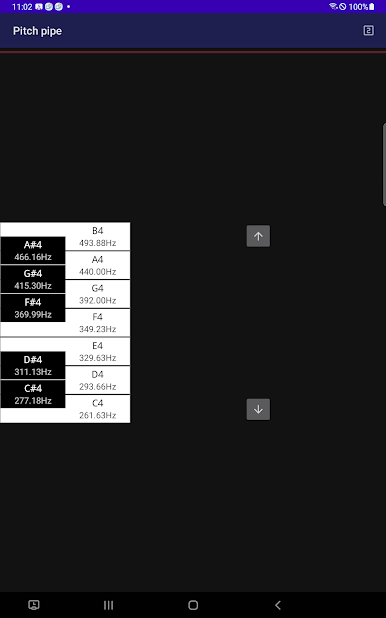
● Pitch pipe : Produces a mathematically accurately calculated frequency tone. Also, the piano keyboard interface and standard frequency values can help you understand sounds and music.
● Visibility : You can adjust the graphic interface aspect ratio to fit the aspect ratio of the device screen.
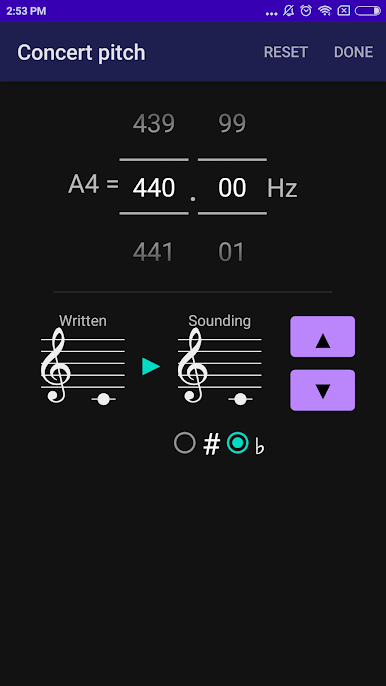
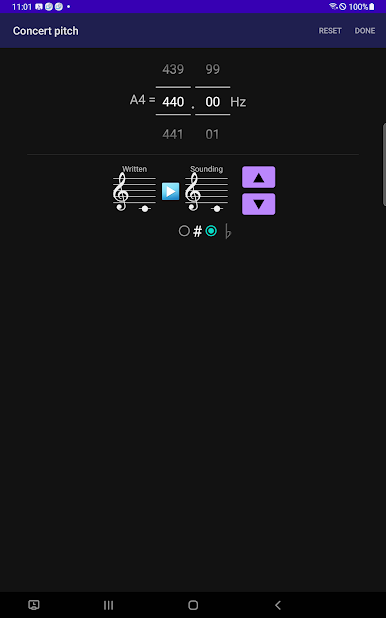
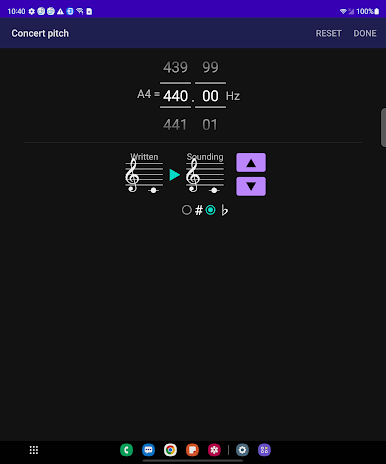
● Transposition, concert pitch : You can change the most well-known tuning standard A4=440Hz. It also provides a transposition function for transposing instruments such as the clarinet, trumpet and saxophone.
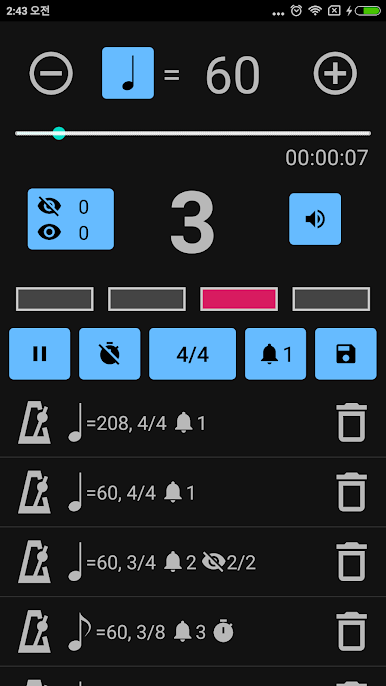
● Metronome
● All features are free, including ads.
● You can remove ads by making in-app payment (paid purchase).
Zagraj w CarlTune - tuner chromatyczny na PC. To takie proste.
-
Pobierz i zainstaluj BlueStacks na PC
-
Zakończ pomyślnie ustawienie Google, aby otrzymać dostęp do sklepu Play, albo zrób to później.
-
Wyszukaj CarlTune - tuner chromatyczny w pasku wyszukiwania w prawym górnym rogu.
-
Kliknij, aby zainstalować CarlTune - tuner chromatyczny z wyników wyszukiwania
-
Ukończ pomyślnie rejestrację Google (jeśli krok 2 został pominięty) aby zainstalować CarlTune - tuner chromatyczny
-
Klinij w ikonę CarlTune - tuner chromatyczny na ekranie startowym, aby zacząć grę

