


Cover Strike: Offline Shooting
Chơi trên PC với BlueStacks - Nền tảng chơi game Android, được hơn 500 triệu game thủ tin tưởng.

Trang đã được sửa đổi vào: Nov 28, 2025
Play Cover Strike: Offline Shooting on PC
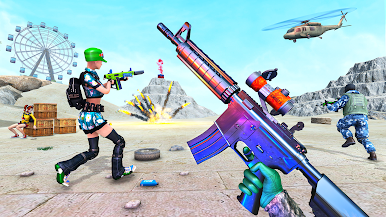
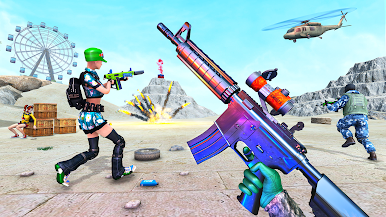
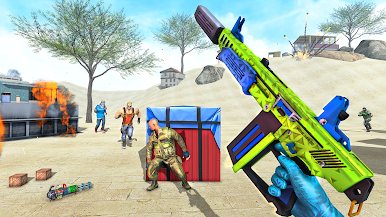
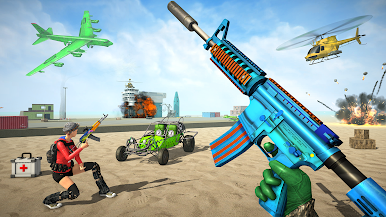
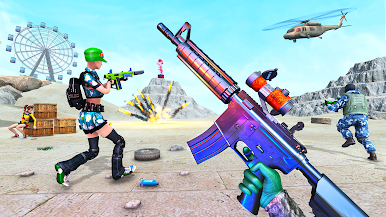
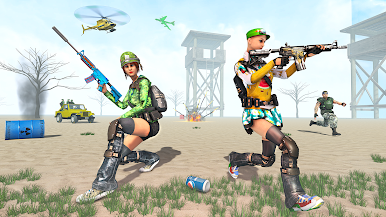
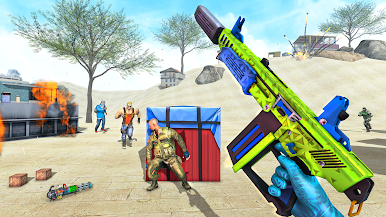
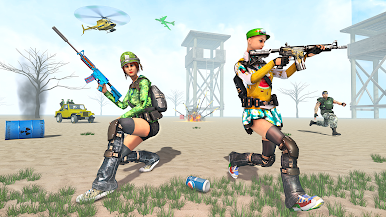
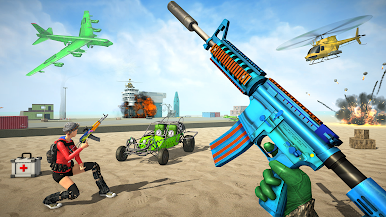
Anti-terrorist fps shooting game contains many secret missions of gun ops that are not available in many gun shooting games. It’s really to take down a real girl commando in the sniper shooting and girl fight games. You need to act like a brave gun shooter in this fps shooting game. In the girl fight of survival, many trained fps commando will appear as your enemies and they will surely show their best fps commando skills. You are the real commando, just show them your gun shooting skills and destroy the enemy bases in this counter-terrorist fps strike. Survive till your last breath and make the highest kill streak. Be ready for the counter attack and enemy girl commando reaching you in their war tanks and military helicopters.
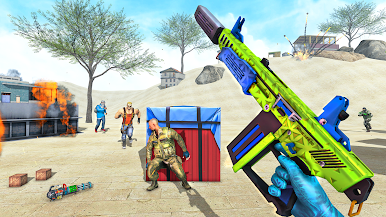
In other shooting games you have might have easily destroyed the enemy bases, but now you will experience the more challenge of counter attack as a real commando. Many Fps pro shooters are ready to challenge your gun shooting and sniper shooting in this counter-terrorist fps strike. Just use your modern fps shooting skills to defeat the fps commando like the pro shooters. You will find many modern weapons which would be enough to defeat enemies if you are really a real commando and expert of girl games. You will also find the army dogs as your enemy. Sometimes you will need to beat enemies without weapons in girl fight to prove that you are a strong fps commando.
Key Features: Counter-Terrorist Fps Strike
- Girl commando shooting experience.
- Modern weapons of fps games.
- Secret missions having great story.
- Boss fights.
- Realistic gun shooting controls.
- Realistic fps battlefields.
- Daily rewards and timely bonuses.
This game is specially designed for girl games lover having experience in fps shooting.

Chơi Cover Strike: Offline Shooting trên PC. Rất dễ để bắt đầu
-
Tải và cài đặt BlueStacks trên máy của bạn
-
Hoàn tất đăng nhập vào Google để đến PlayStore, hoặc thực hiện sau
-
Tìm Cover Strike: Offline Shooting trên thanh tìm kiếm ở góc phải màn hình
-
Nhấn vào để cài đặt Cover Strike: Offline Shooting trong danh sách kết quả tìm kiếm
-
Hoàn tất đăng nhập Google (nếu bạn chưa làm bước 2) để cài đặt Cover Strike: Offline Shooting
-
Nhấn vào icon Cover Strike: Offline Shooting tại màn hình chính để bắt đầu chơi

