


Learn Korean Phrases
Graj na PC z BlueStacks – Platforma gamingowa Android, która uzyskała zaufanie ponad 500 milionów graczy!

Strona zmodyfikowana w dniu: Aug 8, 2025
Play Learn Korean Phrases on PC
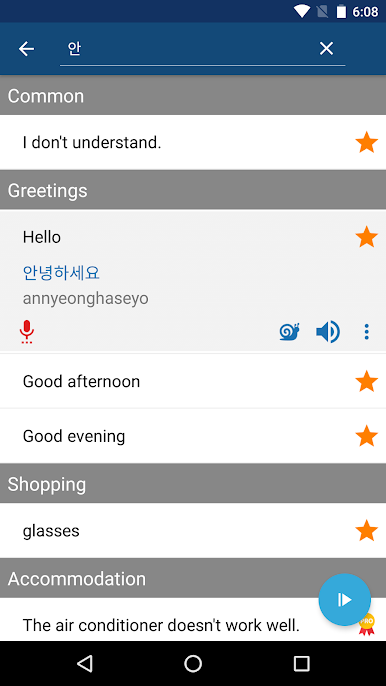
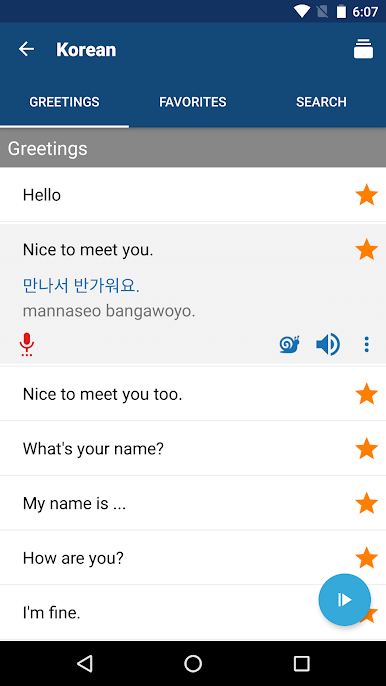
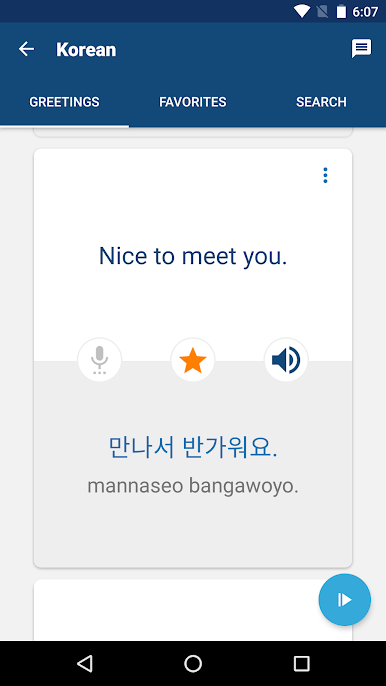
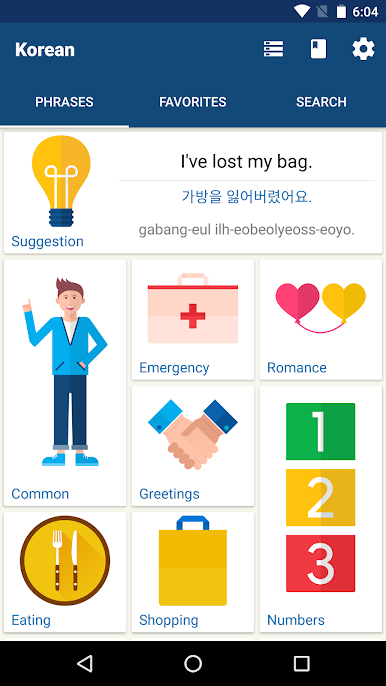
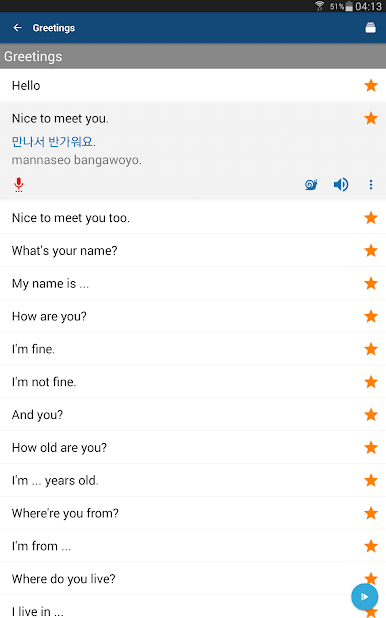
The “Learn Korean” app has many useful Korean phrases and words (e.g., “Thank you!”, “How much?” or “A table for two, please!”). When you tap a phrase, the app speaks it aloud. There is no guessing as to how to pronounce the words. And if the app is talking too quickly for you, simply tap the snail icon to hear the words more slowly. And if the app is talking too quickly for you, simply tap the turtle icon to hear it more slowly. Listen to pronunciation recorded by native Korean speaker and then record and play back your own voice to practice your Korean speaking skills!
When traveling to Korea (e.g., Seoul, Incheon or Busan), make sure you bring the app with you! Ideally you listen to a phrase and repeat it, but if your accent is terrible, you can play the voice on the app to local Korean people (e.g., a waiter or store clerk).
FEATURES
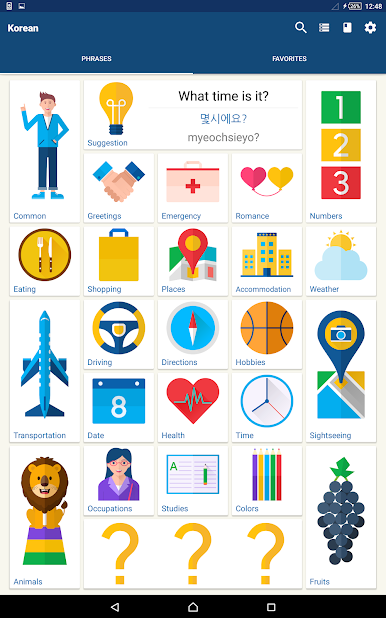
- Many useful Korean phrases & words
- Pronunciation recorded by native Korean speaker
- No Internet connection required
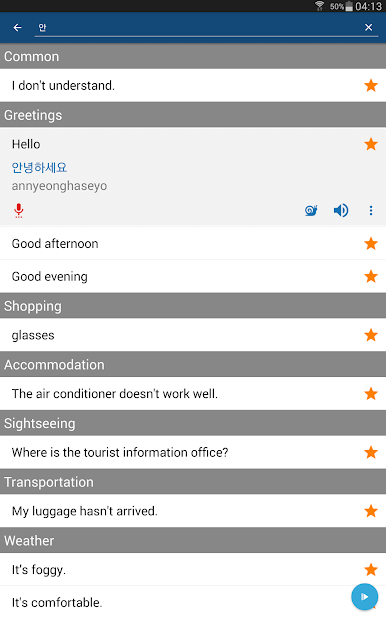
- Instant search by keywords
- Customizable font size
ABOUT Bravolol
- Web site:
http://www.bravolol.com
- Facebook:
http://www.facebook.com/Bravolol
- Twitter:
https://twitter.com/BravololApps
- Instagram:
https://www.instagram.com/bravolol/
- Email:
cs@bravolol.com

Zagraj w Learn Korean Phrases na PC. To takie proste.
-
Pobierz i zainstaluj BlueStacks na PC
-
Zakończ pomyślnie ustawienie Google, aby otrzymać dostęp do sklepu Play, albo zrób to później.
-
Wyszukaj Learn Korean Phrases w pasku wyszukiwania w prawym górnym rogu.
-
Kliknij, aby zainstalować Learn Korean Phrases z wyników wyszukiwania
-
Ukończ pomyślnie rejestrację Google (jeśli krok 2 został pominięty) aby zainstalować Learn Korean Phrases
-
Klinij w ikonę Learn Korean Phrases na ekranie startowym, aby zacząć grę

