

Sudoku - Classic Puzzle Game
Chơi trên PC với BlueStacks - Nền tảng chơi game Android, được hơn 500 triệu game thủ tin tưởng.

Trang đã được sửa đổi vào: Dec 7, 2025
Play Sudoku - Free Puzzle Game on PC or Mac
Step into the World of Sudoku – Free Puzzle Game, a thrilling Puzzle game from the house of Lezigame. Play this Android game on BlueStacks App Player and experience immersive gaming on PC or Mac.
About the Game
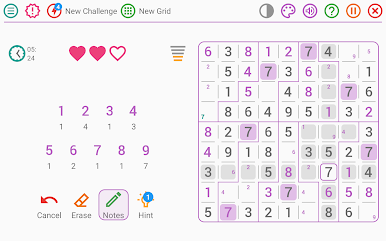
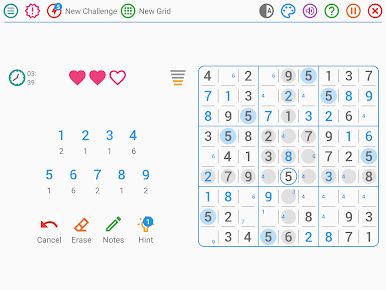
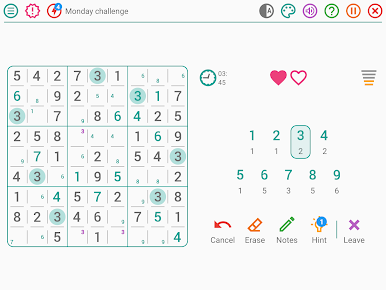
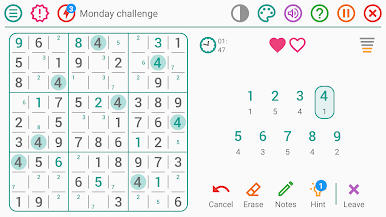
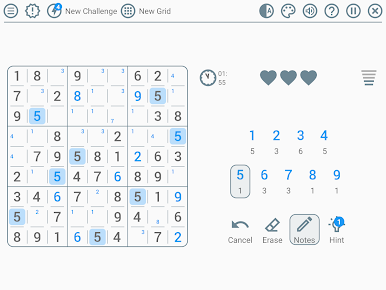
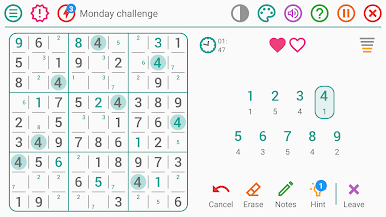
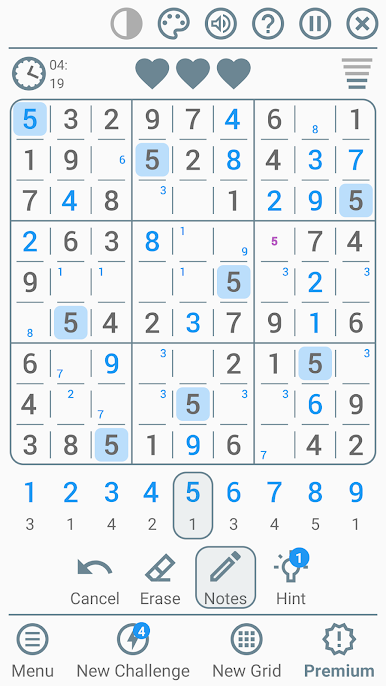
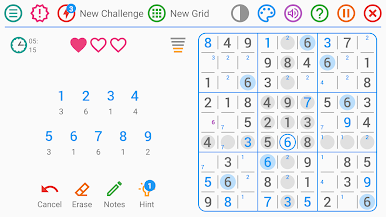
Sudoku – Free Puzzle Game by Lezigame keeps the classic number puzzle clean, smooth, and easy to settle into. It’s a polished Puzzle take that scales from calm coffee-break boards to brutal brain-burners, with options that fit the way you like to play. Prefer a bigger screen? It runs comfortably on PC using BlueStacks, too.
Game Features
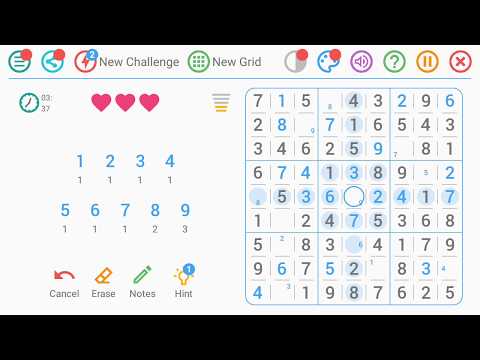
- Endless puzzles: Freshly generated boards mean you’ll never run out of grids to solve.
- Daily challenge: Get a new puzzle every day that matches your skill level and mood.
- Five difficulty levels: Switch between Beginner, Intermediate, Experienced, Expert, and Insane whenever you want.
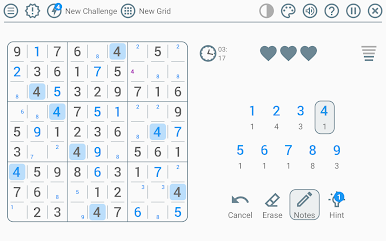
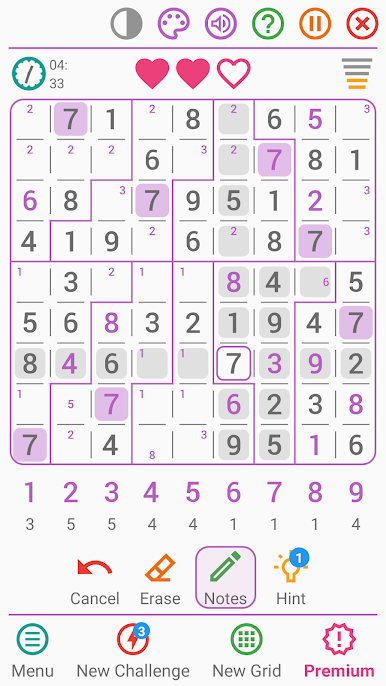
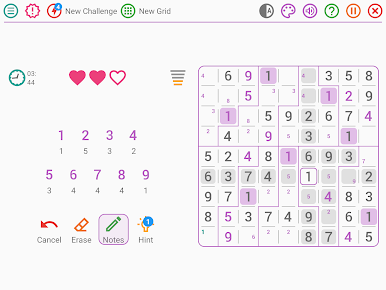
- Two grid styles: Go classic with standard regions or shake things up with irregular layouts.
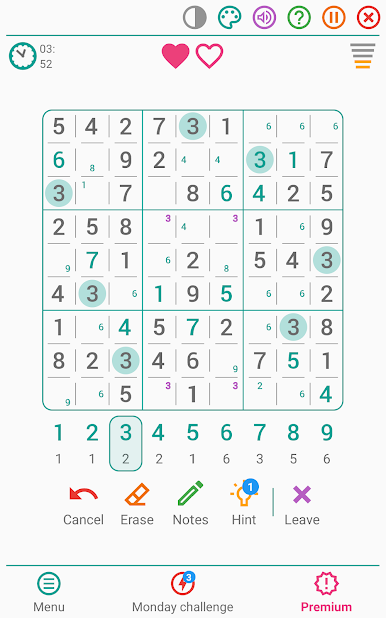
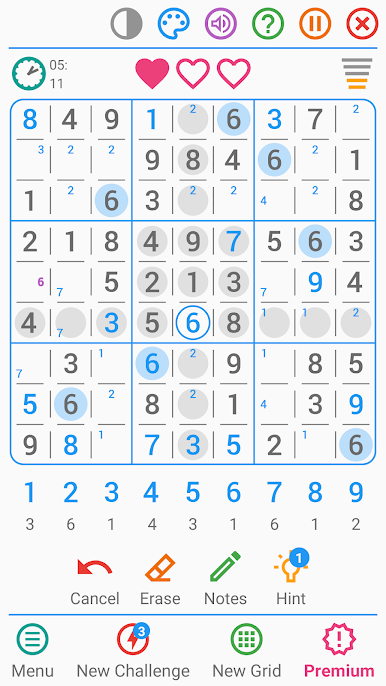
- Optional lives: Turn on mistake limits for extra tension—or disable them for pure logic.
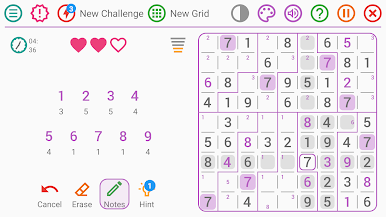
- Smart hints: Nudge-style help that teaches without handing over the entire solution.
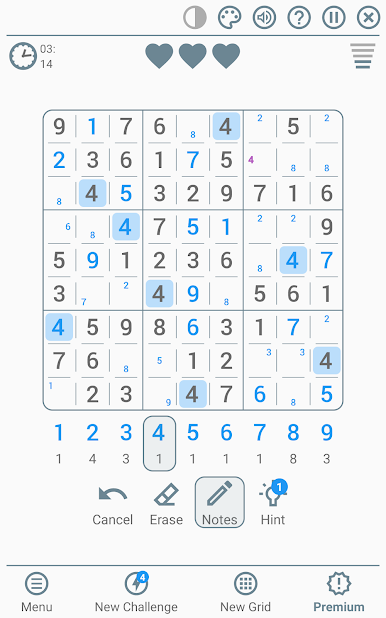
- Pencil notes: Mark candidates in each cell, with optional auto-filtering for cleaner thinking.
- Fast input mode: Rapid number entry that’s perfect for speed-solvers and time chasers.
- Detailed stats: Track best times, success rate, and winning streaks to see progress at a glance.
- Flexible settings: Toggle timers, highlight identical numbers, show or hide errors, and refine note behavior.
- Visual and comfort options: Nine color themes, dark mode, left- or right-handed layout, plus sound and vibration controls.
Start your journey now. Download the game on BlueStacks, invite your friends, and march on a new adventure.
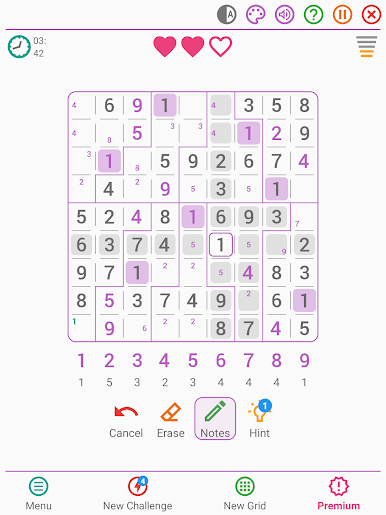
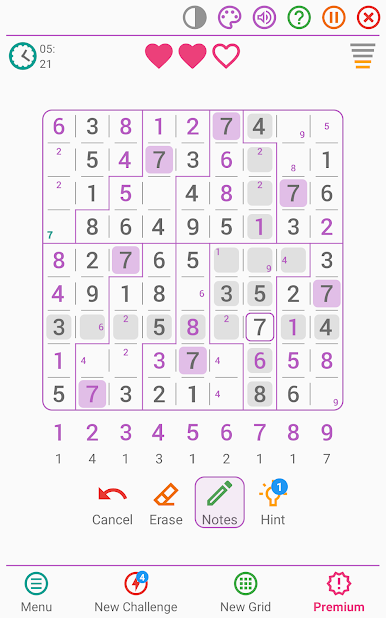
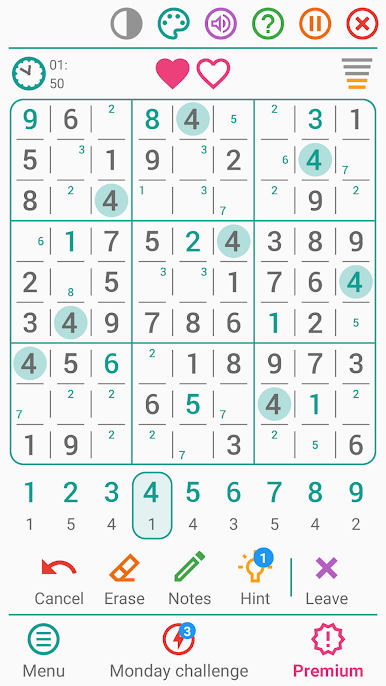
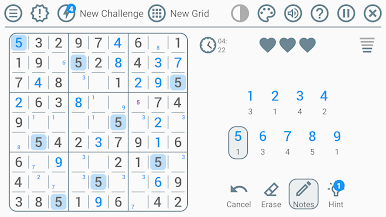
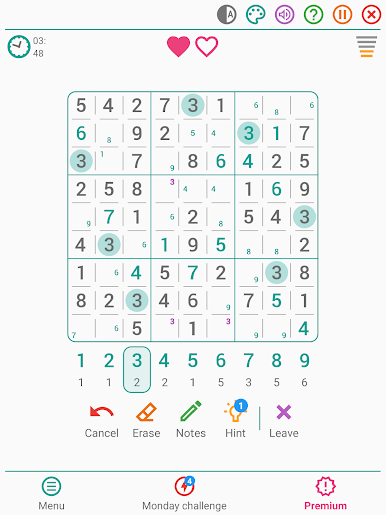
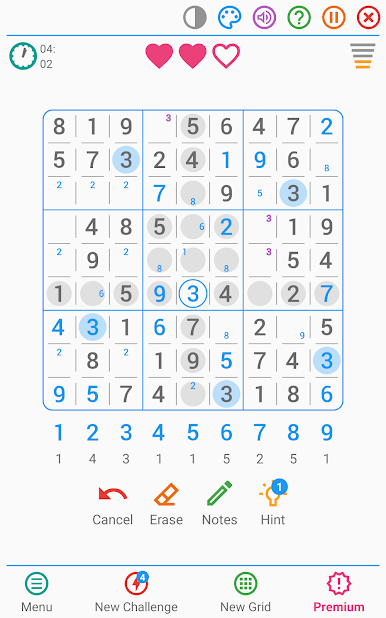
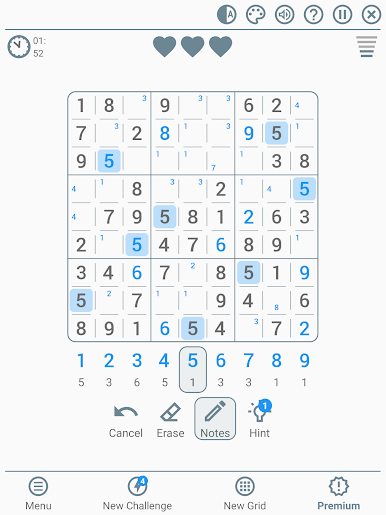
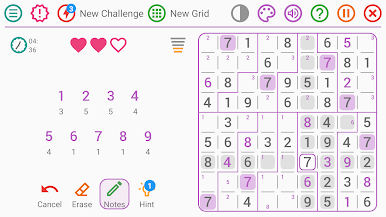
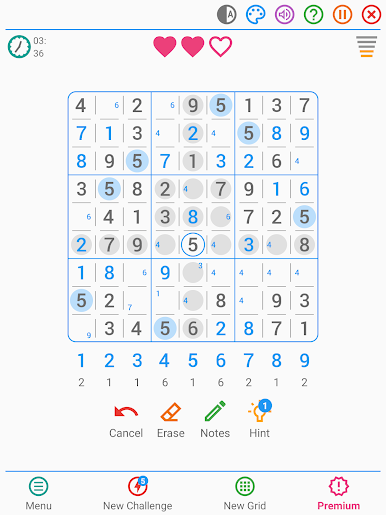
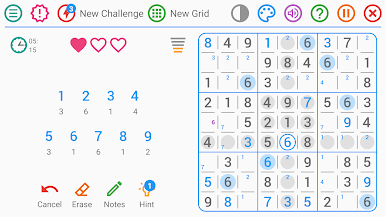
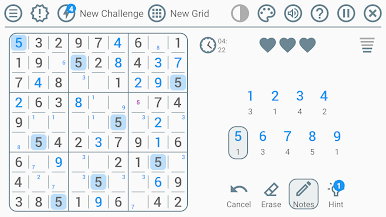
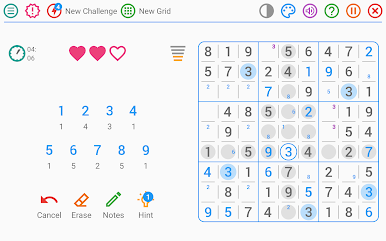
Chơi Sudoku - Classic Puzzle Game trên PC. Rất dễ để bắt đầu
-
Tải và cài đặt BlueStacks trên máy của bạn
-
Hoàn tất đăng nhập vào Google để đến PlayStore, hoặc thực hiện sau
-
Tìm Sudoku - Classic Puzzle Game trên thanh tìm kiếm ở góc phải màn hình
-
Nhấn vào để cài đặt Sudoku - Classic Puzzle Game trong danh sách kết quả tìm kiếm
-
Hoàn tất đăng nhập Google (nếu bạn chưa làm bước 2) để cài đặt Sudoku - Classic Puzzle Game
-
Nhấn vào icon Sudoku - Classic Puzzle Game tại màn hình chính để bắt đầu chơi

