


Betclic
Graj na PC z BlueStacks – Platforma gamingowa Android, która uzyskała zaufanie ponad 500 milionów graczy!

Strona zmodyfikowana w dniu: May 13, 2026
Podgląd
Customize Your Extreme Car
Choose your favorite car from the garage in this driving simulator. You can customize your car in driver games. Change the color, tires, body, and lights in parking games. Tap on everything you want to enhance in your ultimate car. It will be automatically upgraded in your chosen vehicle.
Parking Game Graphics:
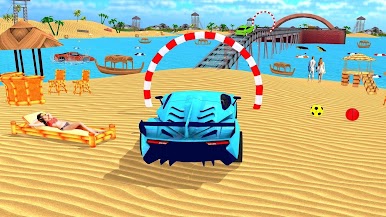
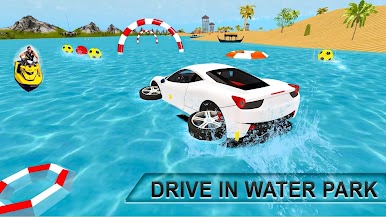
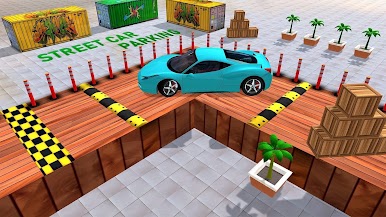
The car parking simulator features stunning graphics. The intense graphics of real parking will amaze parking masters. Modern car parking offers luxurious and various cars for drivers. Select your favorite vehicle from parking games and start your parking journey.
Enhance Your Driving Game Skills:
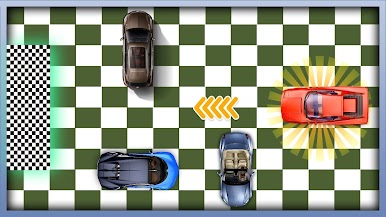
Start the engine, buckle up, and prepare to park in car games. You will learn all traffic rules in this new parking game. There are many challenges in this parking game. Each adventure mission in car parking is more exciting and interesting than others in real parking missions. The faster you complete the advanced car parking level, the more modern parking coins you will receive. By spending these coins, you can unlock new cars to drive around the city. If you fail to complete a level in the car game, you won't be able to unlock the next level.




Zagraj w Betclic na PC. To takie proste.
-
Pobierz i zainstaluj BlueStacks na PC
-
Zakończ pomyślnie ustawienie Google, aby otrzymać dostęp do sklepu Play, albo zrób to później.
-
Wyszukaj Betclic w pasku wyszukiwania w prawym górnym rogu.
-
Kliknij, aby zainstalować Betclic z wyników wyszukiwania
-
Ukończ pomyślnie rejestrację Google (jeśli krok 2 został pominięty) aby zainstalować Betclic
-
Klinij w ikonę Betclic na ekranie startowym, aby zacząć grę

