


MindShift CBT - Anxiety Relief
Graj na PC z BlueStacks – Platforma gamingowa Android, która uzyskała zaufanie ponad 500 milionów graczy!

Strona zmodyfikowana w dniu: Jul 4, 2025
Play MindShift CBT - Anxiety Relief on PC
Important Update: MindShift CBT will be closing soon. After March 31, 2025, MindShift will no longer receive updates or support, and all user data will be permanently deleted. Users will need to manually remove the app from their mobile devices.
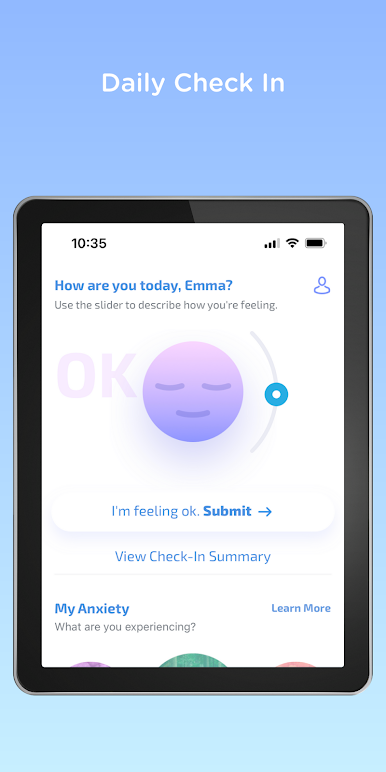
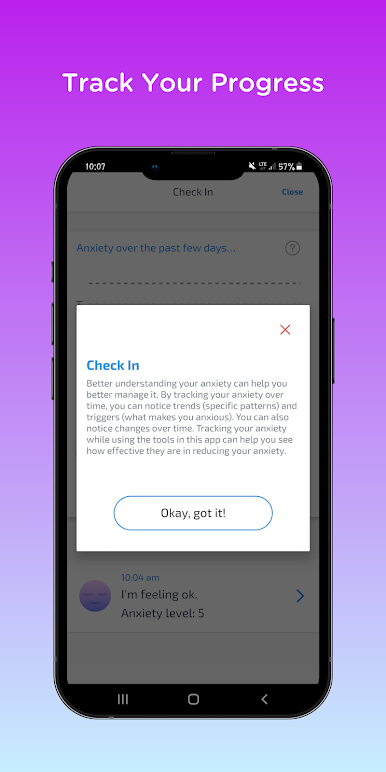
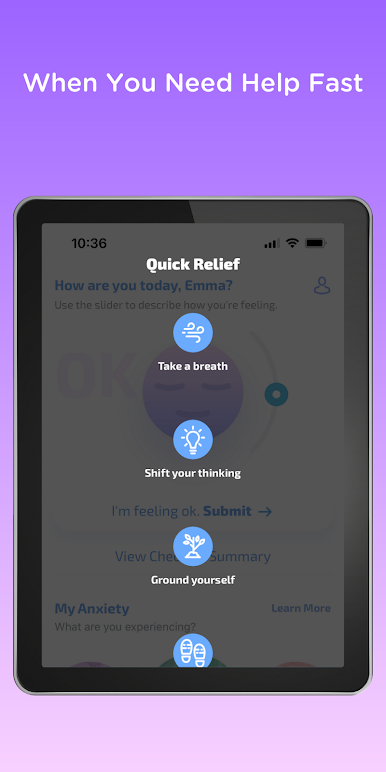
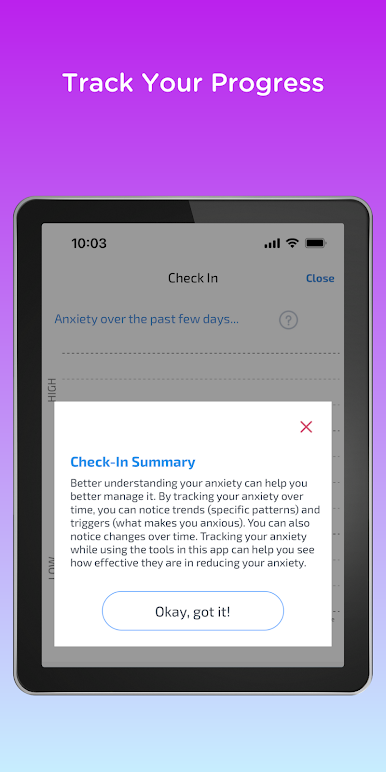
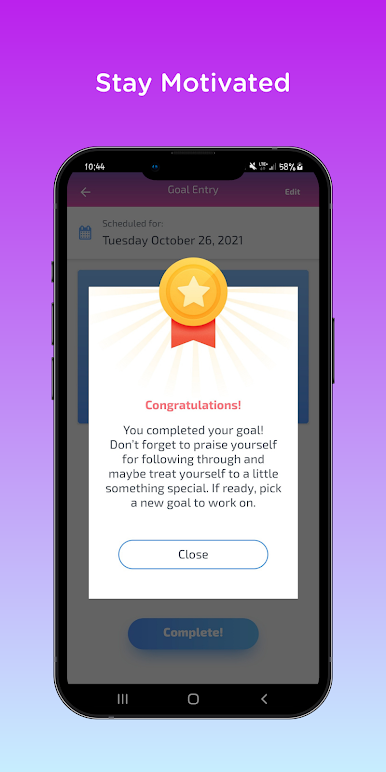
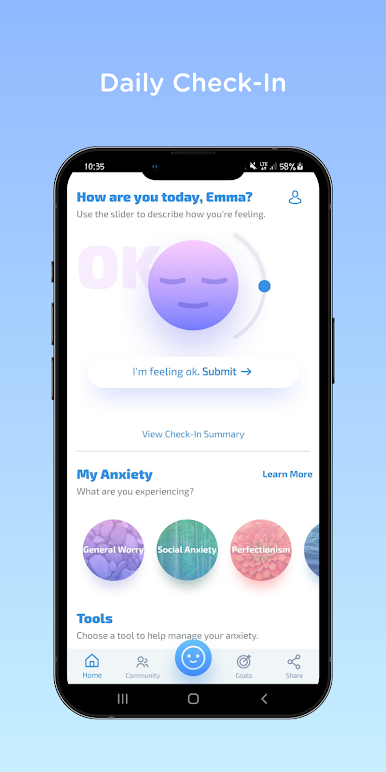
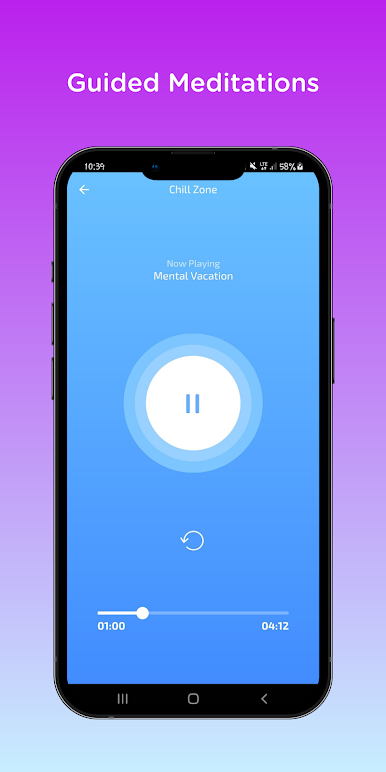
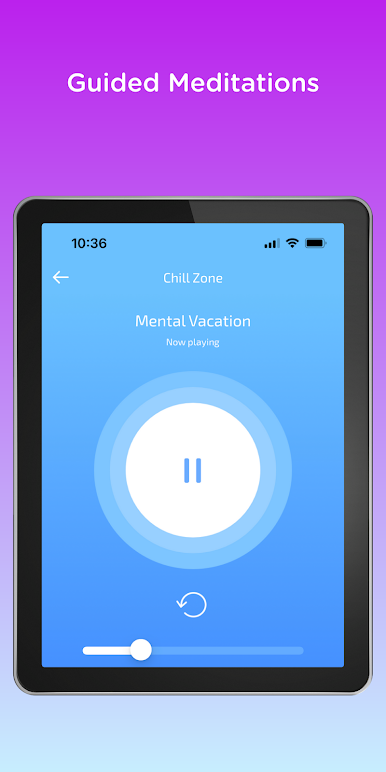
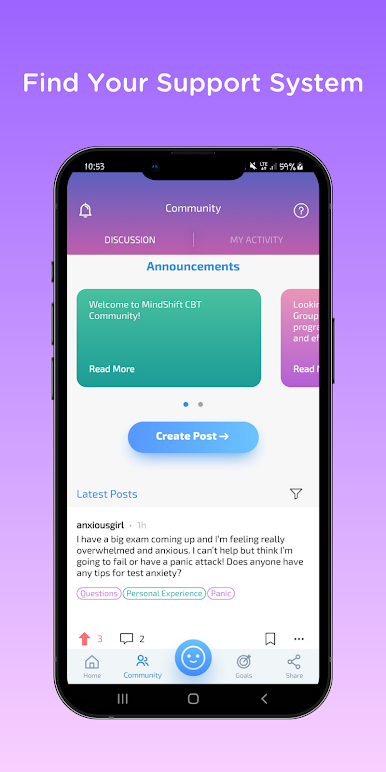
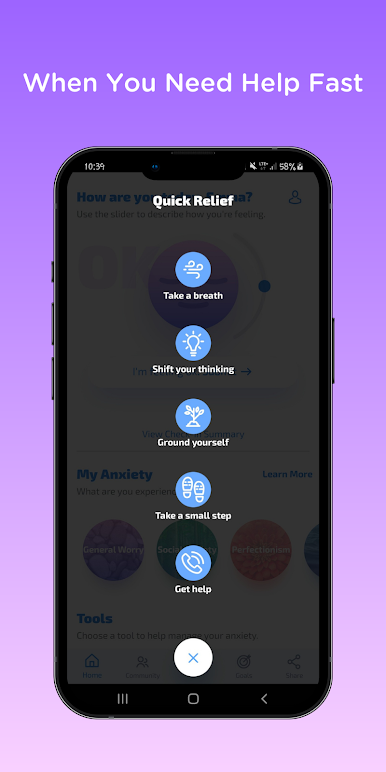
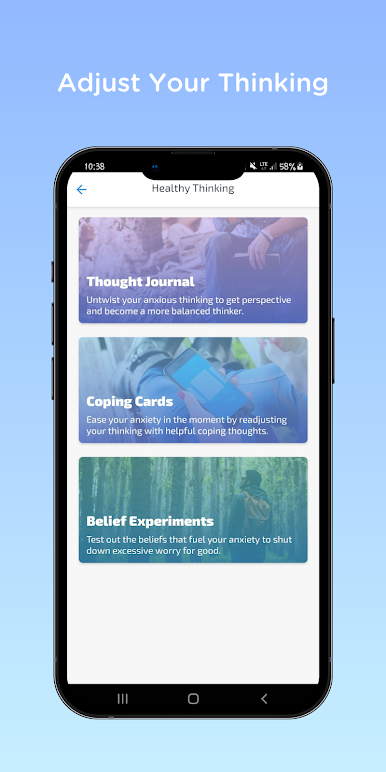
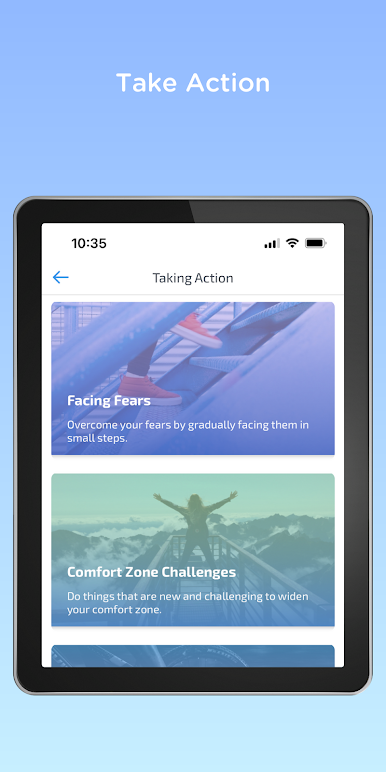
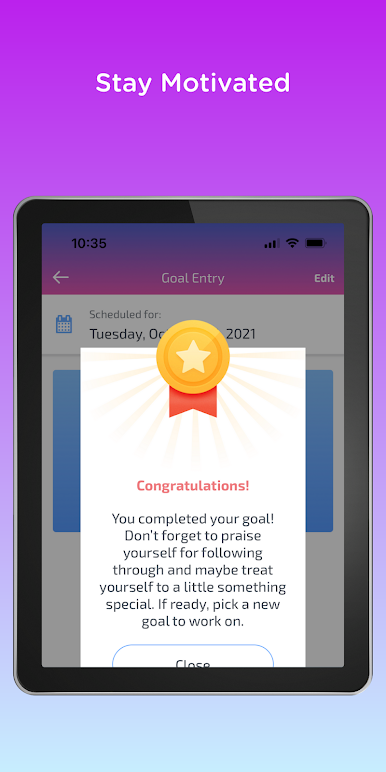
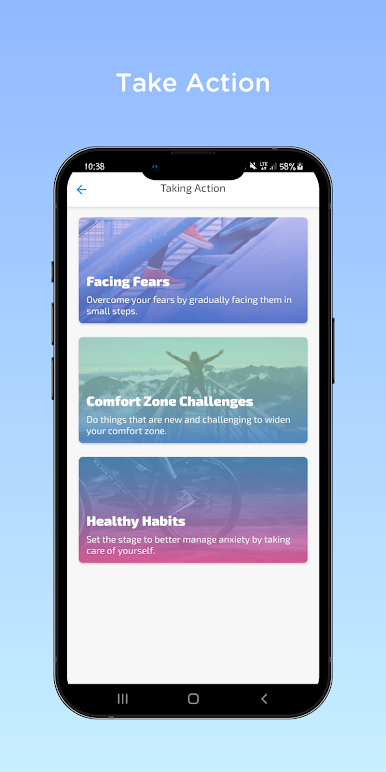
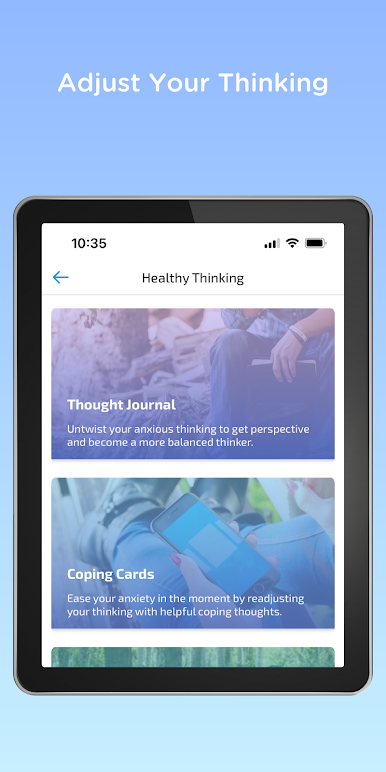
MindShift CBT is a free, evidence-based self-help app using Cognitive Behavioral Therapy (CBT) strategies to help manage anxiety, stress, and panic. Users can challenge negative thoughts, track progress, practice mindfulness, and access coping tools, including belief experiments, fear ladders, and guided meditations.
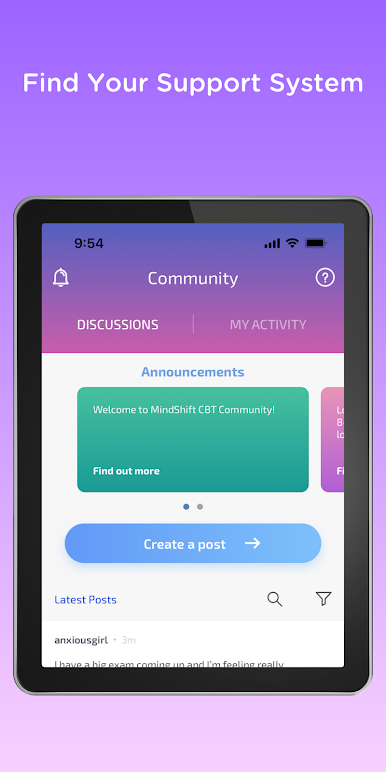
Features include a daily check-in, goal setting, coping statements, relaxation exercises, and a Community Forum for peer support.
MindShift CBT provides practical, science-backed strategies to support anxiety management and overall well-being.
Zagraj w MindShift CBT - Anxiety Relief na PC. To takie proste.
-
Pobierz i zainstaluj BlueStacks na PC
-
Zakończ pomyślnie ustawienie Google, aby otrzymać dostęp do sklepu Play, albo zrób to później.
-
Wyszukaj MindShift CBT - Anxiety Relief w pasku wyszukiwania w prawym górnym rogu.
-
Kliknij, aby zainstalować MindShift CBT - Anxiety Relief z wyników wyszukiwania
-
Ukończ pomyślnie rejestrację Google (jeśli krok 2 został pominięty) aby zainstalować MindShift CBT - Anxiety Relief
-
Klinij w ikonę MindShift CBT - Anxiety Relief na ekranie startowym, aby zacząć grę

