


VideoEntry
Graj na PC z BlueStacks – Platforma gamingowa Android, która uzyskała zaufanie ponad 500 milionów graczy!

Strona zmodyfikowana w dniu: Dec 16, 2024
Graj VideoEntry na PC
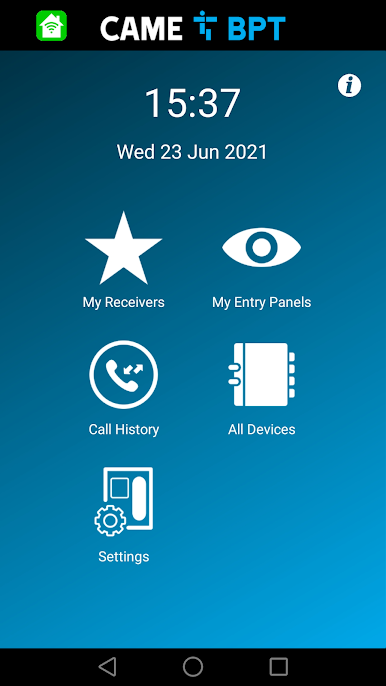
- Interoperate with your system both locally or remotely via cloud.
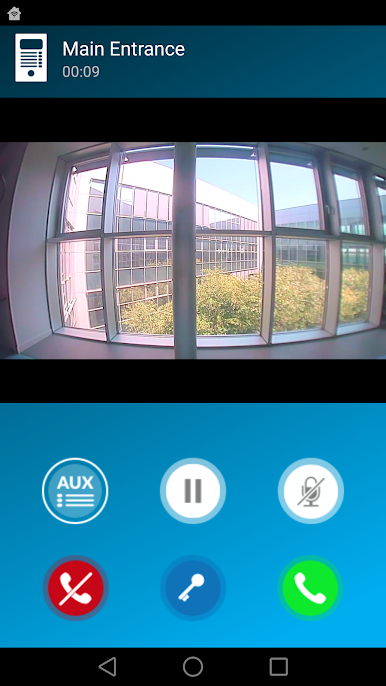
- Receive audio and video calls from an entry panel or from the building's concierge desk.
- Open the door or turn on the staircase lights.
- Preview the entry panels of your system.
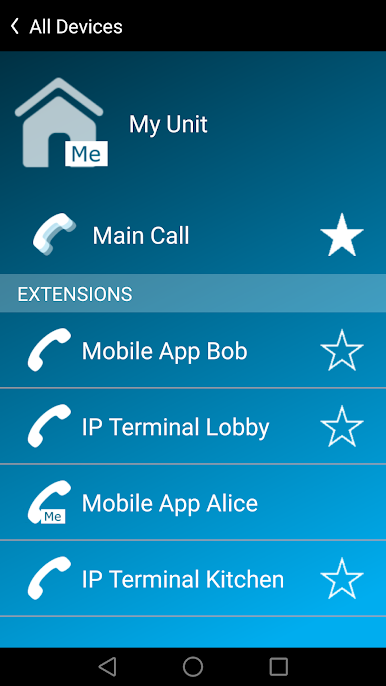
- Intercommunicate with other mobile devices or receivers connected to the system.
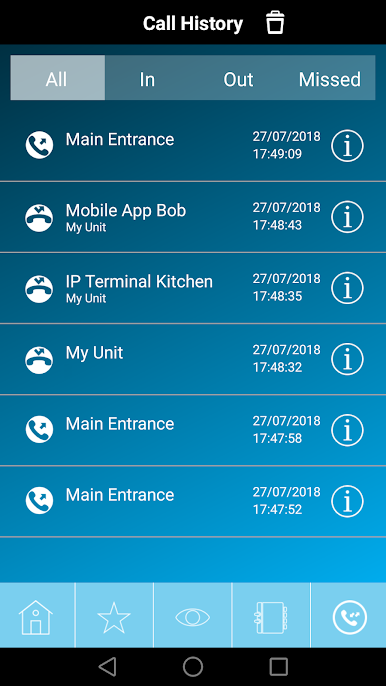
- Manage lists of favourite contacts, received, missed or rejected calls.
VideoEntry is designed to be used within the CAME BPT Video entry systems XIP and IP360.
CAME S.p.A., a group well-known both in Italy and worldwide, has been operating in the home and building automation sector for over forty years.
Cutting-edge technologies, reliability, efficiency and design are among the principles that guide the company in the design and implementation of technological solutions designed not only to meet today’s needs, but also to anticipate future requirements.
Zagraj w VideoEntry na PC. To takie proste.
-
Pobierz i zainstaluj BlueStacks na PC
-
Zakończ pomyślnie ustawienie Google, aby otrzymać dostęp do sklepu Play, albo zrób to później.
-
Wyszukaj VideoEntry w pasku wyszukiwania w prawym górnym rogu.
-
Kliknij, aby zainstalować VideoEntry z wyników wyszukiwania
-
Ukończ pomyślnie rejestrację Google (jeśli krok 2 został pominięty) aby zainstalować VideoEntry
-
Klinij w ikonę VideoEntry na ekranie startowym, aby zacząć grę

