

Skaner Dokumentow: PDF Scanner
Graj na PC z BlueStacks – Platforma gamingowa Android, która uzyskała zaufanie ponad 500 milionów graczy!

Strona zmodyfikowana w dniu: Dec 17, 2025
Run PDF Scanner - Document Scanner on PC or Mac
Get freedom from your phone’s obvious limitations. Use PDF Scanner – Document Scanner, made by Tools & Utilities Apps, a Tools app on your PC or Mac with BlueStacks, and level up your experience.
About the App
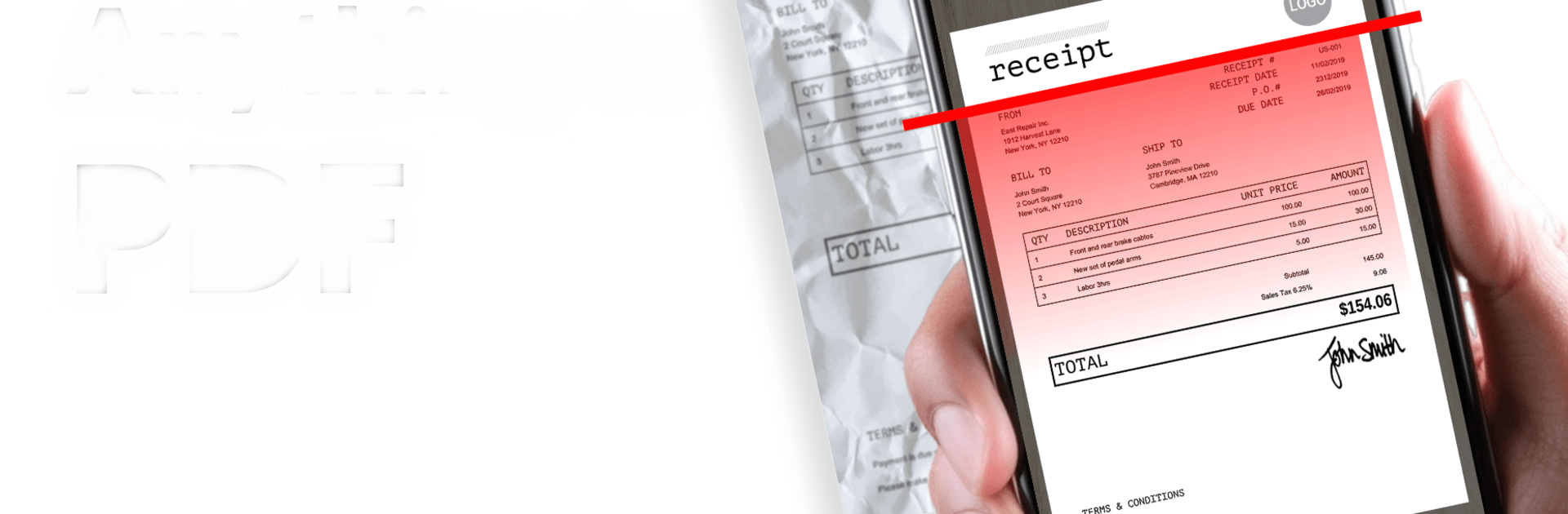
If you’re looking for a hassle-free way to handle paperwork without dragging around a gigantic scanner, PDF Scanner – Document Scanner has your back. This app, crafted by Tools & Utilities Apps, turns your Android device into a portable scanner that’s ready whenever you need it. Whether it’s notes from a meeting, an ID card, or pages from your favorite book, you can scan, organize, and share PDFs right from your phone.
App Features
-
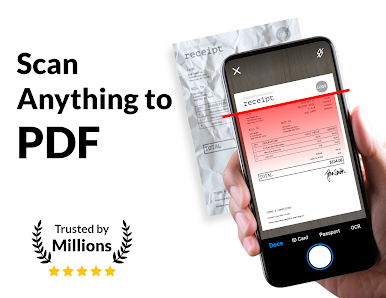
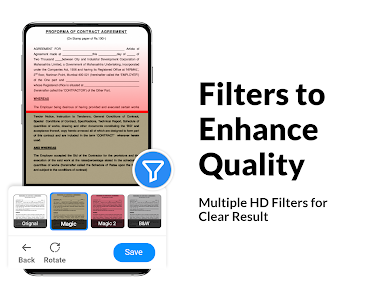
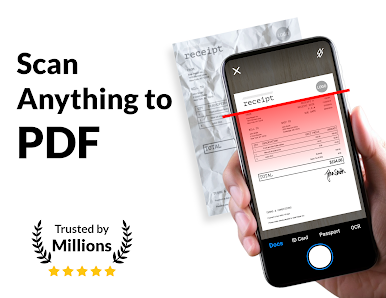
Instant Document Scanning
Snap a photo of any paper document—contracts, handwritten notes, you name it—and get a crisp PDF in seconds. Perfect for when you’re in a hurry or just want to keep things simple. -
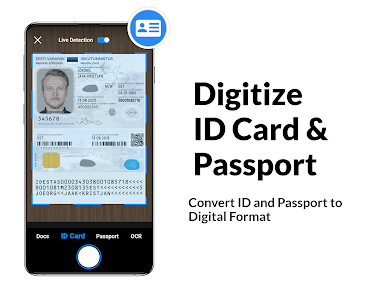
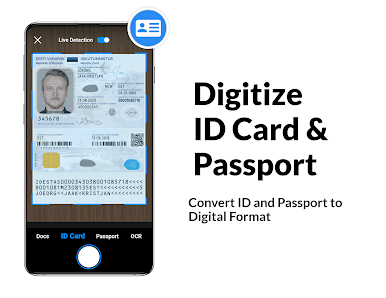
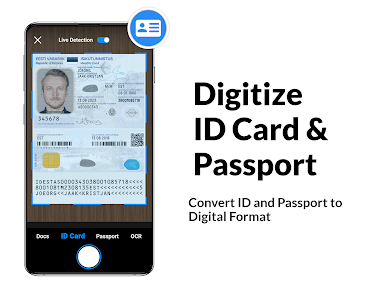
Quick ID & Photo Capture
Need a digital copy of your driver’s license or an old photo? Easily scan and save ID cards or ID-sized pics without leaving home. -
Book Page Scans
No need to fumble with bulky scanners for books. Scan pages one by one, then combine them into a single, tidy PDF. -
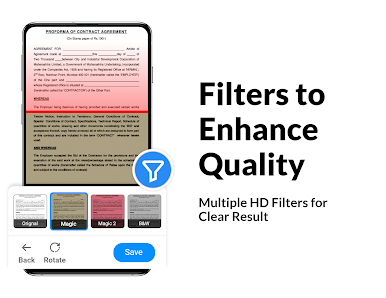
Smart Auto-Detection
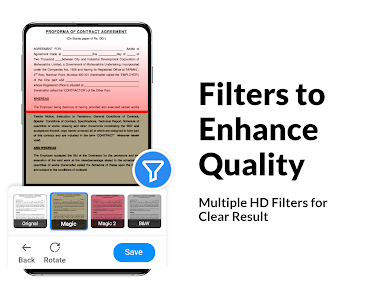
The app automatically finds the edges of your document, lining everything up so you aren’t stuck with weird borders or crooked pages. -
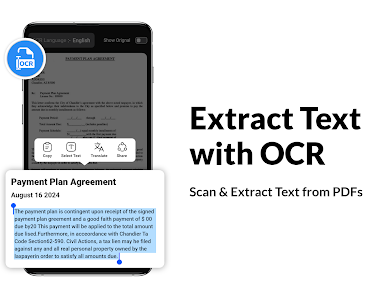
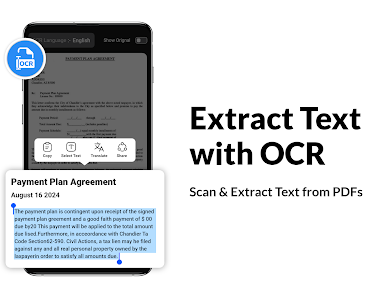
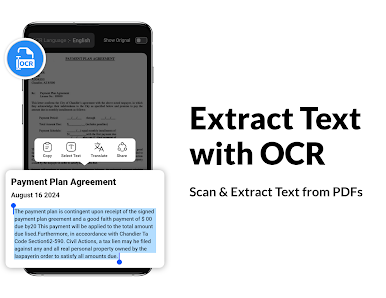
Powerful OCR (Text Extraction)
Turn scans into editable text with built-in OCR. You can even translate what you scanned into more than 90 languages—not bad for a pocket-sized tool. -
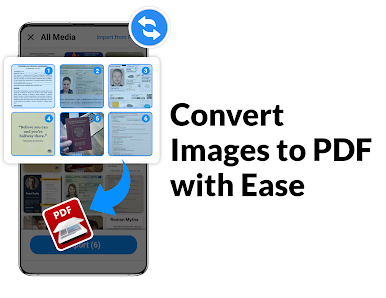
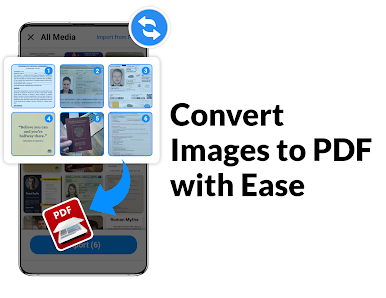
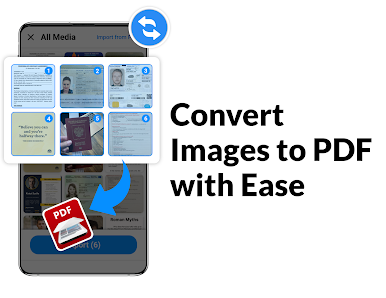
Image to PDF Conversion
Got a photo or a receipt you want to keep? Just snap it and convert it into a PDF, making those scattered images a little more organized. -
PDF Security
Add a password to keep sensitive PDFs safe, or unlock files when you need to make changes. -
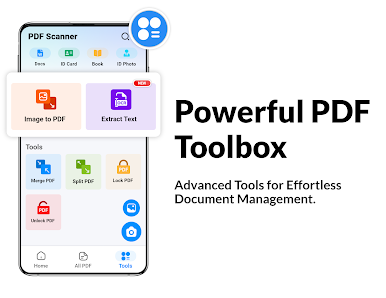
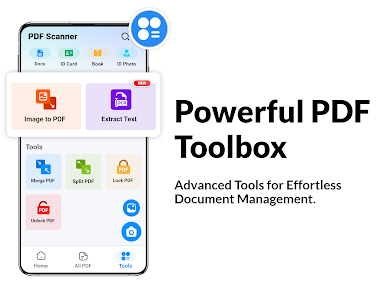
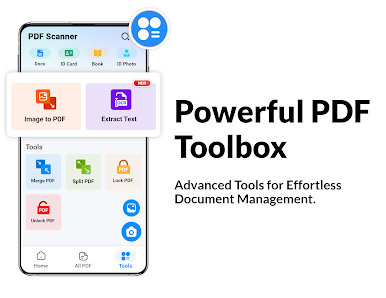
File Merging & Splitting
Combine several PDFs into one file, or split a large document when you only need certain pages. -
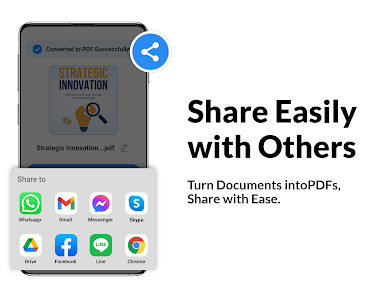
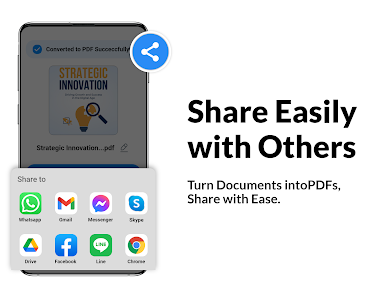
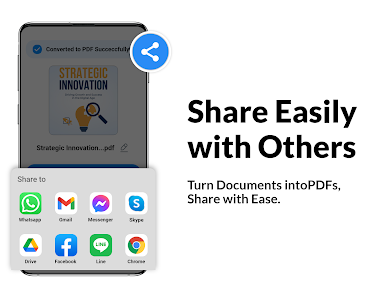
Easy Organization & Sharing
Rename, delete, or share your PDFs with just a tap. Send files however you like—email, cloud storage, or messaging apps. -
Offline Access
You can scan and manage documents even when you’re not connected to the internet—no worries when Wi-Fi is spotty.
You can also check out how the app runs on BlueStacks if you like working on a bigger screen.
Switch to BlueStacks and make the most of your apps on your PC or Mac.
Zagraj w Skaner Dokumentow: PDF Scanner na PC. To takie proste.
-
Pobierz i zainstaluj BlueStacks na PC
-
Zakończ pomyślnie ustawienie Google, aby otrzymać dostęp do sklepu Play, albo zrób to później.
-
Wyszukaj Skaner Dokumentow: PDF Scanner w pasku wyszukiwania w prawym górnym rogu.
-
Kliknij, aby zainstalować Skaner Dokumentow: PDF Scanner z wyników wyszukiwania
-
Ukończ pomyślnie rejestrację Google (jeśli krok 2 został pominięty) aby zainstalować Skaner Dokumentow: PDF Scanner
-
Klinij w ikonę Skaner Dokumentow: PDF Scanner na ekranie startowym, aby zacząć grę

