


C247
Chơi trên PC với BlueStacks - Nền tảng chơi game Android, được hơn 500 triệu game thủ tin tưởng.

Trang đã được sửa đổi vào: Jun 27, 2024
Run C247 on PC or Mac
Let BlueStacks turn your PC, Mac, or laptop into the perfect home for C247, a fun Productivity app from OpusApeiro.
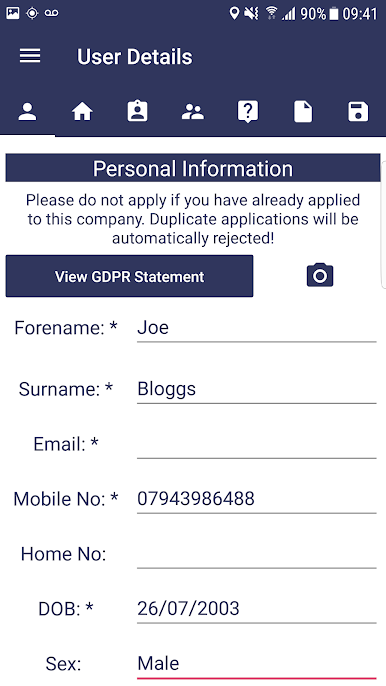
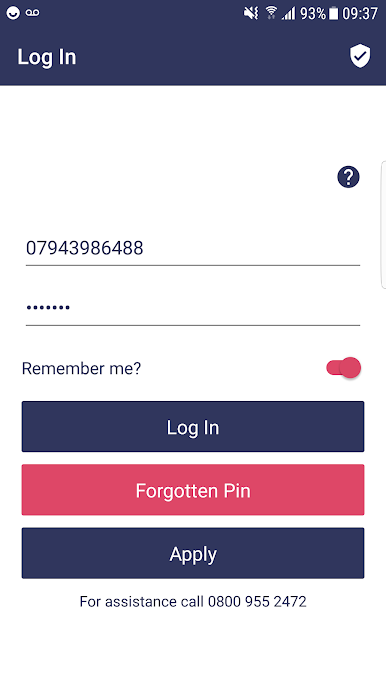
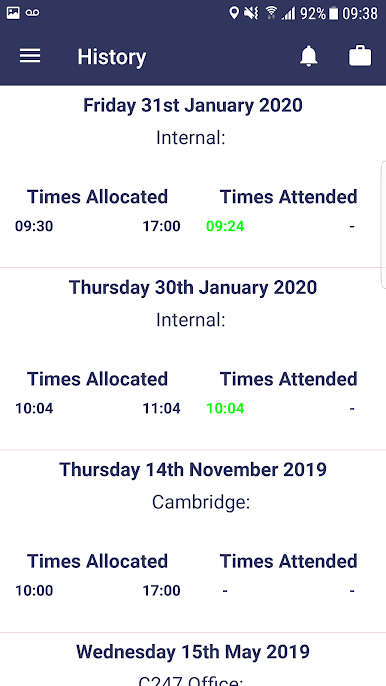
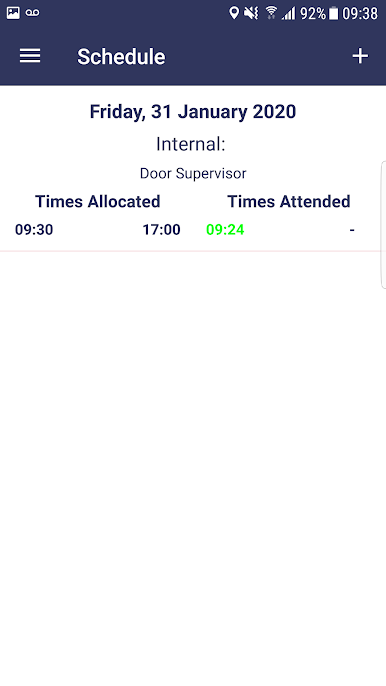
C247 feels less like an app and more like a tidy control panel for hiring and HR. Someone opens it and everything important lives in one place. Applicants fill in an online form that plugs straight into staff records, so there is no paper floating around or chasing signatures. Photos of ID or proof of address upload straight from a phone camera or a home computer, which keeps records accurate and complete without a lot of back and forth. Policies sit online so staff can digitally sign them, and references get requested automatically with a link, then come back through an interactive form. It is all pretty direct, no faff.
What stands out is how flexible it is. Companies can add custom questions, even slip in numeracy or literacy tests when they need them. The background checks move fast too. Credit checks ping back in a few seconds, DBS forms go out from inside the app, and driving licence verification hooks into the DVLA portal. After someone is hired, C247 keeps track of training, qualifications, and even disciplinary notes, plus expiry dates and reminders so nothing quietly lapses. There is also a smart fraud flagging bit that cross checks what applicants say against what they have told other clients before, and highlights mismatched dates or details so a manager can ask better questions.
On a PC with BlueStacks, it is nicer for long sessions. Bigger screen for long forms, keyboard for quick edits, easy to drag files in, and switching between checks and records is smoother. It is not flashy, but it gets the job done and keeps the messy parts of hiring under control.
Ready to experience C247 on a bigger screen, in all its glory? Download BlueStacks now.
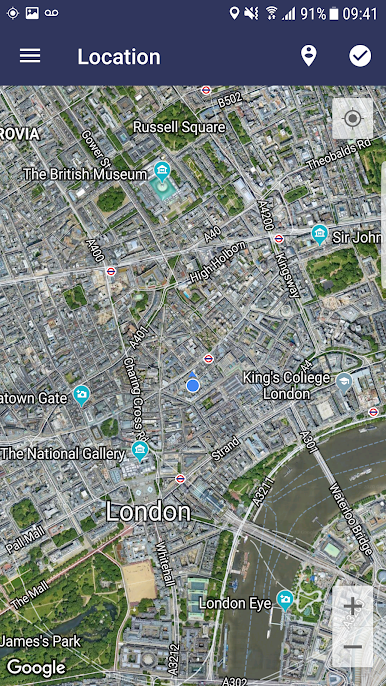
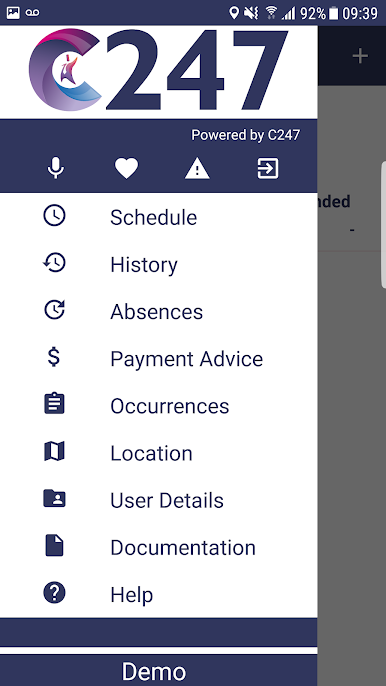
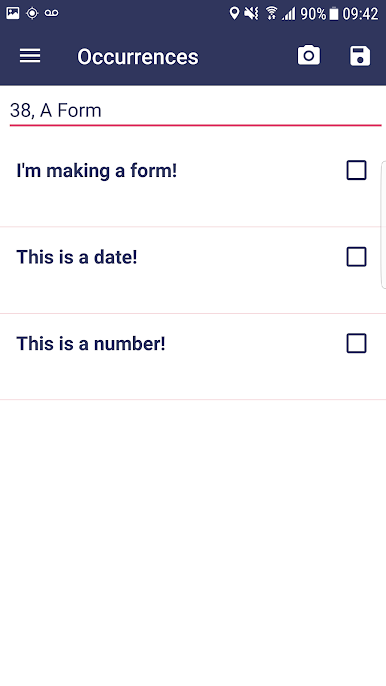
Chơi C247 trên PC. Rất dễ để bắt đầu
-
Tải và cài đặt BlueStacks trên máy của bạn
-
Hoàn tất đăng nhập vào Google để đến PlayStore, hoặc thực hiện sau
-
Tìm C247 trên thanh tìm kiếm ở góc phải màn hình
-
Nhấn vào để cài đặt C247 trong danh sách kết quả tìm kiếm
-
Hoàn tất đăng nhập Google (nếu bạn chưa làm bước 2) để cài đặt C247
-
Nhấn vào icon C247 tại màn hình chính để bắt đầu chơi

