

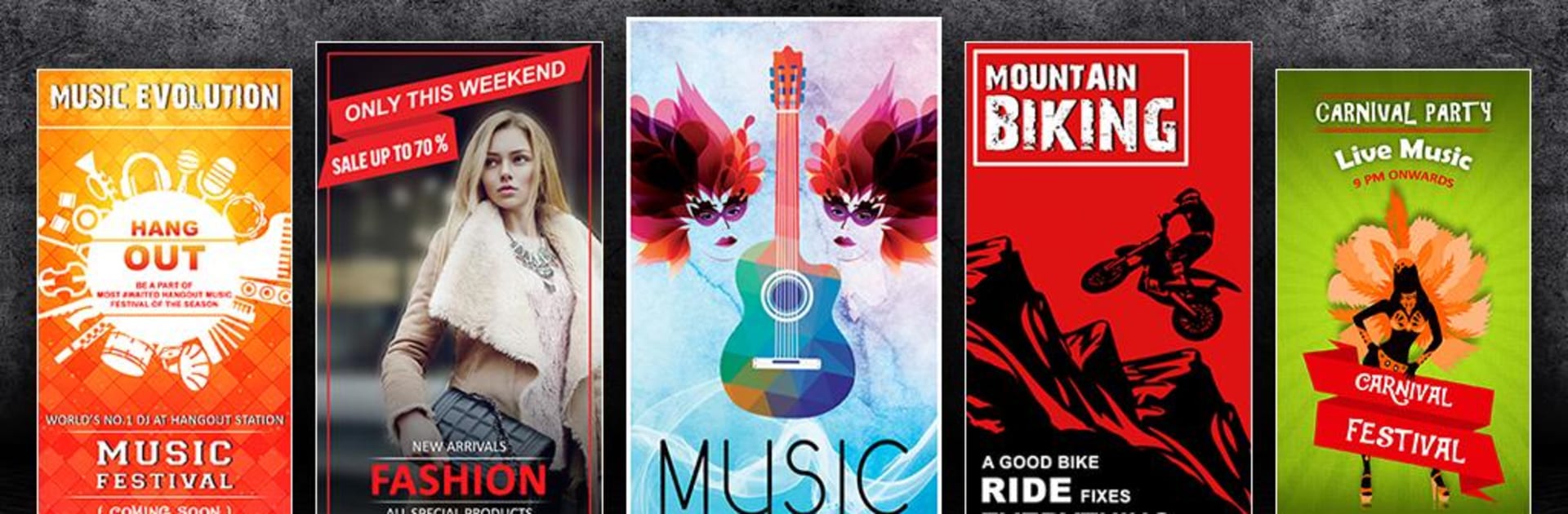
Twórca plakatów: Twórca ulotek
Graj na PC z BlueStacks – Platforma gamingowa Android, która uzyskała zaufanie ponad 500 milionów graczy!

Strona zmodyfikowana w dniu: Oct 13, 2025
Run Poster Maker, Flyer Designer, Ads Page Designer on PC or Mac
Get freedom from your phone’s obvious limitations. Use Poster Maker, Flyer Designer, Ads Page Designer, made by Photo Cool Apps, a Photography app on your PC or Mac with BlueStacks, and level up your experience.
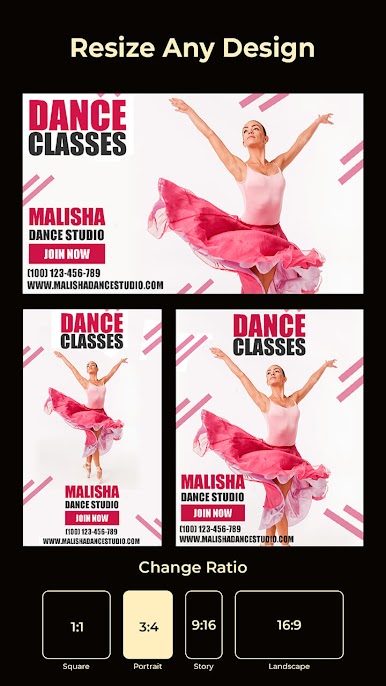
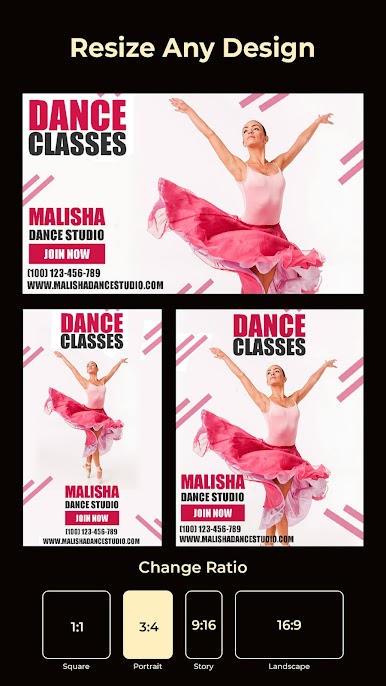
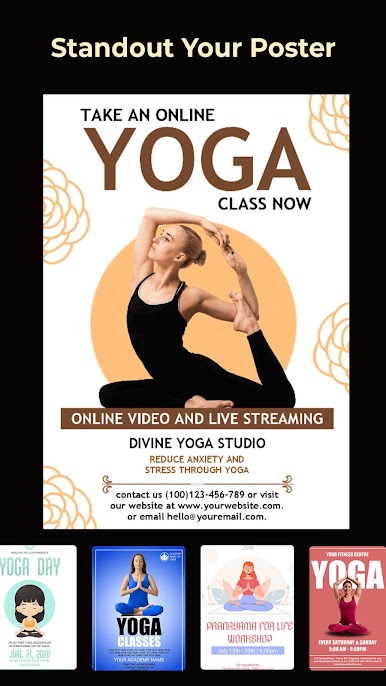
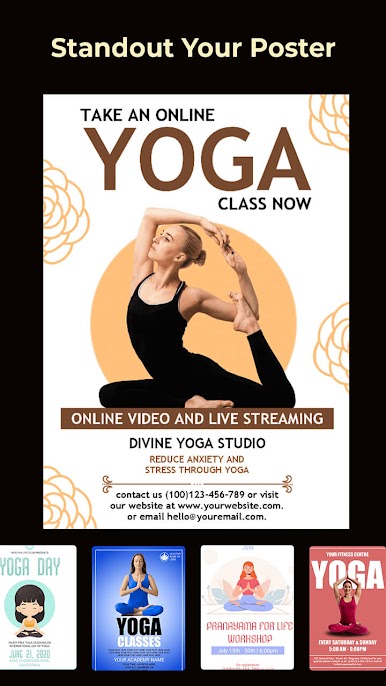
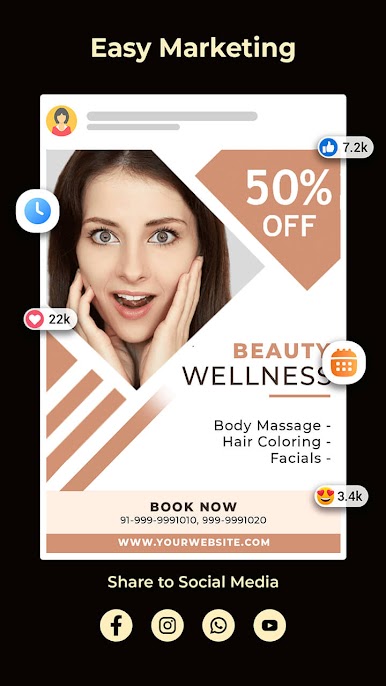
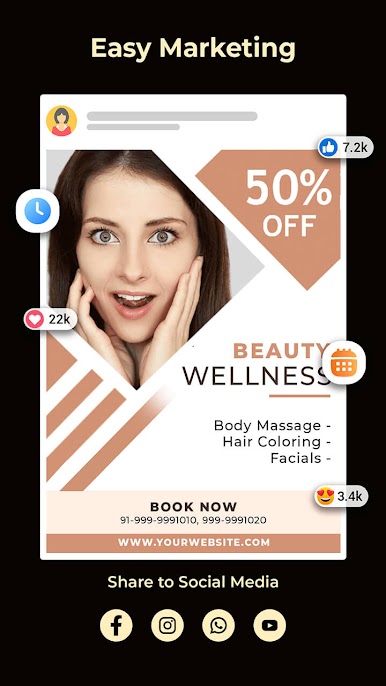
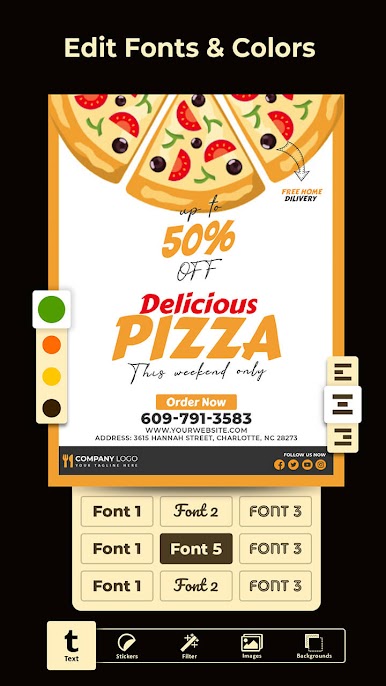
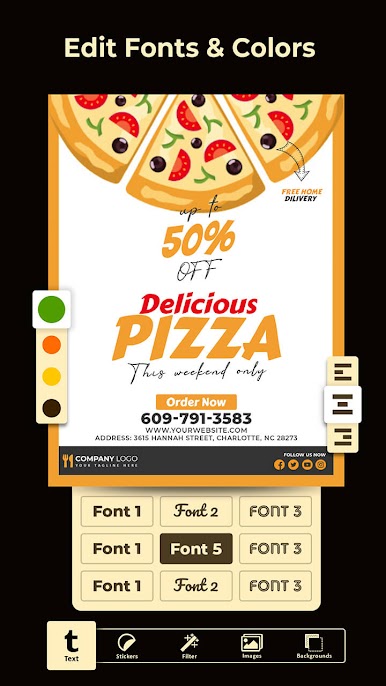
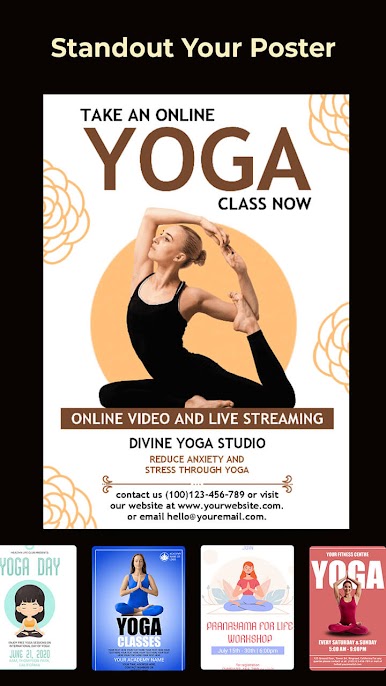
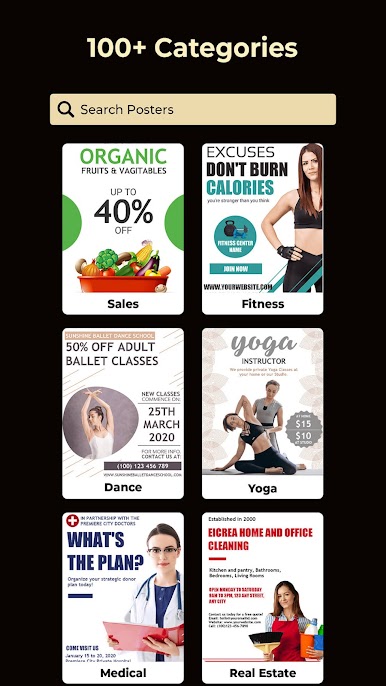
Playing around with Poster Maker on a PC feels refreshingly simple, especially with a mouse and big screen (thanks, BlueStacks). The app lets anyone design stuff like posters, ads, or quick social media announcements without much fuss. There’s a pretty big mix of backgrounds to start from, or just picking a favorite color—or even dropping in a photo from the computer, which feels easy with drag and drop. Fonts are bold and clear, and there’s a nice selection so the text actually stands out. It also comes with a whole batch of stickers that actually work for posters and ads, not just random emojis.
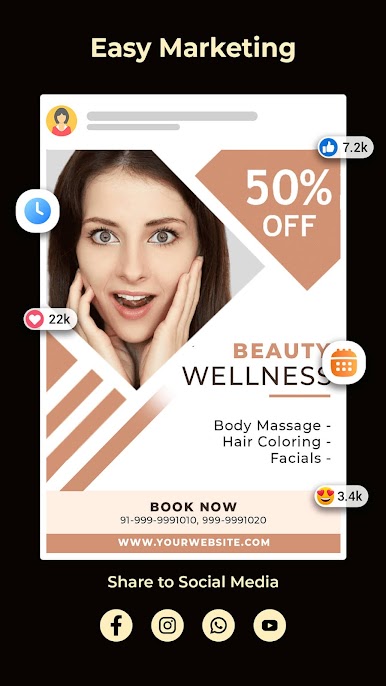
One thing that stands out is how direct everything is—pick a background, type up the message, toss in stickers or extra photos, and it’s ready in a few minutes. There aren’t dozens of confusing menus or steps. Saving designs feels straightforward, and they’re easy to grab later or post somewhere else. Sharing to social platforms works too, but honestly, the best part is skipping all the tiny phone screens and doing it on a computer monitor, where layouts and small details are a lot easier to see. For anyone who needs quick, attention-grabbing graphics—like for a shop, restaurant, or a quick online post—it works without feeling overwhelming.
Eager to take your app experience to the next level? Start right away by downloading BlueStacks on your PC or Mac.
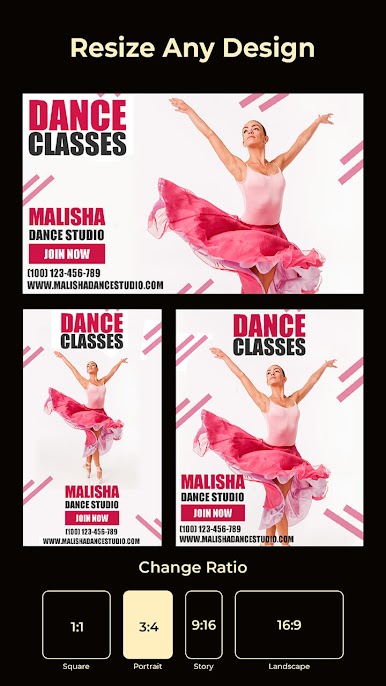
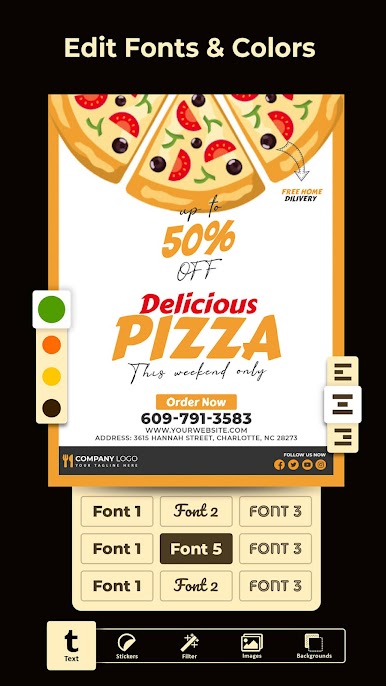
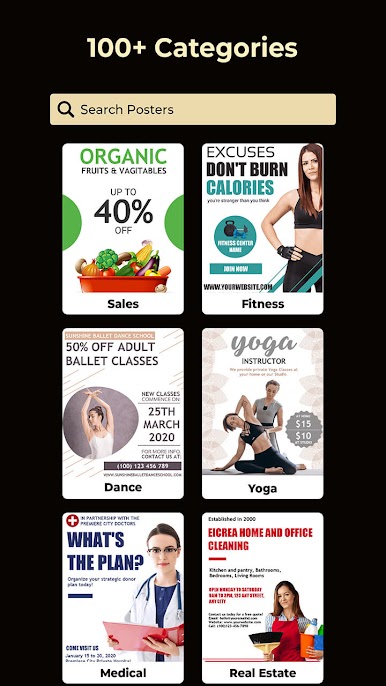



Zagraj w Twórca plakatów: Twórca ulotek na PC. To takie proste.
-
Pobierz i zainstaluj BlueStacks na PC
-
Zakończ pomyślnie ustawienie Google, aby otrzymać dostęp do sklepu Play, albo zrób to później.
-
Wyszukaj Twórca plakatów: Twórca ulotek w pasku wyszukiwania w prawym górnym rogu.
-
Kliknij, aby zainstalować Twórca plakatów: Twórca ulotek z wyników wyszukiwania
-
Ukończ pomyślnie rejestrację Google (jeśli krok 2 został pominięty) aby zainstalować Twórca plakatów: Twórca ulotek
-
Klinij w ikonę Twórca plakatów: Twórca ulotek na ekranie startowym, aby zacząć grę

