


Co–Star Personalized Astrology
Graj na PC z BlueStacks – Platforma gamingowa Android, która uzyskała zaufanie ponad 500 milionów graczy!

Strona zmodyfikowana w dniu: Mar 25, 2026
Graj Co–Star Personalized Astrology na PC
> "Dobra rada". New York Times
> „Waląca aplikacja astrologiczna”. Dua Lipa
> „Połącz się z ludźmi o swoim znaku zodiaku”. Conor Oberst
Cechy
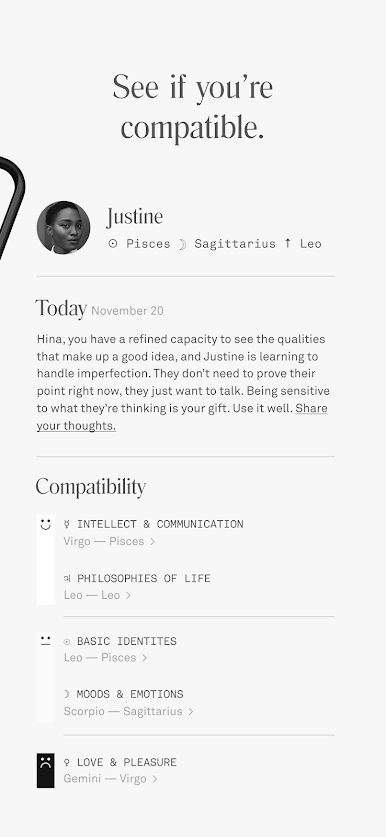
• Dodaj znajomych, aby porównać wykresy urodzeniowe i zobaczyć swoją kompatybilność.
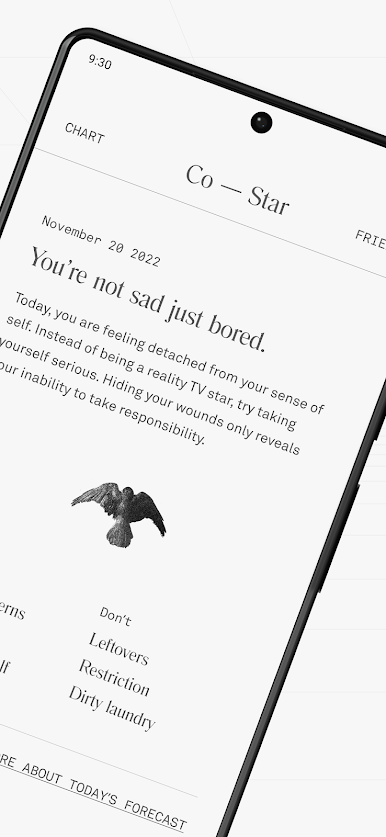
• Czytaj spersonalizowane codzienne horoskopy.
• Otrzymuj codzienne powiadomienia push na podstawie swojego horoskopu na dany dzień.
• Dowiedz się, jak czytać cały wykres urodzenia.
Funkcje premium
• Zobacz pełny wykres urodzeniowy kogoś, kto nie ma aplikacji.
• Uzyskaj pełny spersonalizowany raport na temat tego, jak kochasz i dlaczego.
• Dla par, Eros, funkcja, która daje wgląd w to, jak poruszać się w codziennych sytuacjach związanych z relacjami w oparciu o kompatybilność zodiaku.
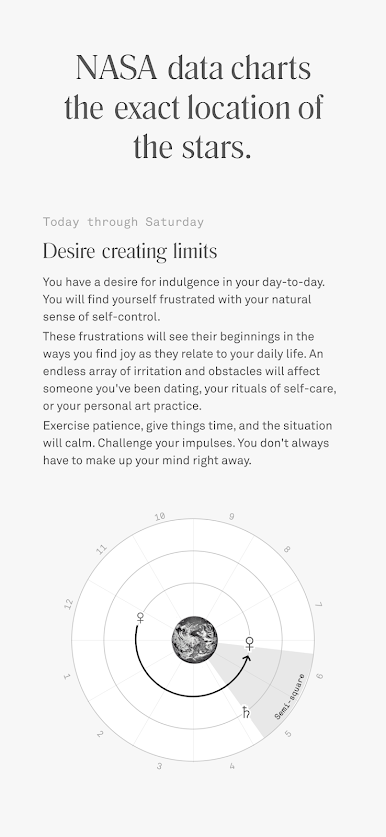
Nie ma złych znaków zodiaku, tylko skomplikowana dynamika. Co–Star wykorzystuje astrologię jako ramy do zrozumienia nas samych i naszych relacji; skrót do prawdziwej rozmowy w morzu small talków. Używamy danych NASA do tworzenia dokładnych map lokalizacji gwiazd w czasie rzeczywistym. Jest to następnie interpretowane przez prawdziwych ludzkich astrologów, którzy współpracują z technologią sztucznej inteligencji w celu stworzenia wykresu urodzenia i codziennych horoskopów, które czytasz w aplikacji.
Śledź nas wszędzie
• Instagram: https://www.instagram.com/costarastrology/
• Tiktok: https://www.tiktok.com/@costarastrology
• Twitter: https://twitter.com/costarastrology
Potrzebuję pomocy? Napisz do nas: horoskopy@costarastrology.com
Nie robimy strasznych rzeczy z Twoimi danymi —> costarastrology.com/privacy
Regulamin —> https://www.costarastrology.com/terms


Zagraj w Co–Star Personalized Astrology na PC. To takie proste.
-
Pobierz i zainstaluj BlueStacks na PC
-
Zakończ pomyślnie ustawienie Google, aby otrzymać dostęp do sklepu Play, albo zrób to później.
-
Wyszukaj Co–Star Personalized Astrology w pasku wyszukiwania w prawym górnym rogu.
-
Kliknij, aby zainstalować Co–Star Personalized Astrology z wyników wyszukiwania
-
Ukończ pomyślnie rejestrację Google (jeśli krok 2 został pominięty) aby zainstalować Co–Star Personalized Astrology
-
Klinij w ikonę Co–Star Personalized Astrology na ekranie startowym, aby zacząć grę

