


ASMR Coloring!
Graj na PC z BlueStacks – Platforma gamingowa Android, która uzyskała zaufanie ponad 500 milionów graczy!

Strona zmodyfikowana w dniu: Sep 4, 2024
Podgląd
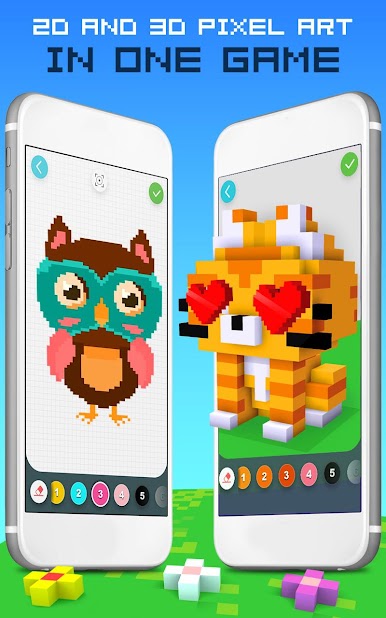
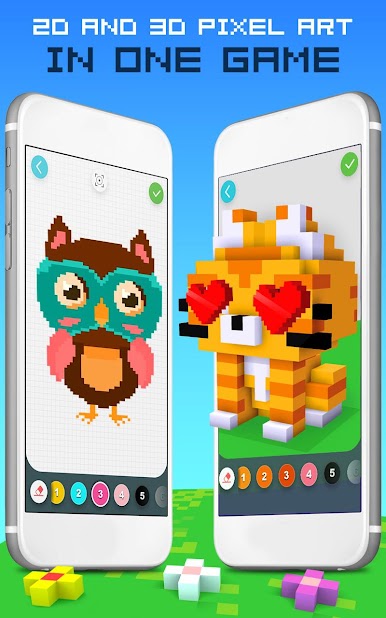
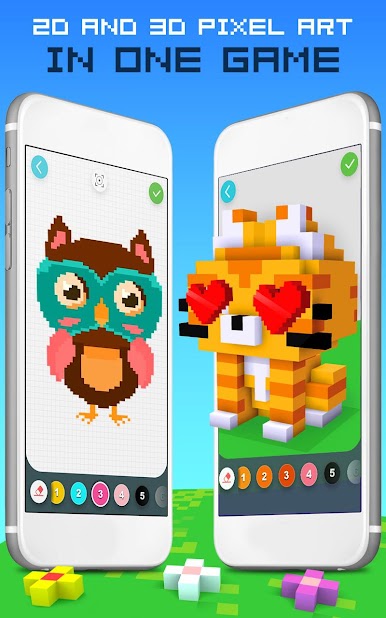
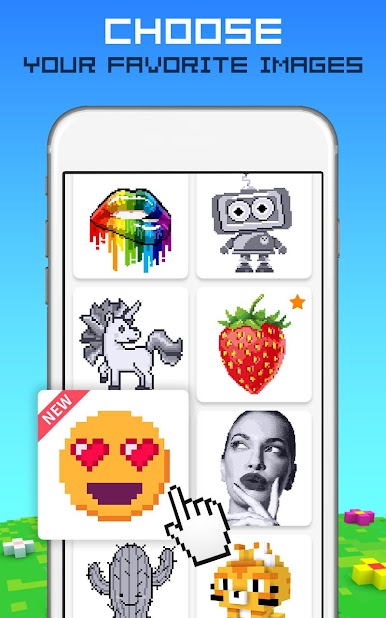
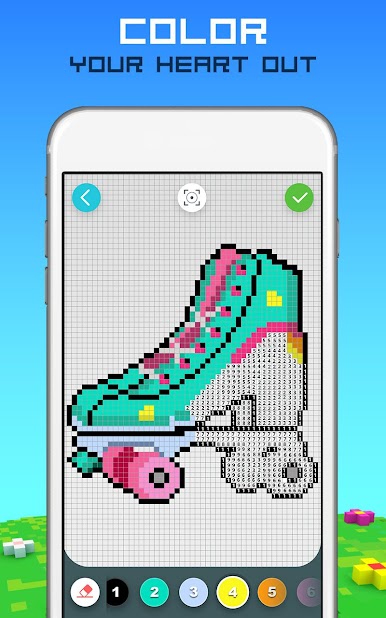
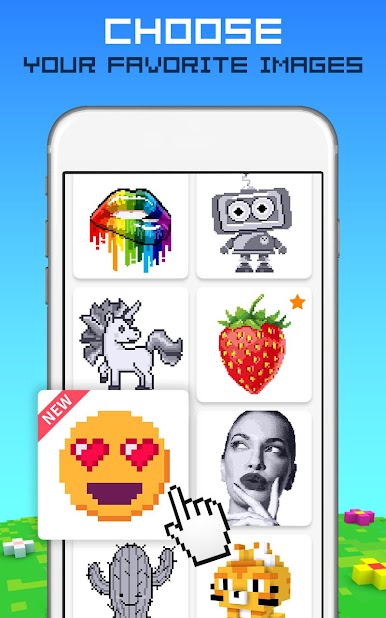
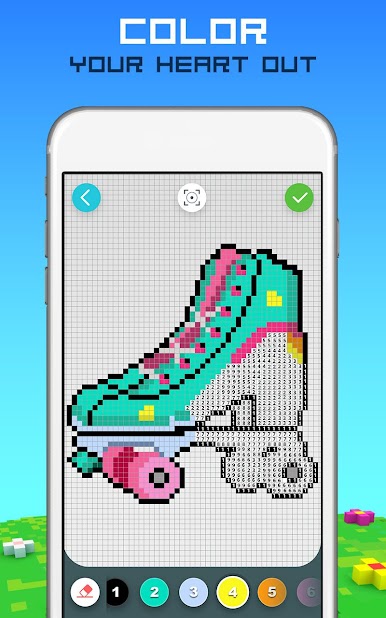
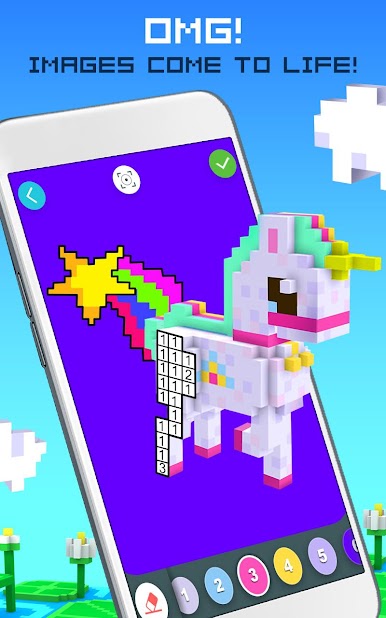
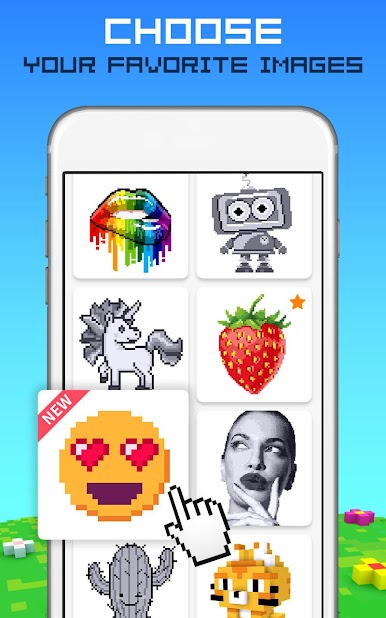
Rainbow Color by Number to JEDYNA gra, w której możesz pokolorować zarówno obrazy 2D, jak i 3D w jednej grze!
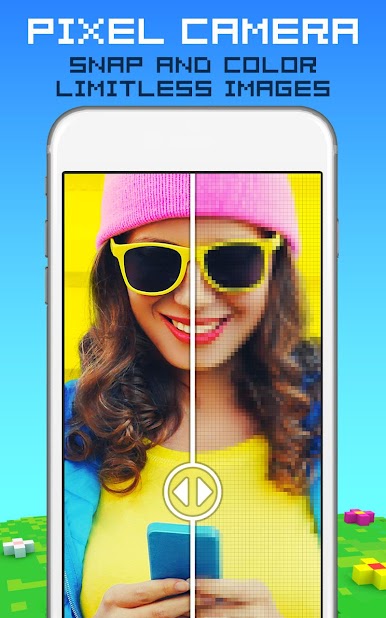
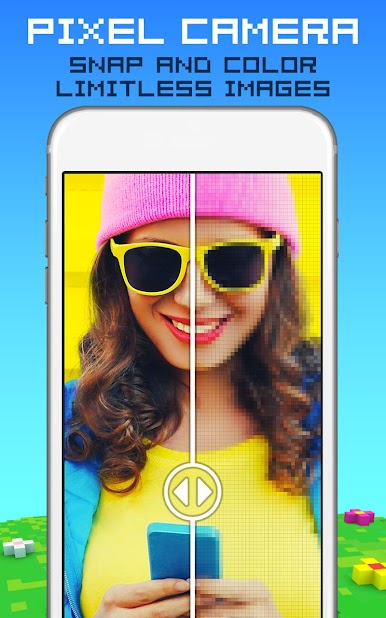
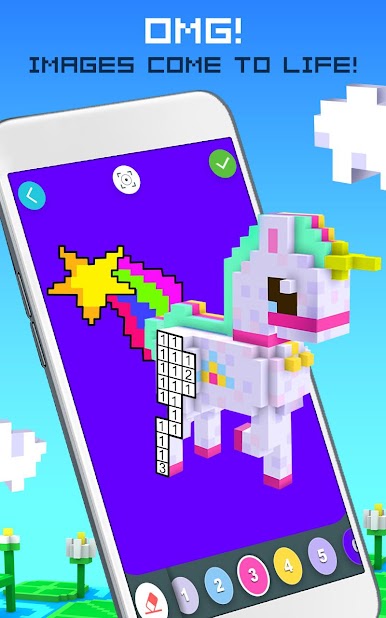
Ta relaksująca kolorowanka dla dorosłych jest pełna nieskończonej liczby pikseli, które tylko czekają, aż je pokolorujesz i zamienisz w niesamowite ruchome obrazy 3D lub piękne kreacje 2D.
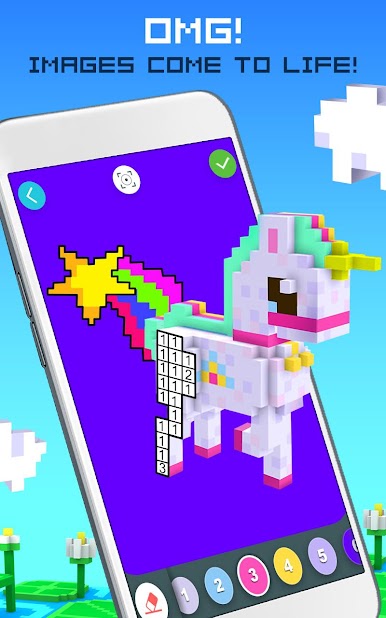
Koloruj według numeru, aby tworzyć arcydzieła pikselowe 3D lub 2D. Obróć o 360 stopni i zobacz, jak Twoja sztuka ożywa dzięki superfajnej animacji.
Ciesz się naszą oryginalną ścieżką dźwiękową, kolorując według numeru w polach pikseli i odkrywając swoją kreatywność. Zrelaksuj się po stresującym dniu dzięki tej zabawnej grze kolorowanka dla dorosłych.
Funkcje 2D i 3D Rainbow Pixel Art:
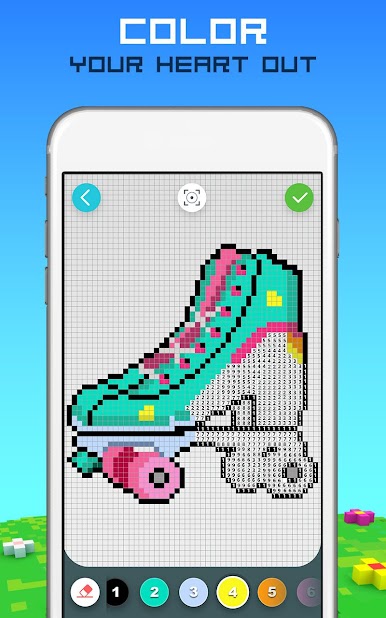
*Koloruj według numeru i użyj wyobraźni
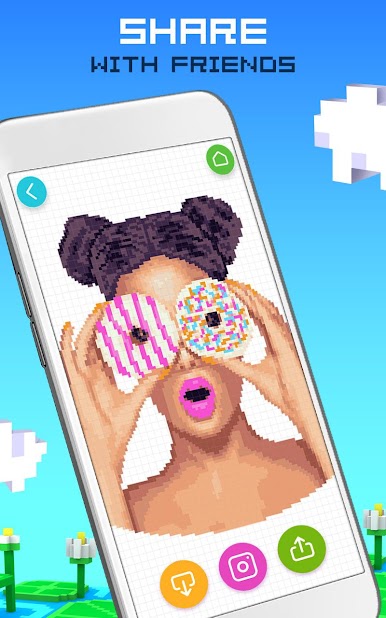
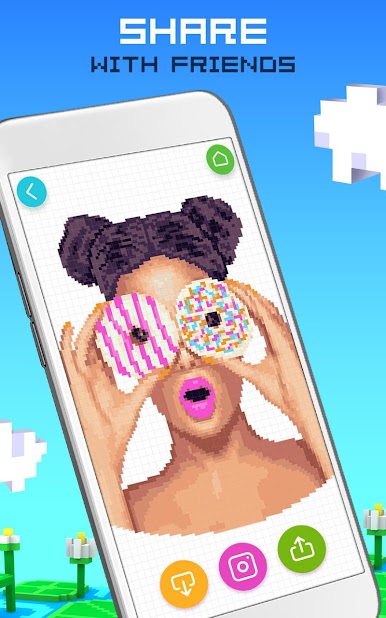
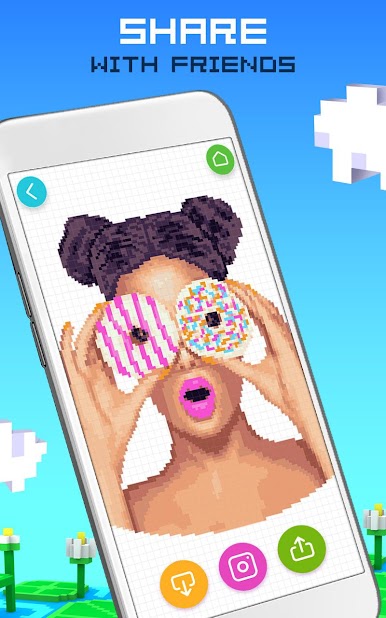
*Podziel się swoimi 360° 2D i 3D kolorowankami dla dorosłych ze znajomymi i rodziną
*Zobacz, jak Twoje 2D i 3D pikselowe kreacje ożywają dzięki zabawnej animacji
*Idealna aktywność na relaksujący wieczór lub kolorowy początek dnia
*Pracuj nad swoimi umiejętnościami kolorowania
*Oryginalna muzyka, która Cię zainspiruje
*Pomaga dzieciom wydobyć ich wewnętrznego artystę
*Więcej wyborów kolorów, niż mogłeś sobie wymarzyć
*Nieskończone piękne obrazki do kolorowania pikseli i niezliczone motywy
SZCZEGÓŁY SUBSKRYPCJI
- Subskrybuj, aby uzyskać nieograniczony dostęp do wszystkich modeli dzięki tygodniowym, miesięcznym i rocznym planom subskrypcji.
- Wszystkie plany subskrypcji odblokowują wszystkie modele na czas trwania subskrypcji i usuwają reklamy.
- Trzy ścieżki członkostwa: tygodniowa (2,99 USD/tydzień), miesięczna (7,99 USD/miesiąc) i roczna (39,99 USD/rok).
- Płatność zostanie pobrana z Twojego konta iTunes po potwierdzeniu zakupu.
- Subskrypcje odnawiają się automatycznie, chyba że automatyczne odnawianie zostanie wyłączone co najmniej 24 godziny przed końcem bieżącego okresu.
- Konto zostanie obciążone opłatą za odnowienie w ciągu 24 godzin przed końcem bieżącego okresu.
- Subskrypcją może zarządzać użytkownik. Automatyczne odnawianie można wyłączyć, przechodząc do Ustawień konta użytkownika po zakupie.
- Pobierając tę aplikację, zgadzasz się z Polityką prywatności i Warunkami korzystania z usługi TabTale na stronie https://tabtale.com/privacy-policy/ i na stronie https://tabtale.com/terms-of-use/.
- Należy pamiętać, że ta aplikacja może zawierać usługi stron trzecich w ograniczonych celach dozwolonych prawnie.
- Wszelkie niewykorzystane części bezpłatnego okresu próbnego, jeśli są oferowane, zostaną utracone, gdy użytkownik zakupi subskrypcję tej publikacji.
Aby zrezygnować ze sprzedaży danych osobowych przez CrazyLabs jako rezydent Kalifornii, odwiedź stronę ustawień w tej aplikacji. Aby uzyskać więcej informacji, odwiedź naszą Politykę prywatności: https://crazylabs.com/privacy-policy/

Zagraj w ASMR Coloring! na PC. To takie proste.
-
Pobierz i zainstaluj BlueStacks na PC
-
Zakończ pomyślnie ustawienie Google, aby otrzymać dostęp do sklepu Play, albo zrób to później.
-
Wyszukaj ASMR Coloring! w pasku wyszukiwania w prawym górnym rogu.
-
Kliknij, aby zainstalować ASMR Coloring! z wyników wyszukiwania
-
Ukończ pomyślnie rejestrację Google (jeśli krok 2 został pominięty) aby zainstalować ASMR Coloring!
-
Klinij w ikonę ASMR Coloring! na ekranie startowym, aby zacząć grę

