


ASMR Coloring!
Chơi trên PC với BlueStacks - Nền tảng chơi game Android, được hơn 500 triệu game thủ tin tưởng.

Trang đã được sửa đổi vào: Sep 4, 2024
Tổng quan
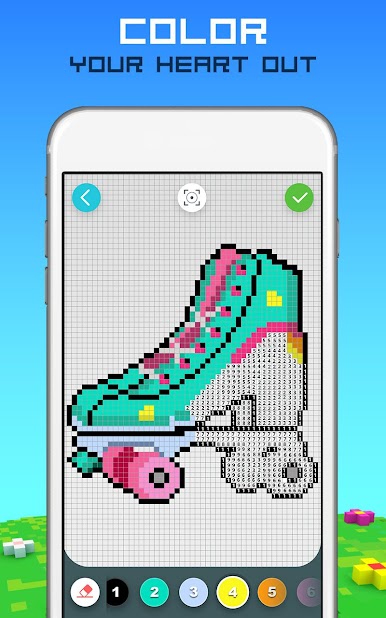
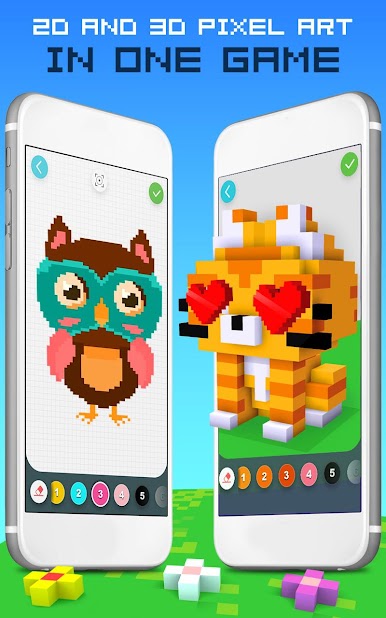
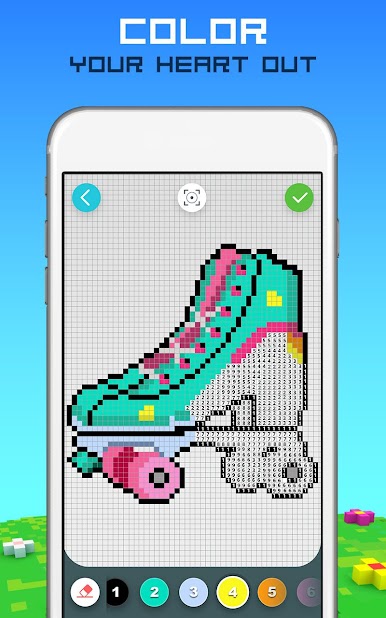
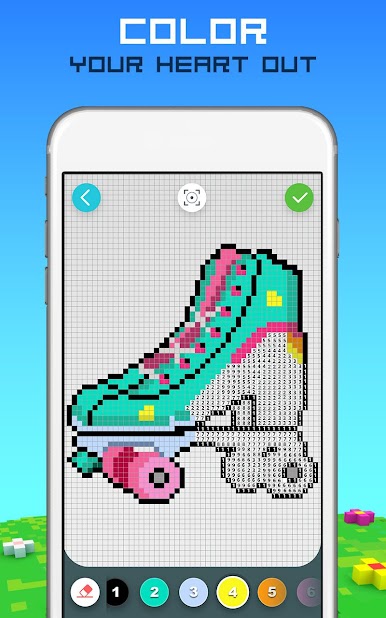
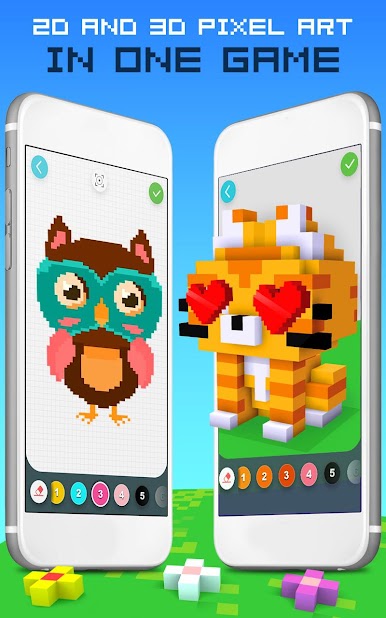
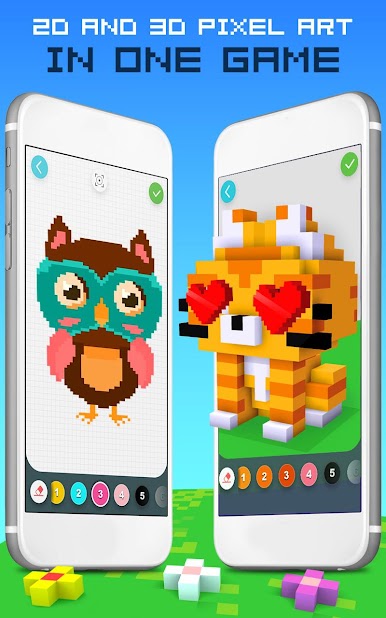
Rainbow Color by Number là TRÒ CHƠI DUY NHẤT mà bạn có thể tô màu cả hình ảnh 2D & 3D trong 1 trò chơi!
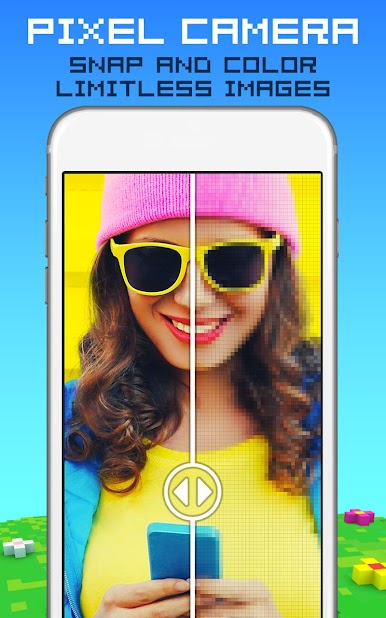
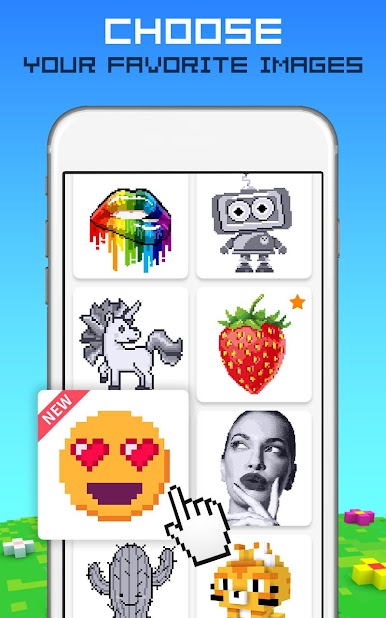
Ứng dụng sách tô màu dành cho người lớn tô màu theo số thư giãn này chứa vô số pixel đang chờ bạn tô màu và biến chúng thành hình ảnh 3D chuyển động tuyệt đẹp hoặc các tác phẩm 2D tuyệt đẹp.
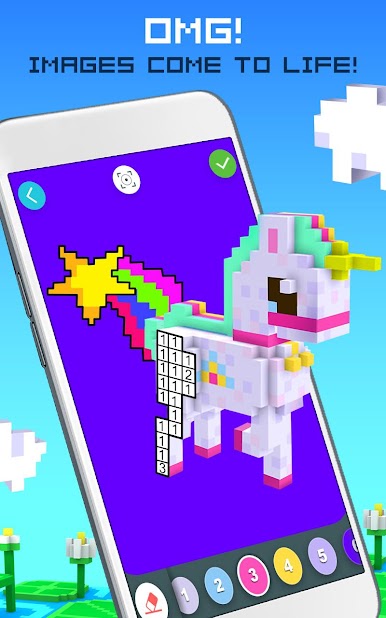
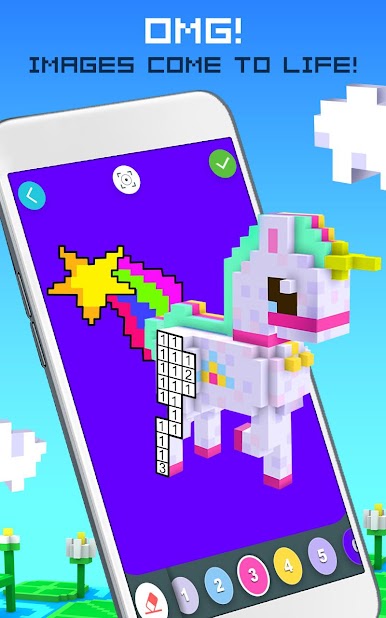
Tô màu theo số để tạo ra kiệt tác pixel 3D hoặc 2D. Xoay 360 độ và xem tác phẩm nghệ thuật của bạn trở nên sống động, với hình ảnh động siêu thú vị.
Thưởng thức nhạc nền gốc của chúng tôi khi bạn tô màu theo số bên trong các ô pixel và khám phá sự sáng tạo của mình. Thư giãn sau một ngày căng thẳng, với trò chơi sách tô màu dành cho người lớn vui nhộn này.
Tính năng của Pixel Art Cầu Vồng 2D & 3D:
*Tô theo số & sử dụng trí tưởng tượng của bạn
*Chia sẻ các tác phẩm tô màu 360° 2D & 3D dành cho người lớn của bạn với bạn bè & gia đình
*Xem các tác phẩm pixel 2D & 3D của bạn trở nên sống động với hoạt hình vui nhộn
*Hoạt động hoàn hảo cho một buổi tối thư giãn hoặc khởi đầu ngày mới đầy màu sắc
*Rèn luyện kỹ năng tô màu của bạn
*Âm nhạc gốc sẽ truyền cảm hứng cho bạn
*Giúp trẻ em phát huy nghệ sĩ bên trong mình
*Nhiều lựa chọn màu sắc hơn bạn có thể mơ ước
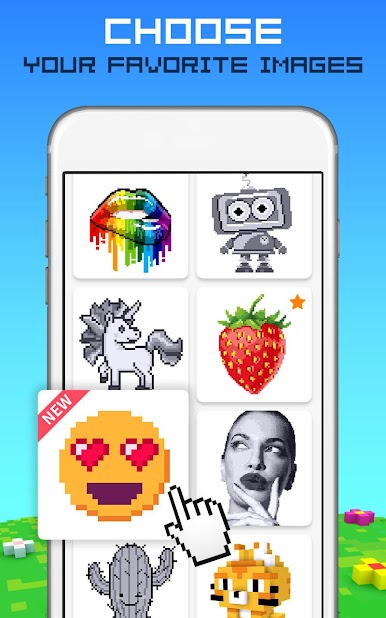
*Những bức tranh tô màu pixel tuyệt đẹp vô tận & vô số chủ đề
CHI TIẾT ĐĂNG KÝ
- Đăng ký để có quyền truy cập không giới hạn vào tất cả các mô hình với các gói đăng ký hàng tuần, hàng tháng và hàng năm.
- Tất cả các gói đăng ký đều mở khóa tất cả các mô hình trong thời gian đăng ký và xóa quảng cáo.
- Ba gói thành viên: Hàng tuần (2,99 đô la/tuần), hàng tháng (7,99 đô la/tháng) và hàng năm (39,99 đô la/năm).
- Thanh toán sẽ được tính vào tài khoản iTunes của bạn khi xác nhận mua hàng.
- Đăng ký tự động gia hạn trừ khi tắt tính năng tự động gia hạn ít nhất 24 giờ trước khi kết thúc giai đoạn hiện tại.
- Tài khoản sẽ bị tính phí gia hạn trong vòng 24 giờ trước khi kết thúc giai đoạn hiện tại.
- Người dùng có thể quản lý đăng ký. Có thể tắt tính năng tự động gia hạn bằng cách vào Cài đặt tài khoản của người dùng sau khi mua.
- Bằng cách tải xuống Ứng dụng này, bạn đồng ý với Chính sách bảo mật và Điều khoản sử dụng của TabTale tại https://tabtale.com/privacy-policy/ và tại https://tabtale.com/terms-of-use/.
- Xin lưu ý rằng Ứng dụng này có thể bao gồm các dịch vụ của bên thứ ba cho các mục đích pháp lý hạn chế được phép.
- Bất kỳ phần nào chưa sử dụng của thời gian dùng thử miễn phí, nếu được cung cấp, sẽ bị hủy bỏ khi người dùng mua đăng ký ấn phẩm đó.
Để từ chối bán thông tin cá nhân của CrazyLabs với tư cách là cư dân California, vui lòng truy cập trang cài đặt trong ứng dụng này. Để biết thêm thông tin, hãy truy cập Chính sách bảo mật của chúng tôi: https://crazylabs.com/privacy-policy/




Chơi ASMR Coloring! trên PC. Rất dễ để bắt đầu
-
Tải và cài đặt BlueStacks trên máy của bạn
-
Hoàn tất đăng nhập vào Google để đến PlayStore, hoặc thực hiện sau
-
Tìm ASMR Coloring! trên thanh tìm kiếm ở góc phải màn hình
-
Nhấn vào để cài đặt ASMR Coloring! trong danh sách kết quả tìm kiếm
-
Hoàn tất đăng nhập Google (nếu bạn chưa làm bước 2) để cài đặt ASMR Coloring!
-
Nhấn vào icon ASMR Coloring! tại màn hình chính để bắt đầu chơi

