


Vault - Destiny Item Manager
Chơi trên PC với BlueStacks - Nền tảng chơi game Android, được hơn 500 triệu game thủ tin tưởng.

Trang đã được sửa đổi vào: Sep 30, 2025
Run Vault - Destiny Item Manager on PC or Mac
Get freedom from your phone’s obvious limitations. Use Vault – Destiny Item Manager, made by Crocus Games, a Entertainment app on your PC or Mac with BlueStacks, and level up your experience.
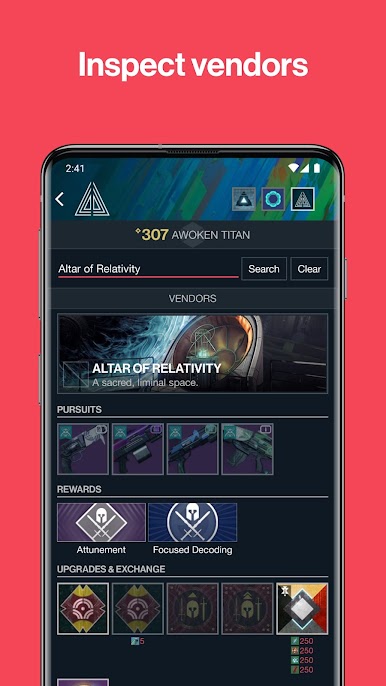
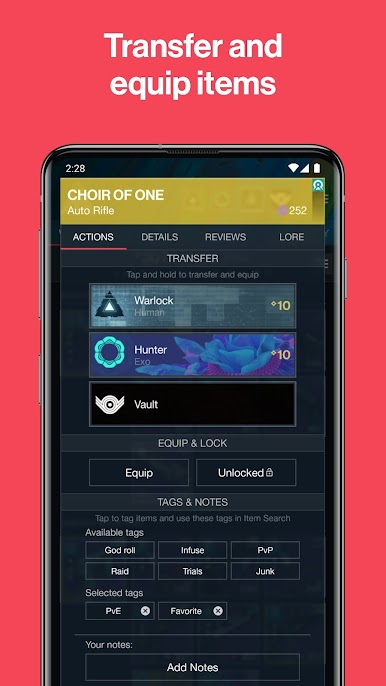
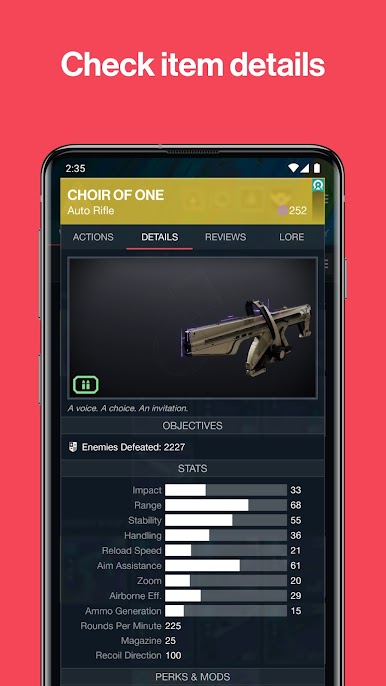
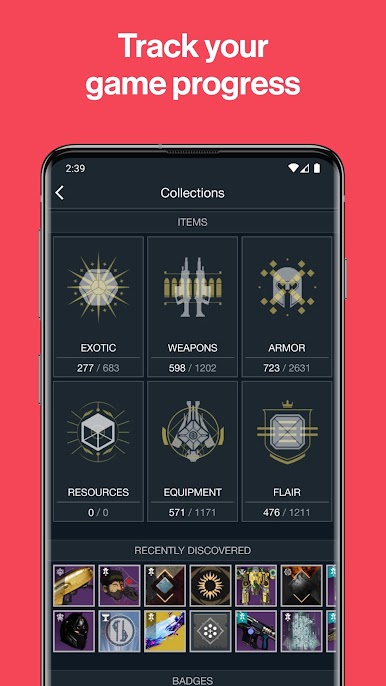
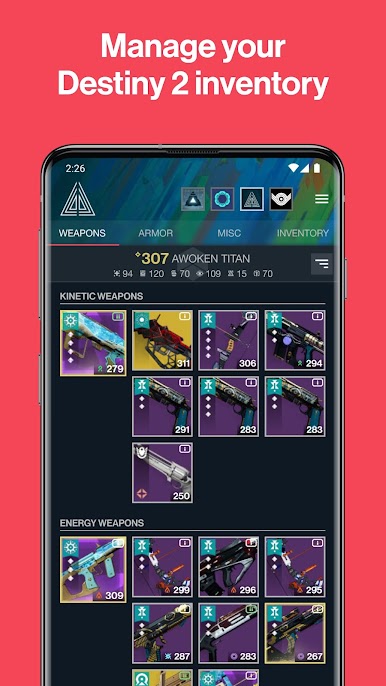
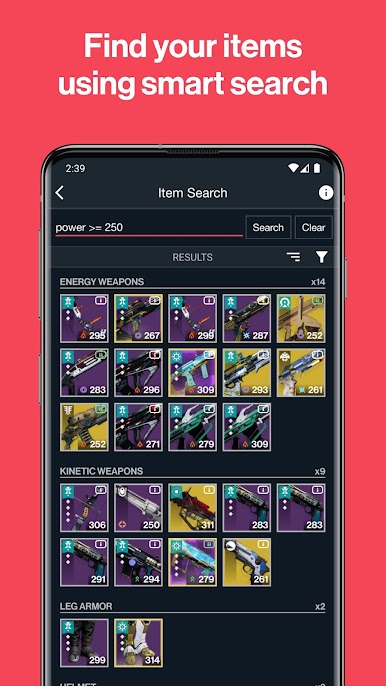
So Vault – Destiny Item Manager is basically a tool for anyone who spends a lot of time in Destiny 2 and wants to actually keep track of all their stuff without all the constant tabbing around. Using it on PC with BlueStacks works well—it feels snappy, like you can get to your gear or swap loadouts easier than the usual in-game menus. The first thing that stands out is just how organized everything is. It lays out all your weapons, armor, and progress in a way that’s way cleaner than juggling everything in-game, especially if someone likes switching between characters or hunting for certain perks.
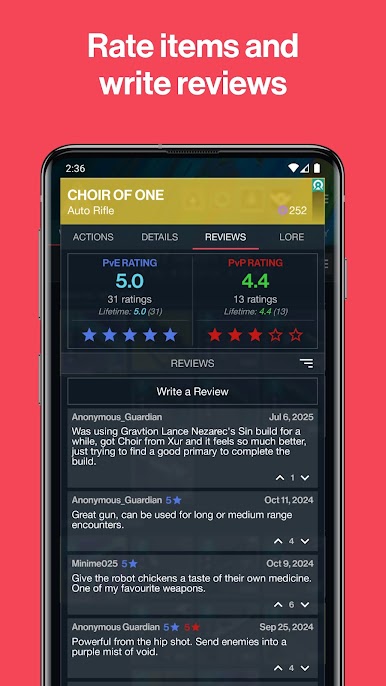
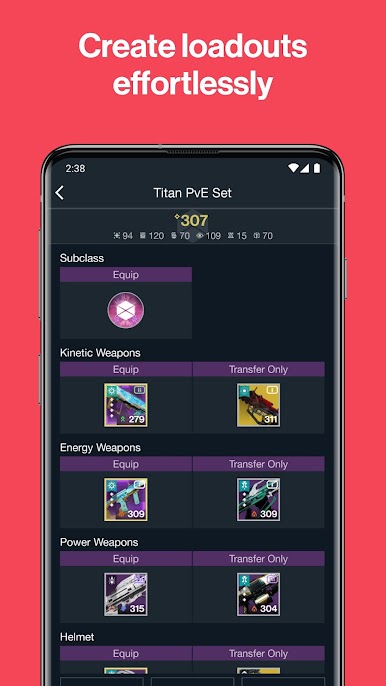
The app does more than just moving gear around. You can play around with different weapon perks or mods right in the app, so prepping for a raid or trying new builds feels a lot smoother. It also tracks progress—triumphs, milestones, all the stuff that sometimes gets lost in Destiny’s menus. There’s a cool thing with loadouts, where you can just set up whatever mix you need, preview the stats before sending it to your character, and it saves a lot of hassle if you’re always changing setups. Plus, there’s this community reviews part, so if someone’s not sure if a gun is worth using, they can check what other Destiny players think. The whole thing feels clean, looks nice, and just helps keep the game less of a grind when it comes to sorting out gear and stats. Definitely something that just takes a lot of the clutter out of Destiny 2, especially when playing on PC.
Big screen. Bigger performance. Use BlueStacks on your PC or Mac to run your favorite apps.
Chơi Vault - Destiny Item Manager trên PC. Rất dễ để bắt đầu
-
Tải và cài đặt BlueStacks trên máy của bạn
-
Hoàn tất đăng nhập vào Google để đến PlayStore, hoặc thực hiện sau
-
Tìm Vault - Destiny Item Manager trên thanh tìm kiếm ở góc phải màn hình
-
Nhấn vào để cài đặt Vault - Destiny Item Manager trong danh sách kết quả tìm kiếm
-
Hoàn tất đăng nhập Google (nếu bạn chưa làm bước 2) để cài đặt Vault - Destiny Item Manager
-
Nhấn vào icon Vault - Destiny Item Manager tại màn hình chính để bắt đầu chơi

