


PDF Scanner: Skaner dokumentów
Graj na PC z BlueStacks – Platforma gamingowa Android, która uzyskała zaufanie ponad 500 milionów graczy!

Strona zmodyfikowana w dniu: Dec 8, 2025
Play PDF Scanner - Document Scanner on PC
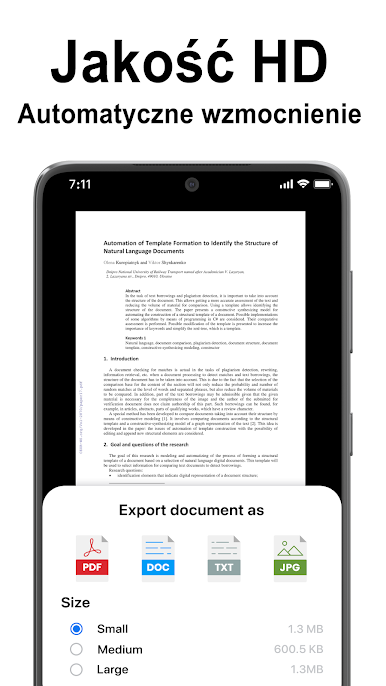
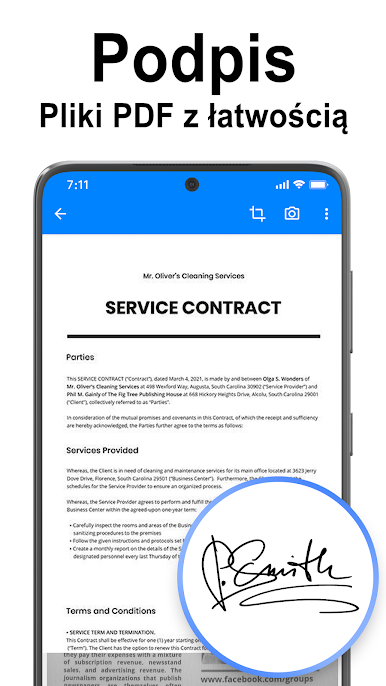
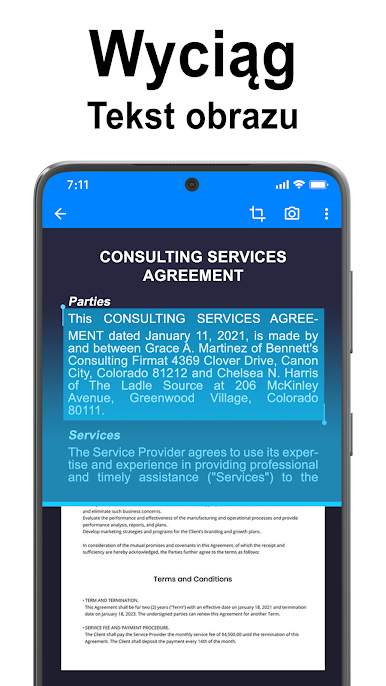
- PDF Scanner - Document Scanner to PDF is portable document scanner and scan everything as images (JPEG) or PDF file format.
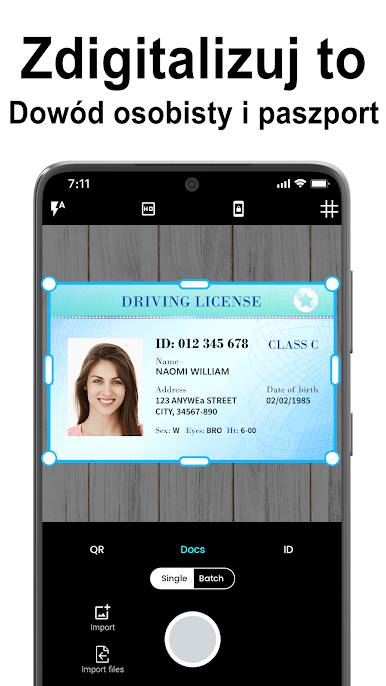
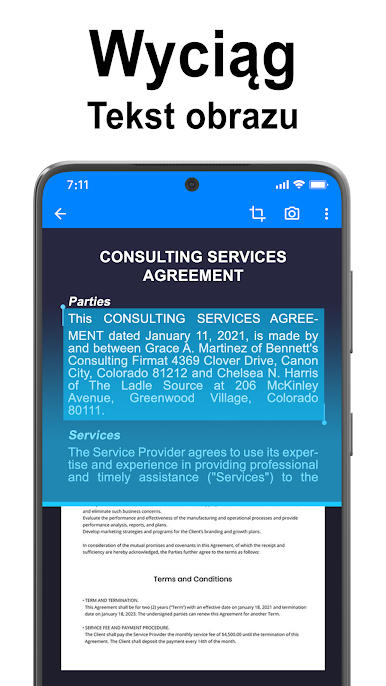
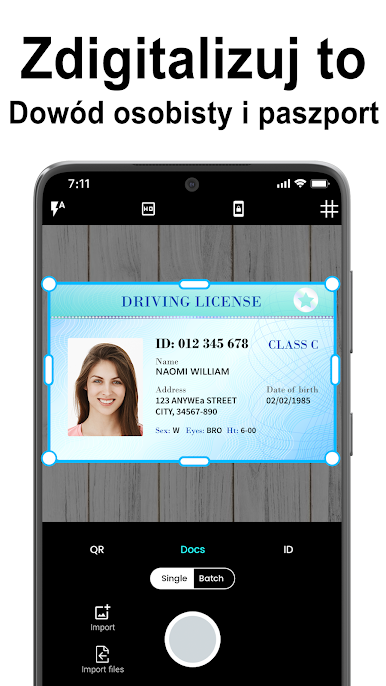
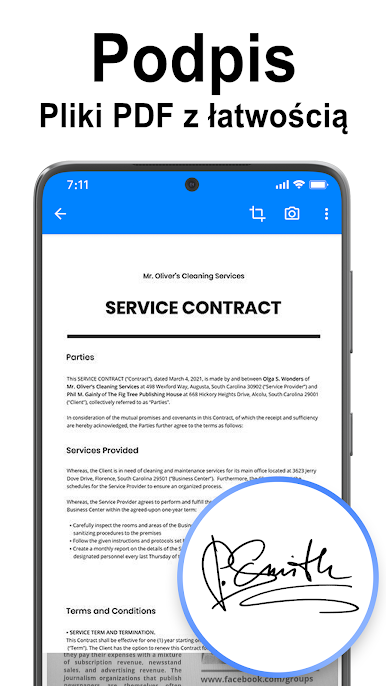
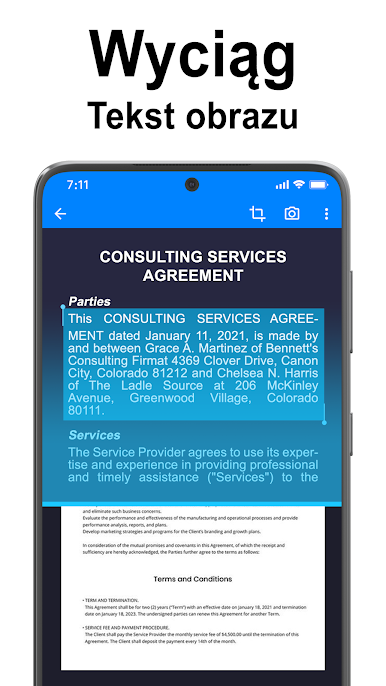
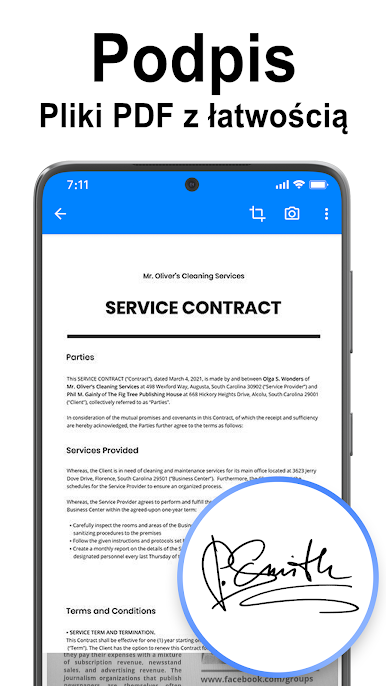
- PDF Scanner - Document Scanner to PDF use your smartphone camera to scan multi-page of documents, card, whiteboards, receipts, notes and other text. With this application, you can quickly scan your documents and share document via Email, bluetooth or Google Drive...
- PDF Scanner - Document Scanner to PDF is easier, faster scanning with simple interface , greater functionality and less limitations.
[Main features]
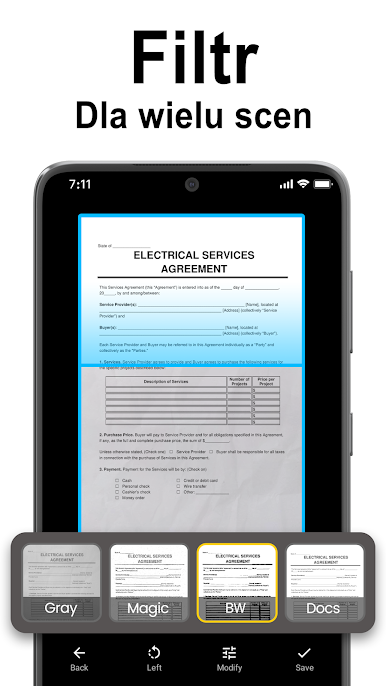
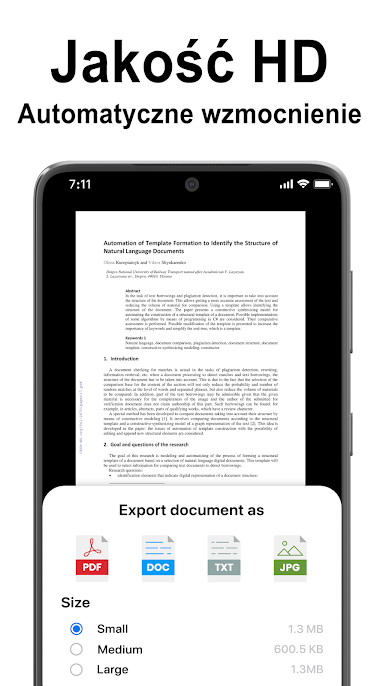
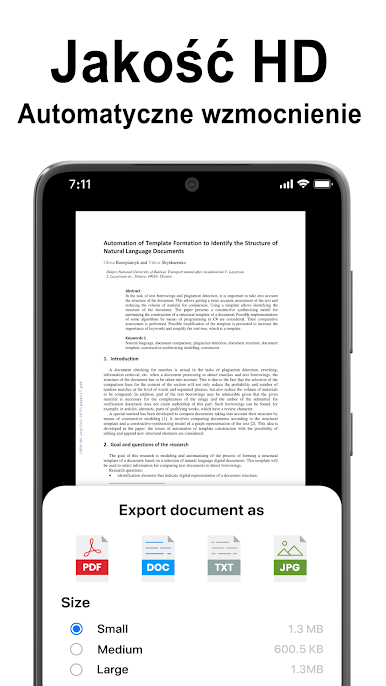
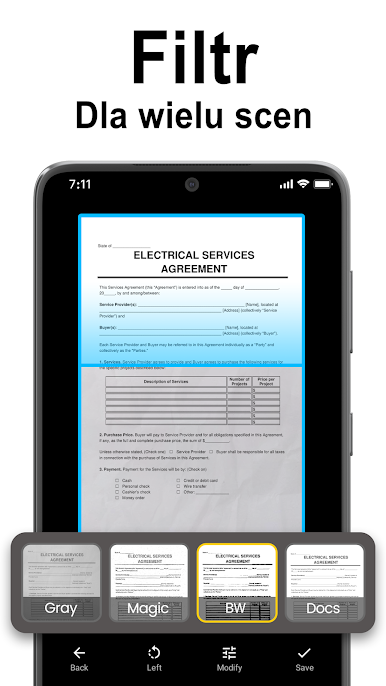
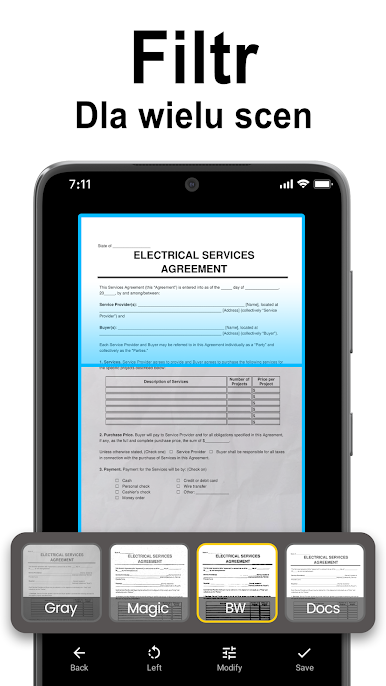
⭐ Scan document in color, grayscale, or black & white
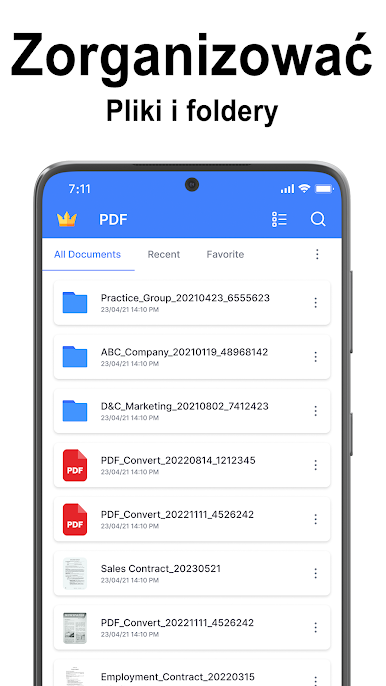
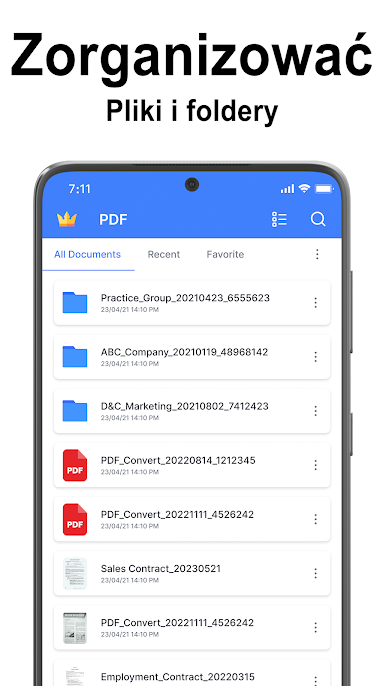
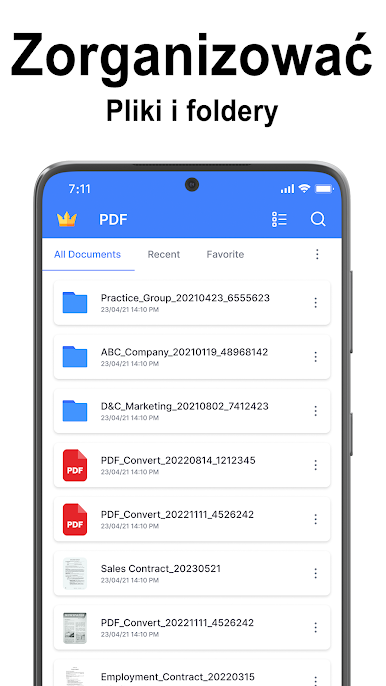
⭐ Easily manage your documents
⭐ Many kind of sizes (Letter, Legal, A4, A3, A2, Business Card...)
⭐ Many levels of contrast for crisp monochrome texts, multi-page scanning
⭐ Automatic document edge detection and perspective correction
⭐ Ultra-fast processing, and quick searching
⭐ With a high quality PDF Scanner and PNG output.
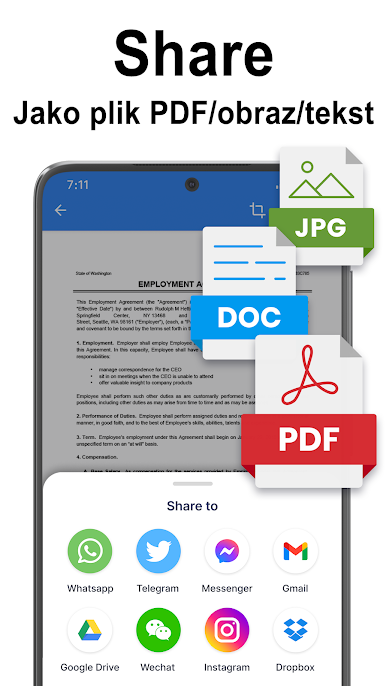
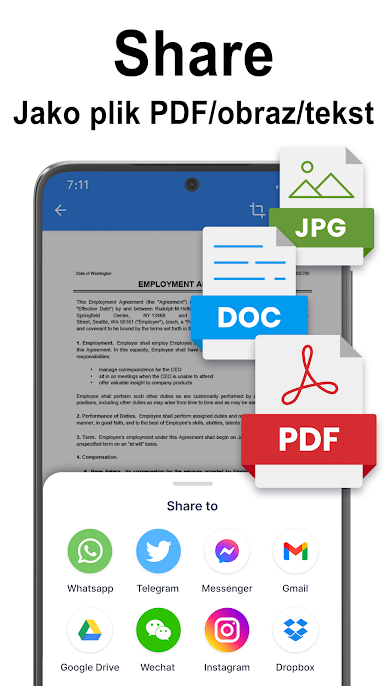
⭐ Easily share docs in PDF or JPEG format via social media, email...
[Permission Overview]
- Storage: PDF Scanner - Document Scanner to PDF needs permission to manage document files on your phone.
- Camera: Scanner app needs permission to use the camera to scan documents.
- From Android 11, PDF Scanner needs to grant All files Access permission ("MANAGE_EXTERNAL_STORAGE ") to manage all doccument files in shared storage, we ensure that we never collect any data of users.
[Disclaimers]
- All copyrights reserved to their respective owners.
- If you notice that any content in our app violates copyrights than please inform us so that we remove that content.
Privacy Policy: https://maxlabs-company-limited.github.io/Privacy-Policy
Contact Us: maxlabs.ltd@gmail.com




Zagraj w PDF Scanner: Skaner dokumentów na PC. To takie proste.
-
Pobierz i zainstaluj BlueStacks na PC
-
Zakończ pomyślnie ustawienie Google, aby otrzymać dostęp do sklepu Play, albo zrób to później.
-
Wyszukaj PDF Scanner: Skaner dokumentów w pasku wyszukiwania w prawym górnym rogu.
-
Kliknij, aby zainstalować PDF Scanner: Skaner dokumentów z wyników wyszukiwania
-
Ukończ pomyślnie rejestrację Google (jeśli krok 2 został pominięty) aby zainstalować PDF Scanner: Skaner dokumentów
-
Klinij w ikonę PDF Scanner: Skaner dokumentów na ekranie startowym, aby zacząć grę

