


Prof Reminder
Graj na PC z BlueStacks – Platforma gamingowa Android, która uzyskała zaufanie ponad 500 milionów graczy!

Strona zmodyfikowana w dniu: Aug 19, 2025
Play Prof Reminder on PC
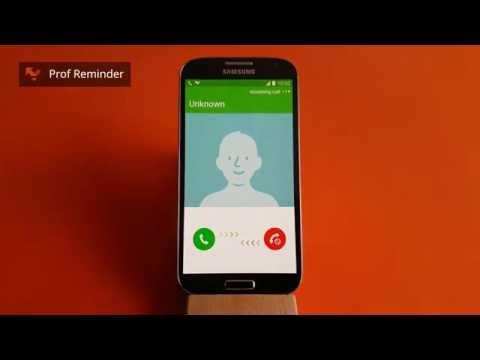
Useful on phones without an LED indicator.
Features:
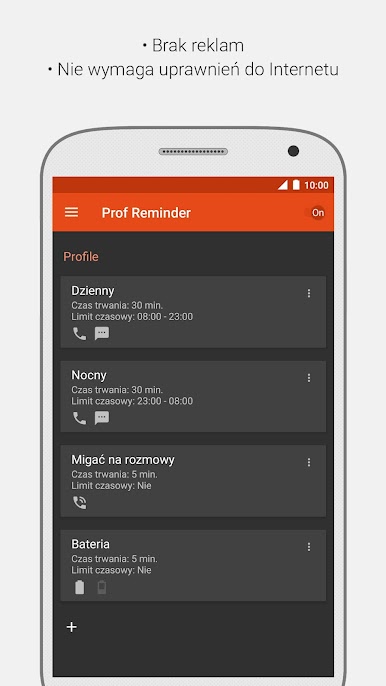
★ Support profiles.
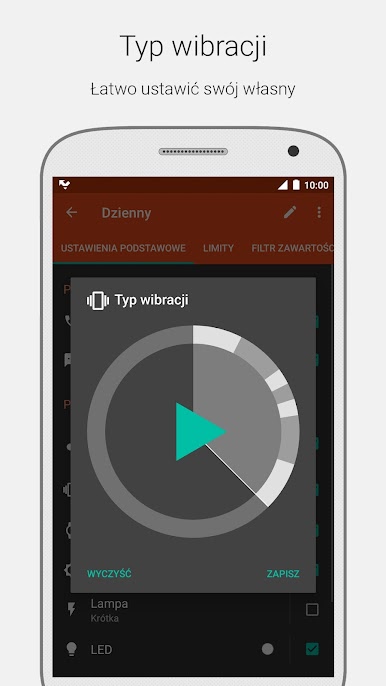
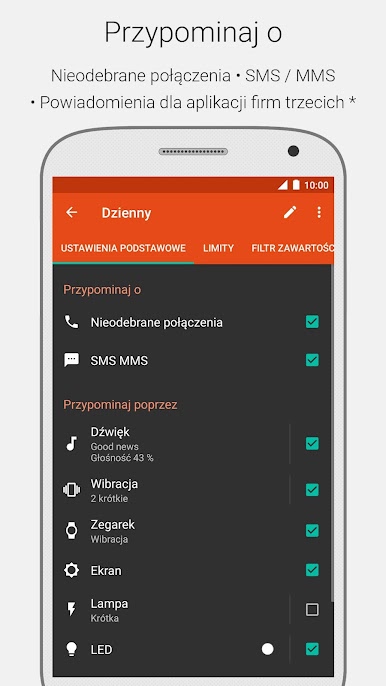
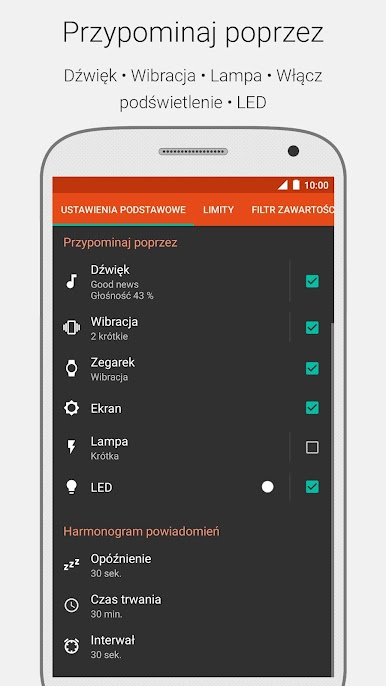
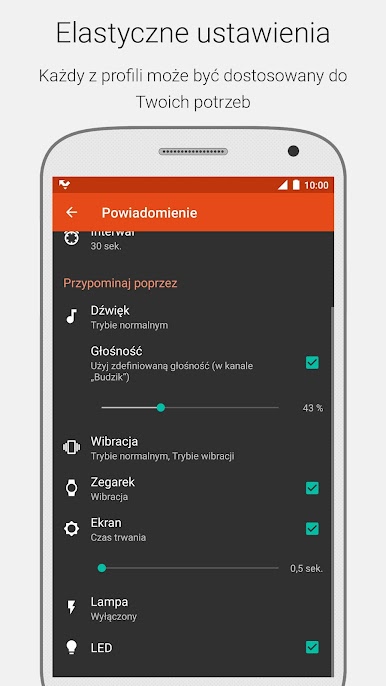
★ Remind by: sound, vibration, turning screen on, camera flash (not all devices are supported), LED indicator.
★ Remind about: missed call, unread sms and mms messages.
★ Notifications for third-party apps (only in Premium version).
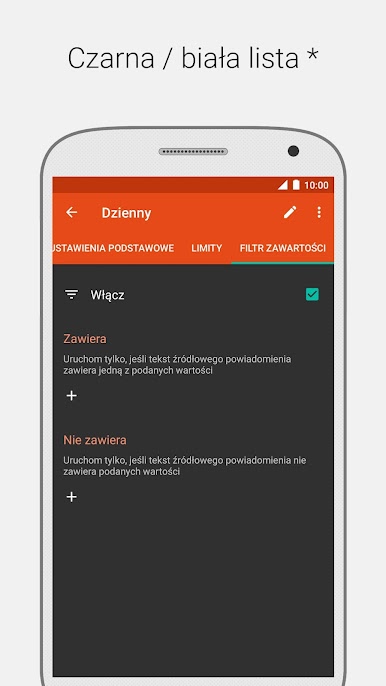
★ Content filter (only in Premium version).
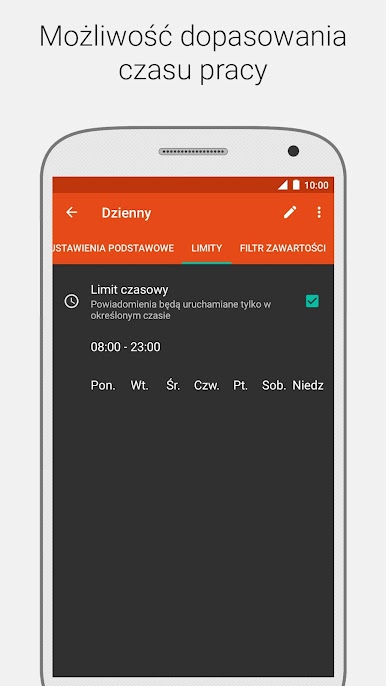
★ Night mode.
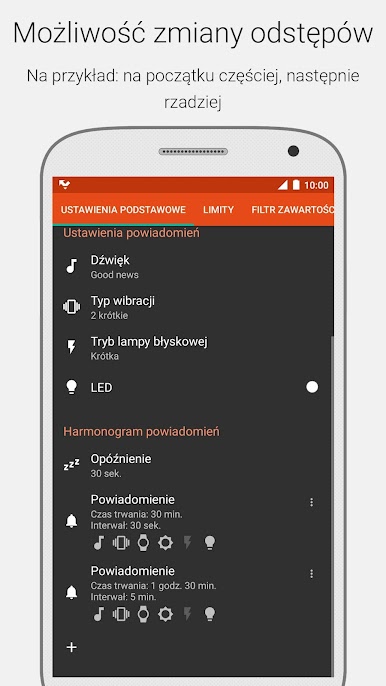
★ Customizable notification schedule: order of notifications, repeat interval and repeats count.
★ You can set different reminders for missed calls and unread messages.
★ Option to disable sound when you set your phone in silent mode.
★ Option to ignore accidental (short) calls.
★ Does not disturb during a call.
★ Widgets.
★ Flash on call.
★ Plugin for Tasker / Locale.
★ And more …
And:
★ No ads.
★ Safe (no Internet permission, no Root access).
★ Compact size.
★ Low memory consumption.
Languages supported: 30
You can add/update translation here https://ProfReminder.com/translation
Frequently Asked Questions (FAQ): https://ProfReminder.com/faq
Support forum: http://forum.xda-developers.com/showthread.php?p=38143514
Zagraj w Prof Reminder na PC. To takie proste.
-
Pobierz i zainstaluj BlueStacks na PC
-
Zakończ pomyślnie ustawienie Google, aby otrzymać dostęp do sklepu Play, albo zrób to później.
-
Wyszukaj Prof Reminder w pasku wyszukiwania w prawym górnym rogu.
-
Kliknij, aby zainstalować Prof Reminder z wyników wyszukiwania
-
Ukończ pomyślnie rejestrację Google (jeśli krok 2 został pominięty) aby zainstalować Prof Reminder
-
Klinij w ikonę Prof Reminder na ekranie startowym, aby zacząć grę

